I am delighted to share the link to my recent demonstration and conversation with fellow MVP Peter Ward about Visio in Teams. We discussed more than just Visio … and I look a bit like Max Headroom!

I am delighted to share the link to my recent demonstration and conversation with fellow MVP Peter Ward about Visio in Teams. We discussed more than just Visio … and I look a bit like Max Headroom!
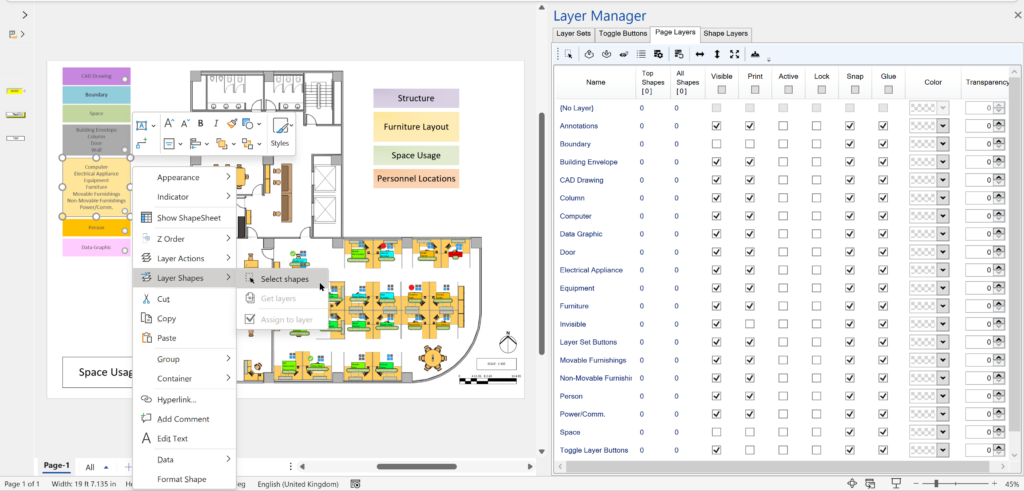
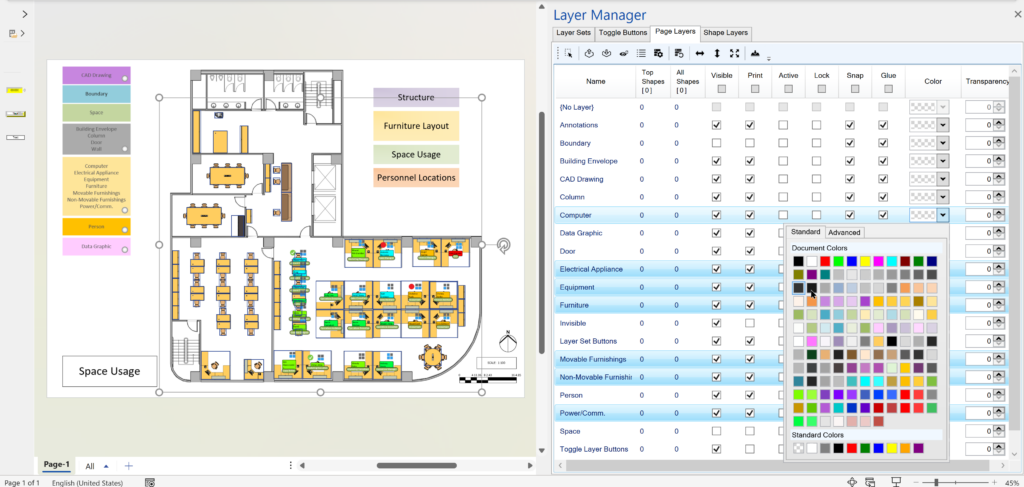
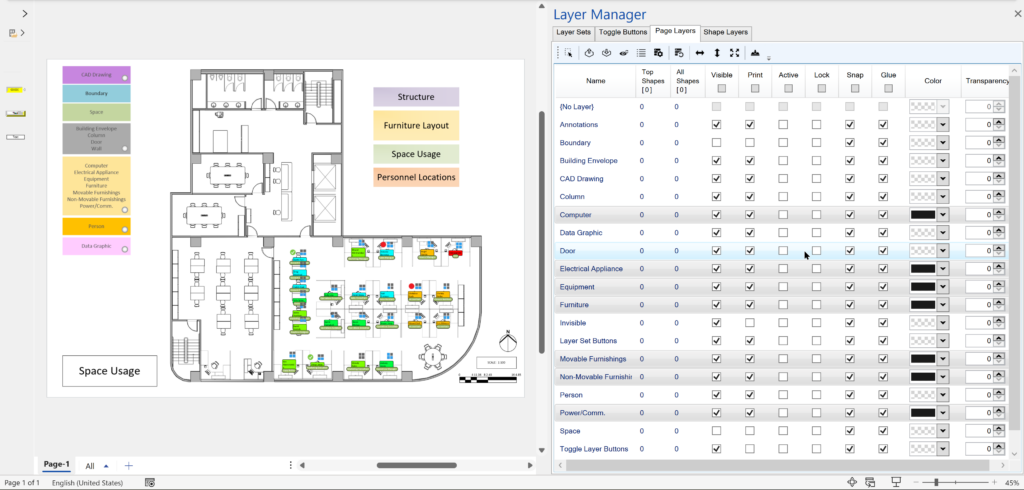
Desktop Visio has a tremendous ability to assign shapes to none, one or more layers, and the efficient use of them can make a drawing so powerful by toggling layers visibility or locking certain layers whilst working on other layers. The same drawing can be used, displayed or printed for many different purposes just by changing the layer settings. Visio layers can also have a color assigned, and its transparency, without affecting the original colors, so layers can be quickly set to grayscale, for example, to make other layers more visible, and bring attention to them. My LayerManager add-in for Visio has become quite a popular aid to working with layers, and now I have added layer color editing and multiple selection capabilities to the Page Layers tab!
[Read more…] about Editing Visio Layer Colours with LayerManagerI was recently asked how to change the default font size and line weight in Visio, and then saw then many others are asking the same sort of question. I found one reasonable answer suggesting that you should create a new document from your required template, then edit the Styles to suit, and then save as a new personal template. Well, I am not sure I like that answer because it means you must create a duplicate template for each one you use. So, I decided to see if I could find a better way…
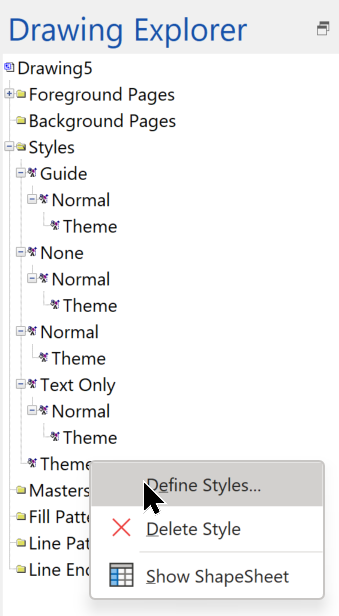
Firstly, it is important to know that these default settings are not editable for the whole Visio application, because they are stored in each document, under the Styles collection. You can view the Styles in a document using the Drawing Explorer window that can be opened from the Developer tab.
I am delighted to announce that I have just had my first Excel add-in accepted in the Office Add-ins Store! It is called Shape Report Converter because all it does is convert a Shape Report converted from Visio for Desktop to a modern Excel table with one click!
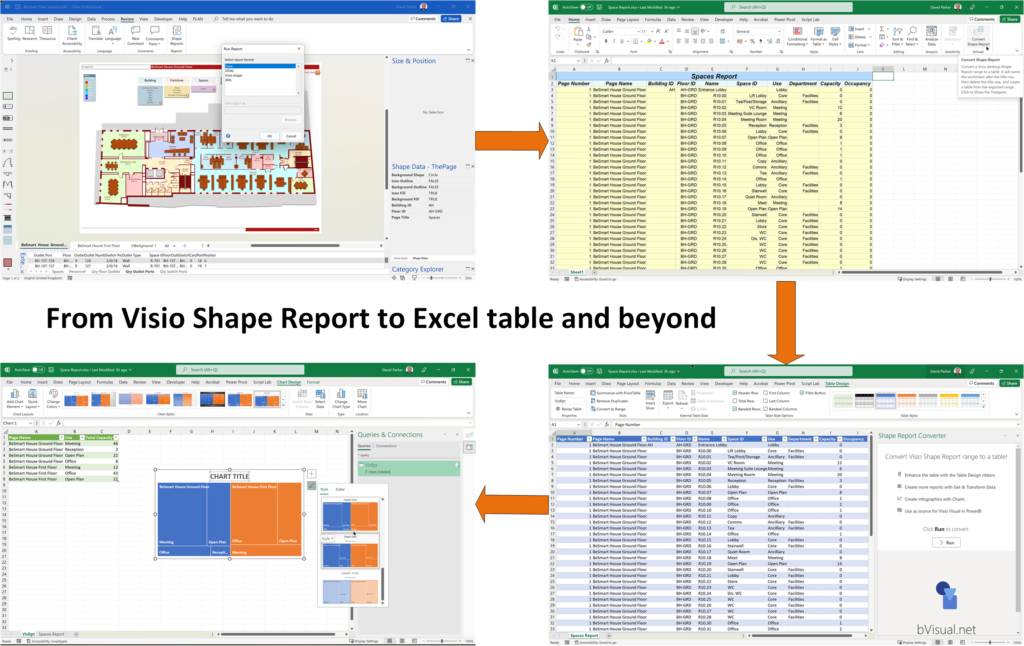
It isn’t a complicated add-in, and it doesn’t do anything that you can’t do manually, but it does save time, and ensures consistency … and it is free!
[Read more…] about Visio Shape Report Converter Excel add-in availableI re-vamped some of my content about the Visio Data Visualizer add-in for Excel in my last post, so I thought I should expand a bit more on the Data Visualizer feature in Visio for Desktop (Visio Plan 2) and Excel for Desktop. I have described it in detail in previous posts, but I never published the process diagram I created for the Data Visualizer Wizard in Visio. So, I thought I would use it to demonstrate a few cool features of Visio for Desktop.
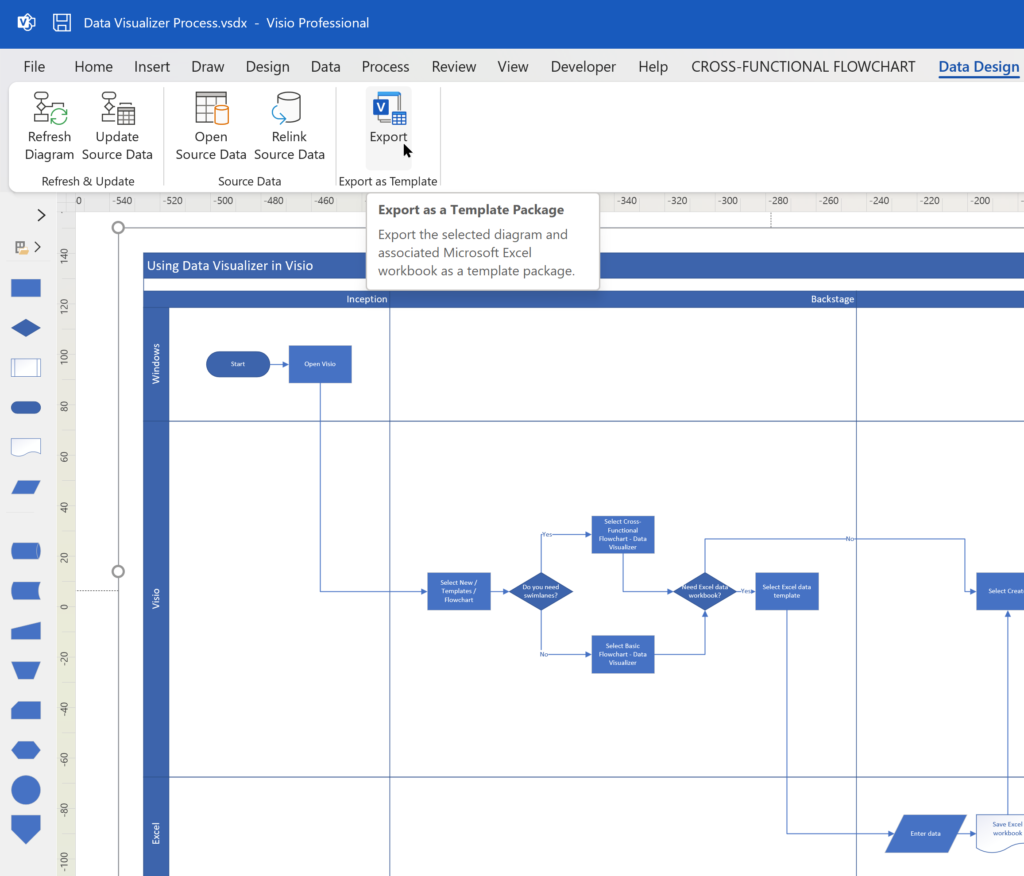
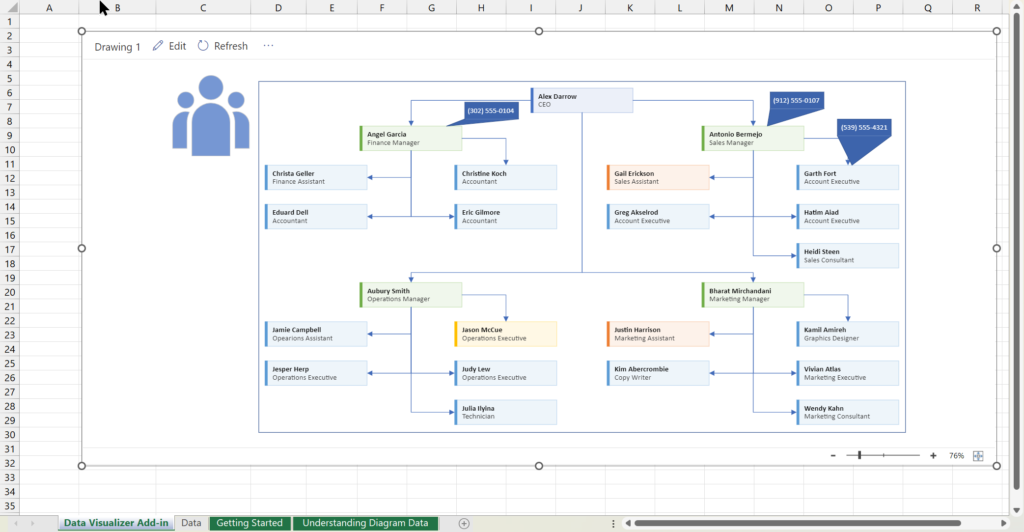
I have previously described how to use the Visio Data Visualizer add-in in Excel, but I didn’t make it clear how you can edit the diagram created if you have a Visio license. So, I have recorded three short videos to briefly explain this.