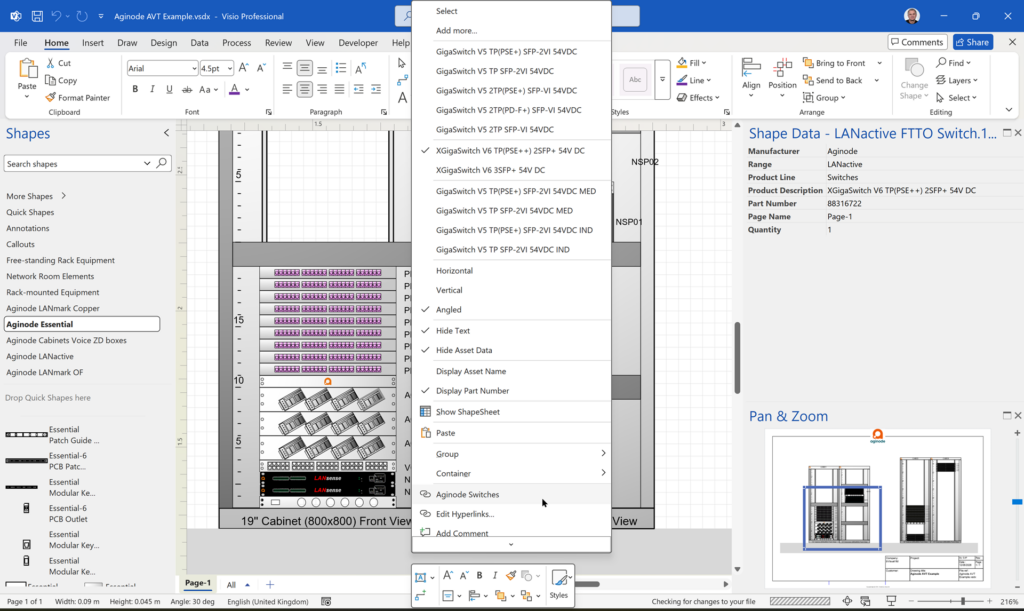
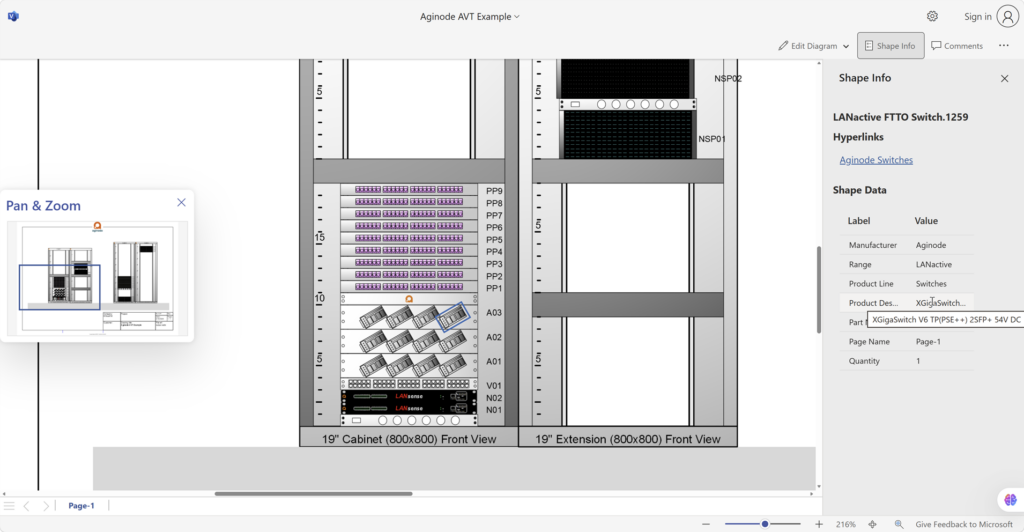
Visio desktop has multiple ways to specify the folder where docked stencils can be found, but, as far as I am aware, Visio for the Web only has one. I mostly create VSTO add-ins for Visio desktop, and I use Visio desktop as a studio for creating templates for Visio for the Web. Often, I leave the Document Stencil in the template open because users can then drag and drop from there, but when I create an installation with custom stencils then they normally go into the application folder, or a sub-folder of it. An alternative is to install them into the My Shapes folder in the users desktop Documents folder. These will appear in the Visio desktop UI. Also, there is the ability to set the Stencils folder using File | Options | Advanced | File Locations. Finally, the desktop edition will always first check the folder that the Visio document is in for any docked stencils. Visio for the Web does not have all these options, so how do you get any custom docked stencils to appear when you use Visio for the Web to edit a document?
[Read more…] about Docked Stencils in Visio for the WebVisio for M365
Co-authoring and Commenting with Visio Documents
Microsoft Visio can be used in the web browser and on the desktop, but there are several licensing options available, so which ones can be used concurrently whilst supporting co-authoring and commenting? This article tests the various scenarios but assumes that the Visio documents are stored in OneDrive for Business or SharePoint Online\Teams. The Microsoft article, Work together on Visio drawings, explains most of the scenarios, but does not clearly explain the scope of the Visio web licenses with respect to diagram types or customisations.

Teams Tuesday Podcast Recording about Visio
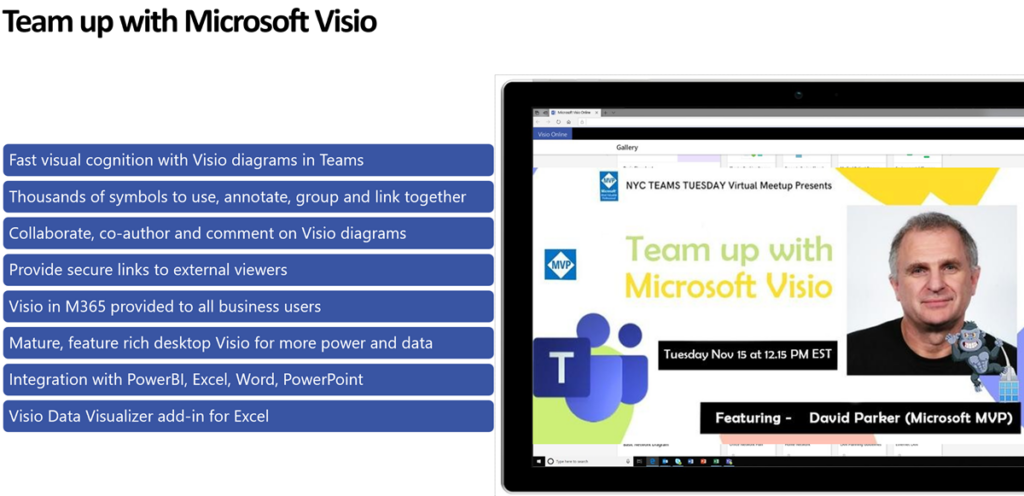
I am delighted to share the link to my recent demonstration and conversation with fellow MVP Peter Ward about Visio in Teams. We discussed more than just Visio … and I look a bit like Max Headroom!

Making Custom Shapes for Visio for M365
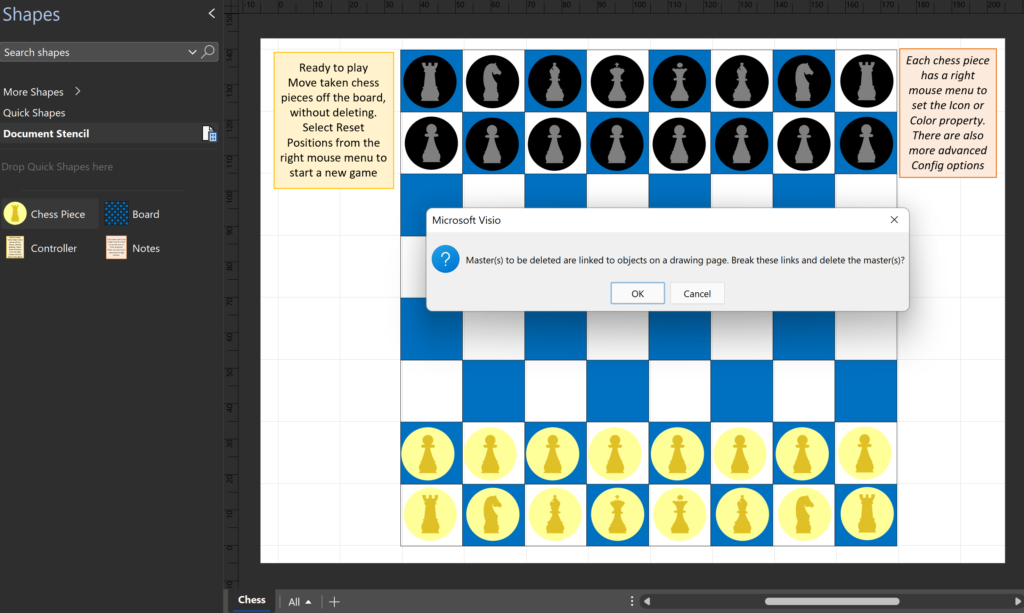
I recently revised my chess and checkerboard Visio documents to work in Visio for the Web (Visio Plan 1), but now that Microsoft are providing a version of Visio free to M365 business users, I need to make some further adjustment to get them to work for these users who do not have a Visio Plan 1 or Plan 2 license. The problem is that Microsoft restricts the capabilities of the free version by white-listing Visio masters. So, the answer is to delete the masters … then the Visio document becomes editable in Visio for M365!

So, what is the downside?
[Read more…] about Making Custom Shapes for Visio for M365