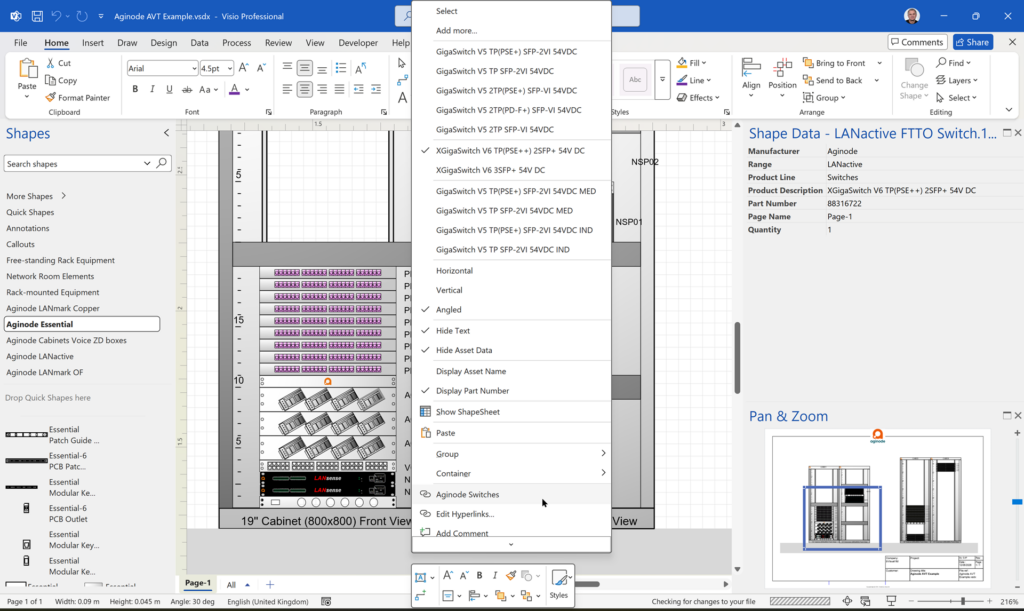
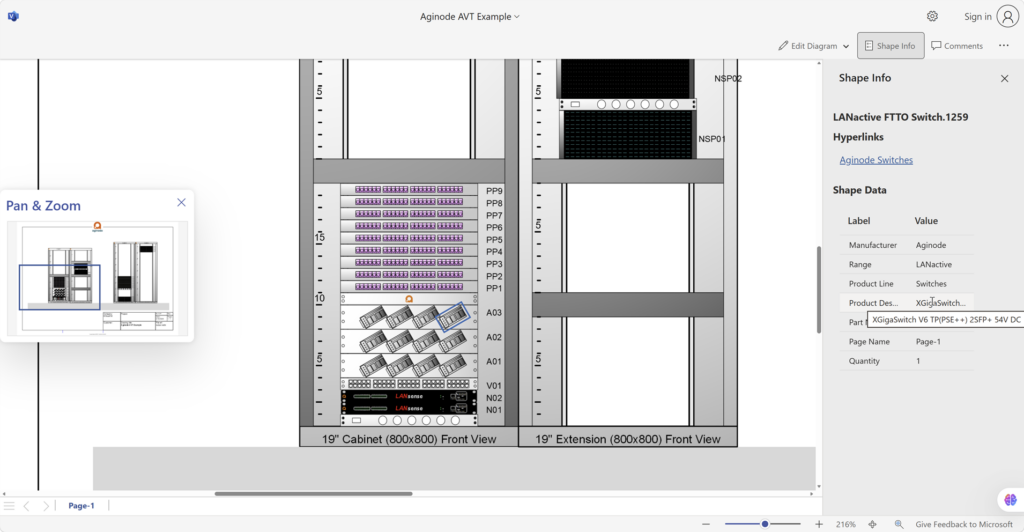
Visio desktop has multiple ways to specify the folder where docked stencils can be found, but, as far as I am aware, Visio for the Web only has one. I mostly create VSTO add-ins for Visio desktop, and I use Visio desktop as a studio for creating templates for Visio for the Web. Often, I leave the Document Stencil in the template open because users can then drag and drop from there, but when I create an installation with custom stencils then they normally go into the application folder, or a sub-folder of it. An alternative is to install them into the My Shapes folder in the users desktop Documents folder. These will appear in the Visio desktop UI. Also, there is the ability to set the Stencils folder using File | Options | Advanced | File Locations. Finally, the desktop edition will always first check the folder that the Visio document is in for any docked stencils. Visio for the Web does not have all these options, so how do you get any custom docked stencils to appear when you use Visio for the Web to edit a document?
[Read more…] about Docked Stencils in Visio for the WebVisio Online
Custom Shapes in Visio in M365 and Web
Microsoft recently announced the ability to access the shapes in the document stencil whilst using Visio for Web … if you have a Visio Plan 2 license. So, I thought I would make it clear what that means for custom shape developers. There are now three licenses that provide the ability to edit Visio diagrams in the web browser.
- Visio in Microsoft 365 – now provided to all commercial M385 subscribers, it is a light version of Visio for Web
- Visio Plan 1 – a subscription that provides Visio for Web in a browser, with more templates and features than Visio in M365
- Visio Plan 2 – a subscription that provides Visio for Desktop on Windows, in addition to Visio for Web in a browser anywhere
Typically, Visio solution developers create smart custom shapes that are deployed as masters in a stencil. None of the licenses currently provide the ability to deploy custom stencils for use by Visio in the web browser, however Visio Plan 2 license holders can access custom masters in the document stencil. This increases the ability of these users to use custom Visio documents on non-Windows devices. However, Visio in M365 users cannot edit Visio documents with custom masters, and Visio Plan 1 users cannot access the local document stencil.
[Read more…] about Custom Shapes in Visio in M365 and WebPlay Backgammon with Visio
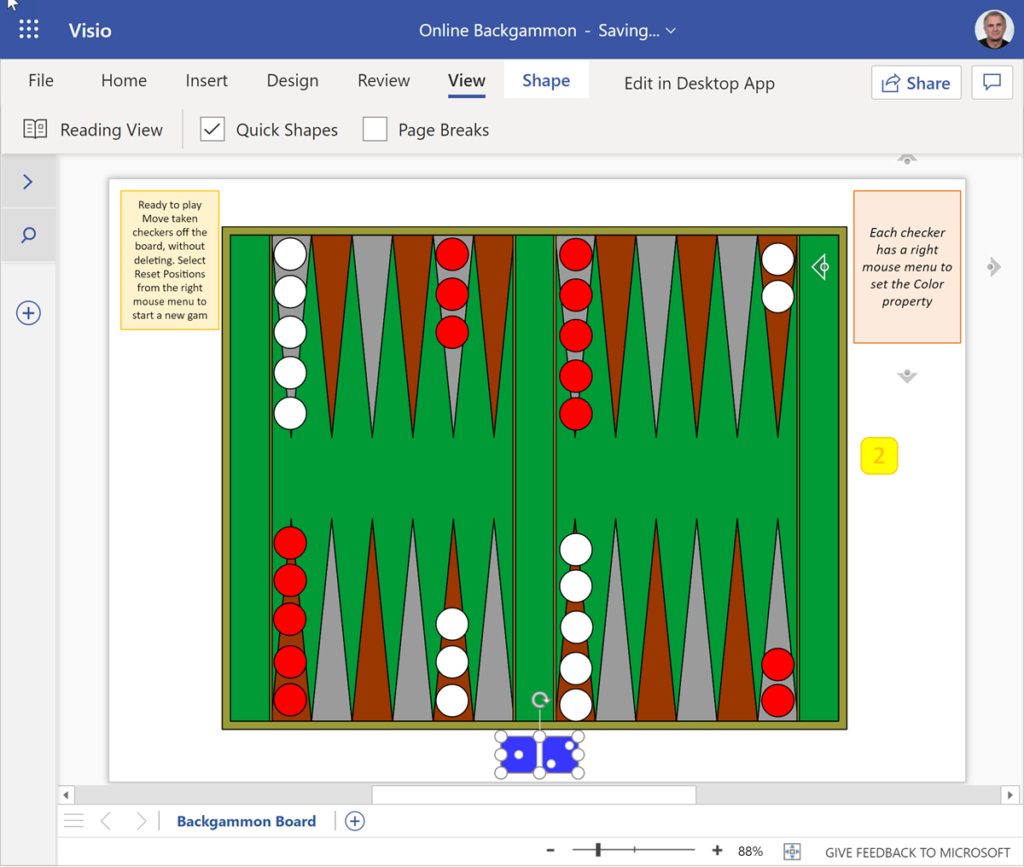
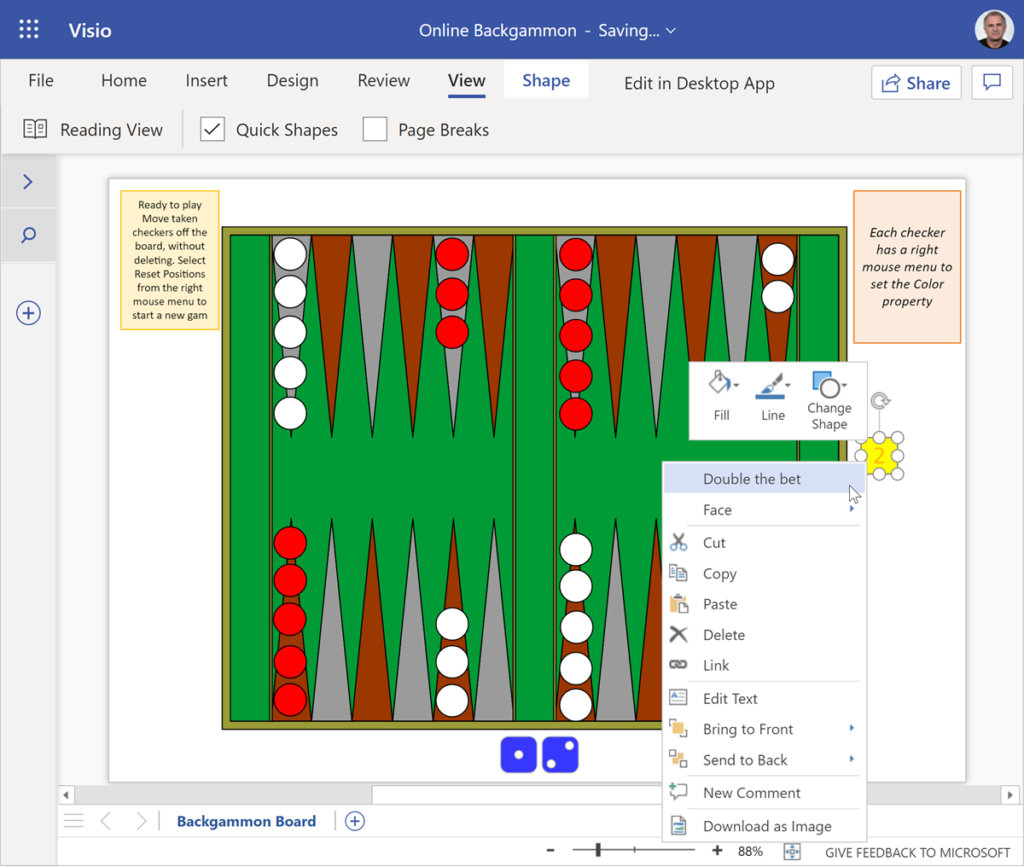
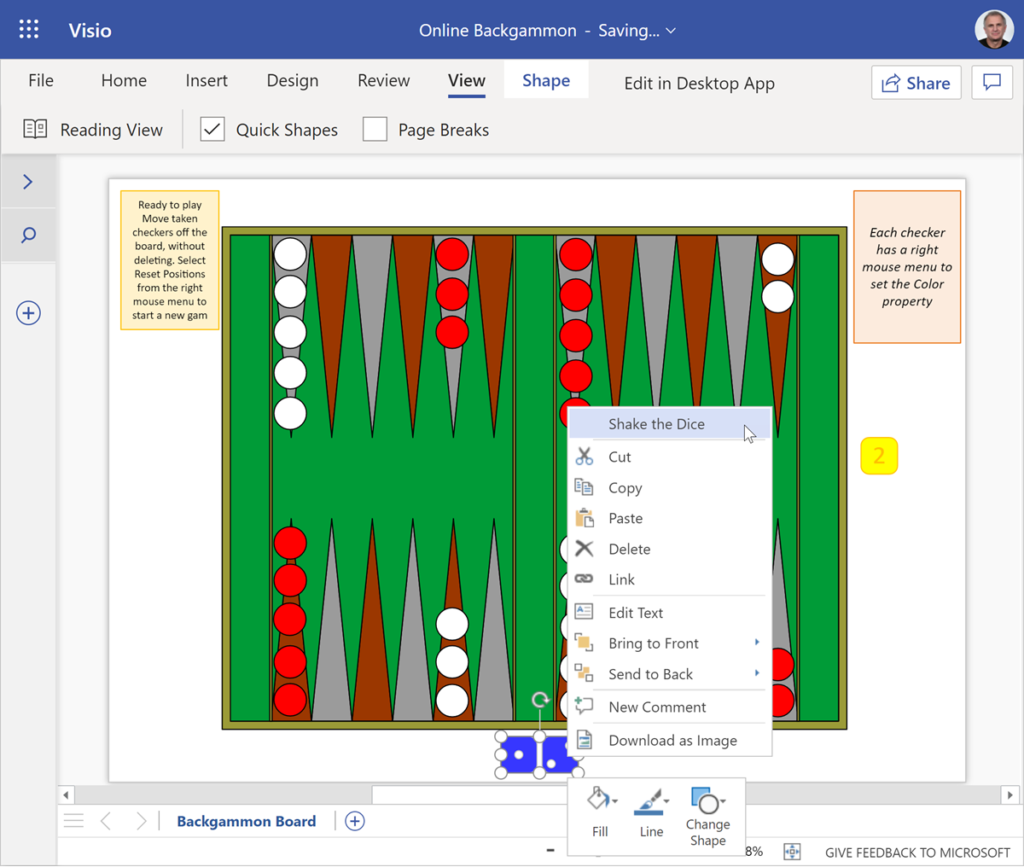
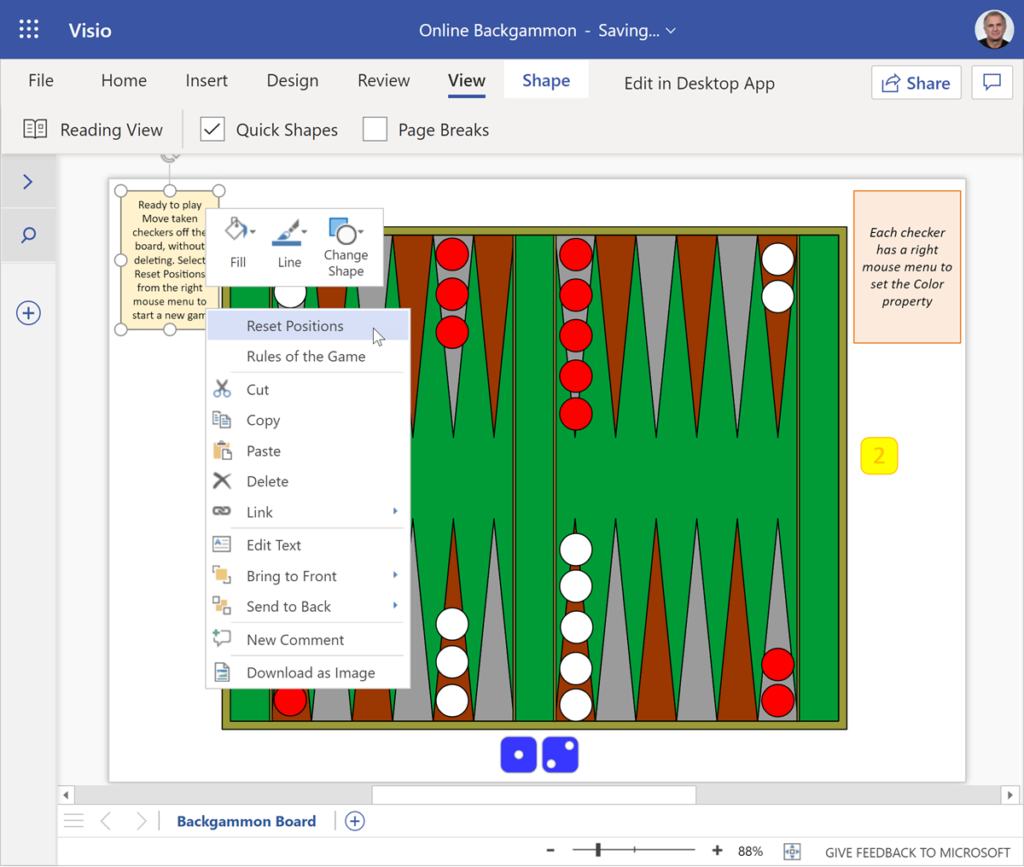
Still in lockdown on holiday, so I thought I would create a version of backgammon that can be played with Visio for the web. This was inspired by my original Visio tutor, the late David Edson, who created a Visio backgammon document which included macros. Macros are not available in Visio for the web, so I have created one where the dice can be shaken, the doubling cube changed, and the pieces reset, using nothing but ShapeSheet formulas.
[Read more…] about Play Backgammon with VisioPlay Chess with Visio in Teams
[Update : a new version of this file allows Visio for M365 users to edit/play with see Making Custom Shapes for Visio for M365]
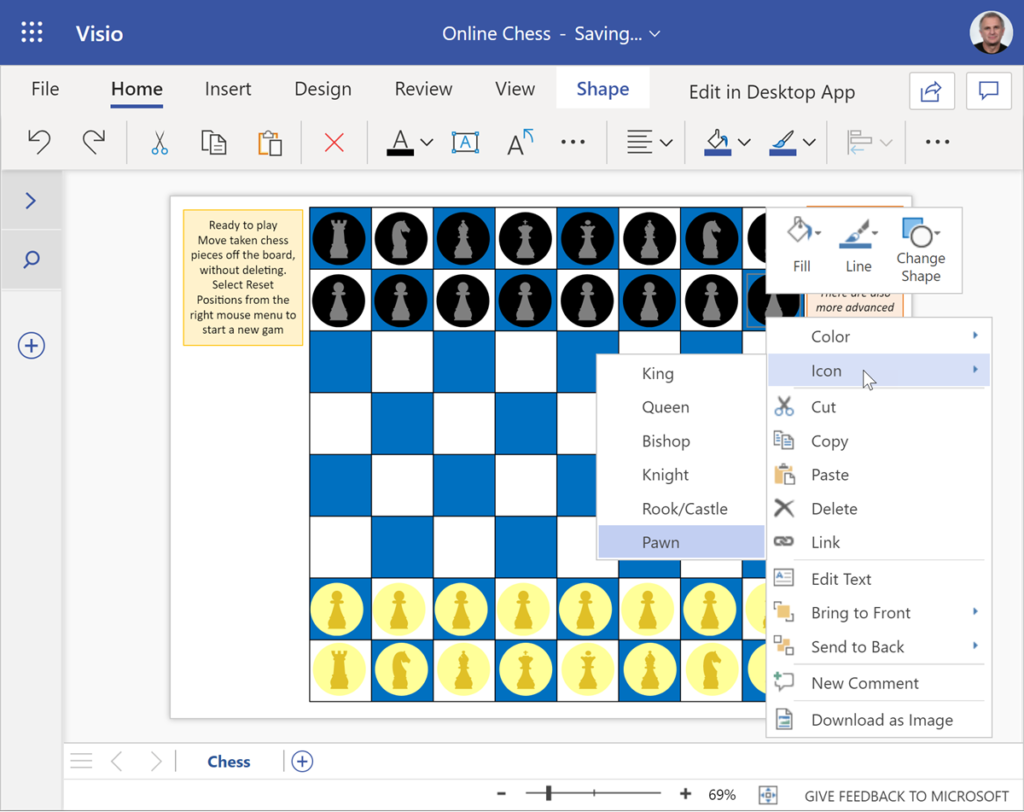
Following on from my last article about playing checkers with Visio in Teams, I decided that I should also revisit my earlier Visio chessboard to make it work in Visio online. I have implemented the ability to automatically reset the positions before a new game, and I have made a single chess piece shape that can be either colour or icon.

Play Checkers with Visio in Teams
[Update : a new version of this file allows Visio for M365 users to edit/play with see Making Custom Shapes for Visio for M365]
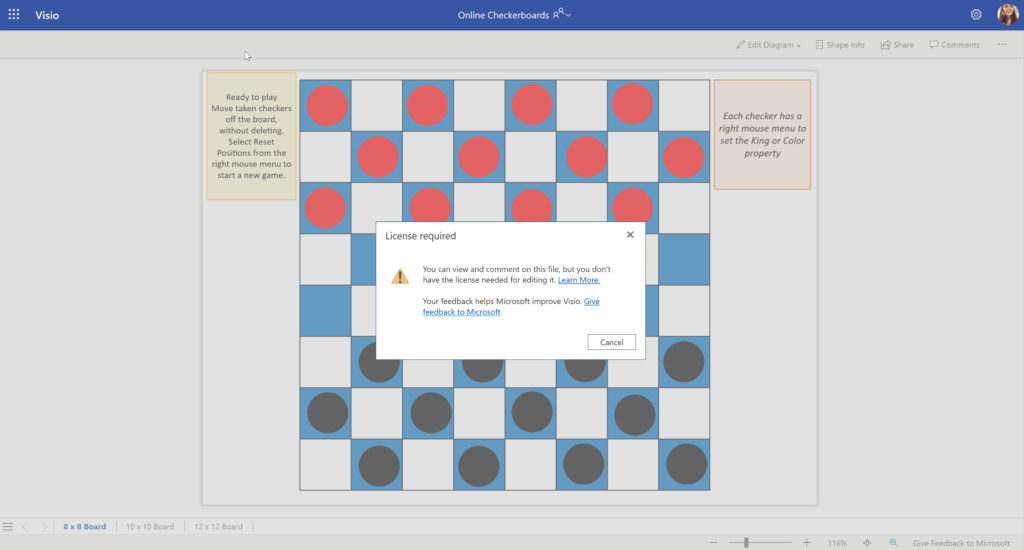
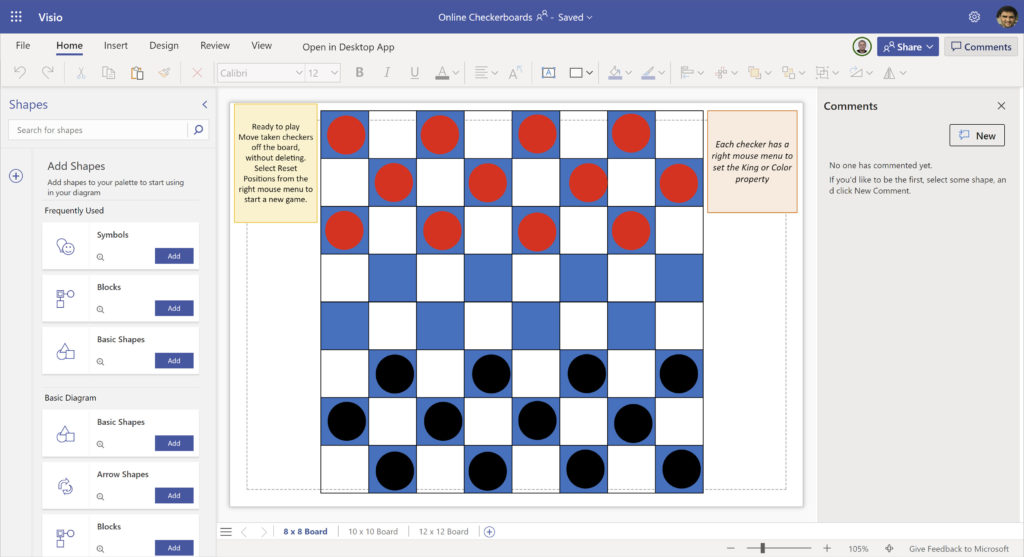
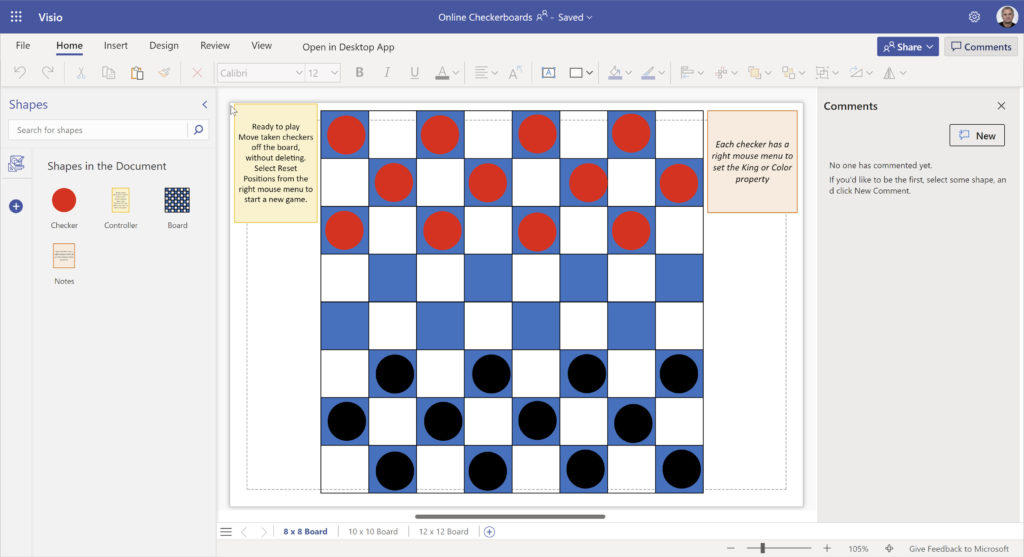
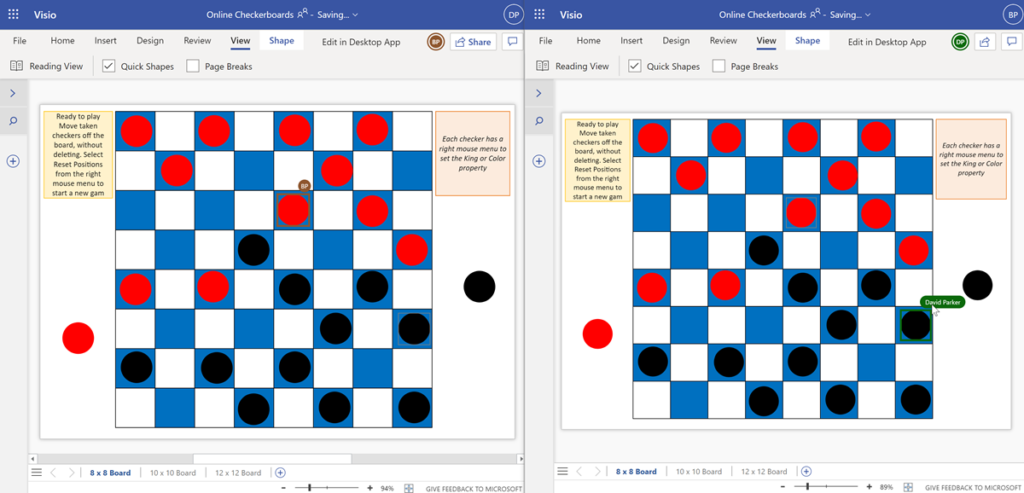
We are all spending more time in Teams or SharePoint nowadays, but not everyone knows that Visio documents can now be shared and collaborated with, and even set as a Teams tab. I was trying to think of a suitable demonstration of the co-working and collaboration possibilities, and came up with a reworking of an earlier post about playing checkers with Visio. Since this previous document was made before Visio for the web, I made some enhancements that work just as well with Visio for desktop and Visio for the web. This article explains a few ShapeSheet customisations that can be developed in Visio for the desktop, but can then be used in Visio for the web. Notice how each player can see which piece was moved by their opponent because their initials are displayed, and this is expanded to the full name if the mouse cursor is hovered over them.

Visio now and beyond at Microsoft Ignite 2020
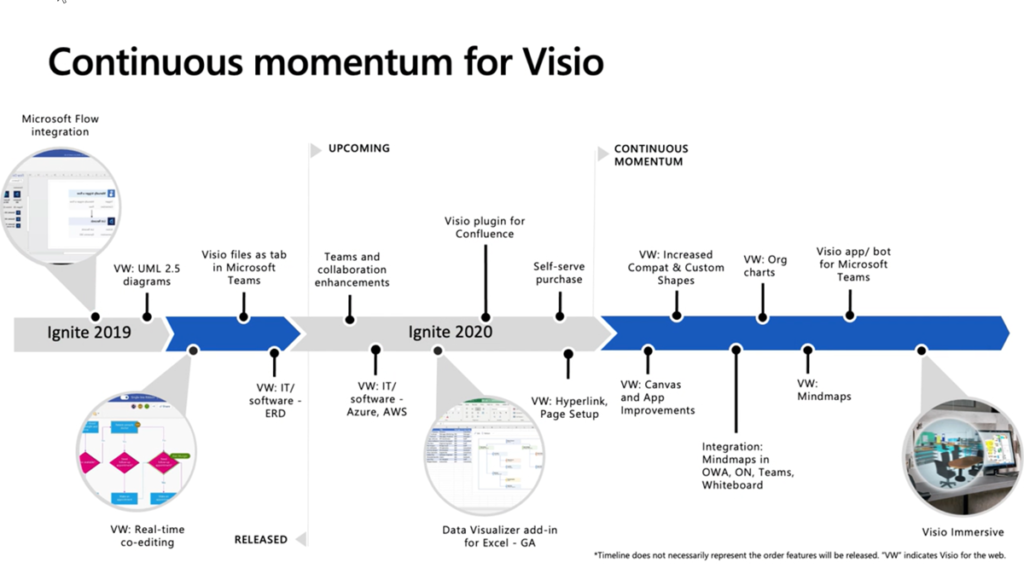
I have presented at the last four Microsoft Ignite conferences and was part way through the world-wide tour when this pandemic began. I was looking forward to visiting New Orleans for this years shindig, but, alas, we are now in a new world where in-person events are a fond memory. Fortunately, Microsoft have the tools to create an engaging online experience, and today I was able to see Mukul and Saurabh bring us all up to speed on on what has been delivered since last year, and what to expect in the next (see Visio – now and beyond ).