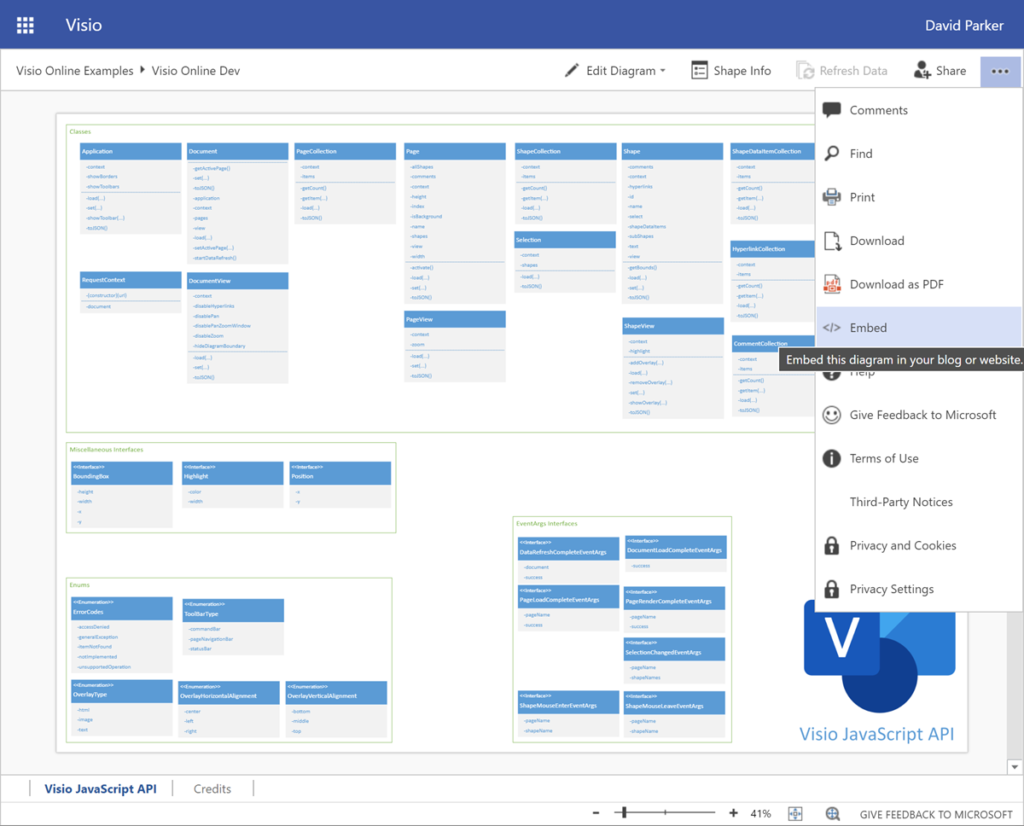
I recently wrote a series of articles about some of the new capabilities of the Visio desktop and web app.
Using the Visio Data Visualizer in Excel
Creating Visio Tabs and Apps for Teams with SharePoint Framework (SPFx)
I recently wrote a series of articles about some of the new capabilities of the Visio desktop and web app.
Using the Visio Data Visualizer in Excel
Creating Visio Tabs and Apps for Teams with SharePoint Framework (SPFx)
I have now finished three articles about the differences between the Visio desktop and web apps, and how you can already create custom templates for Visio Plan 1.
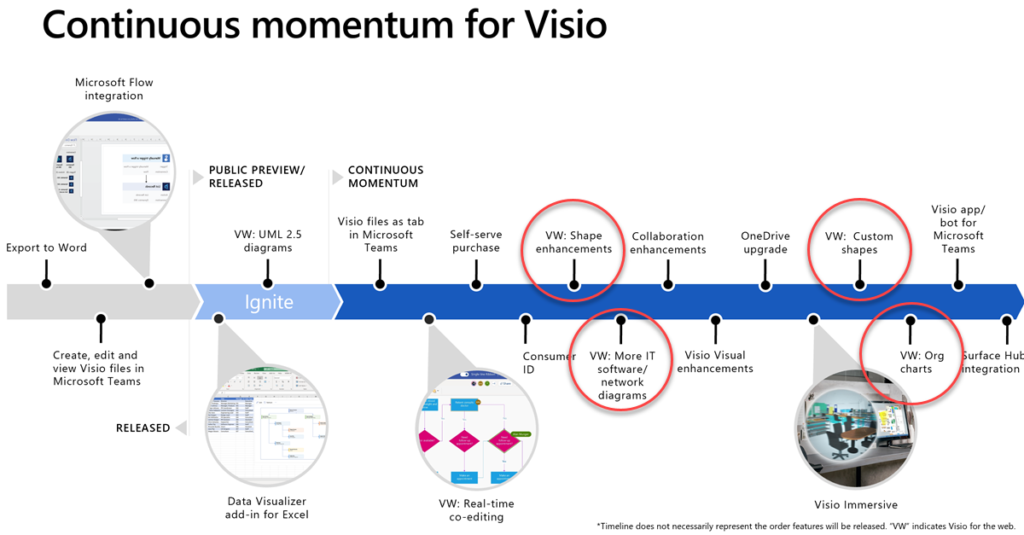
Comparing Visio for the Web and Desktop
Customising Visio shapes for the web app
Key differences between the Visio desktop and web apps
Register for my webinar Providing Custom Templates for Visio web app
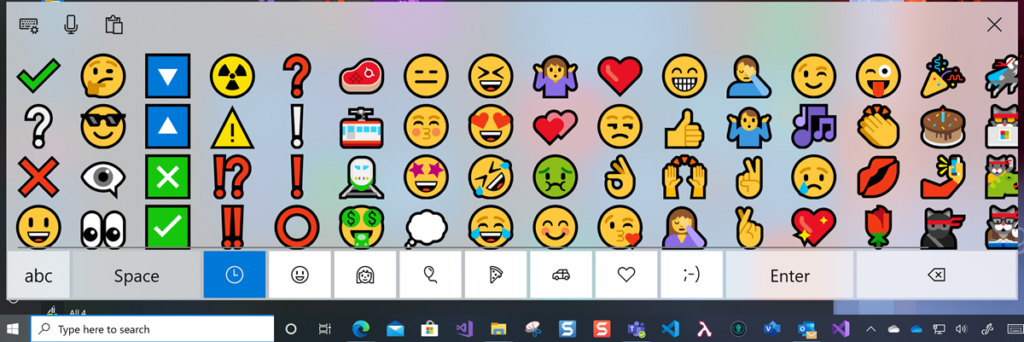
In the new normal of social distancing, we can easily miss the nuances of facial expressions with the the various electronic communication platforms that we utilise. In our personal communications via mobile apps, we have all started to use Emojis to express sentiment and actions, although we can sometimes convey the wrong meanings unintentionally as some Emojis get re-purposed by certain sections of society. Microsoft Windows 10 added native support for Emojis a year ago, and they can be inserted into many Microsoft applications using the onscreen keyboard 👀:
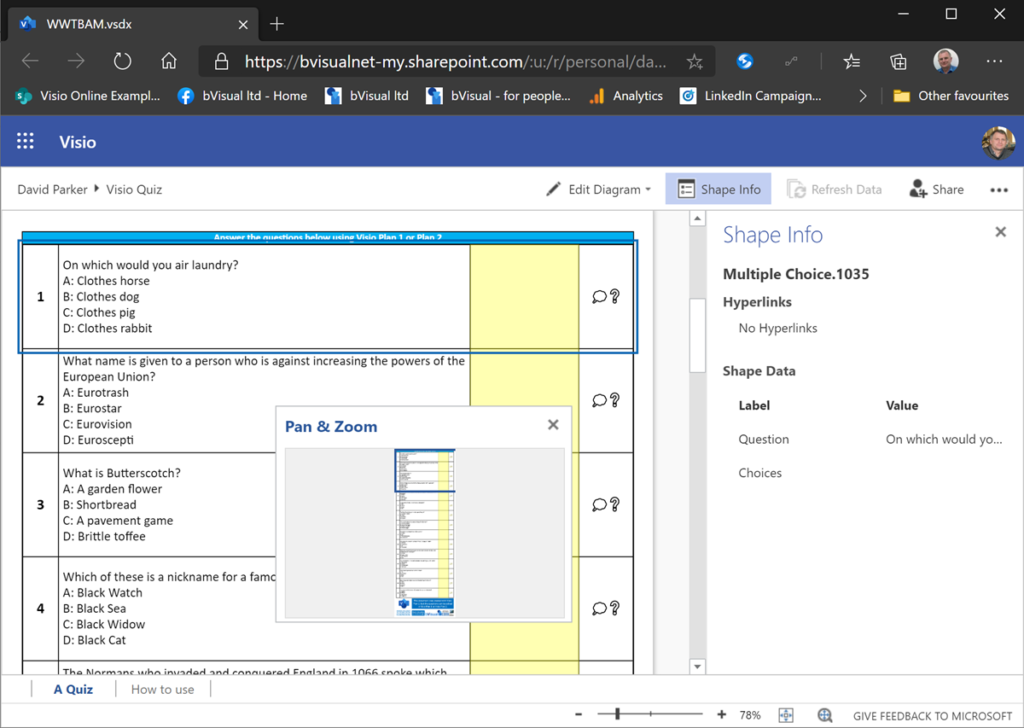
Like a lot of UK TV viewers last week, I watched Quiz, a drama about Major Charles Ingram who apparently cheated his way to the jackpot in Who Wants to be a Millionaire. Some of the questions that he was asked were quoted in that show, and I was surprised how easy the last two questions were for me, but that was probably because of my own education as a building architect. However, I decided to lookup the rest of the questions, and I would have fallen before getting to those questions unless my Phone-A-Friend could have helped me on one in particular. At the same time, I was thinking about the differences between Visio desktop and web editions (yeah, really!), so I have created a Visio document that contains all of the questions that the Major answered correctly. This document can be viewed by everyone and downloaded. If it is saved into OneDrive or SharePoint Online and then viewed online.
Some of my colleagues have asked me how I have managed to include Visio files into this public website, so I thought I would share my secret. Microsoft has kindly provided a File Viewer Web Part for use in SharePoint that appears to be useful in other websites too.
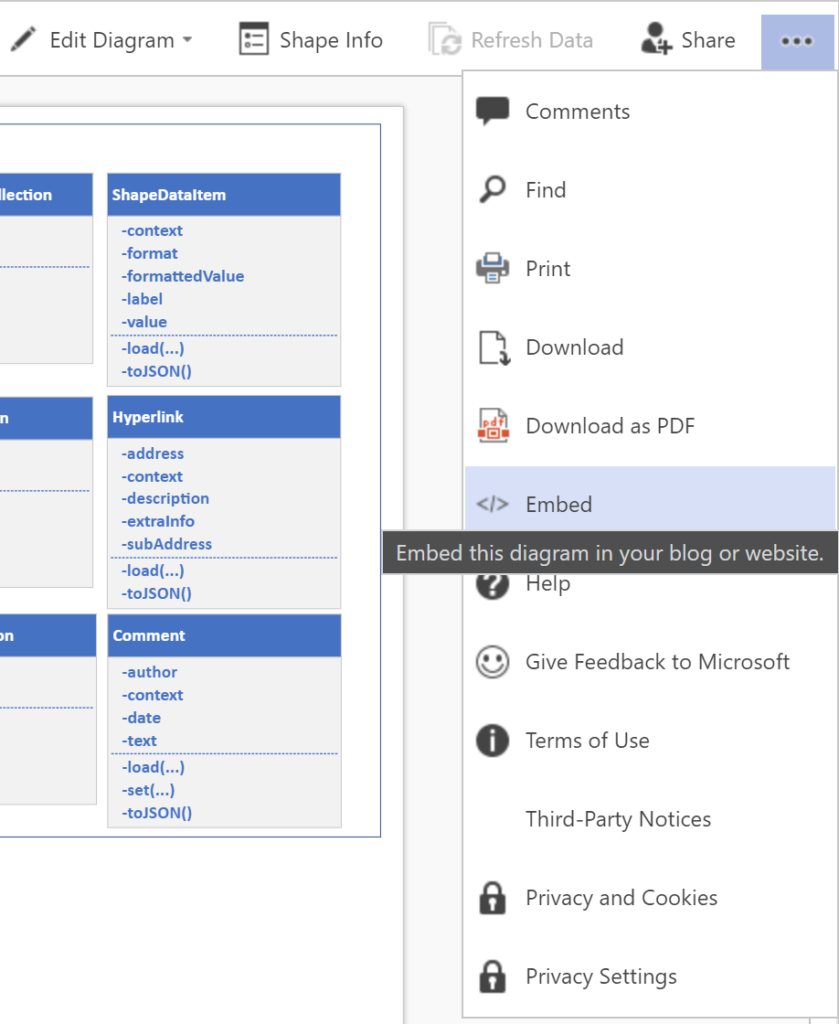
If you view a Visio file that is stored on OneDrive or in SharePoint Online, you can get the </> Embed code for the Visio document from the Show More Commands (…) button in the top right corner. This is normally intended for use within SharePoint pages.
I have been asked by a colleague to publish my hack for enabling Visio files to be viewed by everyone with the Visio for the Web component in reading mode on this website, or indeed any other public web site. So, here goes ….
The first thing is to view the Visio file in an online browser. The file must be stored in OneDrive (or SharePoint Online if permission for guests available). The View online option is available from the right mouse menu of a selected Visio file, if viewing in Windows Explorer, or simply open the file, if listed in the browser. Note the “…” (More Commands) button in the top right corner.