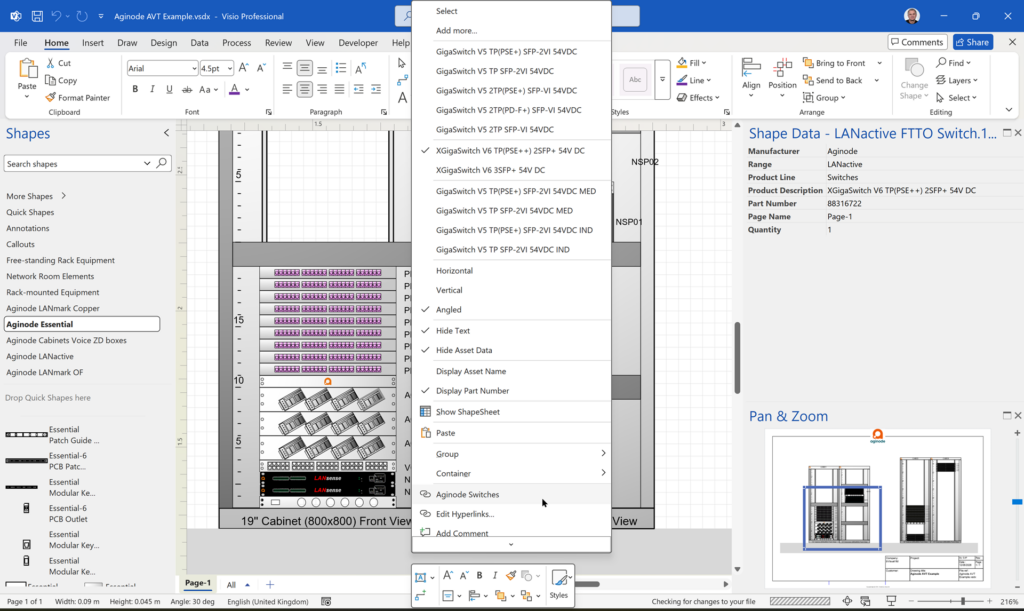
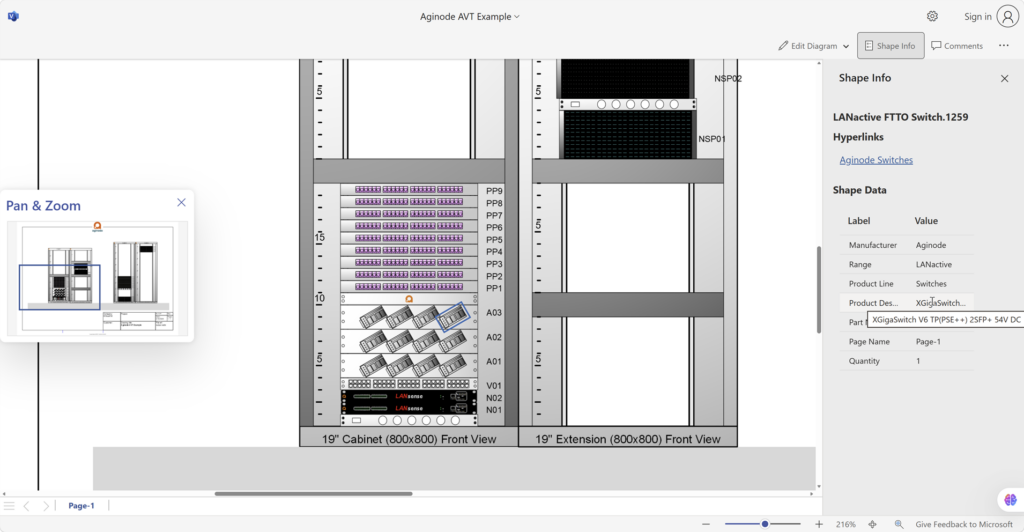
Visio desktop has multiple ways to specify the folder where docked stencils can be found, but, as far as I am aware, Visio for the Web only has one. I mostly create VSTO add-ins for Visio desktop, and I use Visio desktop as a studio for creating templates for Visio for the Web. Often, I leave the Document Stencil in the template open because users can then drag and drop from there, but when I create an installation with custom stencils then they normally go into the application folder, or a sub-folder of it. An alternative is to install them into the My Shapes folder in the users desktop Documents folder. These will appear in the Visio desktop UI. Also, there is the ability to set the Stencils folder using File | Options | Advanced | File Locations. Finally, the desktop edition will always first check the folder that the Visio document is in for any docked stencils. Visio for the Web does not have all these options, so how do you get any custom docked stencils to appear when you use Visio for the Web to edit a document?
[Read more…] about Docked Stencils in Visio for the WebVisio for the desktop
Are Master Shortcuts useful in Visio?
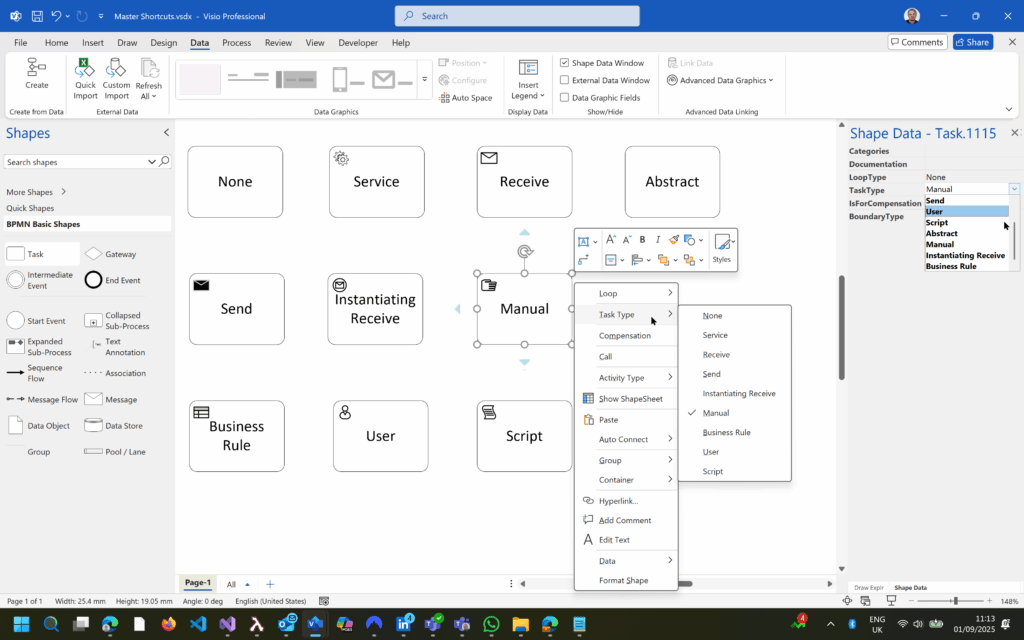
Many Visio users may not even understand the question, but this almost hidden feature has been available for many years. A Master Shortcut looks like a normal Master in a stencil, but it is merely holds a reference to another Master in a Stencil, not necessarily the same one, and has an option to add actions that can change properties of the target Master when it is dropped on the page. The advantage is that the shapes on the page are still instances of the target Master in the document which makes customisation and maintenance much easier. So, why would you use them?
One good reason is that you are providing a custom stencil, but you want to include some of the built-in Microsoft ones. Just including a Master Shortcut to the Microsoft Stencil and Master does not break any copyright laws that I am aware of.
Another good reason is that many users prefer to just drag’n’drop a Master from a Stencil rather than further mouse clicks to configure the dropped shape with the Shape Data window or the right mouse actions.
This article describes how to use Master Shortcuts using BPMN shapes as an example.
[Read more…] about Are Master Shortcuts useful in Visio?Co-authoring and Commenting with Visio Documents
Microsoft Visio can be used in the web browser and on the desktop, but there are several licensing options available, so which ones can be used concurrently whilst supporting co-authoring and commenting? This article tests the various scenarios but assumes that the Visio documents are stored in OneDrive for Business or SharePoint Online\Teams. The Microsoft article, Work together on Visio drawings, explains most of the scenarios, but does not clearly explain the scope of the Visio web licenses with respect to diagram types or customisations.

Optimize Visio Flowcharts: Swimlane Reordering Tips
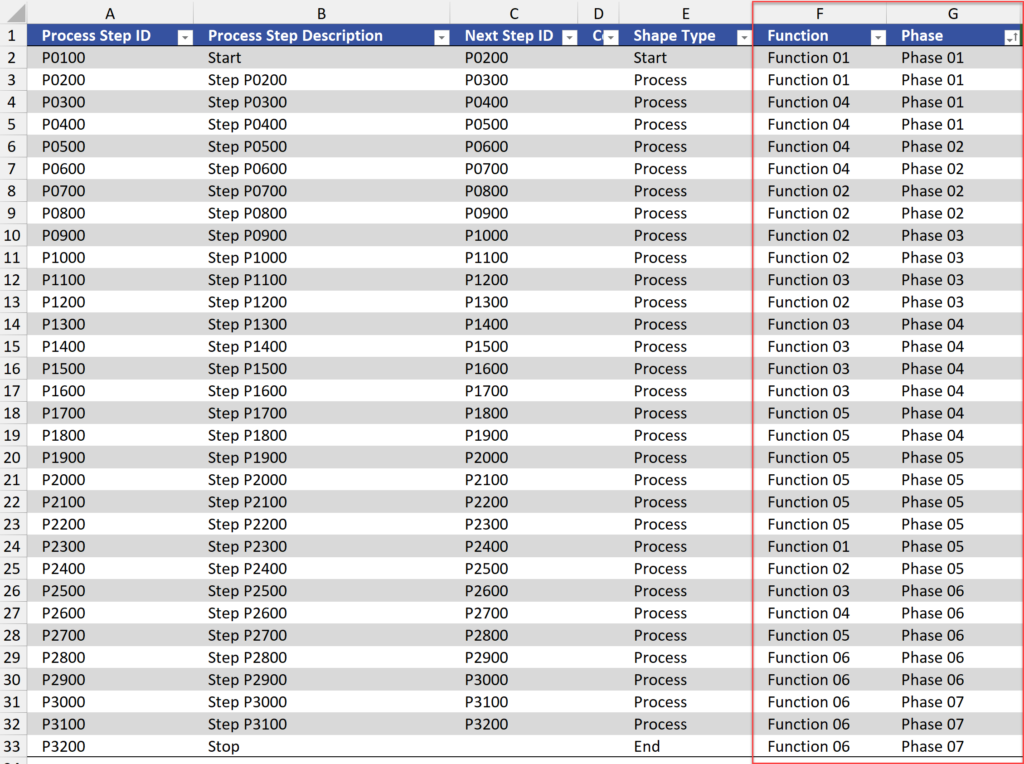
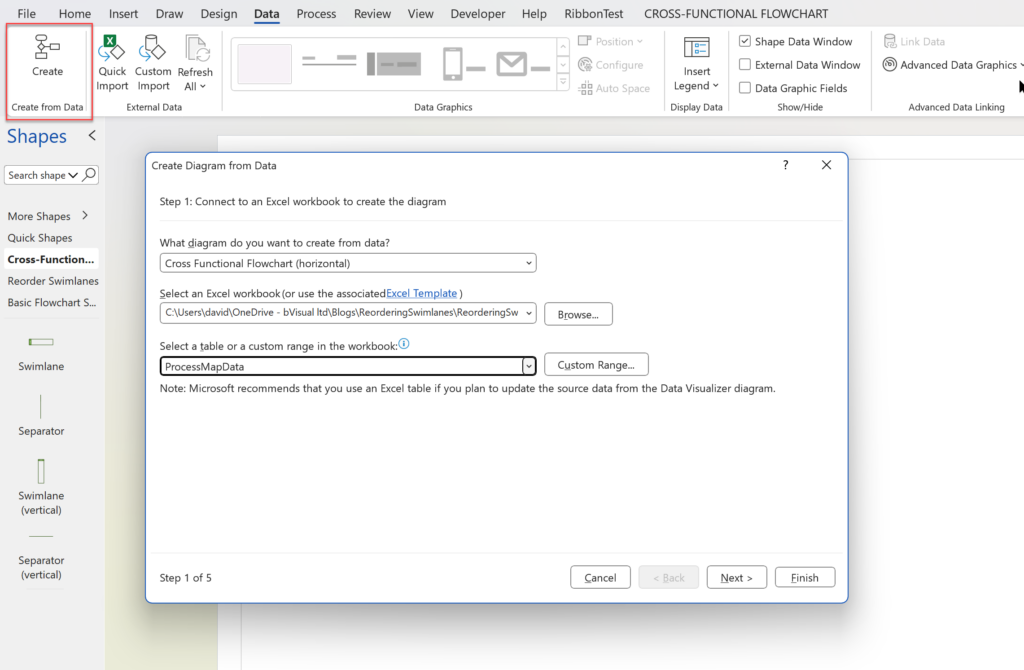
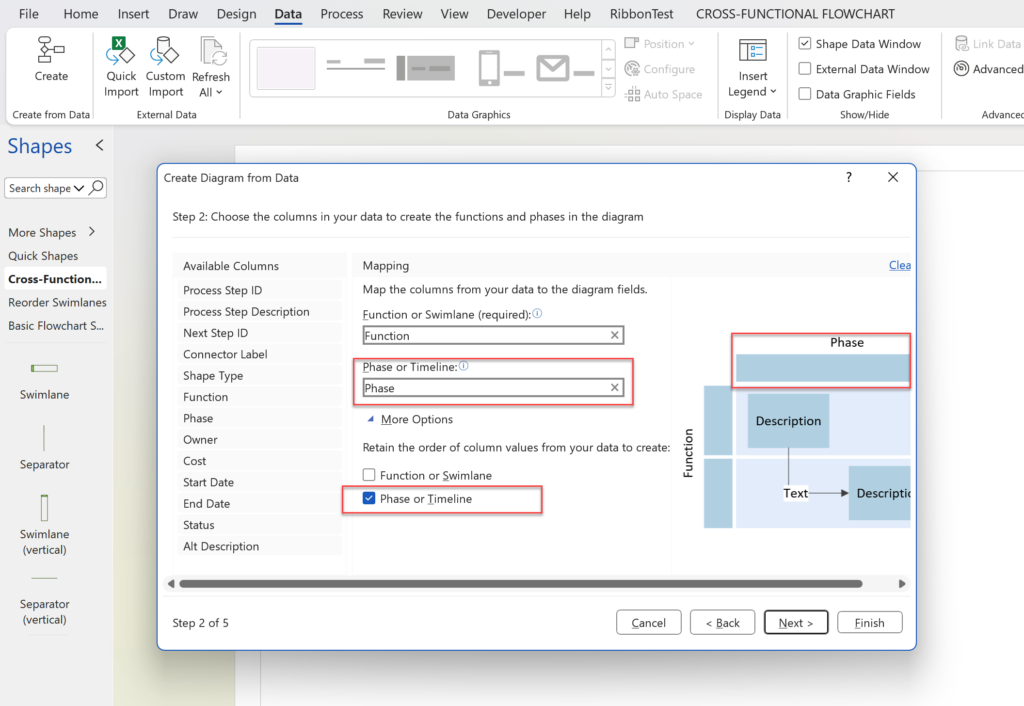
Microsoft Visio desktop Plan 2 and Professional editions provides the ability to create and synchronize cross-functional flowcharts between the diagram and an Excel table. This is great, and widely used for many types of processes. The Excel table normally has a Function / Swimlane column that contains text that becomes labels on the swimlane containers, and a Phase / Timeline column that contains text that becomes the label of the phase or separator containers. The import provides the option to order the diagram by Function and/or Phase, but it is impossible to get them ordered by both! This article provides a solution using a free macro-enabled Visio stencil.
[Read more…] about Optimize Visio Flowcharts: Swimlane Reordering TipsPlay Chess with Visio in Teams
[Update : a new version of this file allows Visio for M365 users to edit/play with see Making Custom Shapes for Visio for M365]
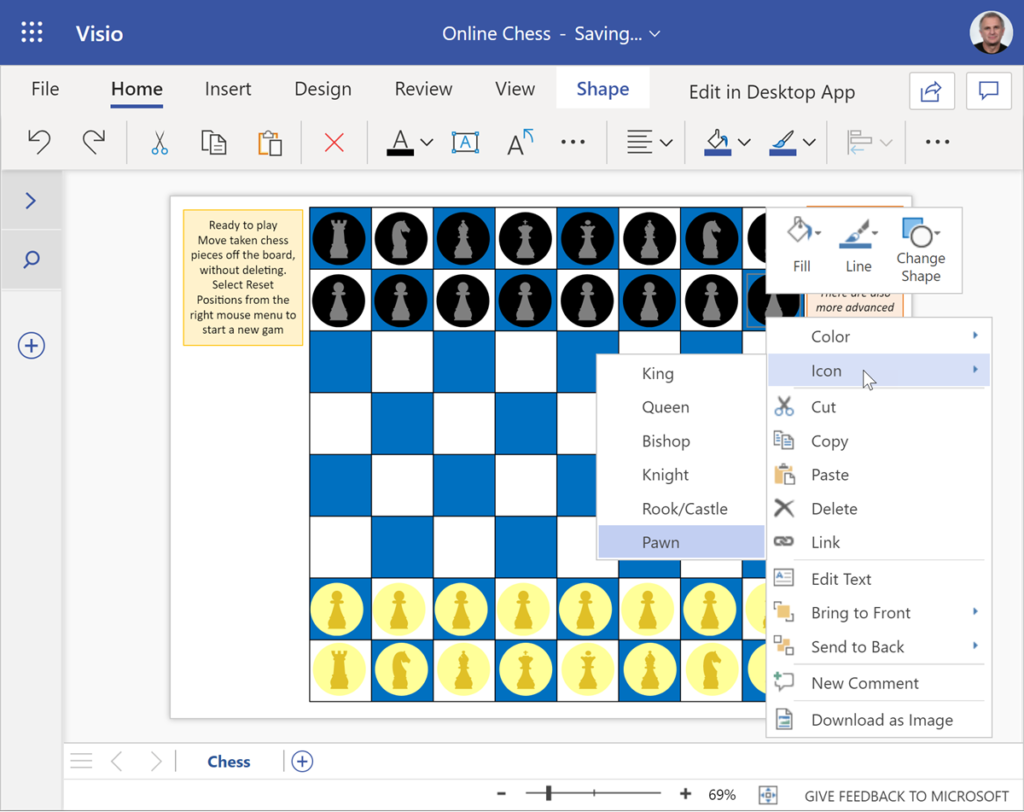
Following on from my last article about playing checkers with Visio in Teams, I decided that I should also revisit my earlier Visio chessboard to make it work in Visio online. I have implemented the ability to automatically reset the positions before a new game, and I have made a single chess piece shape that can be either colour or icon.

Play Checkers with Visio in Teams
[Update : a new version of this file allows Visio for M365 users to edit/play with see Making Custom Shapes for Visio for M365]
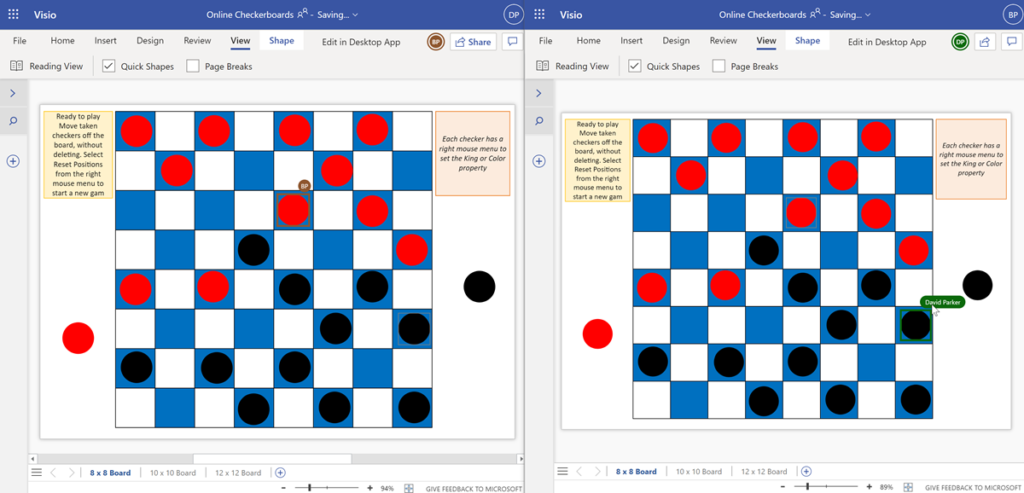
We are all spending more time in Teams or SharePoint nowadays, but not everyone knows that Visio documents can now be shared and collaborated with, and even set as a Teams tab. I was trying to think of a suitable demonstration of the co-working and collaboration possibilities, and came up with a reworking of an earlier post about playing checkers with Visio. Since this previous document was made before Visio for the web, I made some enhancements that work just as well with Visio for desktop and Visio for the web. This article explains a few ShapeSheet customisations that can be developed in Visio for the desktop, but can then be used in Visio for the web. Notice how each player can see which piece was moved by their opponent because their initials are displayed, and this is expanded to the full name if the mouse cursor is hovered over them.