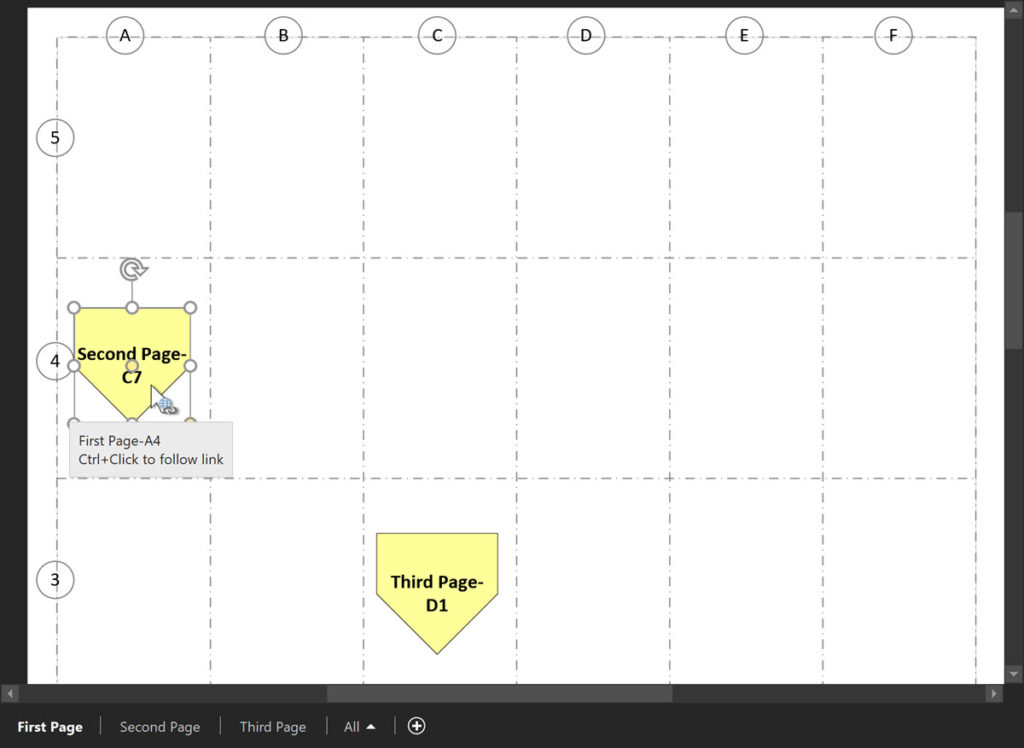
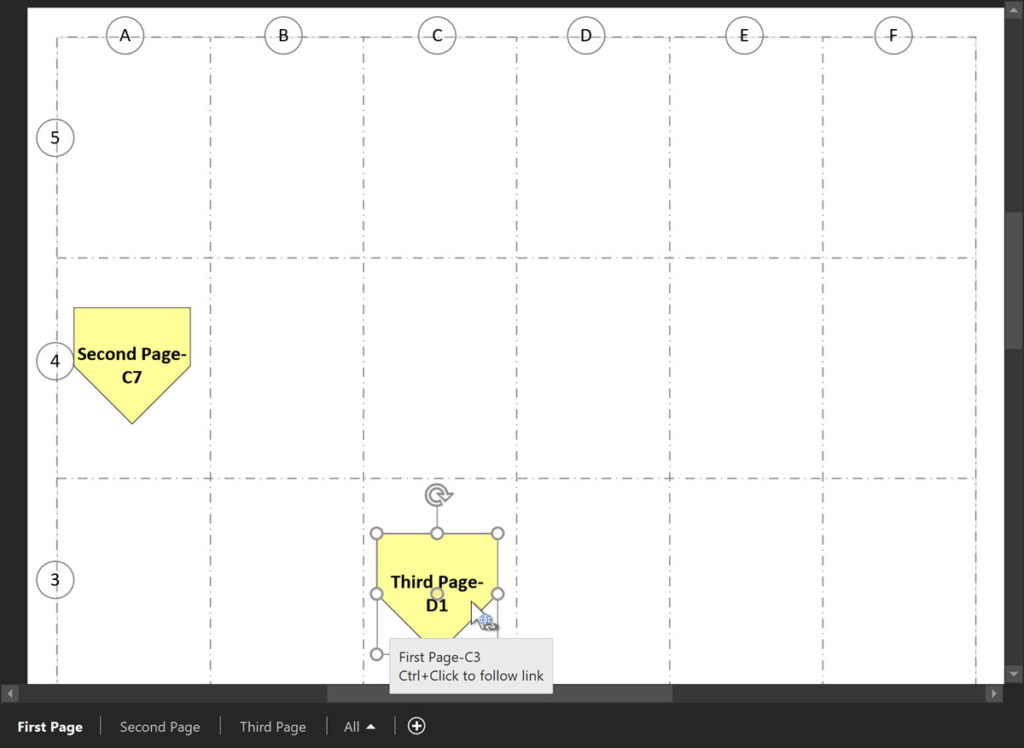
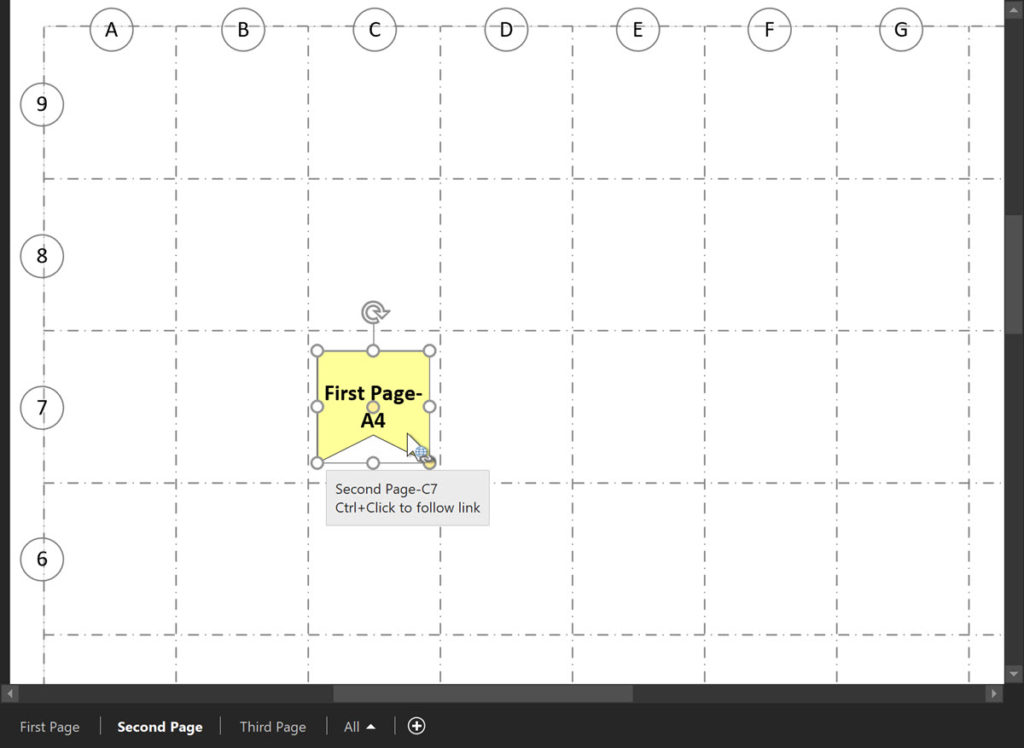
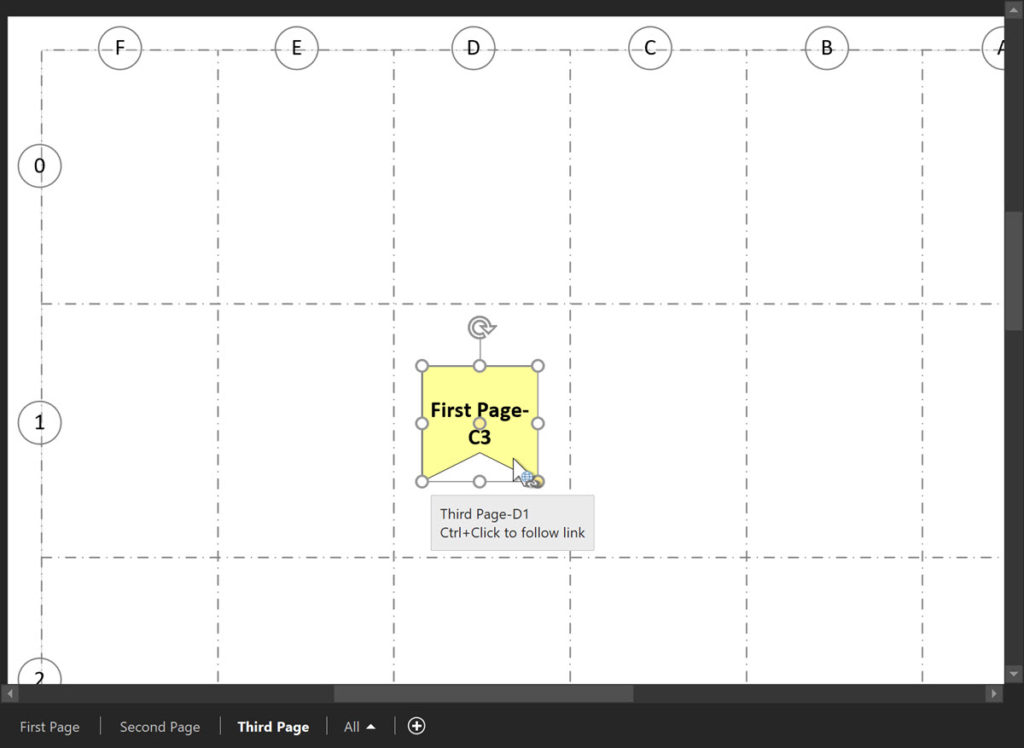
I have previously written about using off-page references and labelled page grids in Visio, see A Page Grid with Labels and Page Grids and Off Page References, however a reader pointed out that the label on the Off-Page Reference shape is duplicated on both ends. This is not always ideal, however it is all I could do using just ShapeSheet formulas alone. So, in this article, I show how a VBA macro can enhance the reciprocal labels on the twin Off-Page Reference shapes, and they automatically update if either end is moved between grids. This is especially useful in electrical wiring diagrams, but the principal can be adapted for other purposes.
[Read more…] about Bi-directional Labels on Off-Page Grid ReferencesShape Design
Maximum Size of a Visio Page and Text block
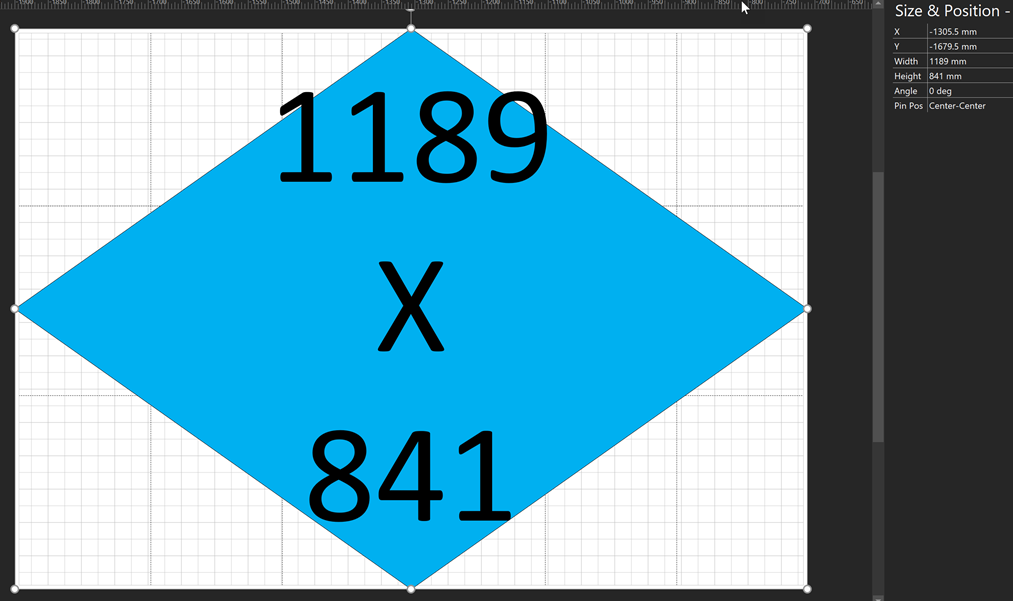
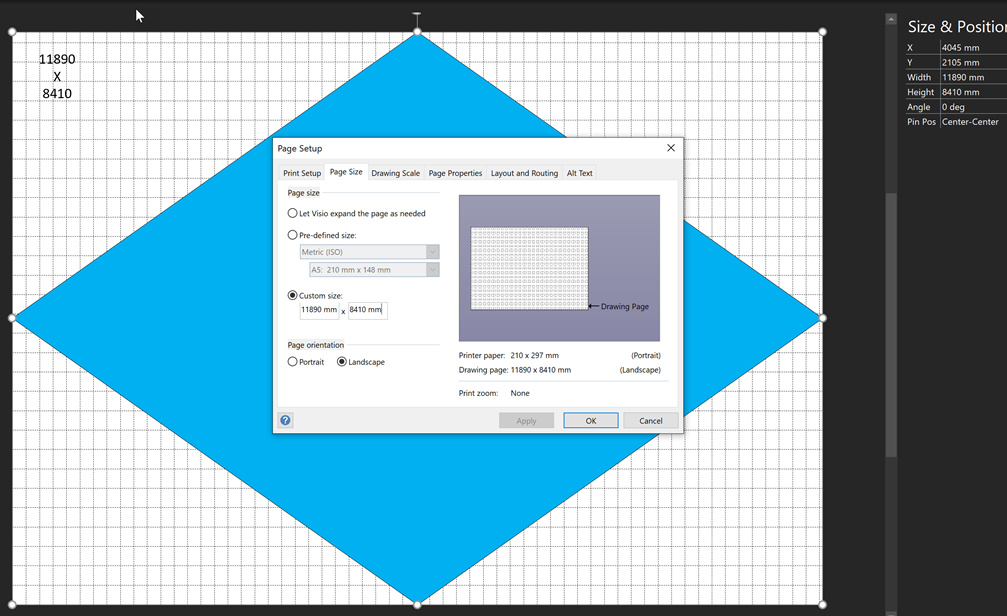
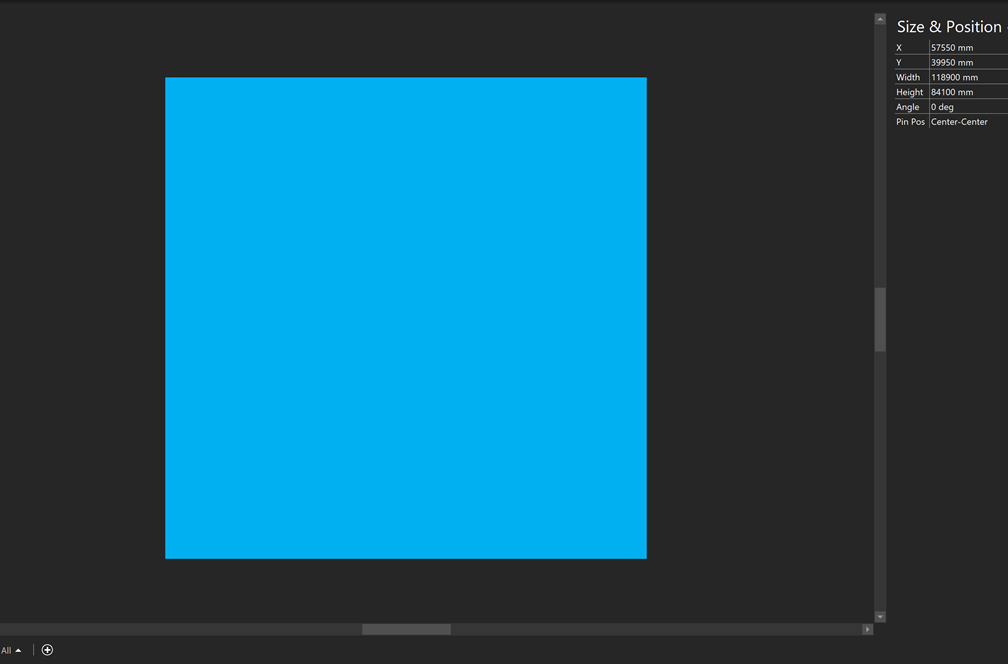
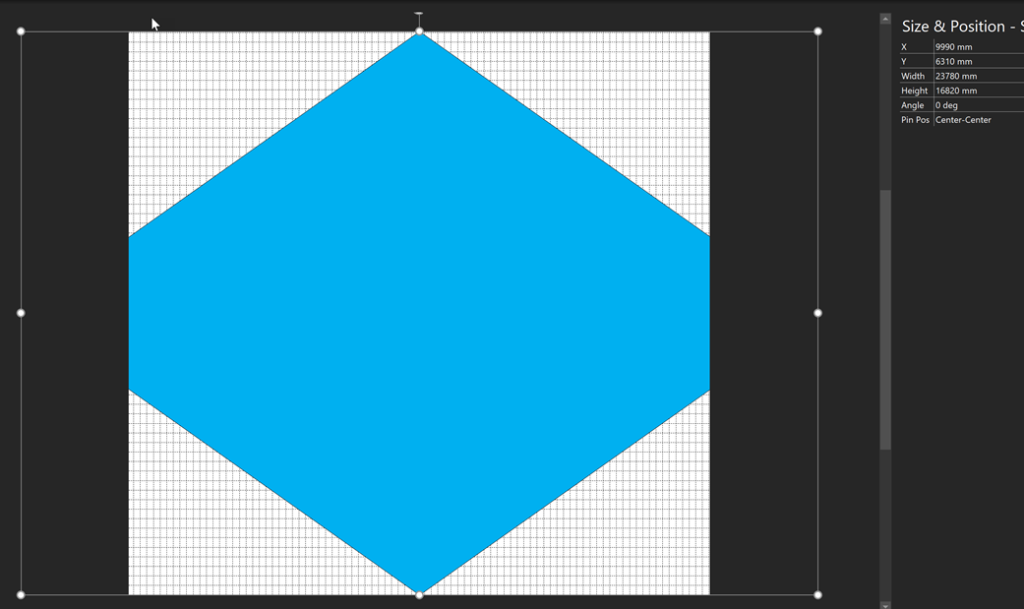
I needed to check the maximum size of Visio pages for a current project of mine, so I devised a simple test with a diamond shape with its vertices pinned automatically to the edge of the Visio page, with text fields inserted in the center. I started with a standard A0 Landscape page, then multiplied the page width and height using the Page Setup dialog…
[Read more…] about Maximum Size of a Visio Page and Text blockUsing an Updateable Default Font in Visio
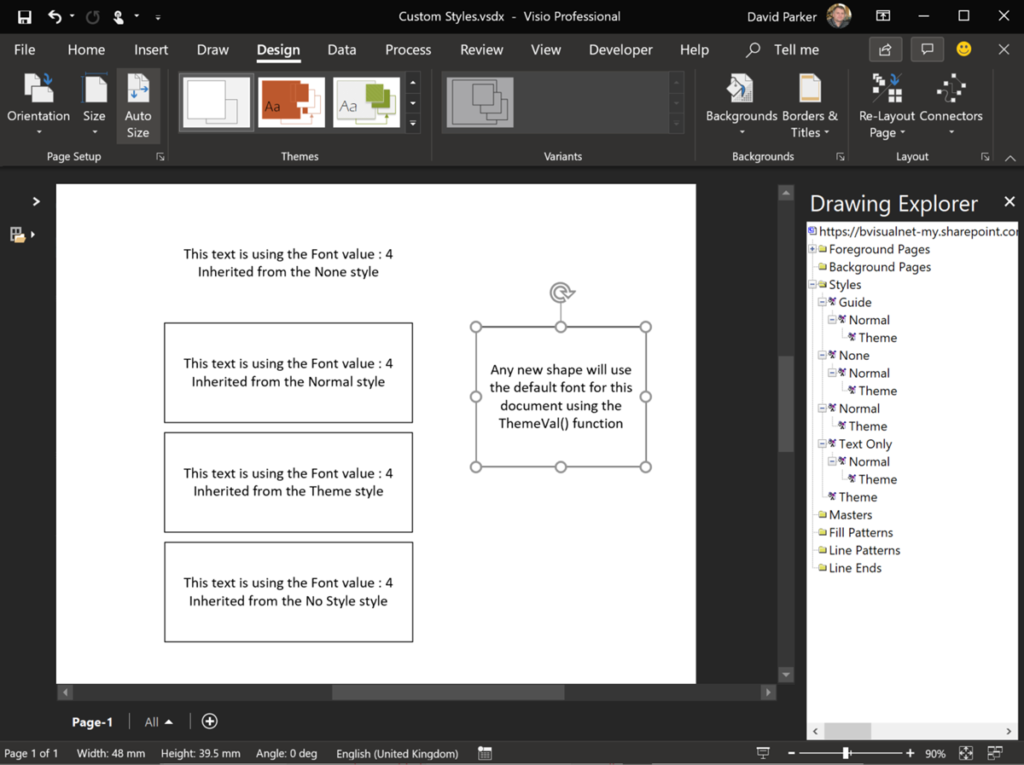
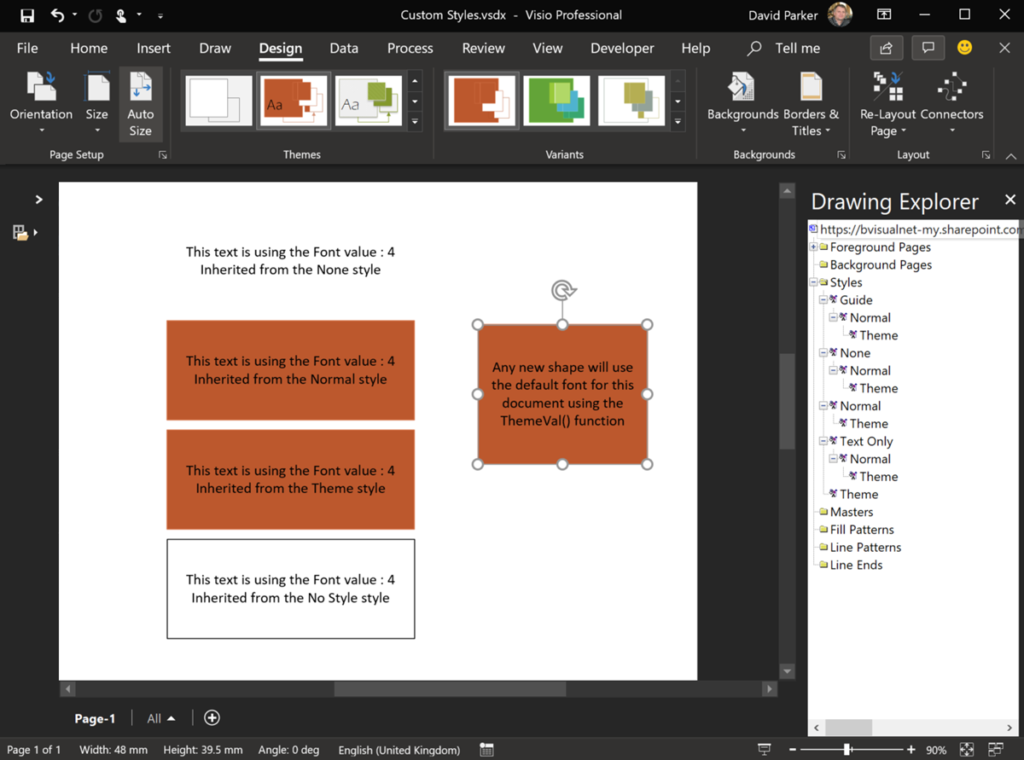
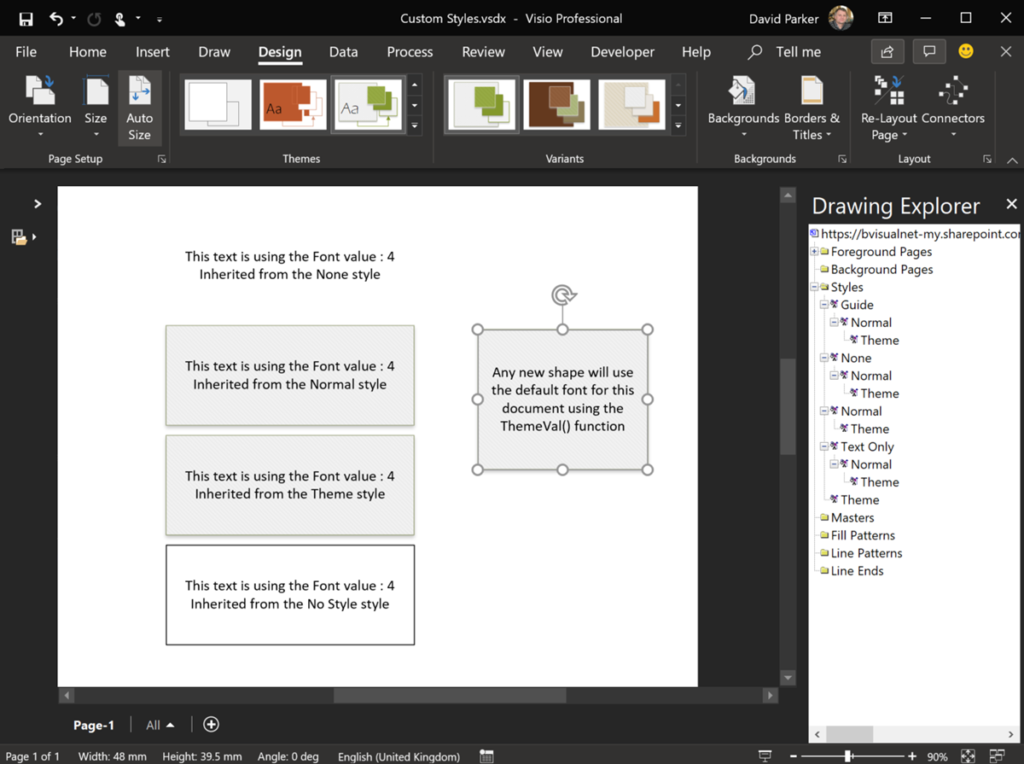
I am working on a Visio project where the client wants to be able to configure the font used in each document. These documents have many custom masters, but the user can add there own annotations too. Therefore, I needed to find a way to synchronise the fonts used in both cases. Visio has Themes and Variants, and some of these built-in settings use different fonts, but there is no way of editing the fonts used in each theme since Office 2010 ( see Create a custom theme). There have been many questions on the web about changing the default font used in Visio, which is currently Calibri, but there were no easy answers found. Visio used to use Styles rather than Themes, and these capabilities are still there, but the buttons are not displayed in the default ribbon. However, the Drawing Explorer window does show the Styles and their hierarchies.
[Read more…] about Using an Updateable Default Font in VisioManual Fix for Slide Snippets in Visio Plan 2
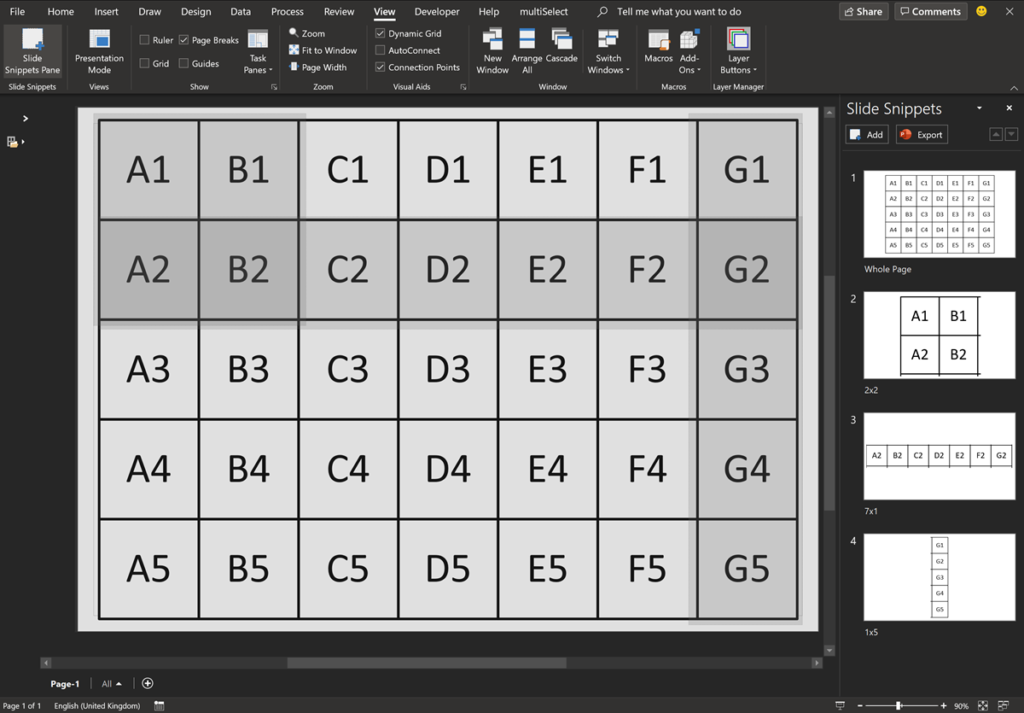
Microsoft Visio Plan 2 has a cool feature, Slide Snippets, that can create a PowerPoint slide show from special rectangle shapes placed around the pages of a Visio document. Unfortunately, there is currently an issue with distortion of the images in PowerPoint, so I will show how this can be fixed manually…

Getting the Microsoft Office Theme Value
I am working on a Visio VSTO project where I need to synchronise a UI element with the current session Microsoft Office Theme. At first, I thought that there would be some way of getting a value from the Visio object model, but I was wrong…
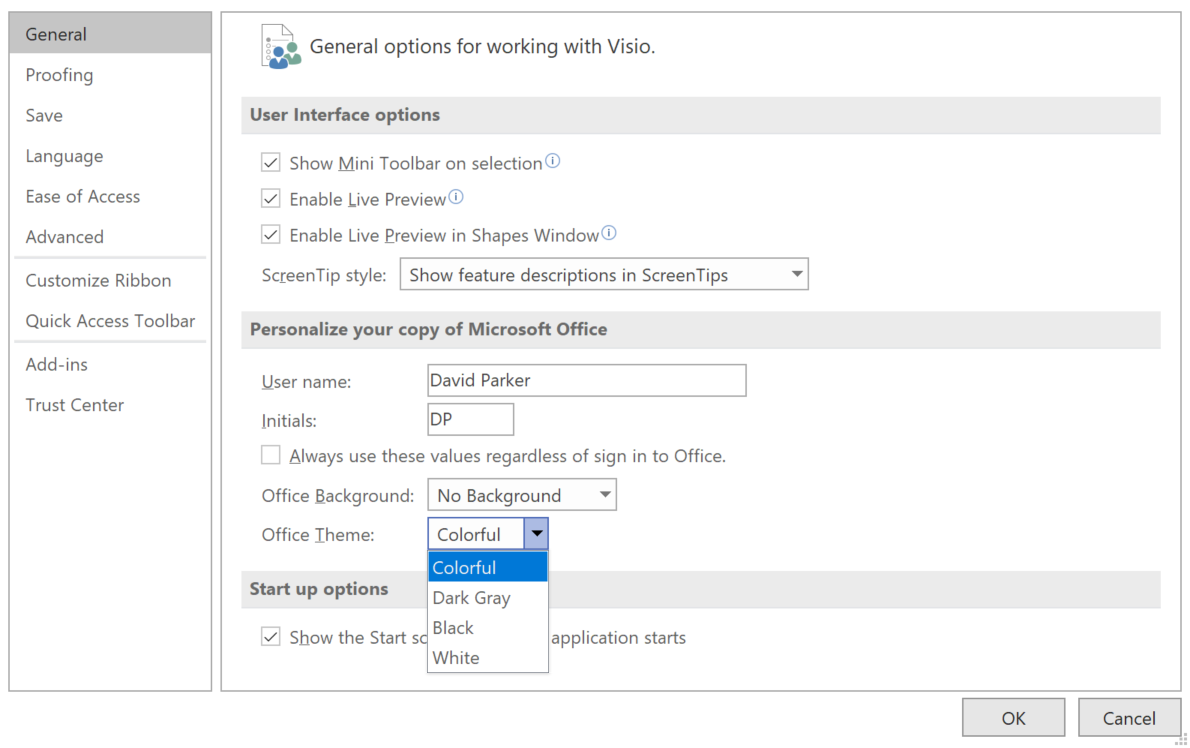
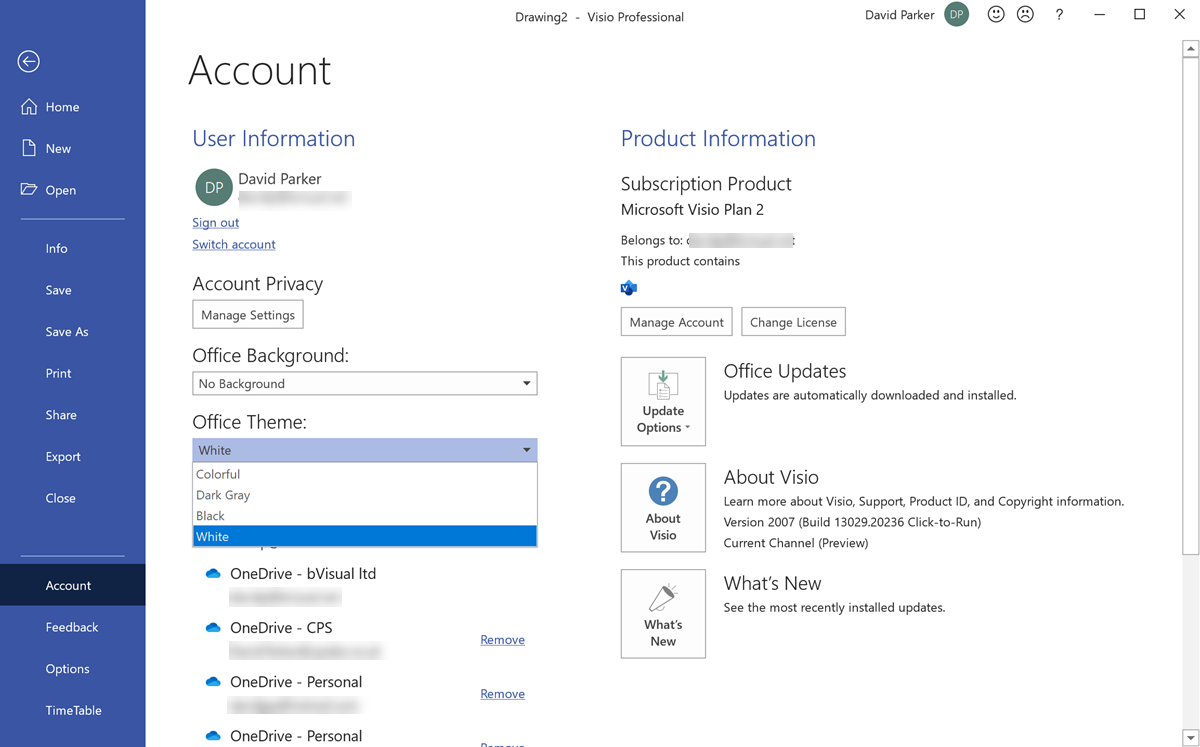
The Office Theme can be selected from either the Visio Options, or the Account Options panels.
[Read more…] about Getting the Microsoft Office Theme ValueAssigning Visio Shapes to Layers from Excel Table
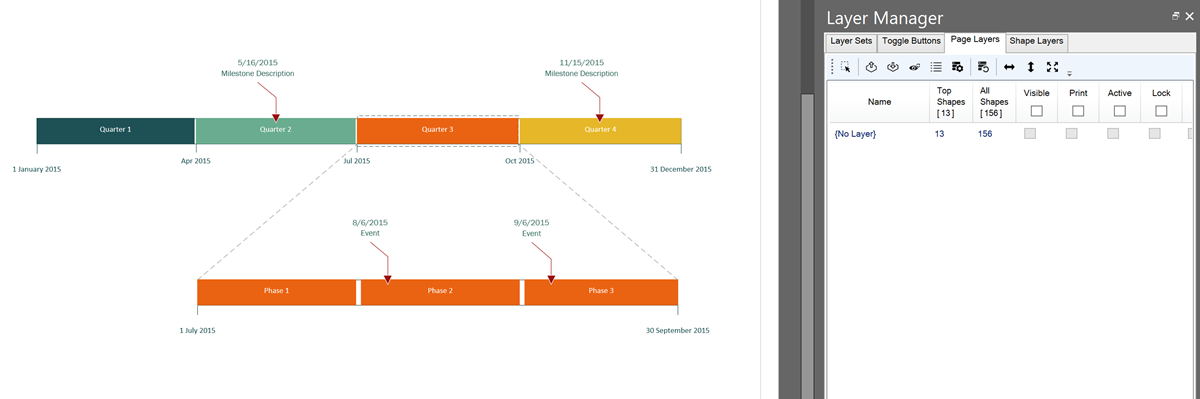
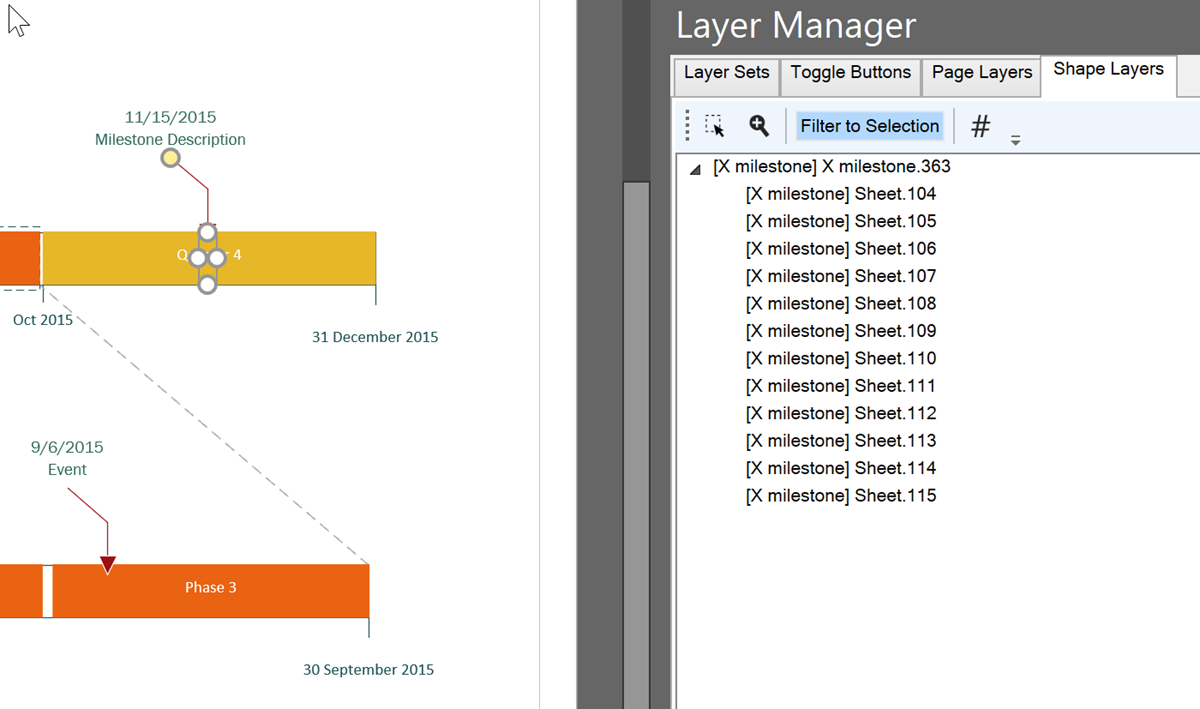
I work a lot with layers in Visio, and written an add-in, LayerManager, to assist, but I was asked an interesting question recently: How can shapes by assigned to layers automatically from a list in Excel? So, I thought I would present my solution. This particular request was for a Timeline diagram, where the Milestone shapes are to be on specific layers. So, I just used one of the samples provided with Visio.
[Read more…] about Assigning Visio Shapes to Layers from Excel Table