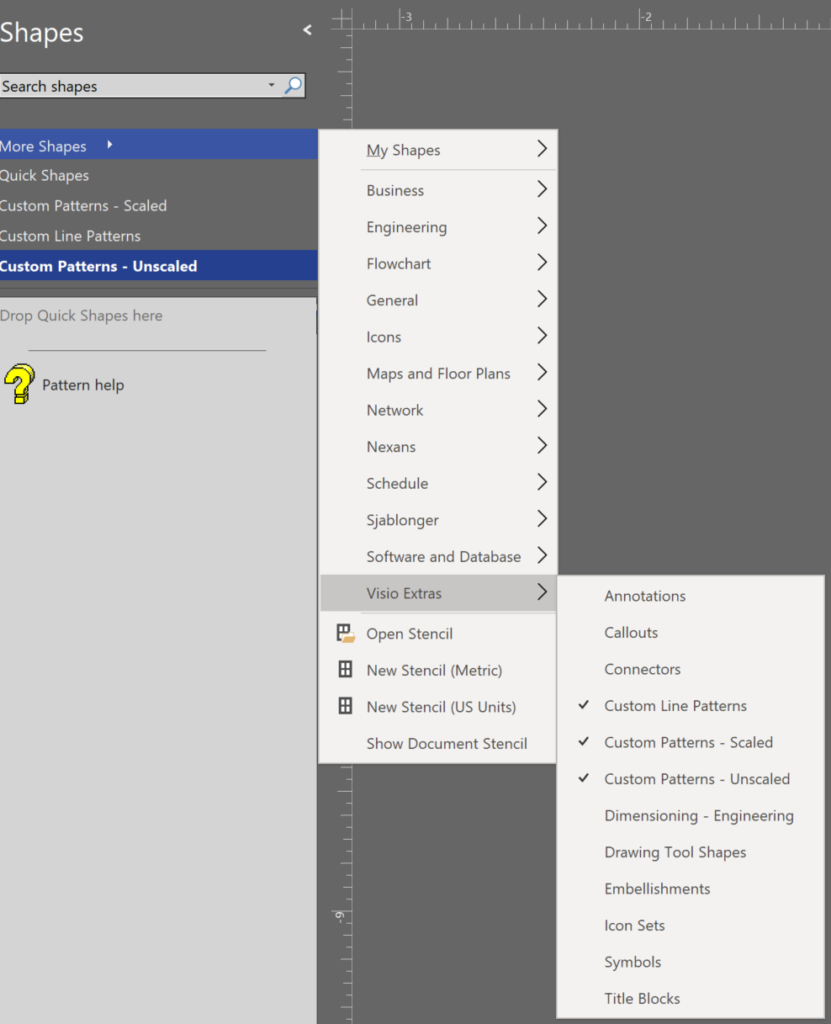
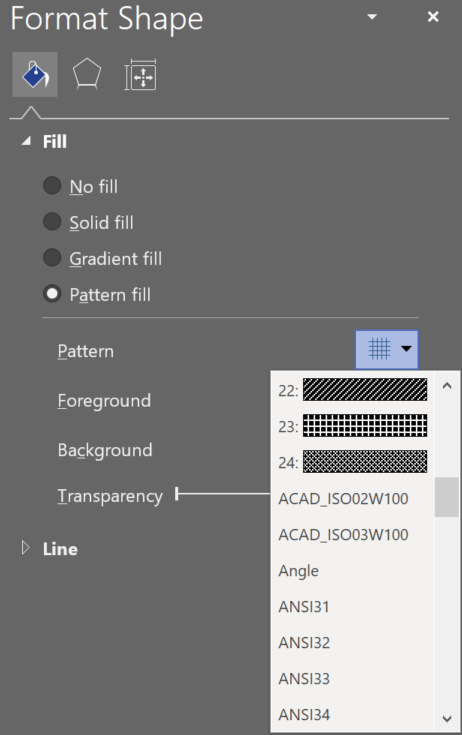
I was trying to review the appearance of the custom line and fill patterns in Visio, but was annoyed that they are only displaying a name without a preview image. I could not find them easily on the web either, so I thought I would list them here, with images. These custom patterns are available in three Microsoft-provided stencils in the Visio Extras category.
Shape Design
Using Emojis in Visio
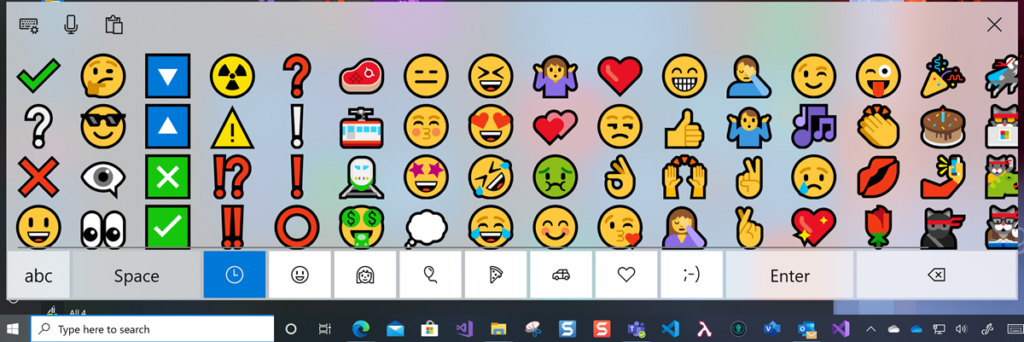
In the new normal of social distancing, we can easily miss the nuances of facial expressions with the the various electronic communication platforms that we utilise. In our personal communications via mobile apps, we have all started to use Emojis to express sentiment and actions, although we can sometimes convey the wrong meanings unintentionally as some Emojis get re-purposed by certain sections of society. Microsoft Windows 10 added native support for Emojis a year ago, and they can be inserted into many Microsoft applications using the onscreen keyboard 👀:
Using CODE() and UNICODE() functions in Visio
Microsoft Visio does have CHAR() and UNICHAR() ShapeSheet functions, just like Excel, but it does not have the inverse CODE() and UNICODE() functions, unlike Excel. However, there is a way to create a formula in the Visio ShapeSheet to provide these functions.
The following worksheet demonstrates how the CHAR(), CODE(), UNICHAR(), and UNICODE() functions work in Excel.
| Column | Formula |
| Index | n |
| Char | =IFERROR( CHAR(INT([@Index])),””) |
| Code | =IFERROR( CODE([@Char]),””) |
| Unichar | =UNICHAR(INT([@Index])) |
| Unicode | =UNICODE([@Unichar]) |
Preventing Deletion of Container Members in Visio
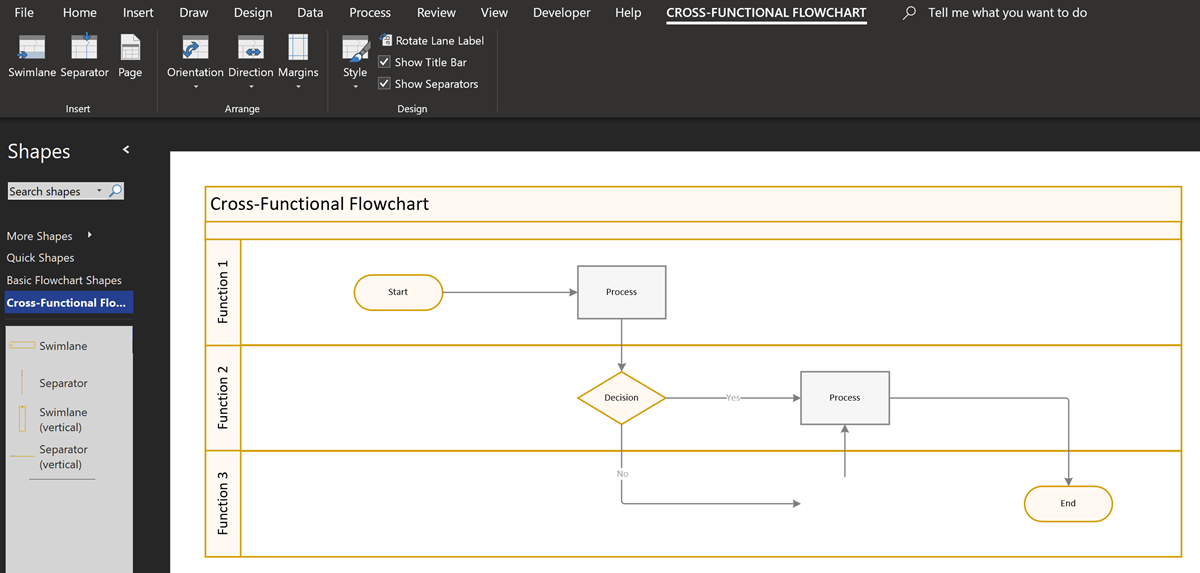
The concept of Structured Diagrams was introduced in Visio 2010 and is featured in many of the templates supplied with Microsoft Visio, and in some third-party solutions, like mine. Connectors, callouts, containers and lists are the key parts of a structured diagrams, and there are times when preventing the deletion of members of a container or list is desirable.
[Read more…] about Preventing Deletion of Container Members in Visio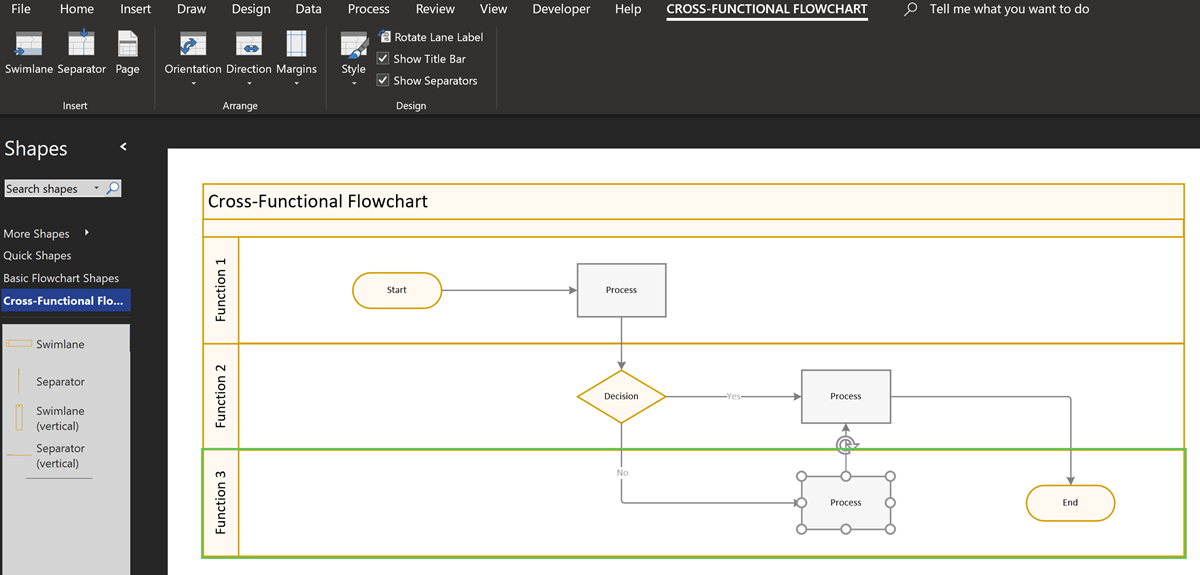
Displaying Visio Number Shapes data clearly
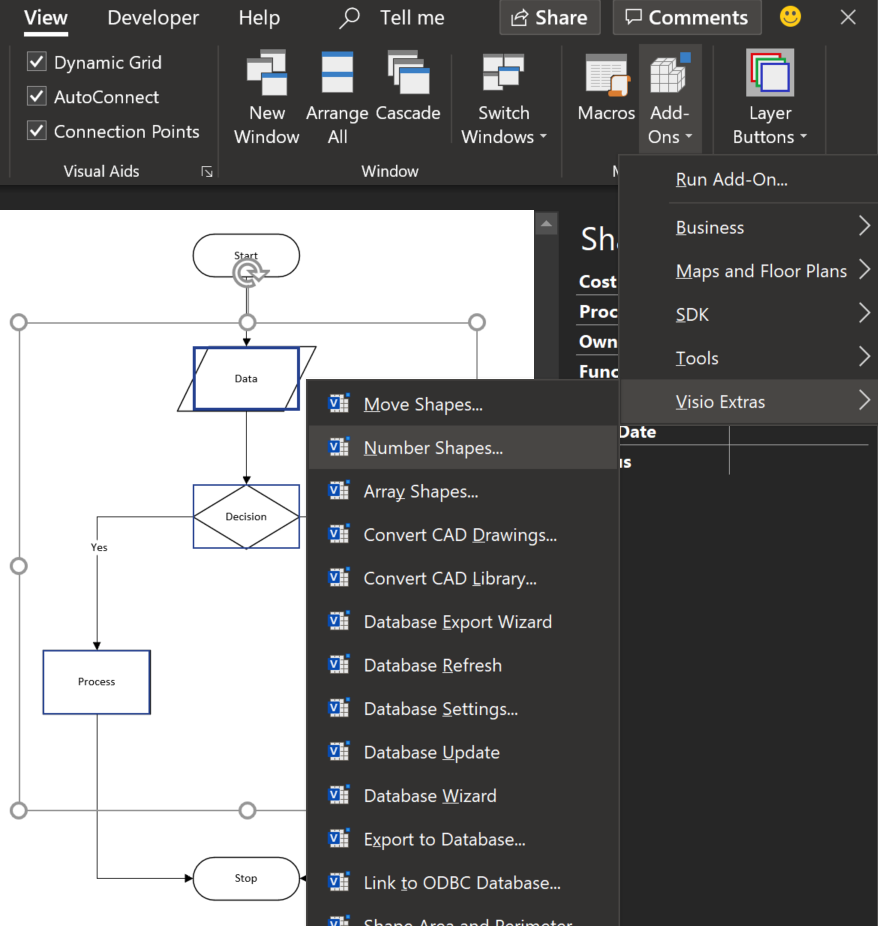
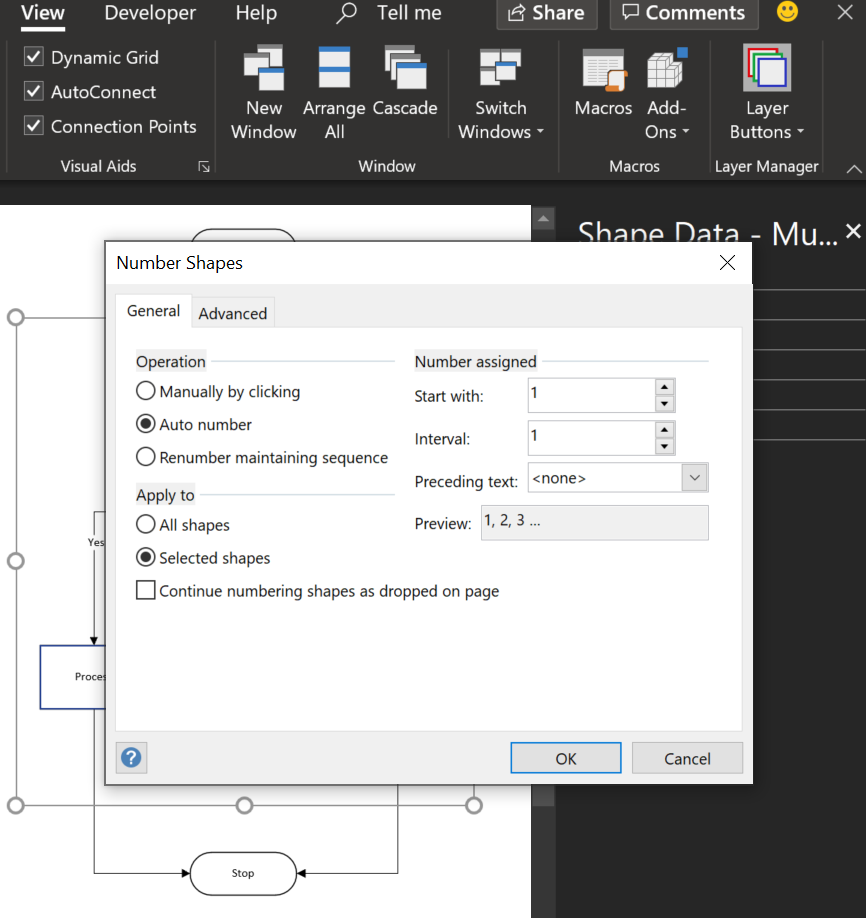
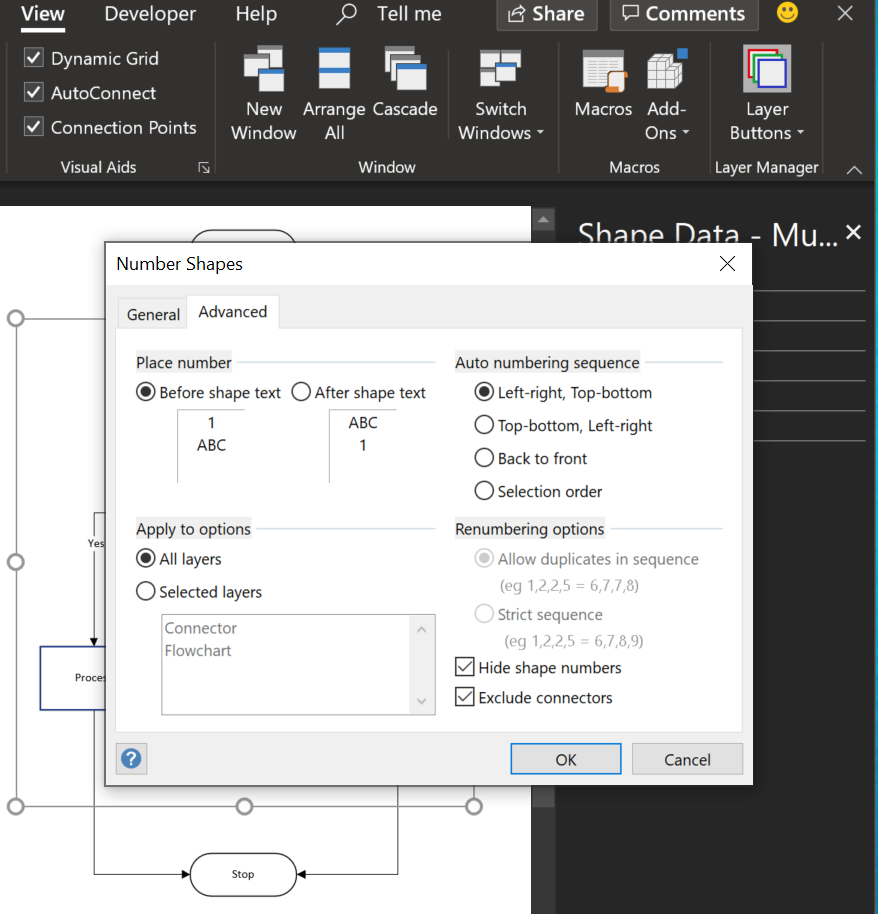
Visio has had a Number Shapes add-on for many years, even since before Microsoft bought the application in 2000. The add-on autmatically creates three Shape Data rows to hold the number, any prefix text, and a value to indicate whether the shape number text should be shown. It is useful, but it can also be very annoying if you also want to label your shapes, such as with process flow shapes, or you want the shape number to be displayed outside of the main shape. Fortunately, there is a solution….
[Read more…] about Displaying Visio Number Shapes data clearly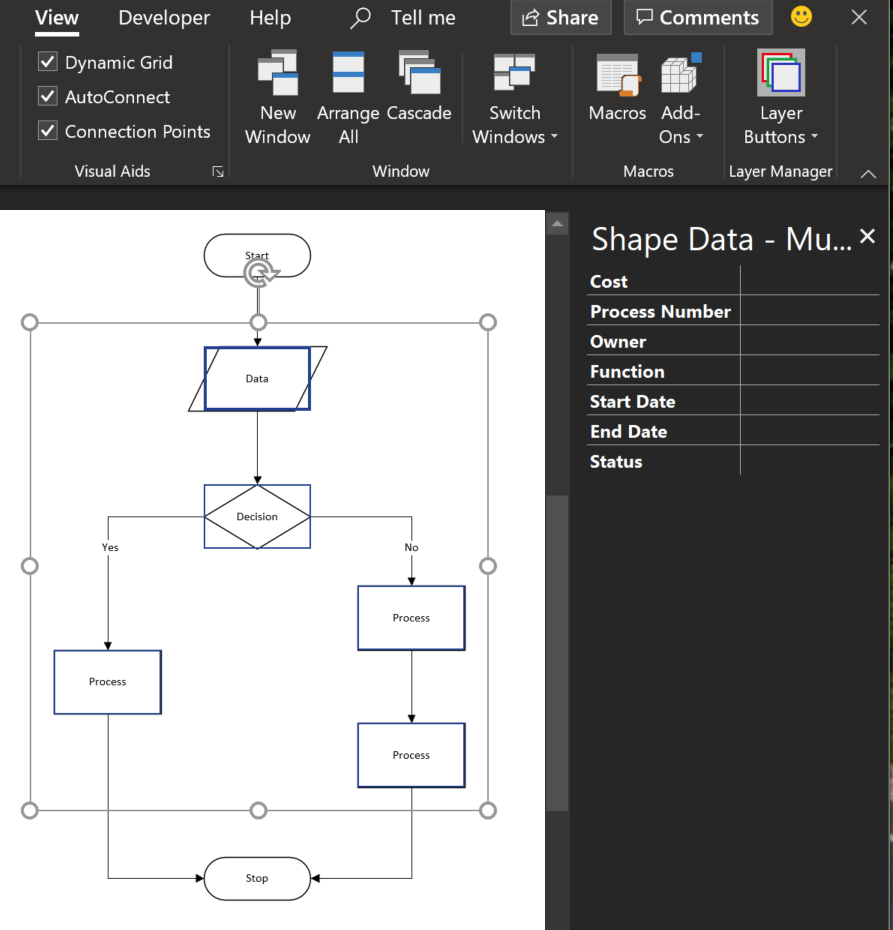
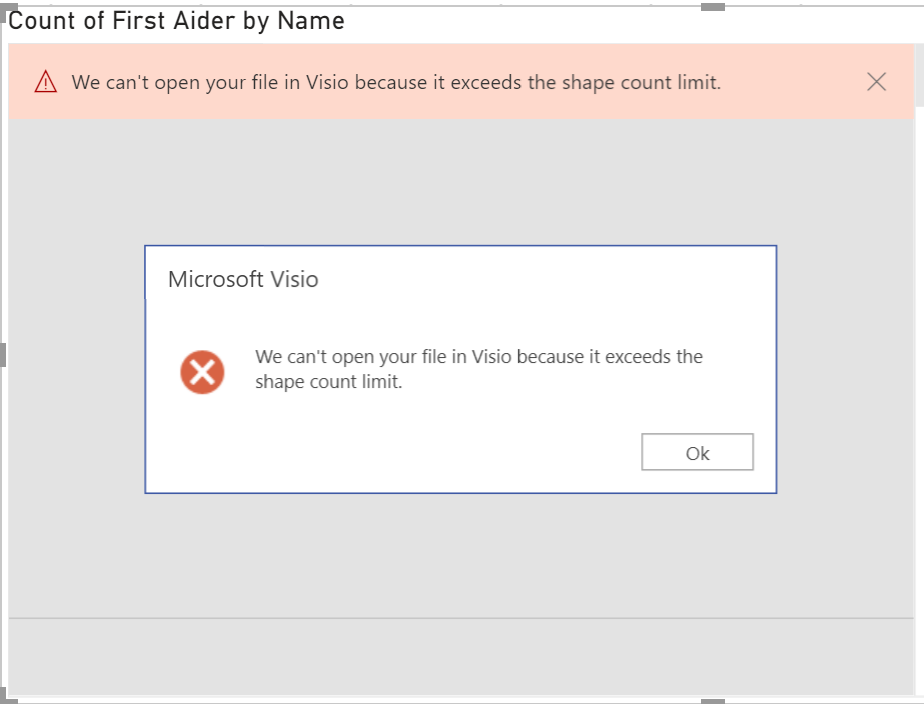
Overcoming ‘We can’t open your file in Visio because it exceeds the shape count limit’ in Power BI
If you are one of the increasing number of Power BI users that have discovered that the Visio Visual gives you the great ability to include Visio diagrams in your dashboard, then you may have come across the following error, ‘We can’t open your file in Visio because it exceeds the shape count limit’ in Power BI’, when you try to embed a Visio document. This can be frustrating, but here is a deeper explanation of what is happening … and how you can usually overcome it.