• Skip to main content
  • Skip to primary sidebar
  • Skip to footer

bVisual

  • Home
  • Services
    • How Visio smartness can help your business
    • Visio visual in Power BI
    • Visio Consulting Services
    • Visio Bureau Services
    • Visio Training and Support Services
  • Products
    • Visio Shape Report Converter
    • SS Plus
    • LayerManager
    • visViewer
    • Metro Icons
    • Rules Tools for Visio
    • The Visio 2010 Sessions App
    • Multi-Language Text for Visio
    • Document Imager for Visio
    • multiSelect for Visio
    • pdSelect for Visio
  • Case Studies
    • Case studies overview
    • Using Visio in Education for GIS
    • Visualizing Construction Project Schedules
    • Visio Online Business Process Mapping
    • Nexans Visio Template
    • CNEE Projects, WorldCom
    • Chase Manhattan Bank
  • News
    • Recent news
    • News archive
  • Resources
    • Articles➡
      • ShapeSheet Functions A-Z
      • Comparing Visio for the Web and Desktop
      • Customising Visio Shapes for the Web App
      • Key differences between the Visio desktop and web apps
      • Using the Visio Data Visualizer in Excel
      • Using Visio in Teams
      • Creating Visio Tabs and Apps for Teams with SharePoint Framework (SPFx)
      • Designing Power Automate Flows with Microsoft Visio
      • Innovative uses of Visio Lists
    • Webcasts ➡
      • Visio in Organizations
      • My session and other Visio sessions at MSIgnite 2019
      • Power up your Visio diagrams
      • Vision up your Visio diagrams
      • The Visio 2010 MVP Sessions
    • Visio Web Learning Resources
    • Books➡
      • Visualize Complex Processes with Microsoft Visio
      • Mastering Data Visualization with Microsoft Visio
      • Microsoft Visio Business Process Diagramming and Validation
      • Visualizing Information with Microsoft Visio
  • Blog
    • Browse blog articles
    • Visio Power BI articles
    • Visio for Web articles
    • A history of messaging and encryption
  • About us
    • About bVisual
    • Testimonials
    • Bio of David Parker
    • Contact Us
    • Website Privacy Policy
    • Website terms and conditions
    • Ariba Network

Coding

Published on July 6, 2022 by David Parker

A Visio List Shape is also a Container

Structured diagrams have been around in Microsoft Visio since 2010 and I have always known that list shapes are a specialized container shape, however it still came as a surprise to me recently that a list shape can simultaneously act as a container shape!

There are a few examples of both container and list shapes in the Microsoft provided content in all versions of Visio desktop, and even in the subscription Visio for web. The most popular of these is the Cross-Functional Flowchart template which contains container shapes (the Swimlane and Separator shapes) within list shapes (Swimlane List and Phase List), which are within another container shape (CFF Container).

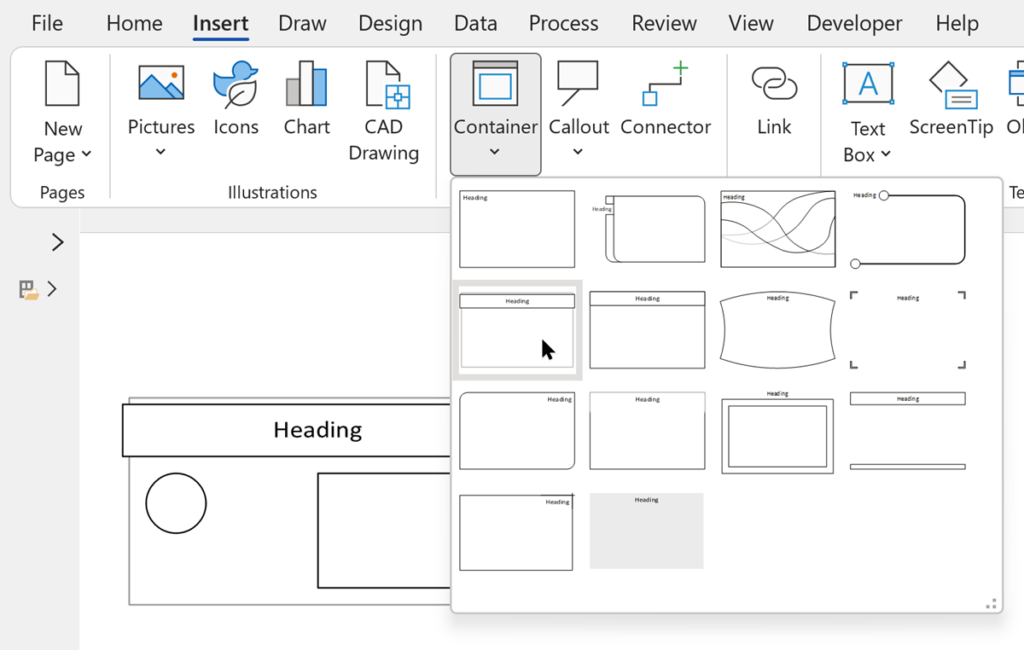
In Visio desktop, the Insert / Diagram Parts / Container allows you to choose from a number of pre-built container shapes. There is no button to insert a list shape, but you can create your own or easily modify one of the pre-built ones to behave as a list shape.

[Read more…] about A Visio List Shape is also a Container

Filed Under: Containers, Lists, Shape Design, Shape Reports, Uncategorized, VBA, Visio Tagged With: Containers, Lists, ShapeSheet Functions, Structured Diagrams, Visio

Published on June 4, 2021 by David Parker

Duplicating Visio Data Graphics

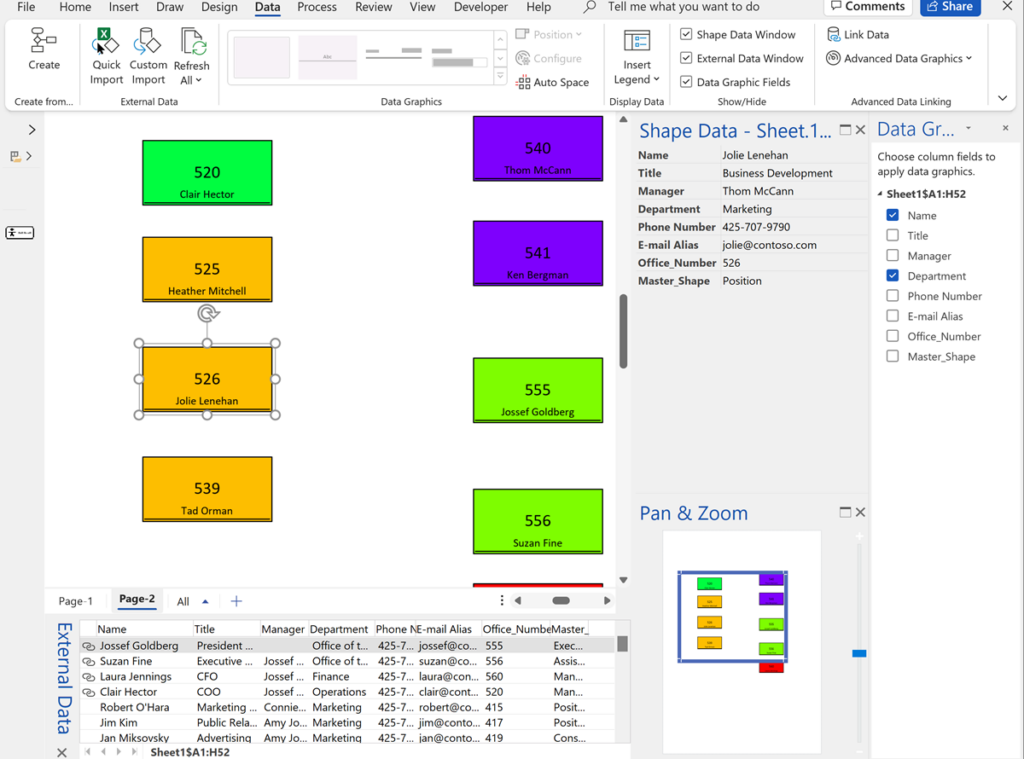
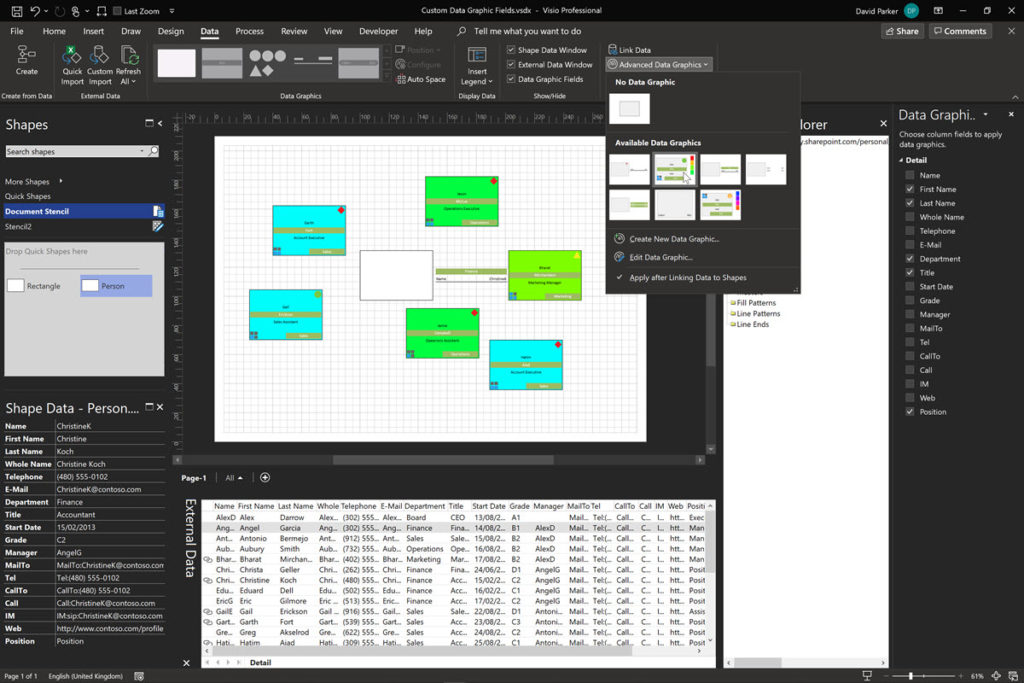
I was recently asked about switching between different Visio Data Graphics within a page, so I thought I should record a few short videos to explain how Visio Data Graphics work, how they can be edited and duplicated, and how to automate switching between them.

[Read more…] about Duplicating Visio Data Graphics

Filed Under: Data Graphics, VBA, Visio, Visio for Desktop Tagged With: Data Graphics, VBA, Visio

Published on June 2, 2021 by David Parker

Adding Macro Ribbon Buttons to Visio Documents from a Stencil

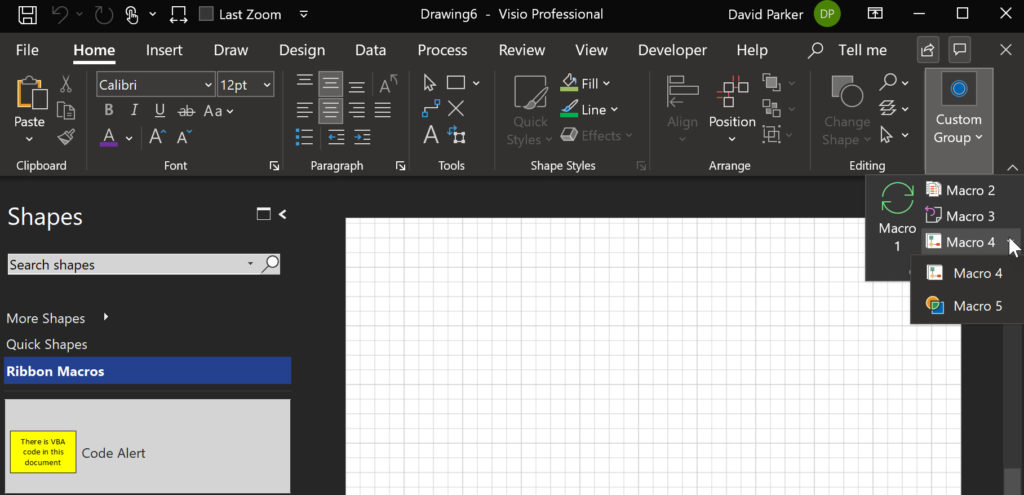
I wrote a post a few years ago entitled How to Run VBA Macros from a Ribbon Button in Visio 2010, and was recently asked how to add the custom buttons to an existing tab. Well, it got me thinking that I don’t really like having any VBA code in my Visio diagram documents, so I thought I would explain how all the code can be in a macro-enabled stencil so that it can be used with many different diagram documents. It turned out to be a very easy modification….

[Read more…] about Adding Macro Ribbon Buttons to Visio Documents from a Stencil

Filed Under: VBA, Visio, Visio for Desktop Tagged With: VBA, Visio

Published on March 5, 2021 by David Parker

Two Quote or Not Two Quote …

… that is the question!

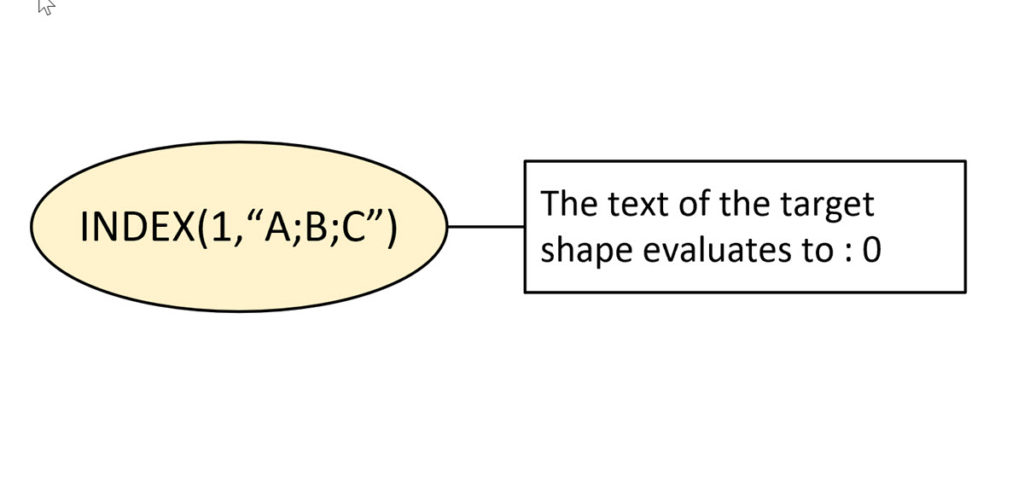
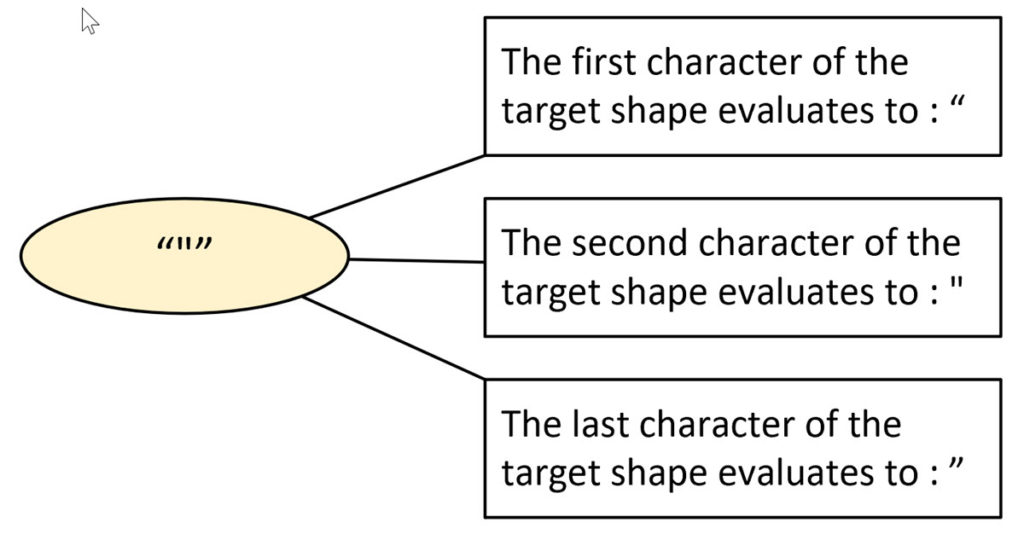
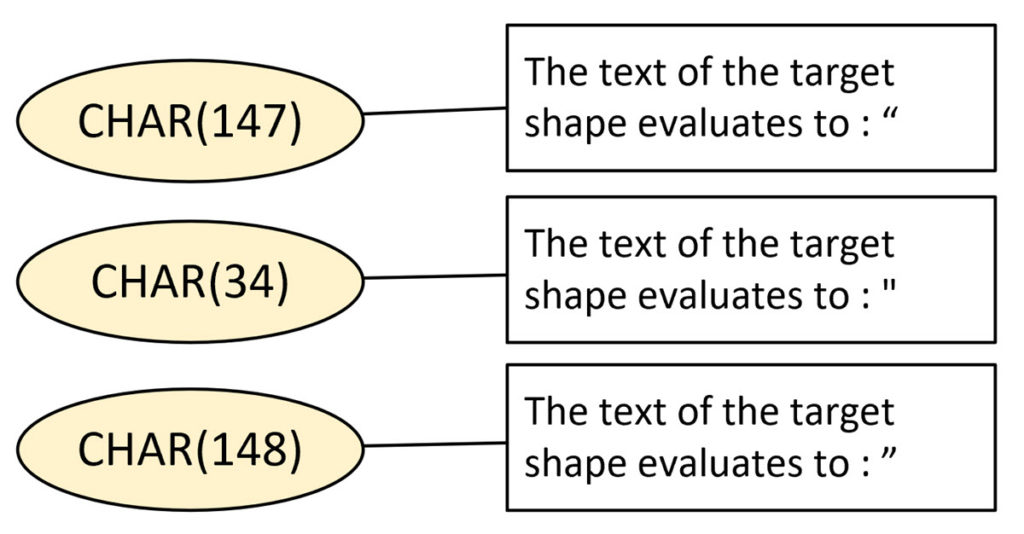
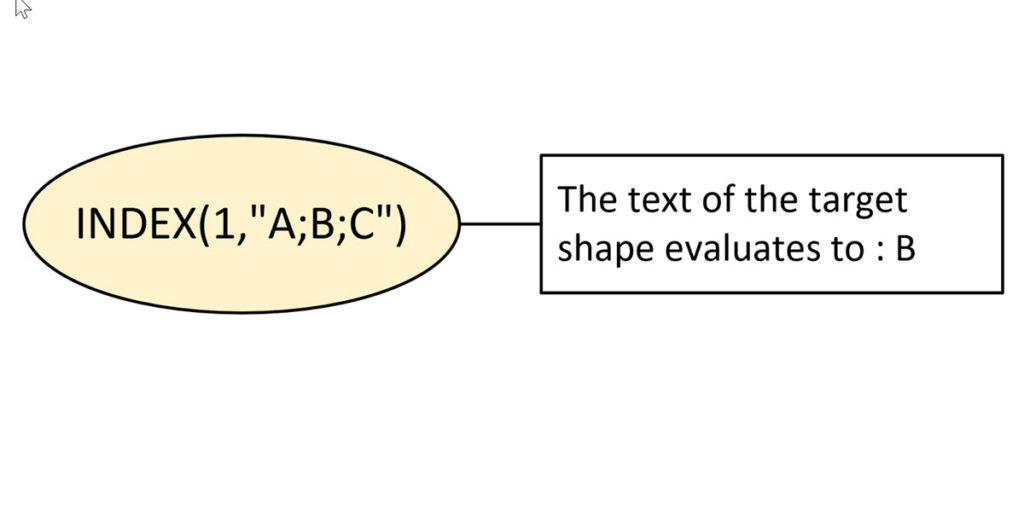
I have known for some time that it is safer to copy and paste code from the web into Notepad or similar, before copying and pasting that into my own code. It is not only new line characters that can be different but also the double-quotes. I recently noticed this when I was writing my series on Visio ShapeSheet Functions A-Z because I make copious use of the EVALTEXT(…) function, so I investigated further and found that there are different double-quotes used when typing text into a Visio shape or typing into a Visio ShapeSheet cell!

  • Text fails to evaluate with smart double-quotes
  • Three versions of double-quote
  • Evaluating the CHAR(…) function
  • Text evaluates with straight double-quotes
[Read more…] about Two Quote or Not Two Quote …

Filed Under: Coding, ShapeSheet Formulas, Visio Tagged With: ShapeSheet Functions, Visio

Published on March 3, 2021 by David Parker

Viewing Visio Document Changes in Git

Developing a Visio solution usually involves both .Net code and Visio ShapeSheet formulas. Good practice dictates that the source code is saved into a code repository, such as Git, where changes can be committed and commented. Visual Studio 2019 now includes native Git support, and can be linked to Azure DevOps easily. The code can be viewed by others and the changes made by commits can be reviewed. This is tried and tested for the .Net code, but any changes made to a Visio template, stencil or drawing document is a black box. If the Visio document is included in the Git project, then all that is visible is the fact that the file has been changed, but the detail of the actual changes are unknown. There may be some comments with the commit, but that is not a precise definition. So, what if there was a way to easily spot the changes?

  • Make a small change to a Visio master
  • It registers as a change in Git
  • Cannot see what actually changed in DevOps
[Read more…] about Viewing Visio Document Changes in Git

Filed Under: C#, DevOps, Git, Shape Design, ShapeSheet Formulas, Visio, Visio for Desktop Tagged With: DevOps, DotNet Core, Git, ShapeSheet, Visio

Published on January 2, 2021 by David Parker

Referencing Visio Shapes

Every Visio shape must have a unique name in the collection that it belongs to, and to ensure this, Visio automatically one using the master name or just “Sheet”, if not an instance of a master, followed by a period (“.”) and the ID. However, a user can rename a shape, and Visio will then also update the universal name (NameU) to be the same as the Name. If a user chooses to re-name a shape a second time, then thee universal name is not updated … it remains as the original name.

To demonstrate this I drew a rectangle, then named, and re-named it:

  • Shape is automatically named
  • The Name and NameU are the same
  • The Name and NameU are initially the same
  • The Name U remains unchnaged when Name changed again
[Read more…] about Referencing Visio Shapes

Filed Under: ShapeSheet Formulas, VBA, Visio Tagged With: ShapeSheet, ShapeSheet Functions, Visio

  • « Go to Previous Page
  • Page 1
  • Page 2
  • Page 3
  • Page 4
  • Page 5
  • Interim pages omitted …
  • Page 11
  • Go to Next Page »

Primary Sidebar

  • LinkedIn
  • Twitter

Recent Posts

  • Docked Stencils in Visio for the Web
  • My Visio Books and Old pre-C# Work
  • Migrating from Lucidchart to Visio?
  • Creating Boolean Context Menus in Visio
  • Installing Visio Templates and Stencils

Categories

Tags

Accessibility Add-Ins AdvancedInstaller Connectors Containers Data Export Data Graphics Data Import Data Visualizer Educational Excel GraphDatabase Hyperlinks Icon Sets JavaScript LayerManager Layers Legend Link Data to Shapes MSIgnite Office365 Org Chart PowerApps PowerBI PowerQuery Processes Setup and Deployment Shape Data Shape Design ShapeSheet ShapeSheet Functions SharePoint 2013 SQL Teams Validation VBA Video Visio Visio 2007 Visio for the desktop Visio for the Web Visio Online Visio Services Visio Viewer Webinar

Footer

bVisual Profile

The UK-based independent Visio consultancy with a worldwide reach. We have over 25 years experience of providing data visualization solutions to companies around the globe.

Learn more about bVisual

  • Amazon
  • E-mail
  • Facebook
  • LinkedIn
  • Twitter
  • YouTube

Search this website

Recent posts

  • Docked Stencils in Visio for the Web
  • My Visio Books and Old pre-C# Work
  • Migrating from Lucidchart to Visio?
  • Creating Boolean Context Menus in Visio
  • Installing Visio Templates and Stencils

Copyright © 2026 · Executive Pro on Genesis Framework · WordPress · Log in