• Skip to main content
  • Skip to primary sidebar
  • Skip to footer

bVisual

  • Home
  • Services
    • How Visio smartness can help your business
    • Visio visual in Power BI
    • Visio Consulting Services
    • Visio Bureau Services
    • Visio Training and Support Services
  • Products
    • Visio Shape Report Converter
    • SS Plus
    • LayerManager
    • visViewer
    • Metro Icons
    • Rules Tools for Visio
    • The Visio 2010 Sessions App
    • Multi-Language Text for Visio
    • Document Imager for Visio
    • multiSelect for Visio
    • pdSelect for Visio
  • Case Studies
    • Case studies overview
    • Using Visio in Education for GIS
    • Visualizing Construction Project Schedules
    • Visio Online Business Process Mapping
    • Nexans Visio Template
    • CNEE Projects, WorldCom
    • Chase Manhattan Bank
  • News
    • Recent news
    • News archive
  • Resources
    • Articles➡
      • ShapeSheet Functions A-Z
      • Comparing Visio for the Web and Desktop
      • Customising Visio Shapes for the Web App
      • Key differences between the Visio desktop and web apps
      • Using the Visio Data Visualizer in Excel
      • Using Visio in Teams
      • Creating Visio Tabs and Apps for Teams with SharePoint Framework (SPFx)
      • Designing Power Automate Flows with Microsoft Visio
      • Innovative uses of Visio Lists
    • Webcasts ➡
      • Visio in Organizations
      • My session and other Visio sessions at MSIgnite 2019
      • Power up your Visio diagrams
      • Vision up your Visio diagrams
      • The Visio 2010 MVP Sessions
    • Visio Web Learning Resources
    • Books➡
      • Visualize Complex Processes with Microsoft Visio
      • Mastering Data Visualization with Microsoft Visio
      • Microsoft Visio Business Process Diagramming and Validation
      • Visualizing Information with Microsoft Visio
  • Blog
    • Browse blog articles
    • Visio Power BI articles
    • Visio for Web articles
    • A history of messaging and encryption
  • About us
    • About bVisual
    • Testimonials
    • Bio of David Parker
    • Contact Us
    • Website Privacy Policy
    • Website terms and conditions
    • Ariba Network

ShapeSheet

Published on October 24, 2018 by David Parker

Fixing the Layers problem with Callouts in Visio

I recently re-discovered an issue with callouts in Visio for a couple of projects that I am working on, and so I had to find a fix. The problem is that the callouts become dis-associated from their target shapes if either the layer visibility of the callout or the target shape is toggled off, and then back on again. This will result in a diagram with shapes without any connected callouts, so moving any of the target shapes will not move their associated callouts with them! I initially came up with a workaround that involved some jiggery-pokery with sub-shapes and layers, but it seems that the problem could have easily been averted if Microsoft had incorporated one specific User-defined Cell from the very start…


First, I should be clear which callouts I am talking about because the word has been used and abused over the years … This article refers to the callouts that are inserted from the Insert / Diagram Parts ribbon group. These are part of the Structured Diagrams concept that was introduced with Visio 2010.

[Read more…] about Fixing the Layers problem with Callouts in Visio

Filed Under: Callouts, Layers, Visio Tagged With: Callouts, ShapeSheet

Published on September 5, 2018 by David Parker

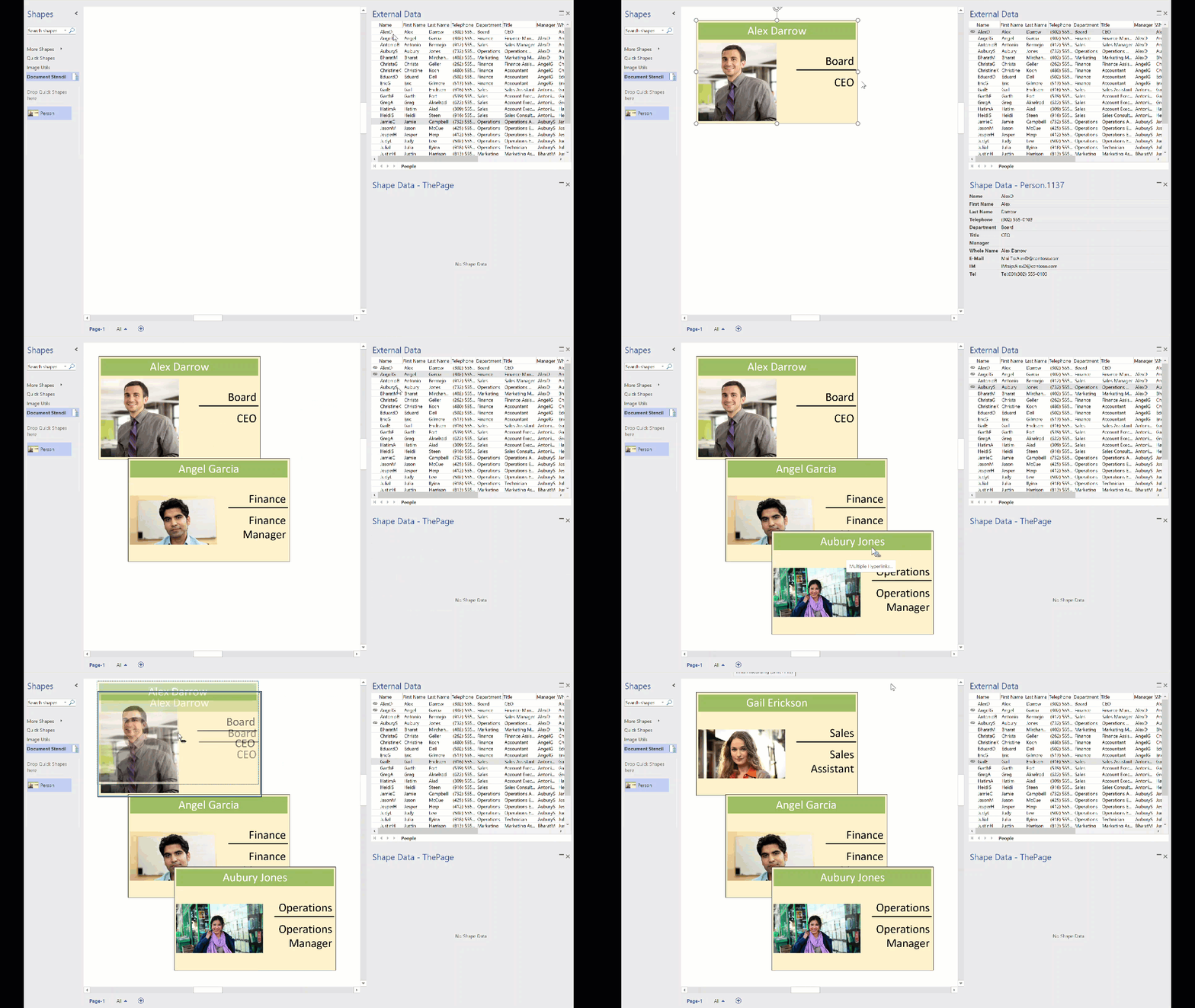
Temporary Fix for Data Refresh in Visio Click-2-Run

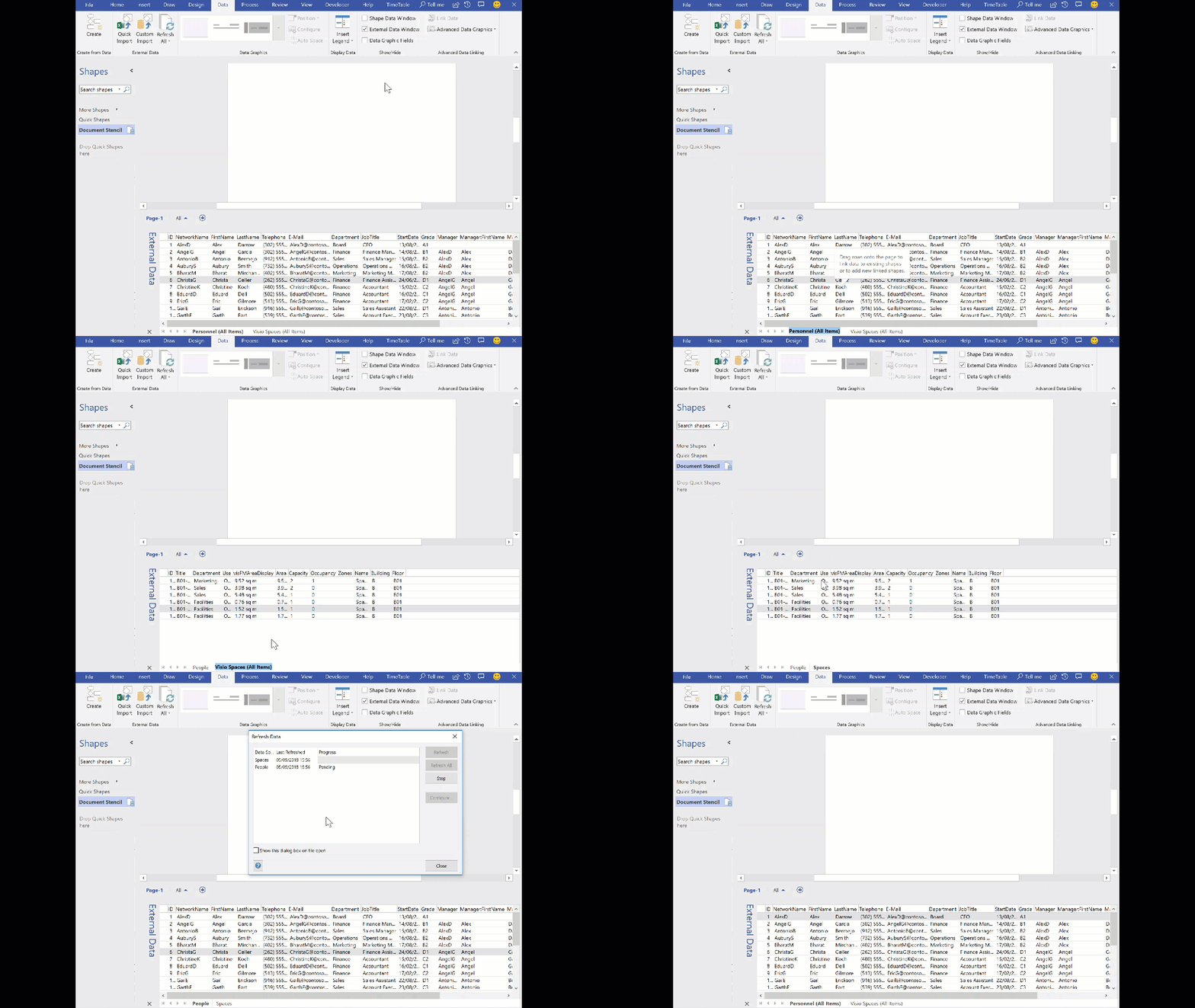
Visio is an enormous application with literally millions of lines of code, so it is inevitable that bugs creep in for time to time, and can lay dormant .. until you really need it! Such an incident happened to me during a project for a large organisation where the latest and greatest build and versions are held up by the internal IT departments until they are sure that there is absolutely nothing hidden inside. In this project, I was given a laptop with Visio Pro for Office 365 to work with … not a problem, even though that moniker already told me that this was a seriously out of date edition, since it has been called Visio Online Plan 2 for quite a while. Anyway, I developed a solution that relies heavily on linked SharePoint lists and document libraries, using a view. The automatic name of these views are very verbose, so I consistently renamed them. Also, I had the same SharePoint Document library view linked more than once, so that I could link multiple rows to shapes, so renaming was, and is, absolutely essential. Several weeks went by, and my solution was working fine, until one day last week, my colleague told me that the Data / Refresh All was failing for him, and for other users. A review of his laptop showed that his Visio version had been updated to build 1708 from 1609 and the refresh was reverting the carefully renamed data recordsets back to the underlying SharePoint view name. My own personal laptop, not the client’s, is at build number 1808, so I will get the real fix from Microsoft soon via the normal channel updates for Click-to-Run.

DataRefreshNameError
Data Refresh Name Error
[Read more…] about Temporary Fix for Data Refresh in Visio Click-2-Run

Filed Under: Office 365, SharePoint, Visio, Visio Online, Visio Pro for Office365 Tagged With: DataRecordset, ShapeSheet, VBA

Published on July 31, 2018 by David Parker

Enhancing the Built-In Containers in Visio

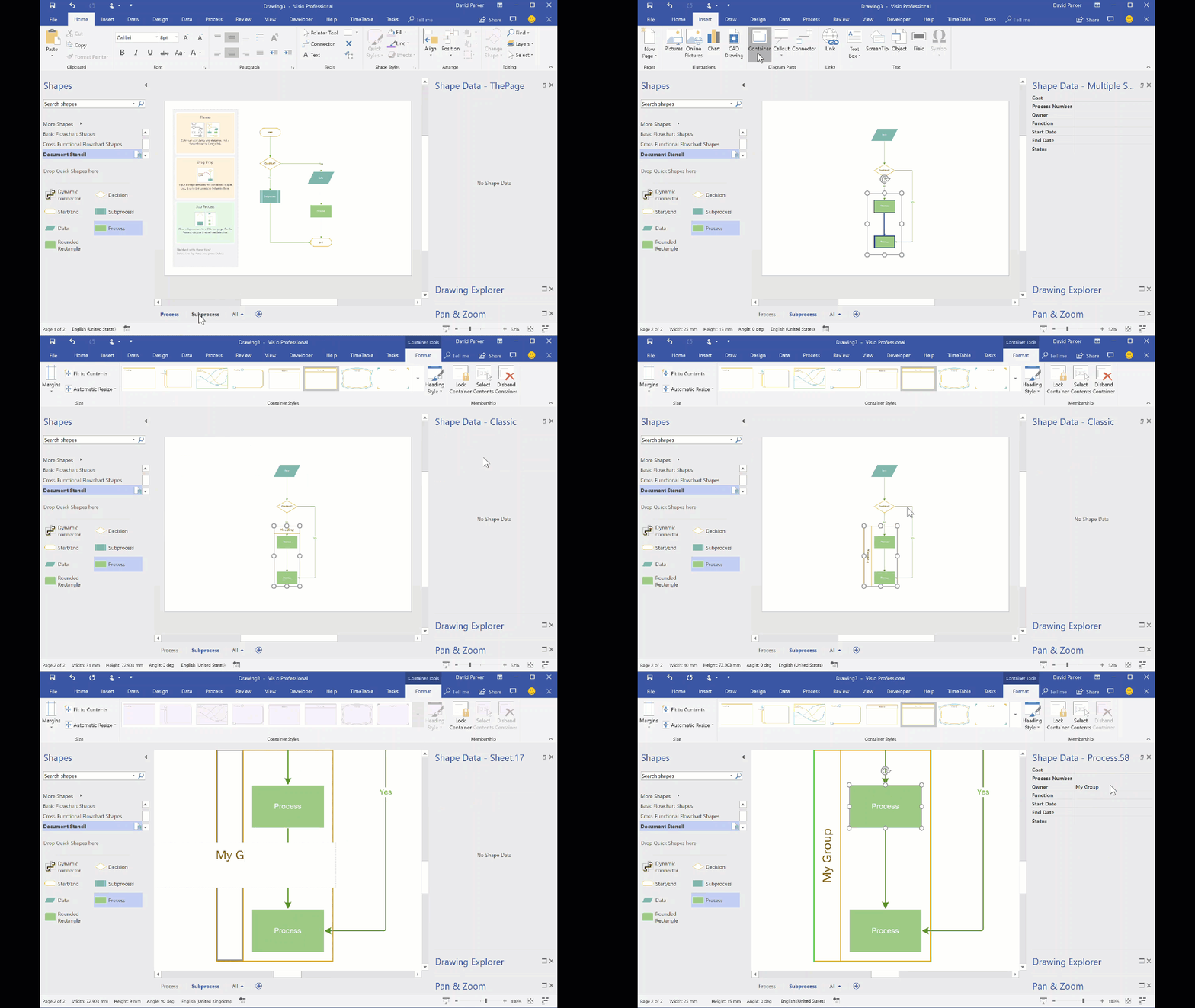
The concept of Structured Diagrams was introduced in Visio 2010 to provide core functionality for a variety of the templates in Visio, such as the Cross-Functional Flowchart, BPMN Diagram and Wireframe Diagram. This is primarily evident as Containers, Lists and Callouts and they can be customized (see Custom Containers, List and Callouts ), as shown in some of my previous articles ( see https://blog.bvisual.net/?s=container). One example of this extension can be found in all of the flowchart shapes that placed into a swimlane in a cross-functional flowchart. They have a Shape Data row, Function, that automatically inherits the text entered into the header of the swimlane. In another example, a Visio user can use Insert / Diagram Parts / Container to visually group other shapes together, and update the header text of the container. Well, I often do want my custom shapes to inherit the text of a container, so, in this article, I show how the built-in containers can be enhanced to provide this ability.

InheritingContainerText

You should be aware that I often exploit the fact that Visio creates a local copy of each master shape that it uses within a document. This can be modified and set to match master by name on drop, to ensure that it is the one to use, even if the original Microsoft provided version is used. In this case, I use this trick to create hidden, enhanced versions of the containers that are available in the gallery of containers. Microsoft also do this with the Dynamic connector shape in a number of their own templates.
If you examine the Function Shape Data row of any of the flowchart shapes, then you will find the formula:

[Read more…] about Enhancing the Built-In Containers in Visio

Filed Under: Containers, Process Flows, ShapeSheet Formulas, Visio, Visio 2016 Tagged With: Containers, ShapeSheet, ShapeSheet Functions

Published on April 17, 2018 by David Parker

Swapping Images in a Visio Shape

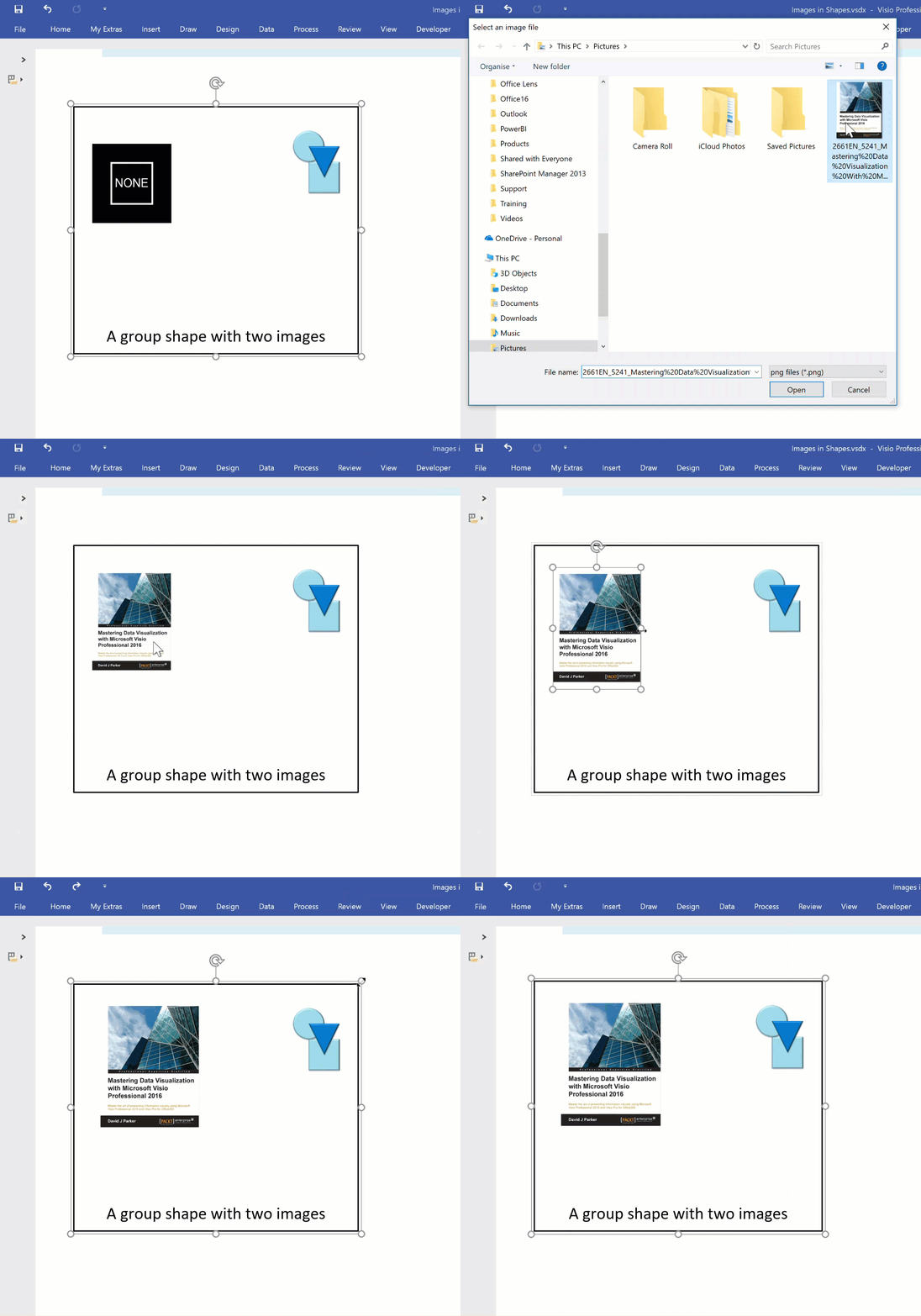
I often include images in Visio diagrams, and sometimes they are part of a group shape. There are times when I need to swap the image for another, and I want the correct width to height ratio for the new image to be applied, otherwise the image will be distorted. I recently realised that the Shape.ChangePicture() function in Visio actually returns this ratio which can then be applied to the shape cells so that the image is not distorted. Therefore I wrote some C# code (in LinqPad) to utilize this method to provide the option to change the image in a selected shape or sub-shape.

So, I wrote this function in C# to swap the image of the shape, and to apply the formulas to maintain its correct aspect ratio, even if the shape is subsequently resized.

ChangePicture
[Read more…] about Swapping Images in a Visio Shape

Filed Under: C#, Images, ShapeSheet Formulas, Visio, Visio 2016 Tagged With: Automation, ShapeSheet

Published on March 19, 2018 by David Parker

What is the difference between a line and a [dynamic] connector in Visio?

When I have reviewed some of the criticisms of connecting shapes in Visio on the web, it has been clear that some users have a misunderstanding about lines and connectors. It is not surprising really because the Microsoft Visio help documentation does not currently make the distinction clear. A connector shape is used to connect two shapes together, whereas a line is normally just a straight line. As usual with Visio though, this is not the whole story because a line can be used to connect two shapes together, and it can be turned into a dynamic connector. I will try to explain myself in this article.
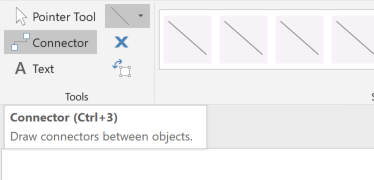
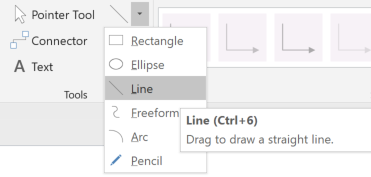
The normal way to connect two shapes together is to use the Connector tool (CTRL+3) on the Home / Tools  ribbon, and a line is drawn with the Line (CTRL+6) drop-down menu in the same ribbon group.

[Read more…] about What is the difference between a line and a [dynamic] connector in Visio?

Filed Under: Connectors, Visio, Visio 2016 Tagged With: Connectors, ShapeSheet

Published on February 13, 2018 by David Parker

Using JSON text in Visio shapes

I often create Visio masters with a fixed number of Shape Data rows, and sometimes I get requests to modify them because of changes in business needs. Well, my previous posts about Graph Databases got me thinking if it would be possible to embed JSON text in Visio shapes in some sort of meaningful way. Then the user could enter just attribute-value pairs at will, without the need for me to modify their master shape. Alternatively, the data could be inserted into the shape from a database, such as SQL server. So, in this article I discuss the suitability of JSON text in Visio shapes.

[Read more…] about Using JSON text in Visio shapes

Filed Under: Graph Database, JSON, Shape Data, ShapeSheet Formulas, SQL Server, Visio, Visio 2016 Tagged With: GraphDatabase, JSON, Shape Data, ShapeSheet

  • « Go to Previous Page
  • Page 1
  • Interim pages omitted …
  • Page 4
  • Page 5
  • Page 6
  • Page 7
  • Page 8
  • Go to Next Page »

Primary Sidebar

  • LinkedIn
  • Twitter

Recent Posts

  • Migrating from Lucidchart to Visio?
  • Creating Boolean Context Menus in Visio
  • Installing Visio Templates and Stencils
  • Creating a Dynamic connector master automatically
  • A visual exploration of Penrose Tiling in Visio

Categories

Tags

Accessibility Add-Ins AdvancedInstaller Connectors Containers Data Export Data Graphics Data Import Data Visualizer Educational Excel GraphDatabase Hyperlinks Icon Sets JavaScript LayerManager Layers Legend Link Data to Shapes MSIgnite Office365 Org Chart PowerApps PowerBI PowerQuery Processes Setup and Deployment Shape Data Shape Design ShapeSheet ShapeSheet Functions SharePoint 2013 SQL Teams Validation VBA Video Visio Visio 2007 Visio for the desktop Visio for the Web Visio Online Visio Services Visio Viewer Webinar

Footer

bVisual Profile

The UK-based independent Visio consultancy with a worldwide reach. We have over 25 years experience of providing data visualization solutions to companies around the globe.

Learn more about bVisual

  • Amazon
  • E-mail
  • Facebook
  • LinkedIn
  • Twitter
  • YouTube

Search this website

Recent posts

  • Migrating from Lucidchart to Visio?
  • Creating Boolean Context Menus in Visio
  • Installing Visio Templates and Stencils
  • Creating a Dynamic connector master automatically
  • A visual exploration of Penrose Tiling in Visio

Copyright © 2026 · Executive Pro on Genesis Framework · WordPress · Log in