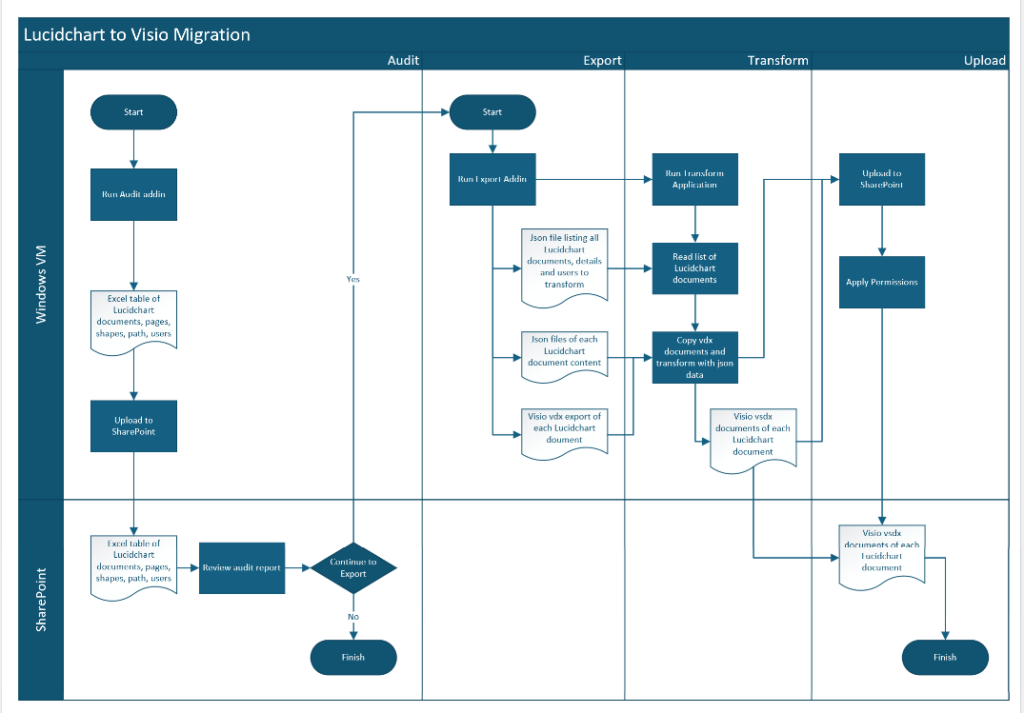
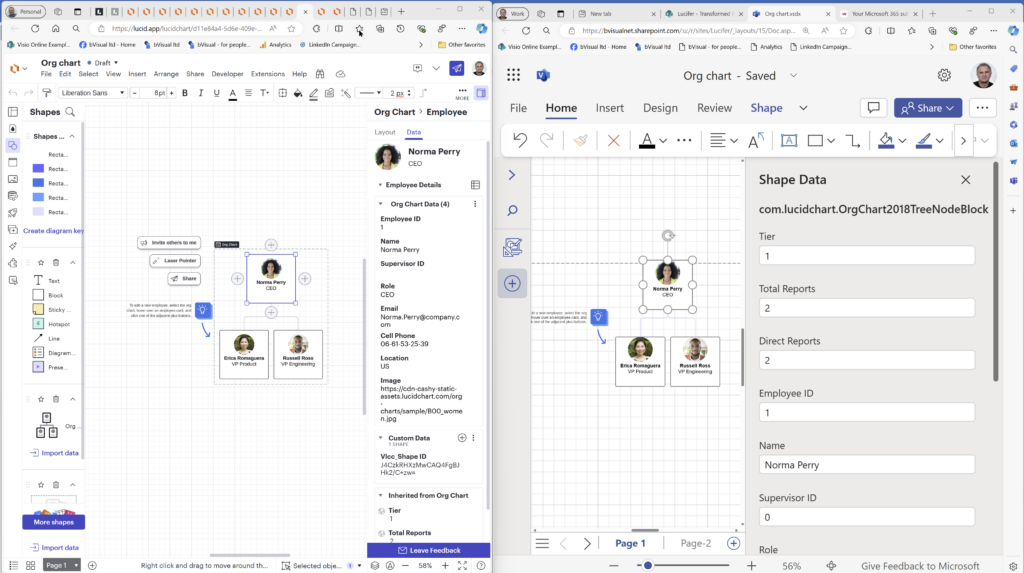
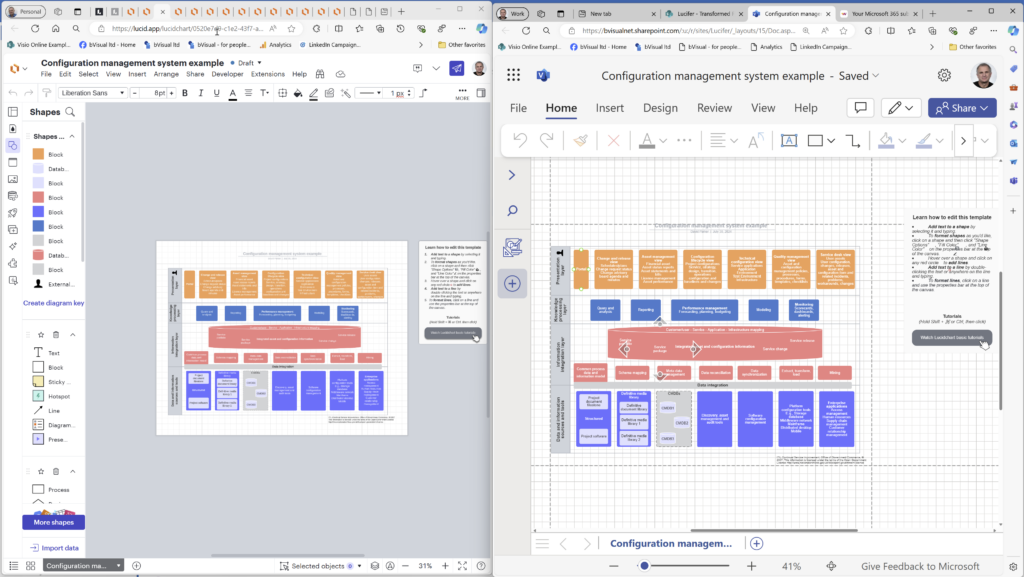
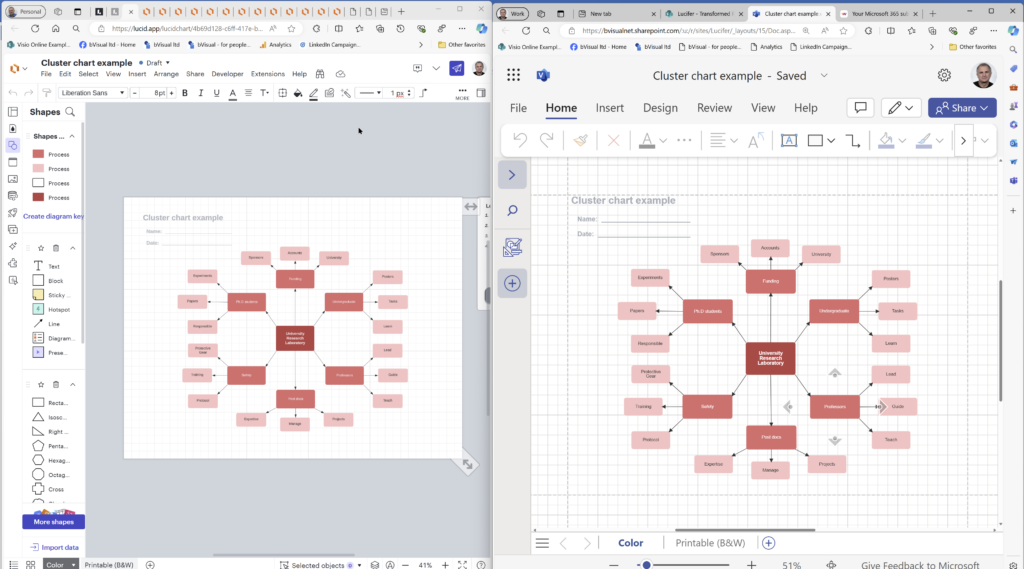
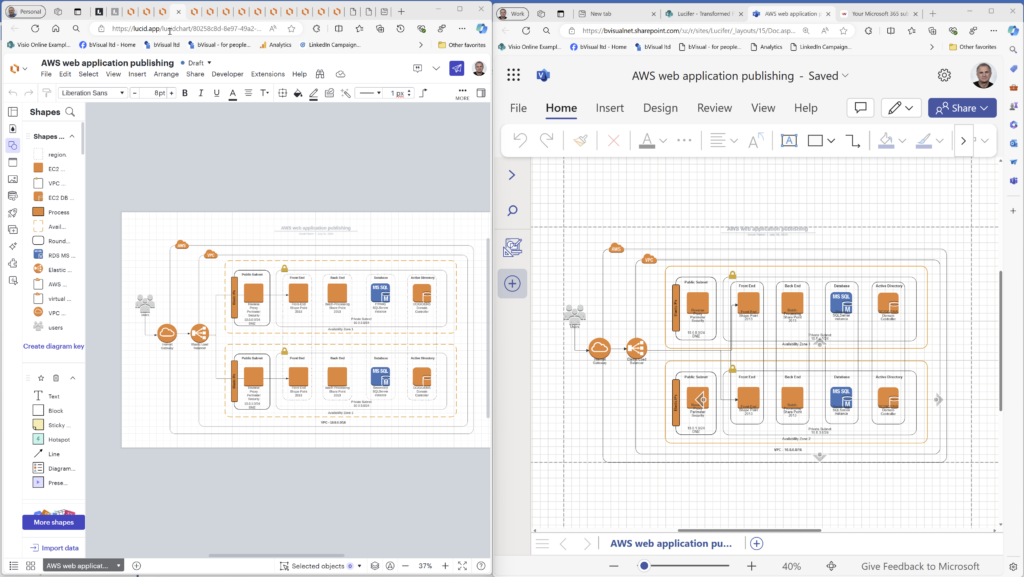
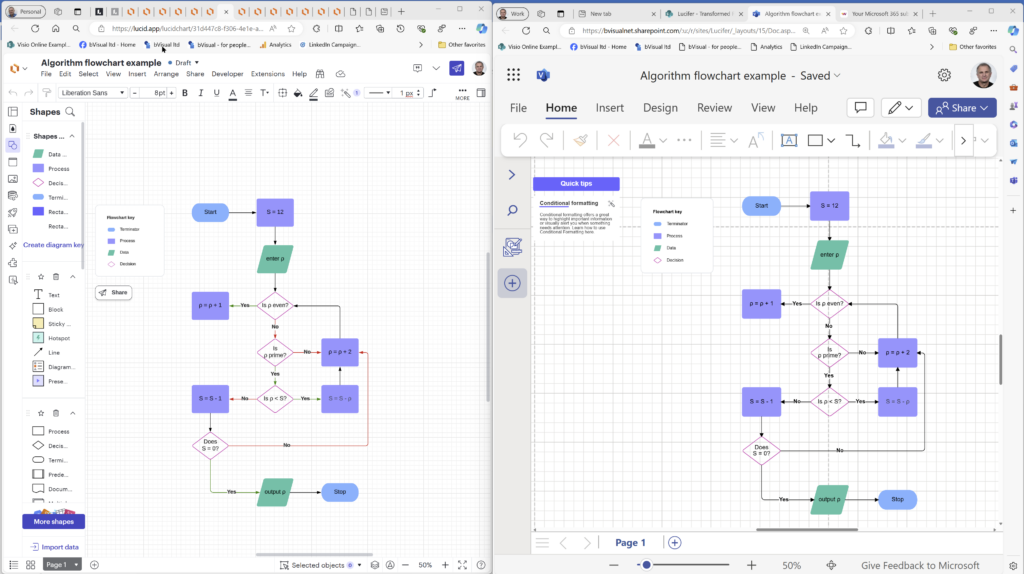
My fellow Visio MVP, Michel Laplane, and I recently converted and transformed 15k Lucidchart documents to Microsoft Visio for a large multi-national organization. This was approximately 4 years after they had moved from Visio to Lucidchart! I do not know the full reason behind these changes in technology, and I do not have a particular dislike of Lucidchart, but my passion is Visio, so I was willing to assist SohoDragon in this migration for their client. The Lucidchart application is solely a web-based diagramming system with the documents stored in AWS, so perhaps it does not fit easily within the corporate compliance architecture of Microsoft Azure, Teams and SharePoint. Microsoft Visio though has the same files for both the desktop and web editions, although there are some restrictions in the size and features of editing Visio document in the web. However, all the M365 users will have the ability to view and comment of the Visio documents that they have permission for. Visio Plan 1 or Plan 2 subscriptions will be required for editing the migrated documents because they have not been created with the templates provided in Visio for M365, and Visio documents which have any page with over a thousand shapes will currently only be editable in the Visio desktop edition. The Lucidchart documents needed to be audited, exported and transformed into Visio documents, and then uploaded to similar folders in SharePoint, where user permissions could be applied. We decided to use multiple secure Windows VMs to process the documents and then upload them to SharePoint before the VMs were deleted.