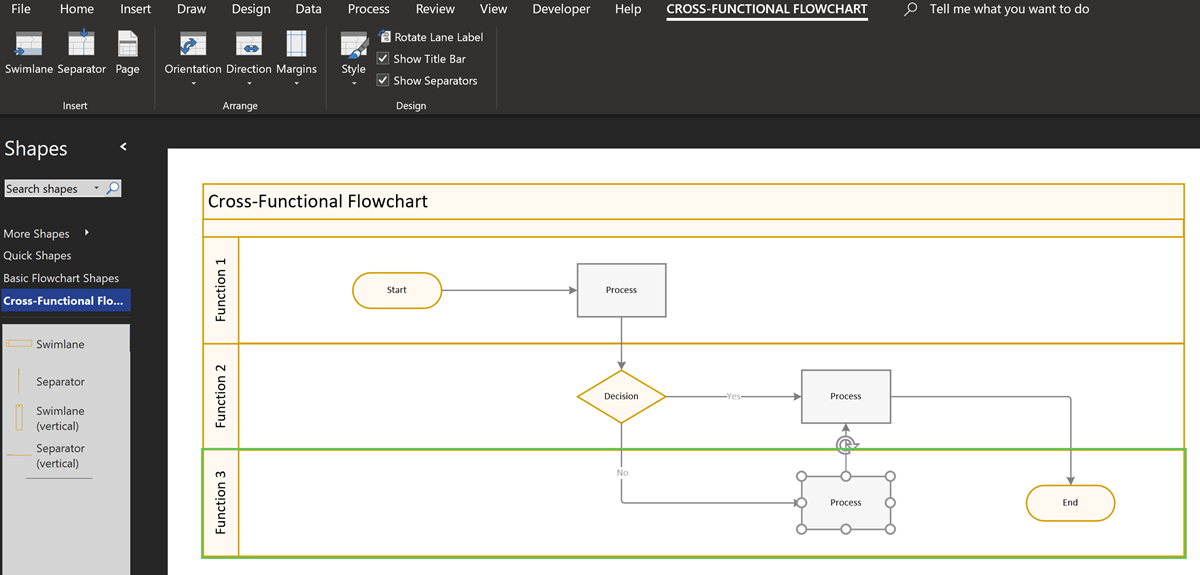
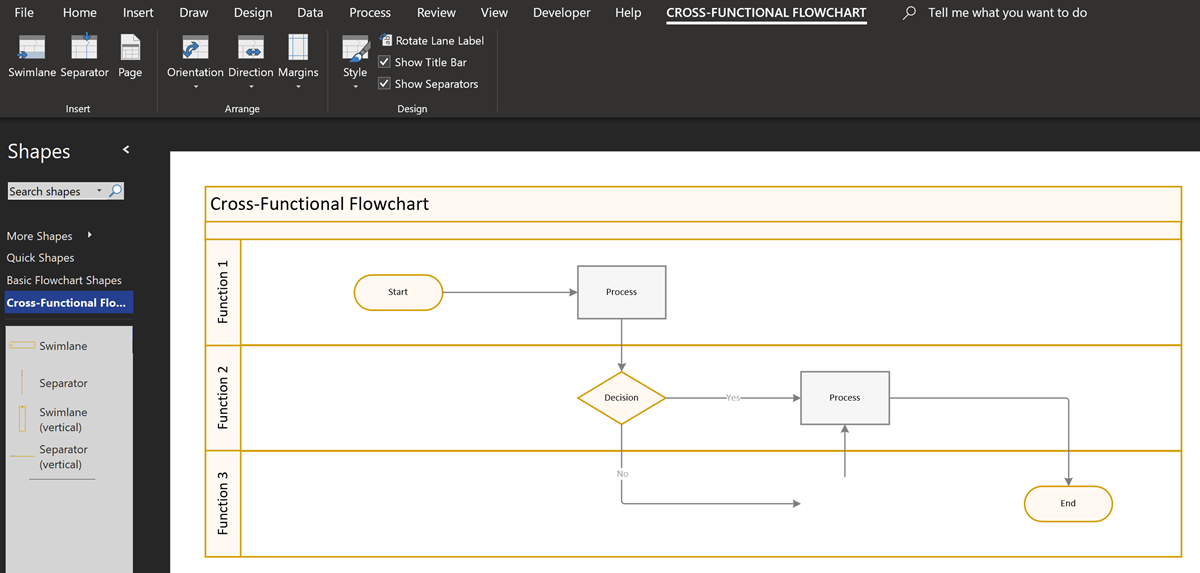
The concept of Structured Diagrams was introduced in Visio 2010 and is featured in many of the templates supplied with Microsoft Visio, and in some third-party solutions, like mine. Connectors, callouts, containers and lists are the key parts of a structured diagrams, and there are times when preventing the deletion of members of a container or list is desirable.
[Read more…] about Preventing Deletion of Container Members in VisioVisio
Webinar on Visio, SharePoint and Teams using SPFx
I will be presenting a webinar on embedding Visio diagram in SharePoint Online and Teams next month, please register here ! (Or if you missed it live, then watch the recording !)
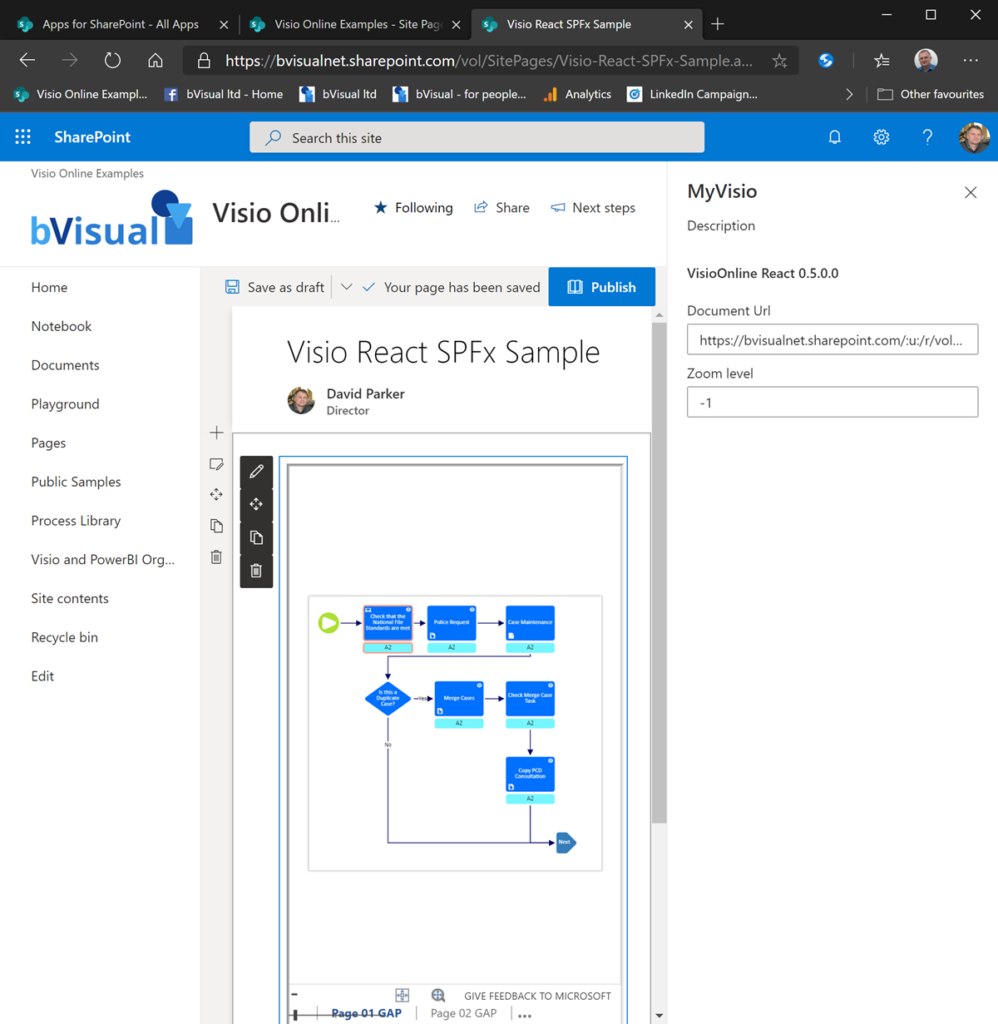
The slides are available at https://www.slideshare.net/bvisual/creating-a-visio-web-part-with-sharepoint-spfx
Related Posts
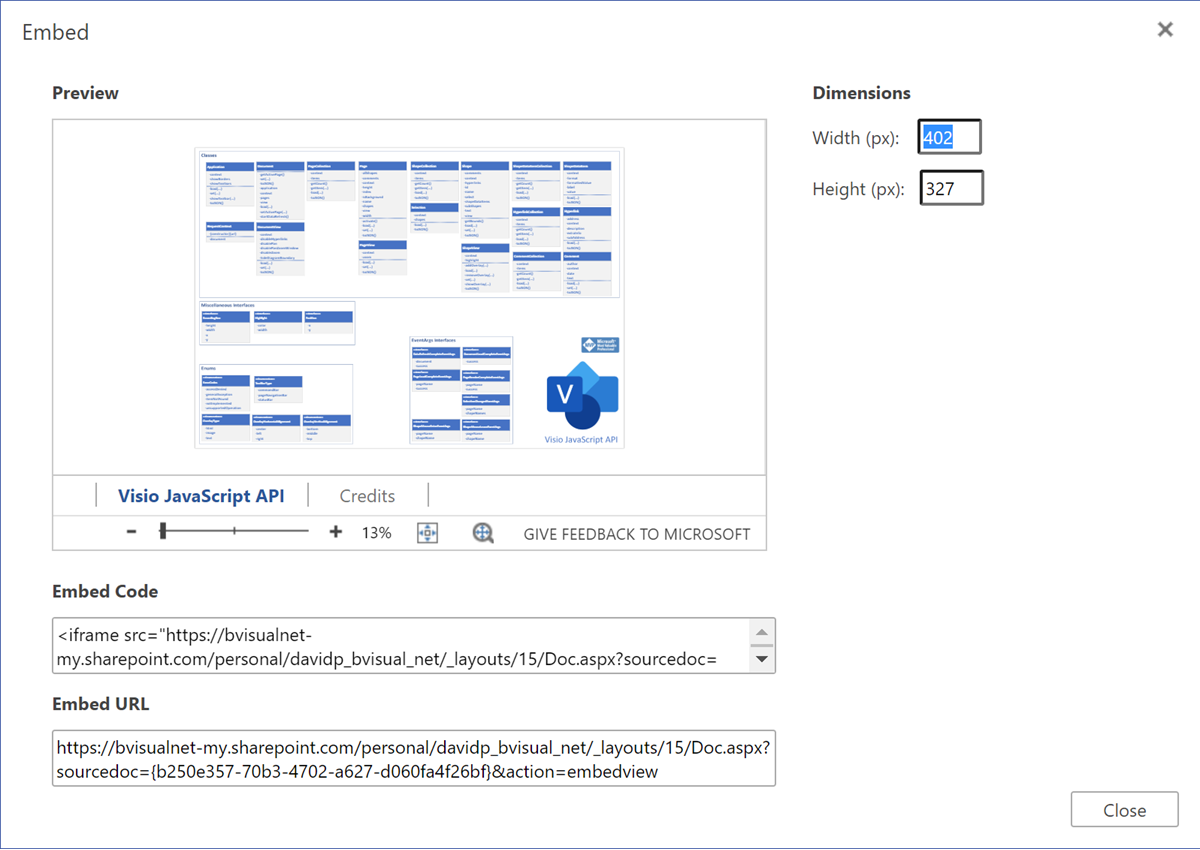
Viewing Visio Files in Public Websites
Some of my colleagues have asked me how I have managed to include Visio files into this public website, so I thought I would share my secret. Microsoft has kindly provided a File Viewer Web Part for use in SharePoint that appears to be useful in other websites too. If you view a Visio file…
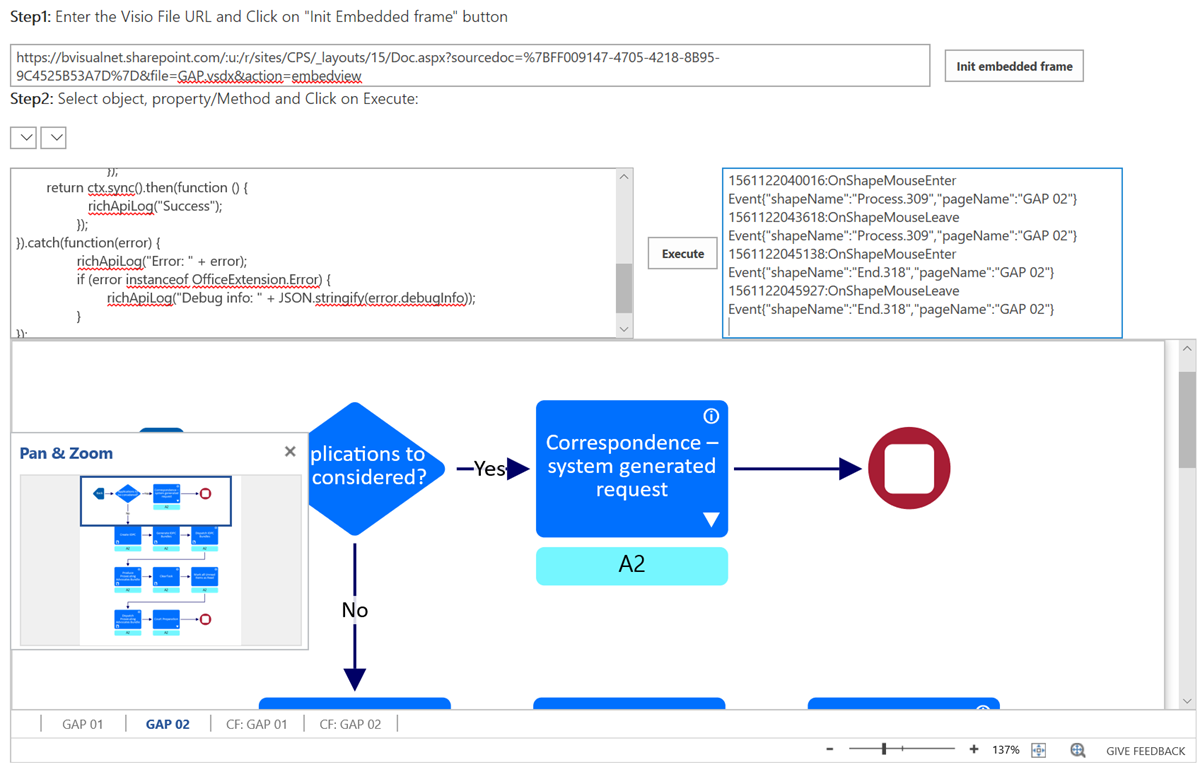
Triggering Shape Mouse Enter and Leave JavaScript events in Visio Online
learn why shape mouse enter and leave events may not fire in Visio for the web, and how to fix it.

Support for the Visio JavaScript API in SharePoint Modern Framework, and more
Visio Extensibility roadmap from Microsoft Ignite 2018
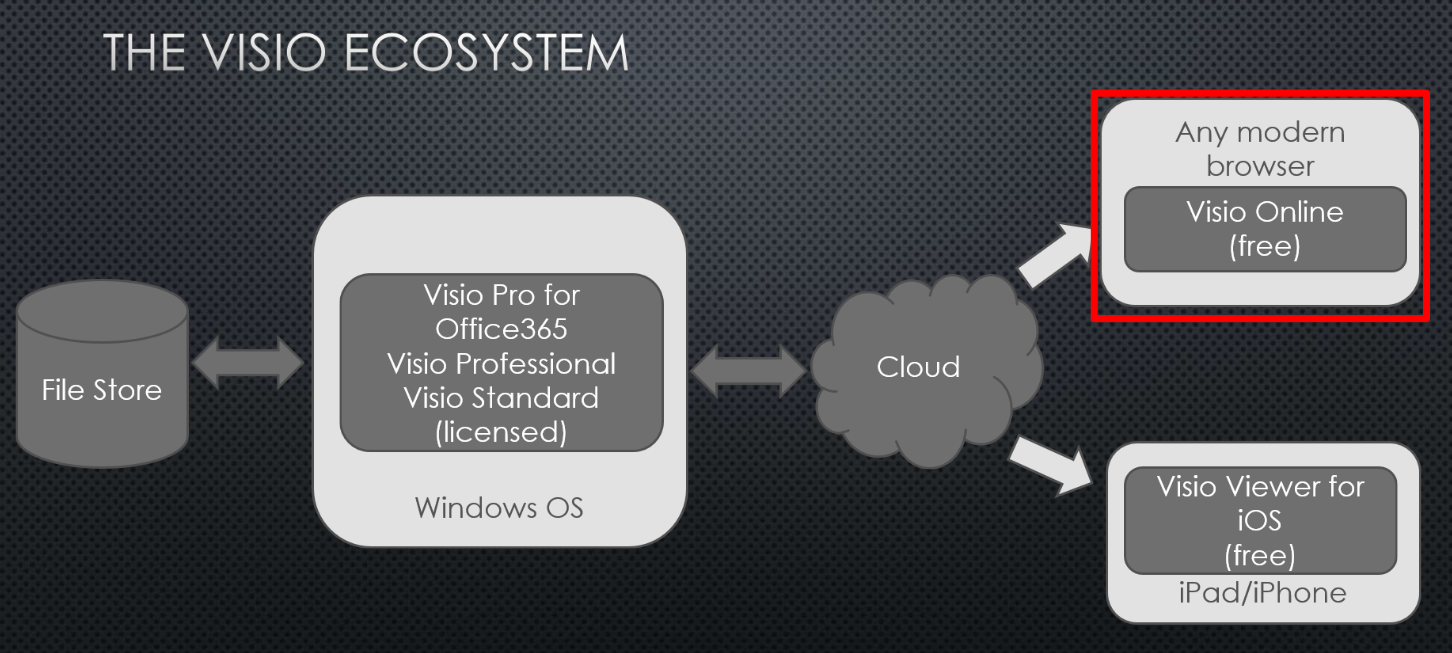
Visio JavaScript API preview announced
Microsoft have just announced the availability of the new Visio JavaScript Api ( see Visio JavaScript APIs Preview). I presented this last week at the Artic SharePoint Challenge in Oslo where a number of developers took the opportunity to create data-linked Visio diagrams in Visio, and interact with them in SharePoint. Here is an abbreviated…
Using JavaScript to Find and Highlight Visio Shapes by Shape Data values in SharePoint Content Editor
In August, I wrote about Using JavaScript to Display Visio Shape Data and Hyperlinks in SharePoint Content Editor ( see http://blog.bvisual.net/2014/08/16/using-javascript-to-display-visio-shape-data-and-hyperlinks-in-sharepoint-content-editor/ ), so now I have added the ability to select shapes by a property value. The main advantage of using JavaScript in the client is that there is no need to go back to…
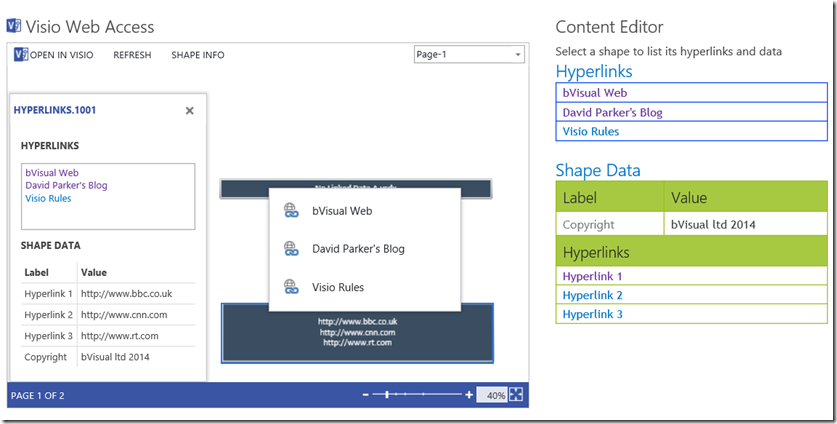
Using JavaScript to Display Visio Shape Data and Hyperlinks in SharePoint Content Editor
I like embedding Visio diagrams into SharePoint web pages, but I am not too enamoured with the Shape Info panel and the popup hyperlinks menu because they clutter the diagram surface. So, I thought I would take some time to make an html document that can be included in a Content Editor web part. This…
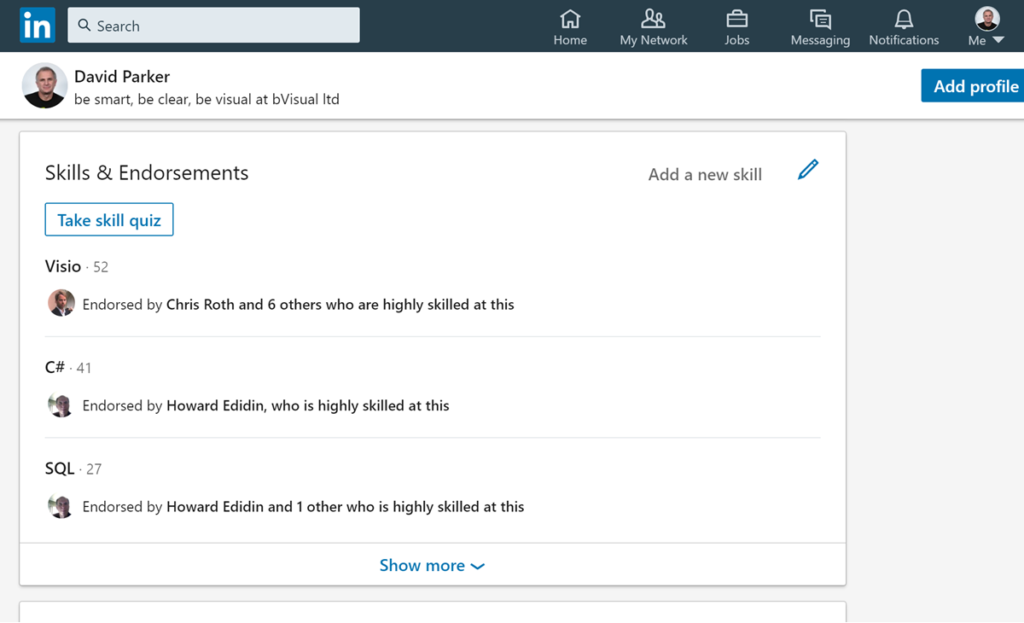
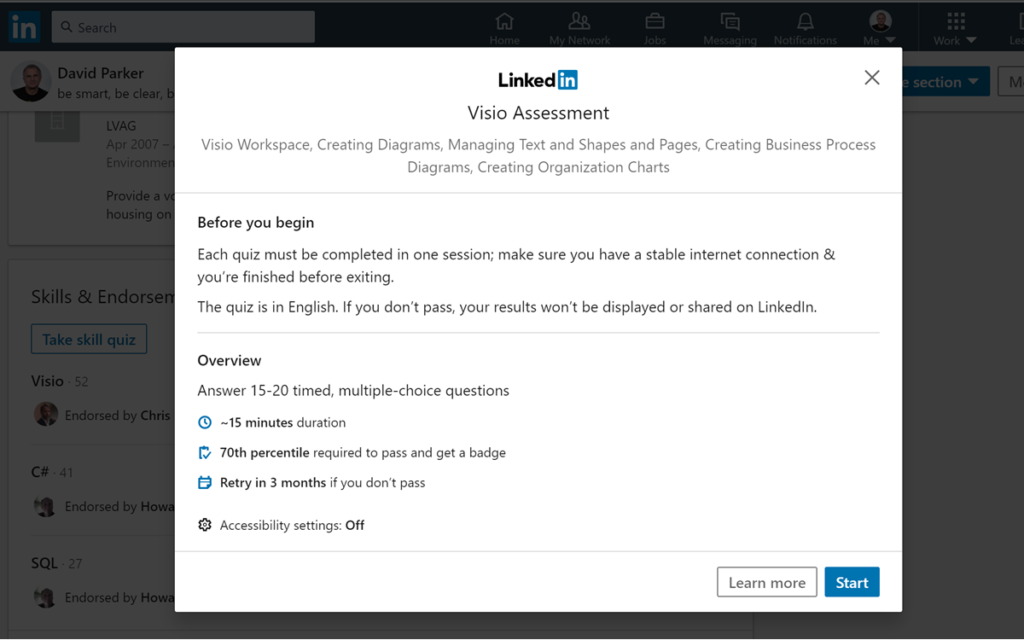
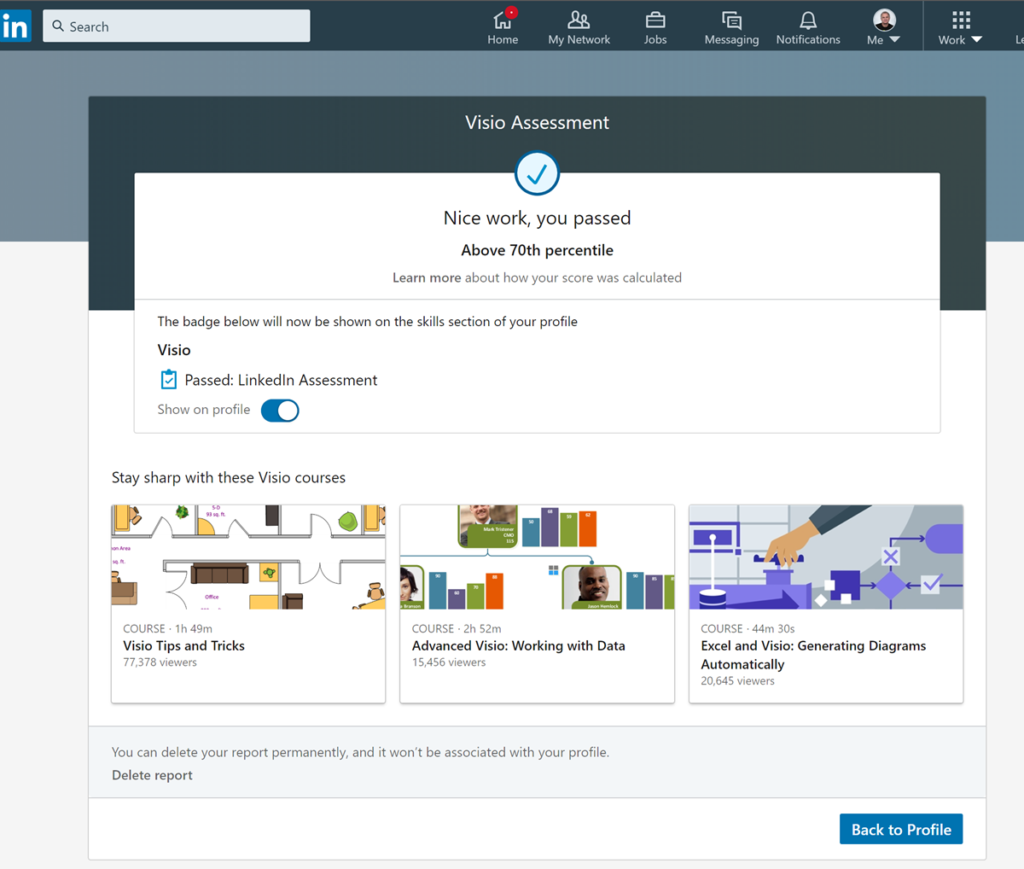
LinkedIn now has Visio Skills Assessment
Embedding Visio documents for public viewing
I have been asked by a colleague to publish my hack for enabling Visio files to be viewed by everyone with the Visio for the Web component in reading mode on this website, or indeed any other public web site. So, here goes ….
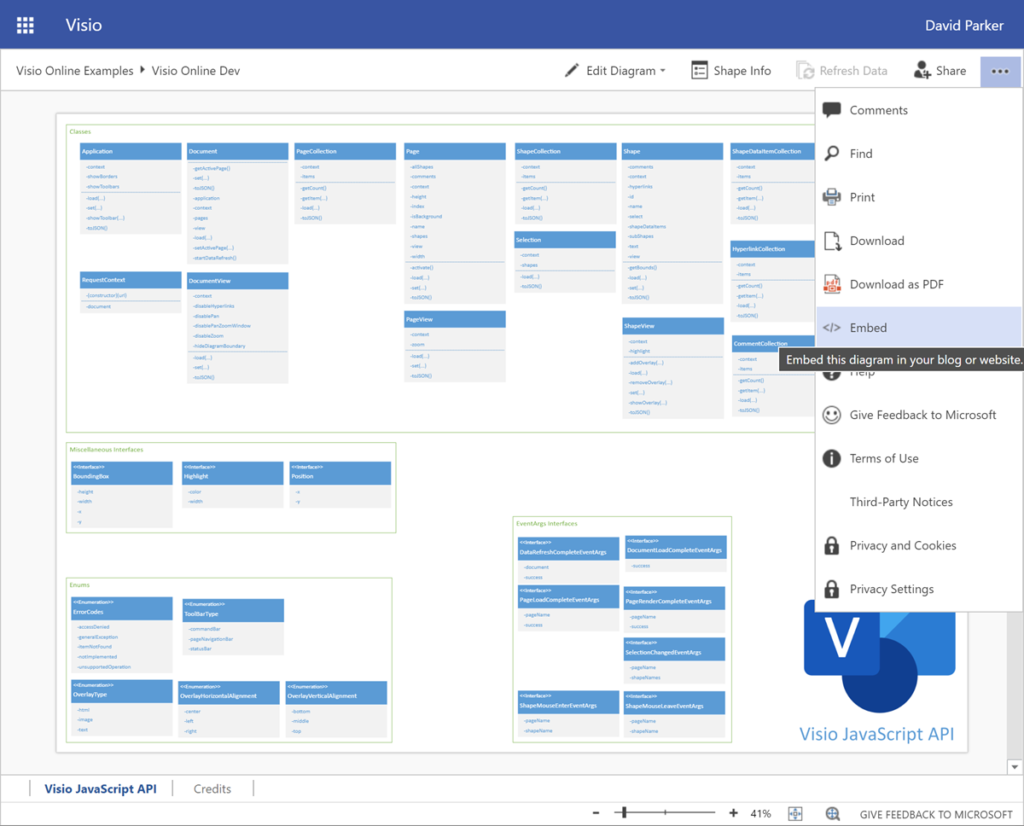
The first thing is to view the Visio file in an online browser. The file must be stored in OneDrive (or SharePoint Online if permission for guests available). The View online option is available from the right mouse menu of a selected Visio file, if viewing in Windows Explorer, or simply open the file, if listed in the browser. Note the “…” (More Commands) button in the top right corner.
My sessions at MS Ignite the Tour 2020 London
I was pleased to present two sessions at London ExCel last week about Visio. Attendance was good, maybe too good because some could not get close enough to hear. There was a lot of background noise, and my presentations were too long for the 15 minutes slot, but content was eagerly received.

I told everyone to download the slide decks, but I cannot find the link on the TechCommunity pages yet, so I have created my own links ….
[Read more…] about My sessions at MS Ignite the Tour 2020 LondonUsing Visio Org Chart Wizard to work with Exchange Online
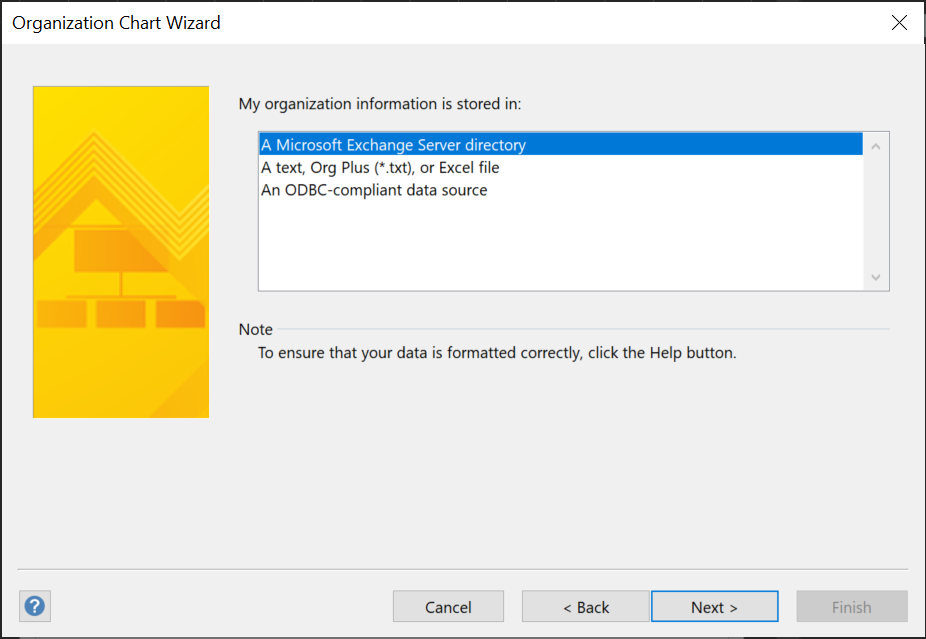
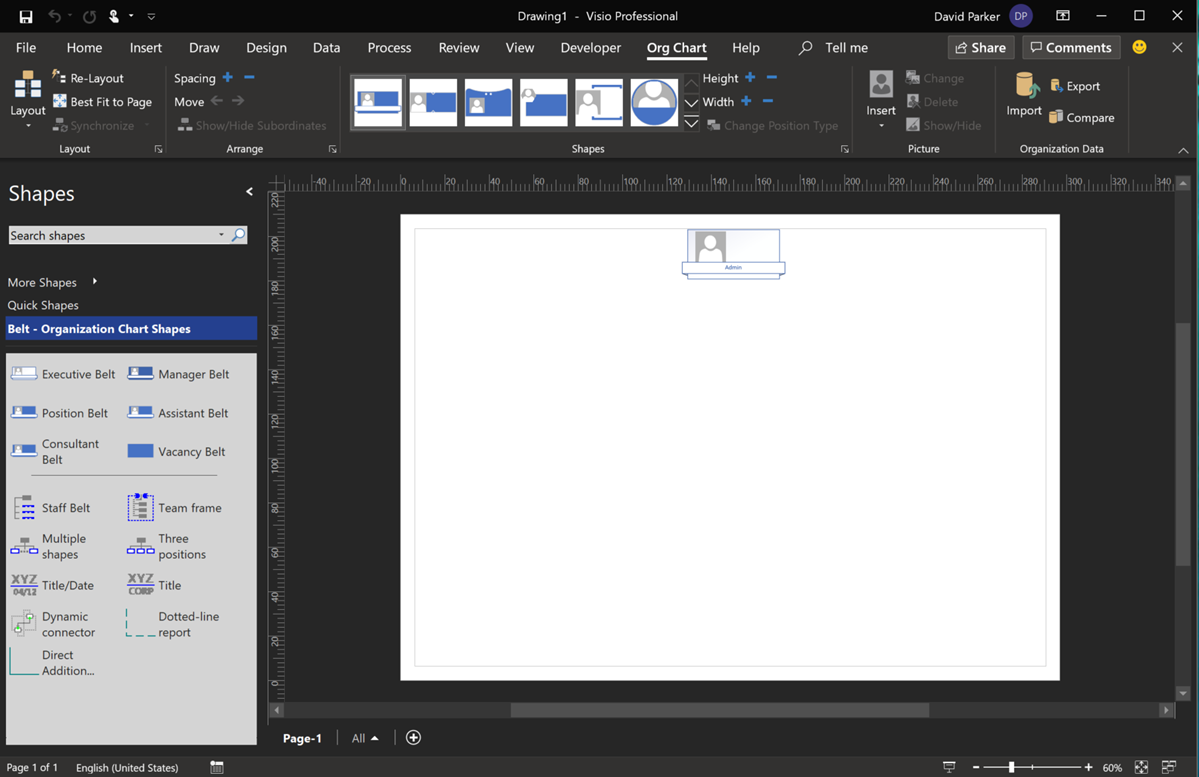
I have used the Microsoft Visio Organization Chart Wizard many, many times over the years, but I usually use it from text files, and I had been aware that I was not getting good results from the Microsoft Exchange Server directory option, now that I use Office 365. I was always getting just the first Personnel record (Admin). Well, I was prompted to find out why, and was amazed to find the answer by Winnie Liang in Creating Organizational Chart from AD Information.
[Read more…] about Using Visio Org Chart Wizard to work with Exchange Online