Visio desktop has multiple ways to specify the folder where docked stencils can be found, but, as far as I am aware, Visio for the Web only has one. I mostly create VSTO add-ins for Visio desktop, and I use Visio desktop as a studio for creating templates for Visio for the Web. Often, I leave the Document Stencil in the template open because users can then drag and drop from there, but when I create an installation with custom stencils then they normally go into the application folder, or a sub-folder of it. An alternative is to install them into the My Shapes folder in the users desktop Documents folder. These will appear in the Visio desktop UI. Also, there is the ability to set the Stencils folder using File | Options | Advanced | File Locations. Finally, the desktop edition will always first check the folder that the Visio document is in for any docked stencils. Visio for the Web does not have all these options, so how do you get any custom docked stencils to appear when you use Visio for the Web to edit a document?
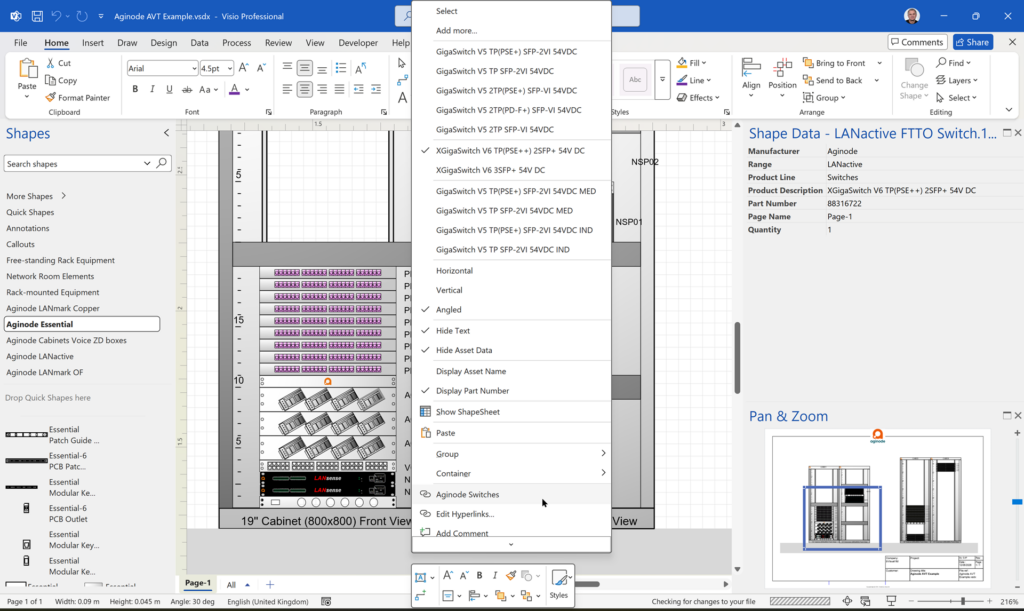
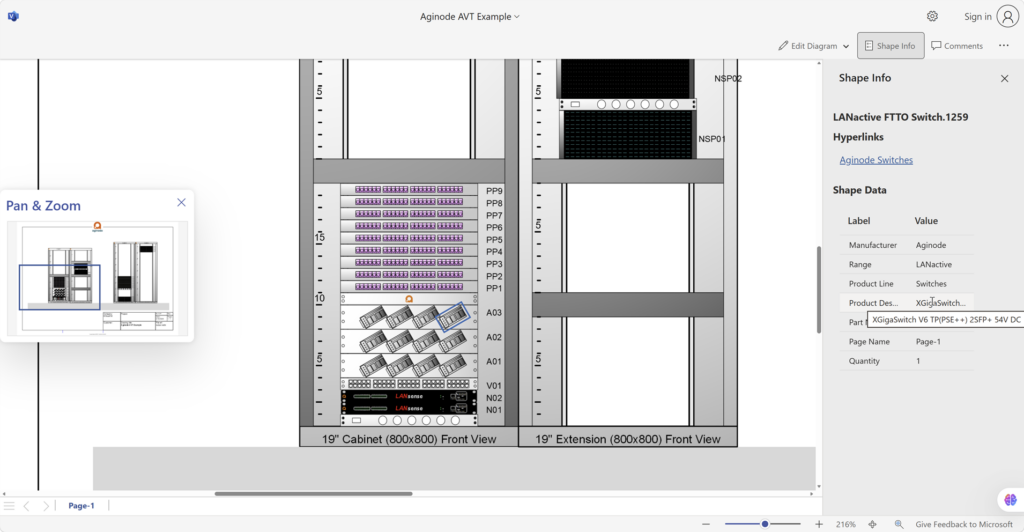


In the example above, I opened a Visio document my OneDrive for Business folder, and could see that it new that there were six custom stencils docked in the workspace, but could not display any of them. When I read the explanation of Couldn’t open stencil file, I assumed that the My Shapes folder needed to be a sub-folder of the Documents folder in OneDrive, but actually it needs to be created as a sub-folder of My files in OneDrive on SharePoint, which is directly under the OneDrive hive in desktop File Explorer.
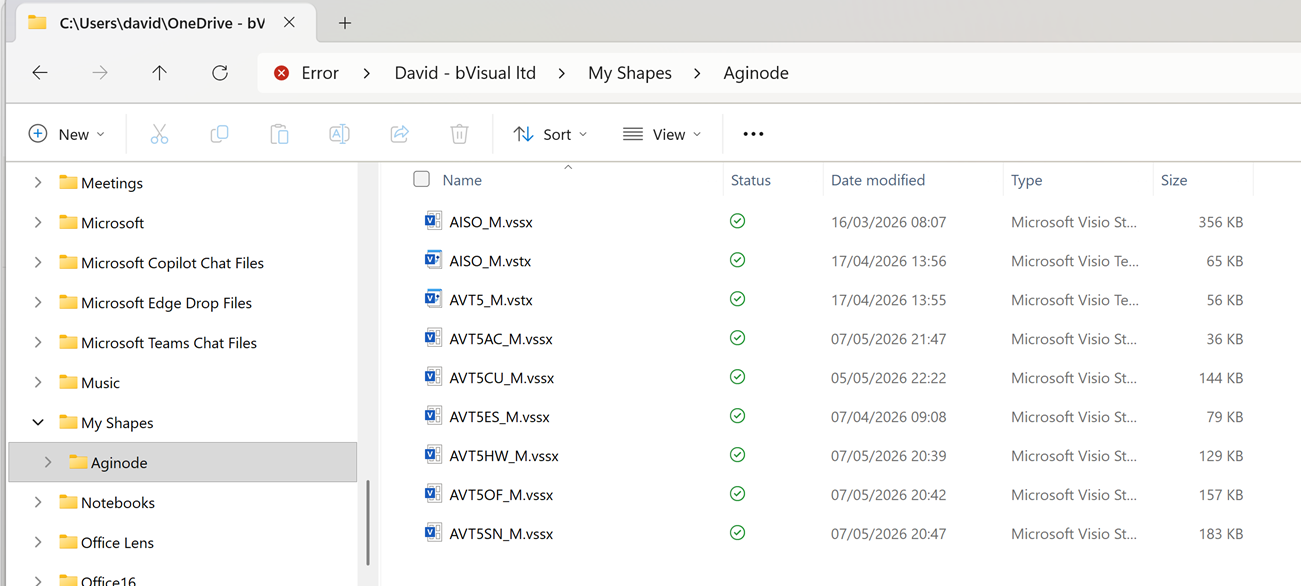

Happily, this will work if you open a Visio document from OneDrive or from SharePoint. I may need to look at adding this path to my installations…
Visio stencils are either Metric or US Units, and should match the measurement system of the Visio document that they are docked with. The stencils in the screenshots above are Metric, hence the “_M” suffix, and they have 8 character names because that used to be necessary for the Visio Solution Publisher in the Visio SDK which is used to provide longer names for display in the Visio desktop UI. Nowadays I use Advanced Installer’s Publish Components table. This means that that the Metric and US Units versions can appear to have the same name in the Visio UI. I wish that the Title of the Document Properties of the stencils are displayed in Visio for the Web, rather than the actual file name … and that the rendering of the master icons was better…
Related articles
Co-authoring and Commenting with Visio Documents
Microsoft Visio can be used in the web browser and on the desktop, but there are several licensing options available, so which ones can be used concurrently whilst supporting co-authoring and commenting? This article tests the various scenarios but assumes that the Visio documents are stored in OneDrive for Business or SharePoint Online\Teams. The Microsoft…
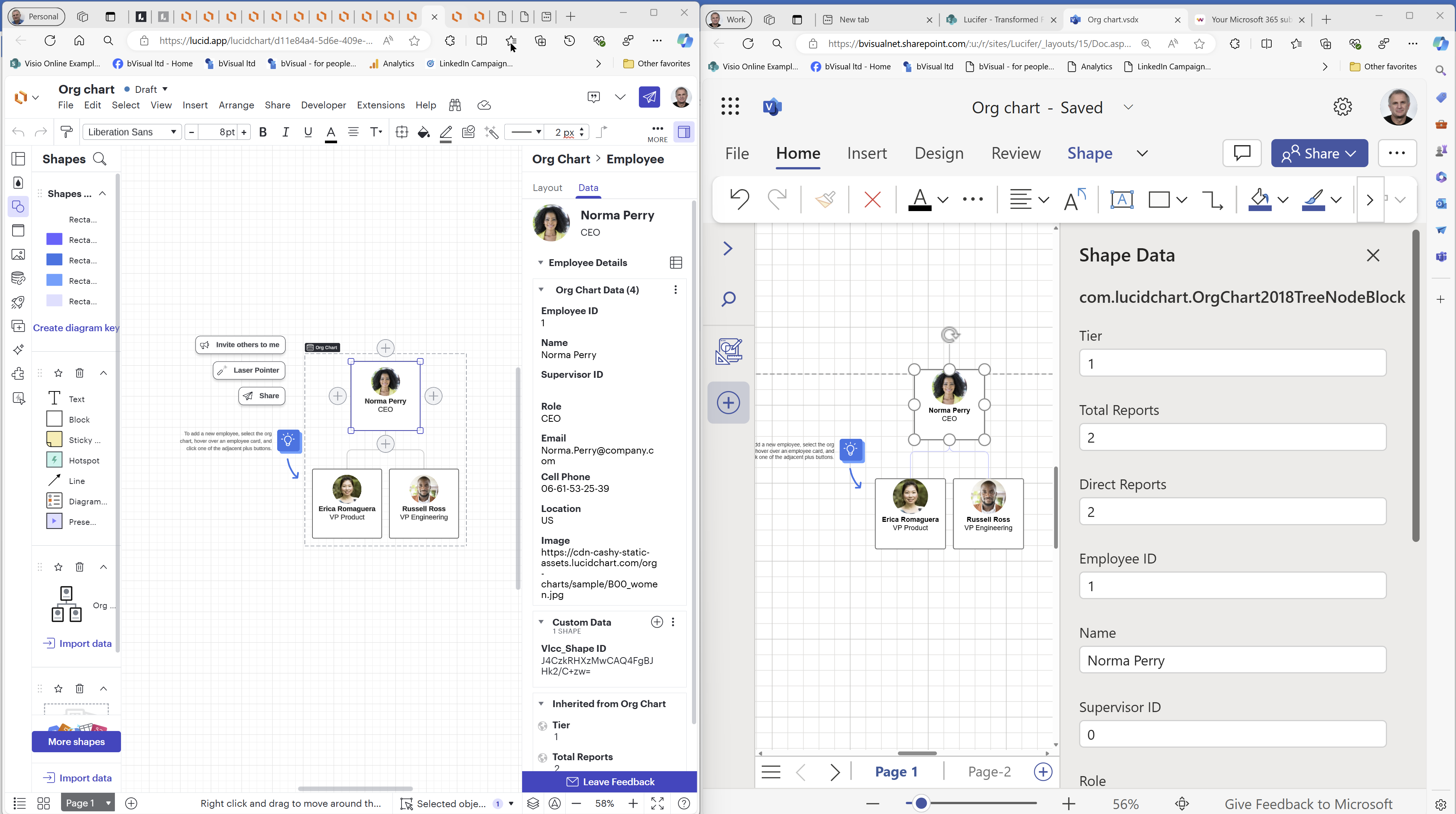
How to migrate from Lucidchart to Visio
I am pleased to announce that I will be presenting a webinar on Thursday 10th October 2024 where I will be demonstrating how to convert many types of diagrams from Lucidchart to Visio, and keep their smartness. Over the 30 years that I have been using and developing solutions with Visio, I have seen many…

My new book on Visualizing Processes with Microsoft Visio has launched
Back in the early 1990s, there was an application called ABC Flowcharter that was the market leader for diagramming business flowcharts, but some of the brains behind Aldus PageMaker saw an opportunity to create something smarter, and left to write the Visio product, with the stated aim to overtake ABC Flowcharter within 2 years. They…
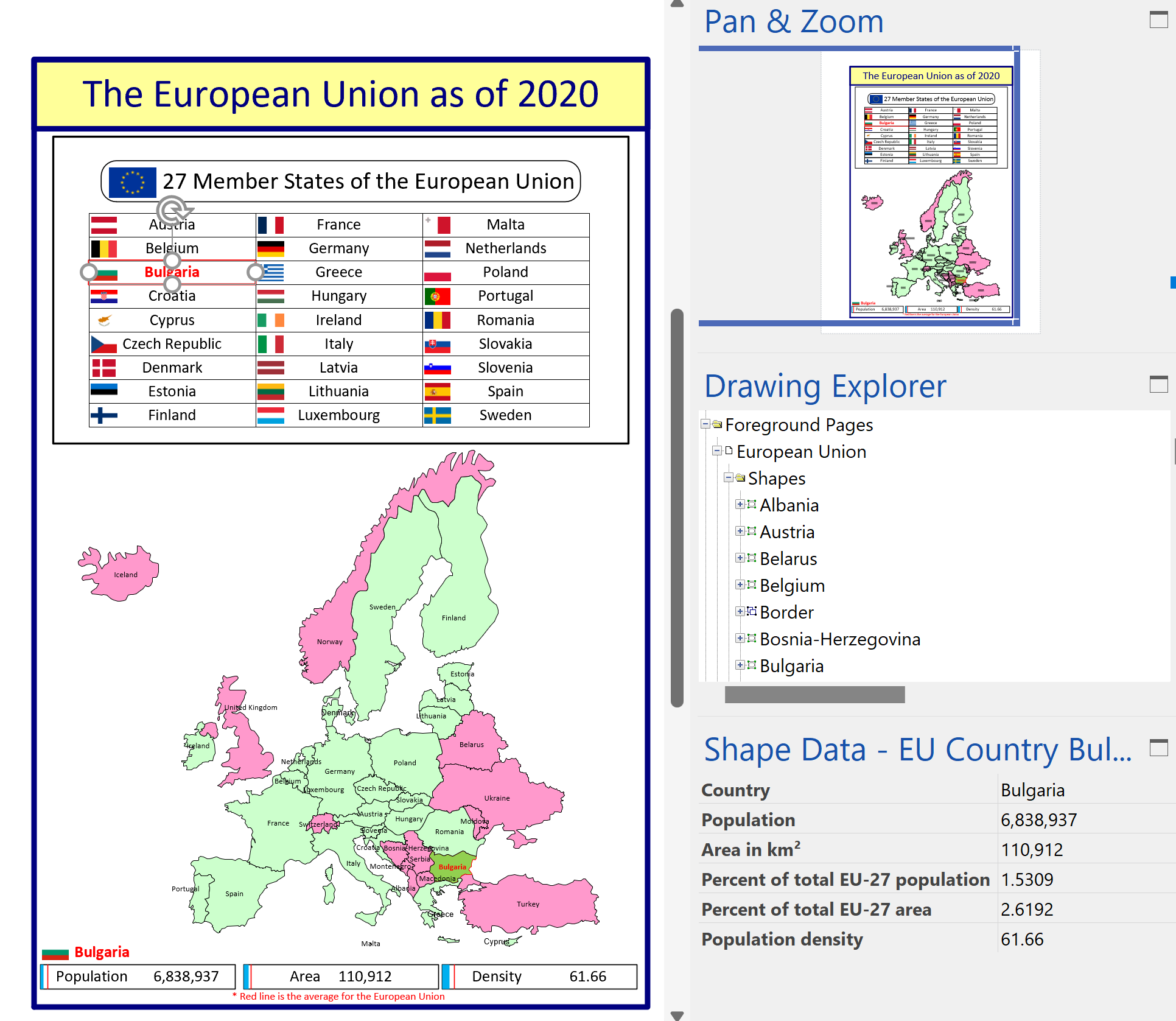
Interactive Demographics of the European Union in Visio
I was recently contacted by a reader, Stanley M. Max (Towson University lecturer), who had started creating a Visio map of the 27 countries in the European Union in 2020, along with the demographics culled from Wikipedia. He wanted to know if the map and stats could be combined to make a more appealing presentation.…
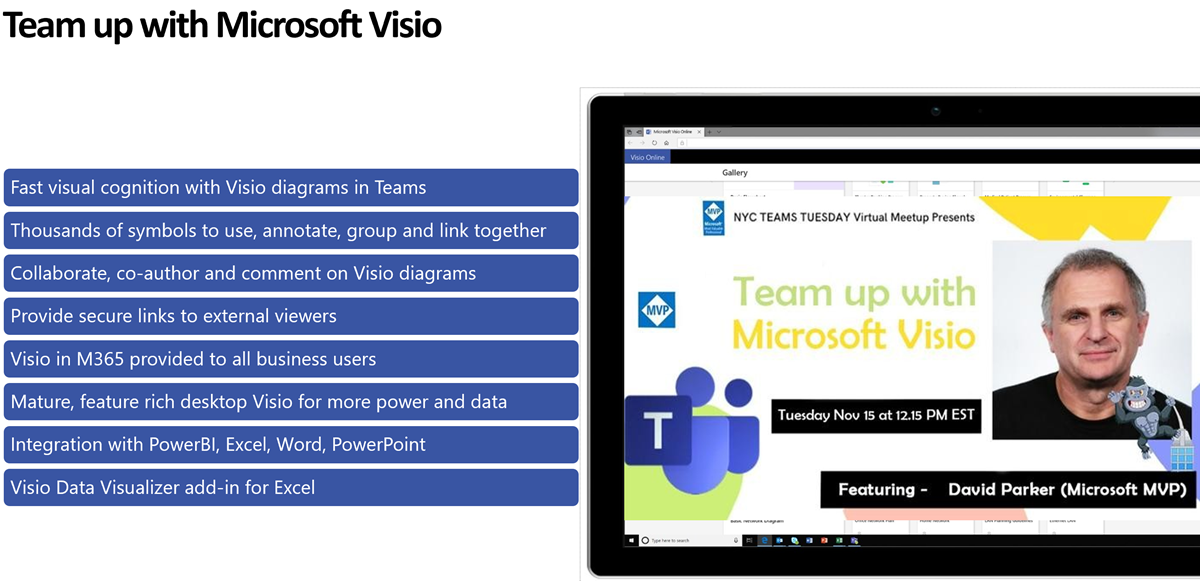
Teams Tuesday Podcast Recording about Visio
I am delighted to share the link to my recent demonstration and conversation with fellow MVP Peter Ward about Visio in Teams. We discussed more than just Visio … and I look a bit like Max Headroom! (more…)
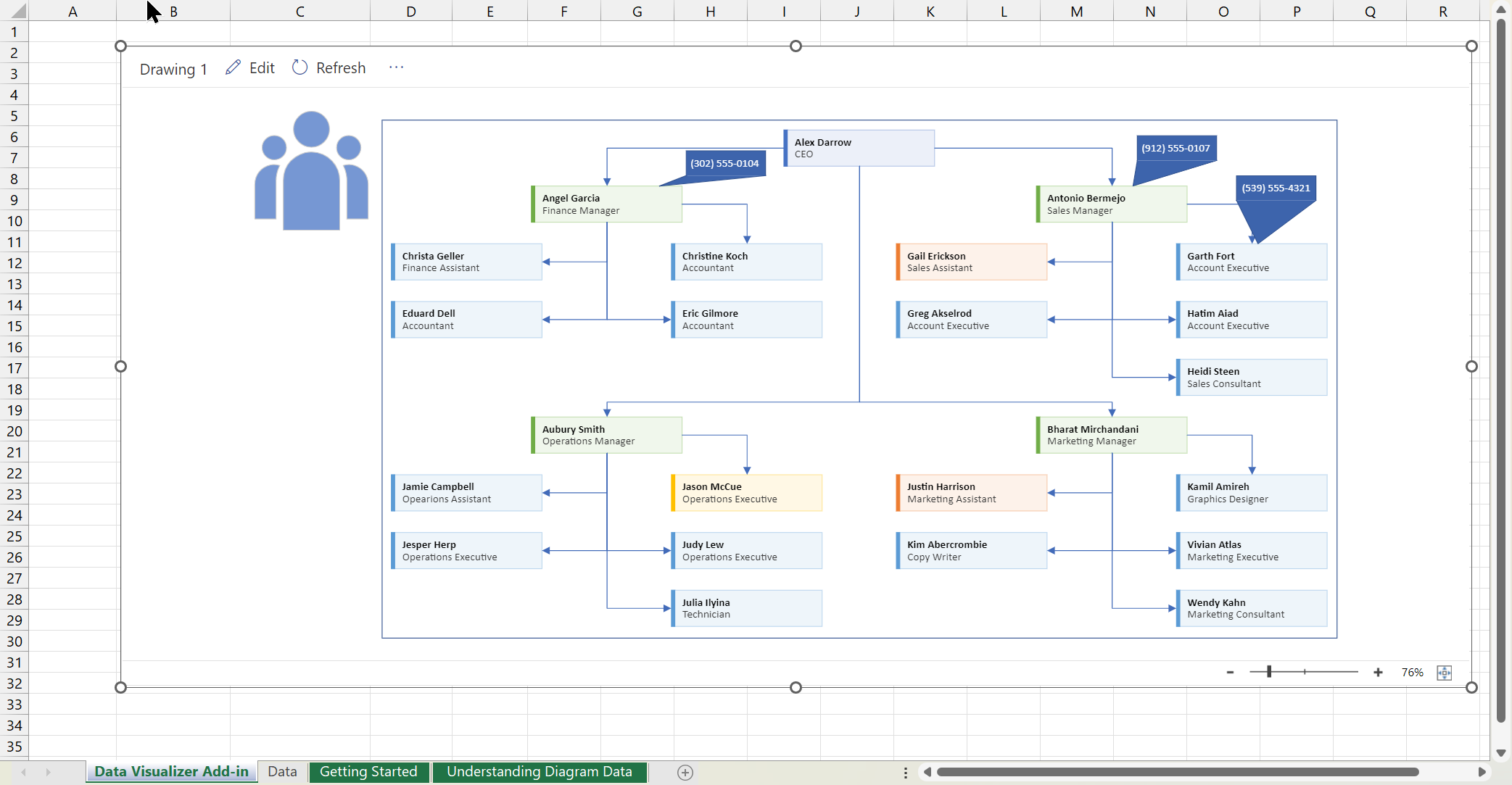
Editing Visio Data Visualizer in Excel
I have previously described how to use the Visio Data Visualizer add-in in Excel, but I didn’t make it clear how you can edit the diagram created if you have a Visio license. So, I have recorded three short videos to briefly explain this. (more…)
