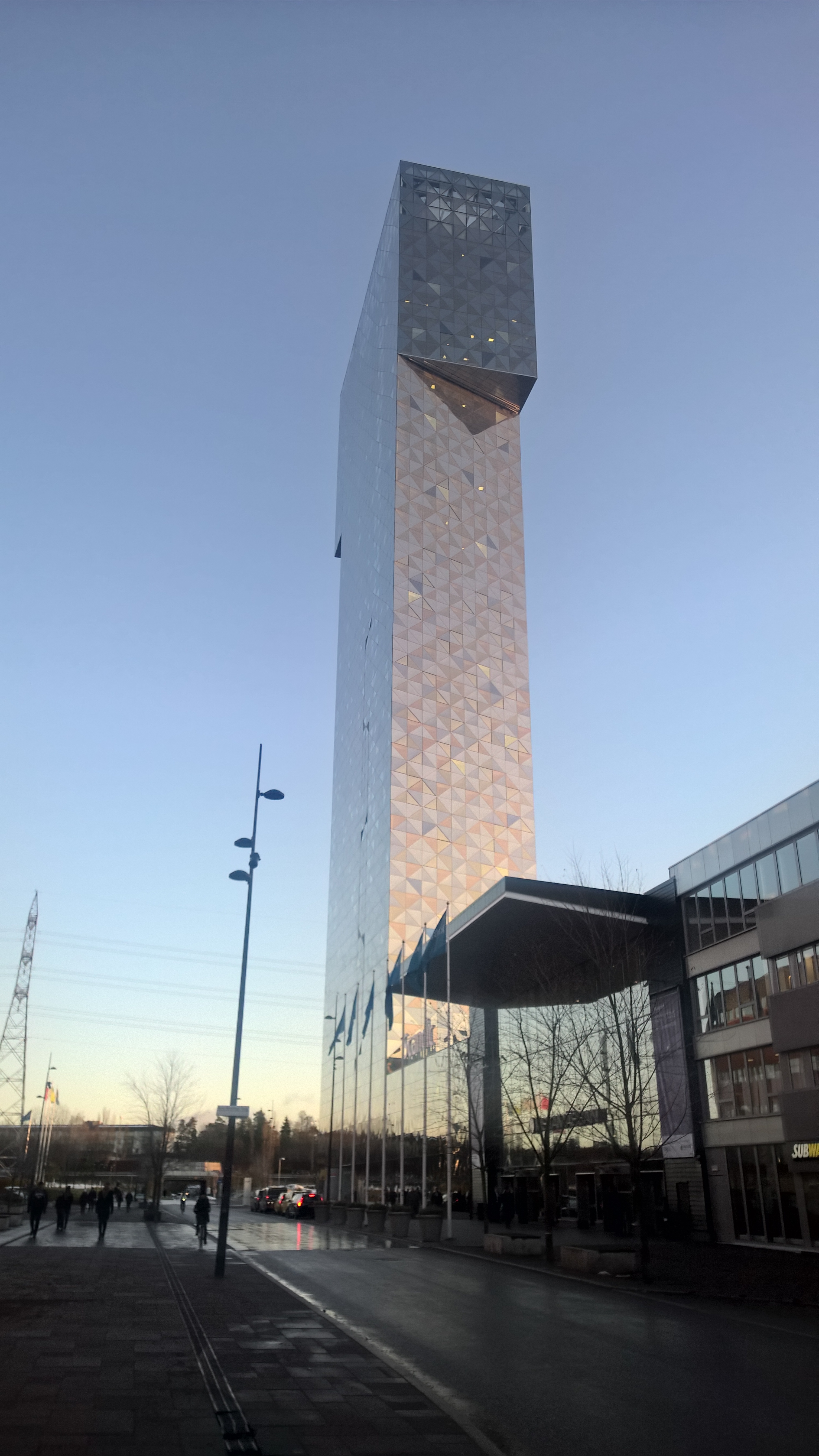
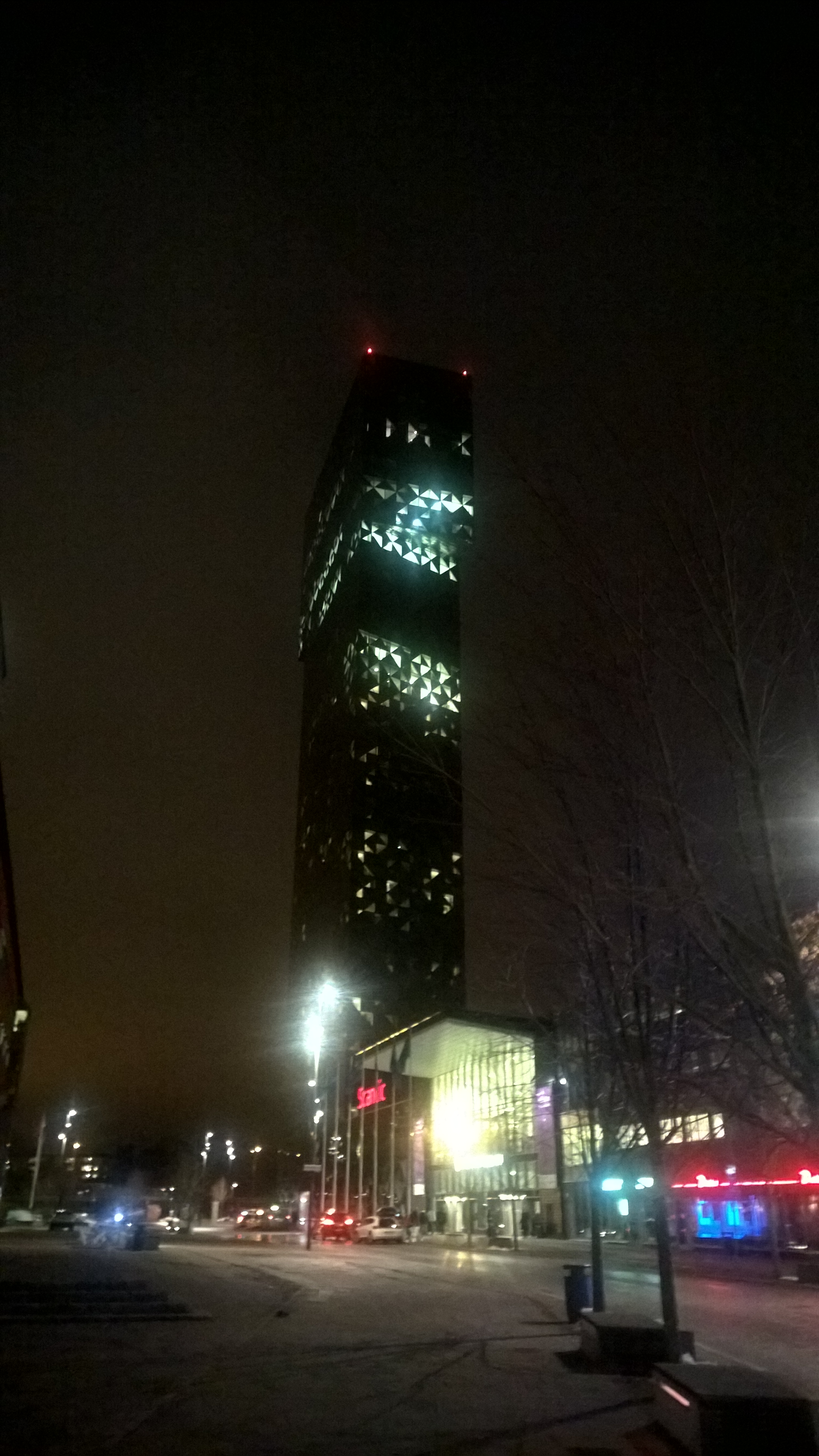
I am on my way home after presenting and demoing Visio and SharePoint BPM portals at Kistamassan near Stockholm. I was staying at the Scandic Victoria Tower right next door. Very handy, and very tall. It is a striking building, as can be seen in my photos below, however, speaking as an ex-architect, I was disappointed to find the modern interior spoilt by large, but inadequate, curtains that took several minutes to draw over the large number of triangular windows in my room. I really think it would have been worth installing electric auto-tinting glass.
[Read more…] about MS TechDays Sweden 2016 – Visio and SharePoint BPM portalsVisio
Visio Pro for Office365 Partner Templates
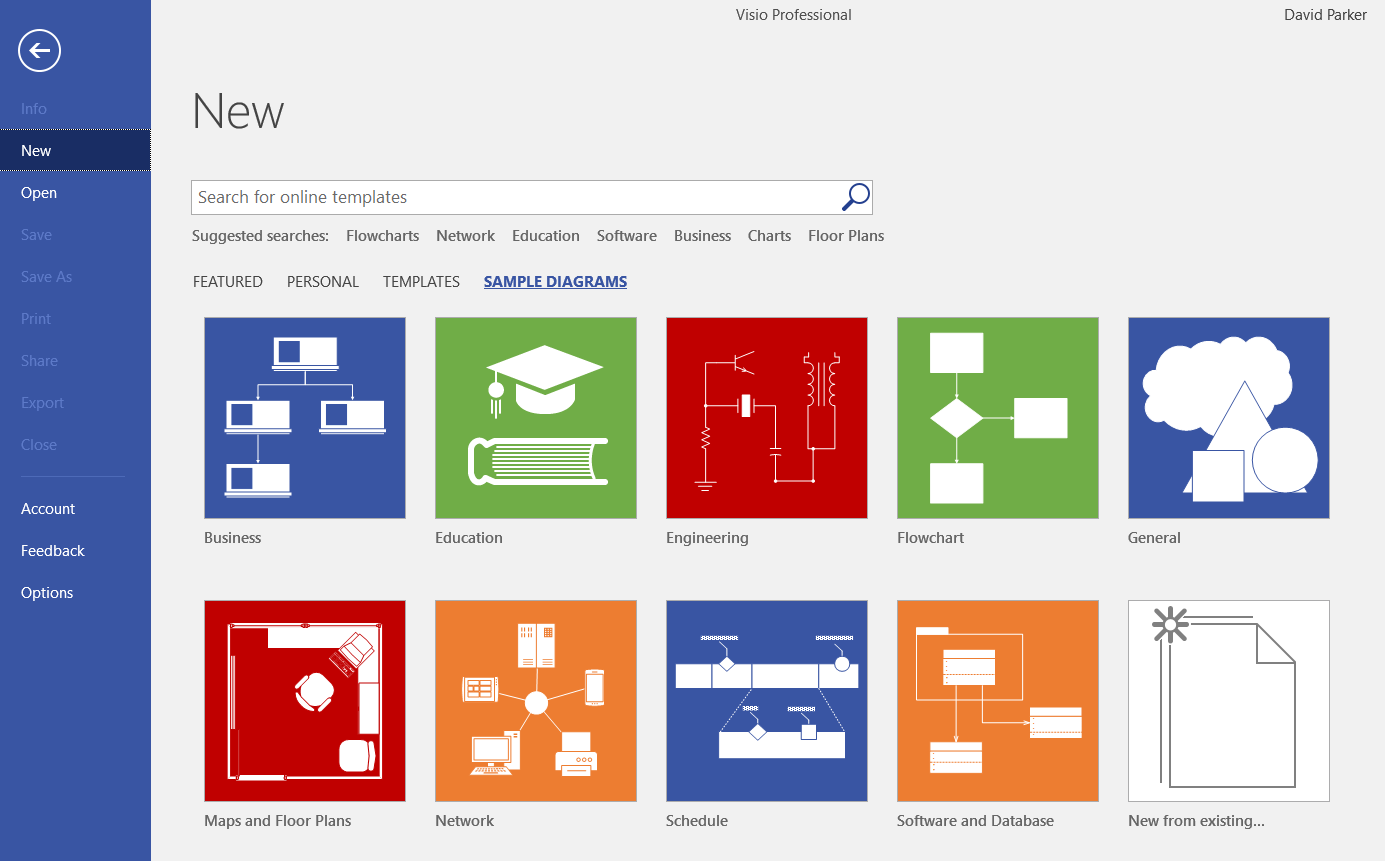
It is becoming clear that Microsoft are making Visio Pro for Office365 (VPfO) their priority. Its update cadence is much quicker than the non-cloud versions of Visio, and there are some features that may not make it to them. A case in point is partner templates and sample diagrams. It appears that Categories has been renamed as Templates in VPfO and there is a new tab named Sample Diagrams. The Partner Templates are at the bottom of the Templates tab, and there is a Partner Sample Diagrams section too on the Sample Diagrams tab.
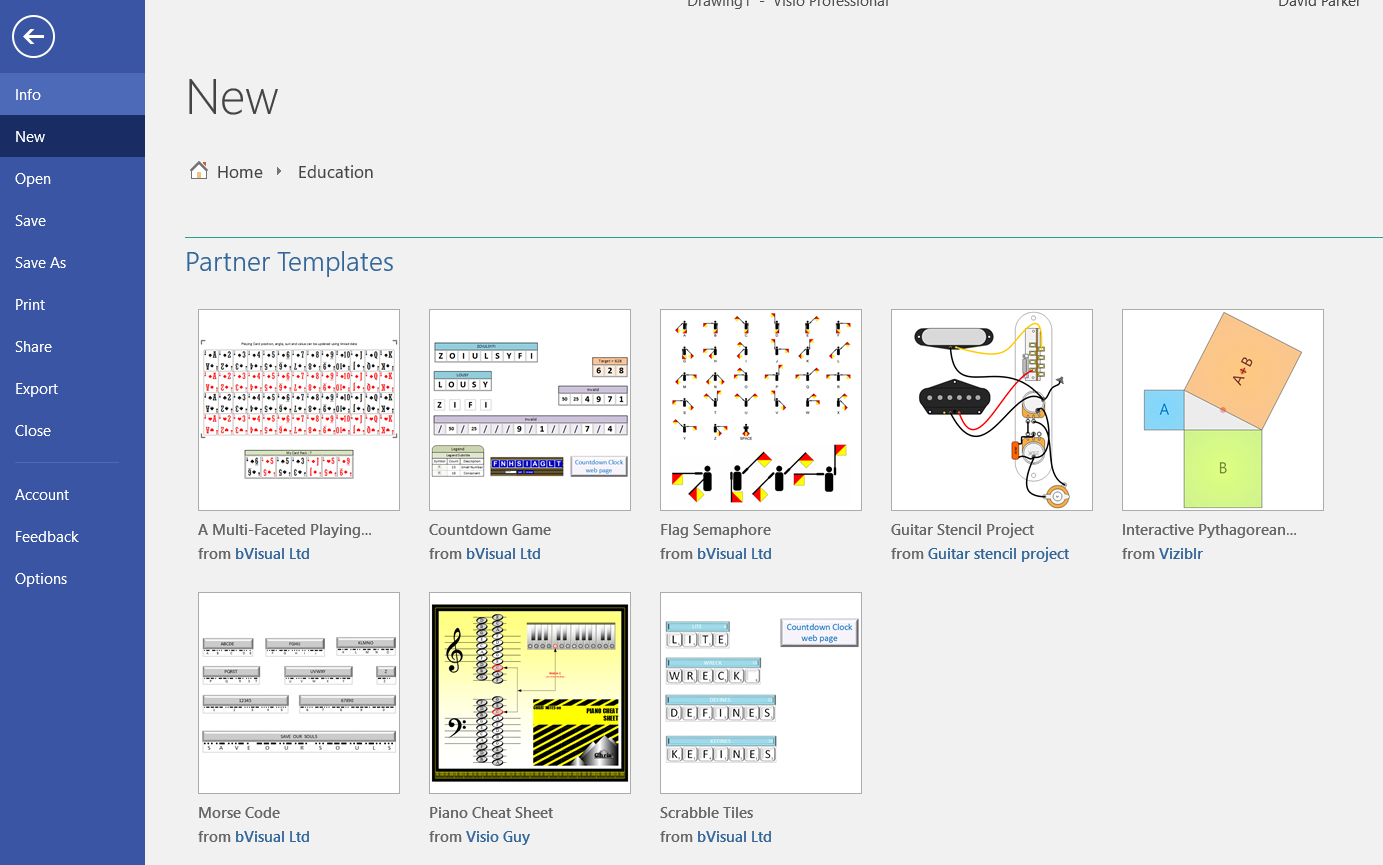
I am pleased to note that five of my templates made it into the Education category. Each of these templates are from earlier blog posts here!
- A multi-faceted playing card – A Visio Deck of Cards
- Countdown game – A Visio Countdown to Xmas
- Semaphore – Visio Rocks for Flag Semaphore … or another use of Lists …
- Morse Code – MS TechNet UK blog : A history of messaging and encryption
- Scrabble Tiles – Get Scrabbled with Visio
US State Flags for Visio

I am working on a project where I thought the US State flags might be useful, so I quickly created a new master shape from the images in Wikipedia. The shape simply provides a selection of one of the states from the Shape Data window (plus one extra for the reverse of Oregon’s flag!).
The flag shape has a couple of Shape Data rows:
How to Design and Optimize Omni-Channel Customer Experiences with Visio
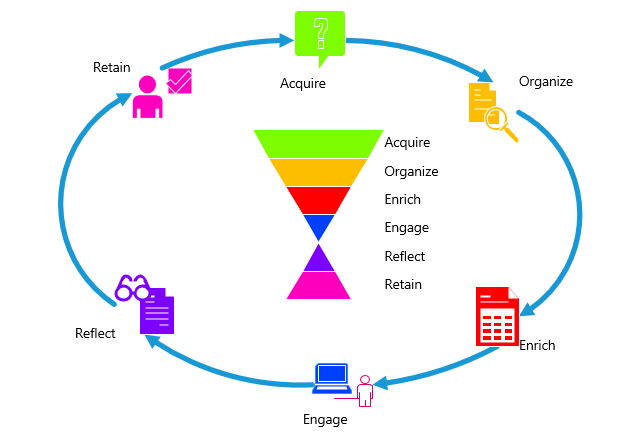
On November 2, 2016 at 15.00 to 15.45 (GMT+2) , I will be presenting a 45 minute webinar about using Visio to create customer journeys for multiple channels, and then how to overlay with metrics to visualize the efficiency of each touch point.
Webinar Registration Page
MSIgnite Sessions to Watch in Visio
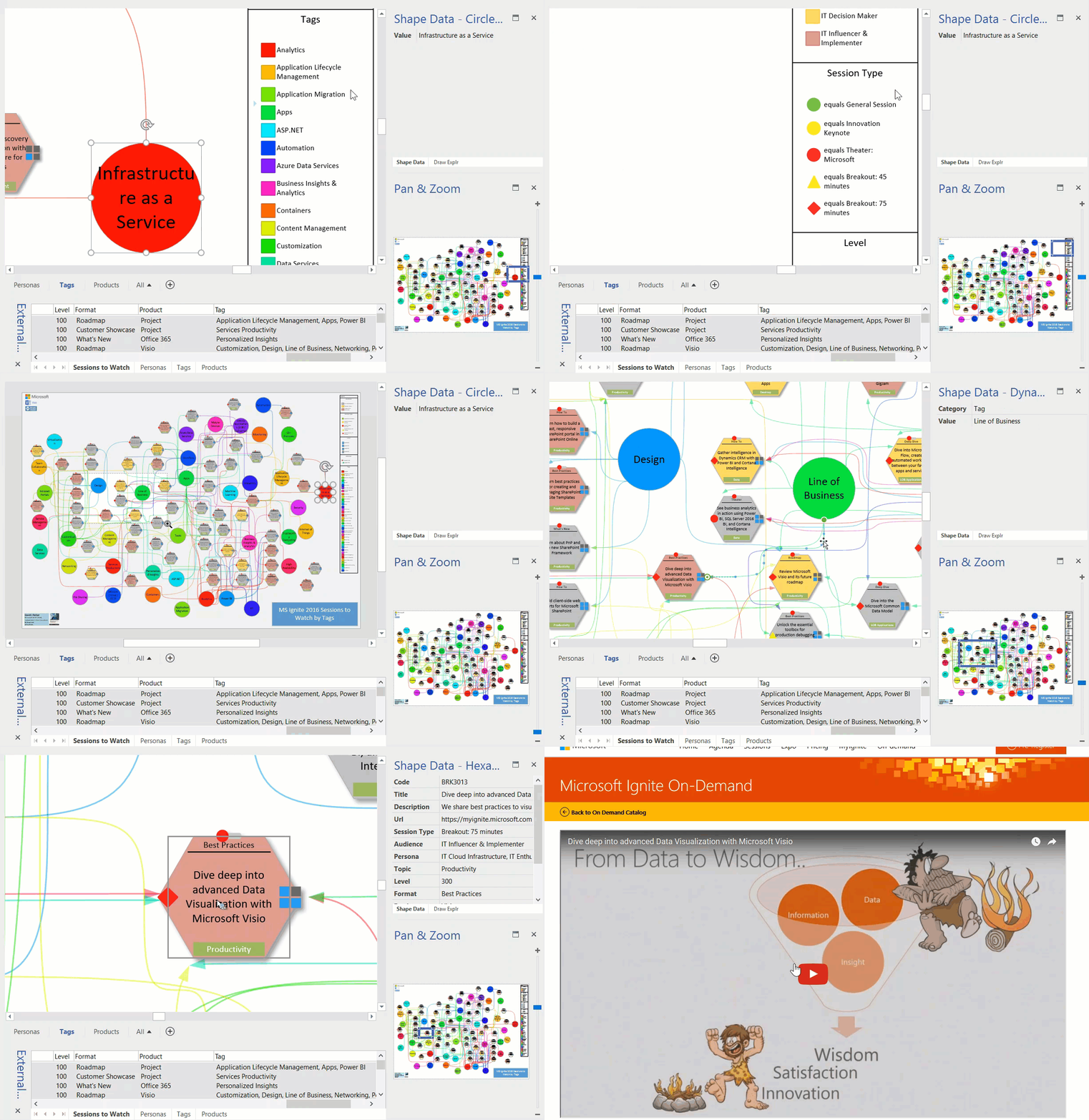
Well, MS Ignite is over for another year. I planned to visit loads of sessions, but the reality was that I spent many hours on the Visio booth. Fortunately, many of them were recorded, including ours, but I don’t have time to watch over 700 videos! So, I looked through them all and picked out 50-odd, and used Get & Transform in Excel again to create suitable queries to link to Visio.
The more I use PowerQuery, the more I like it. I was able to extract the unique values in the Personas, Tags, and Products columns which each contained comma separated lists. I data-linked these values to large circles on different pages, and data-linked the Sessions to Watch to hexagonal shapes. I then wrote a little VBA code to link the circles to the hexagons with data-linked connectors. Data Graphics was applied to all shapes, including the connectors, and a legend added. Each of the Session hexagons have an automatically created hyperlink to the On-Demand Video. I used a standard radial page layout so that I had minimal manual movement shapes.
The end result is a visual dashboard by Persona, Tag and Product to open the videos for the sessions I want to watch.
Updates from MSIgnite Visio booth
Yesterday was the first proper day at MS Ignite Conference, and we had an extremely busy day on the Visio booth. There was a lot of interest in the Visio Online Preview and Visio on iPad that we had on show, and of course, the cool data linking features in Visio.
You may still be able to sign up for the Visio on iPad Insider Program using this link. It requires a short survey, and you must be part of an organization. Also, there is more information about the Visio Online Preview using this link .
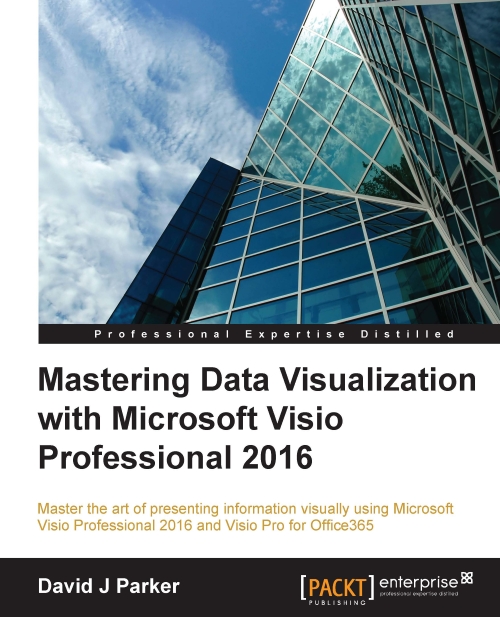
Packt have kindly provided two discount codes for my book during the conference. Use ‘MVPeBK15’ for 15% off the RRP off the printed version, or ‘MVPeBK50’ for 50% off the RRP of the eBook at bit.ly/1SeVfwW