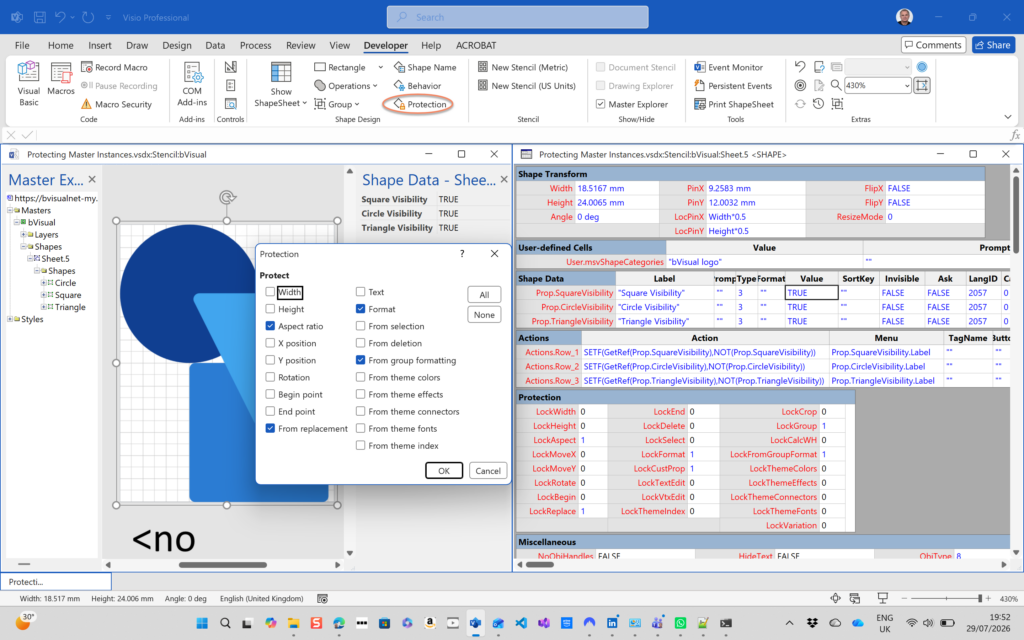
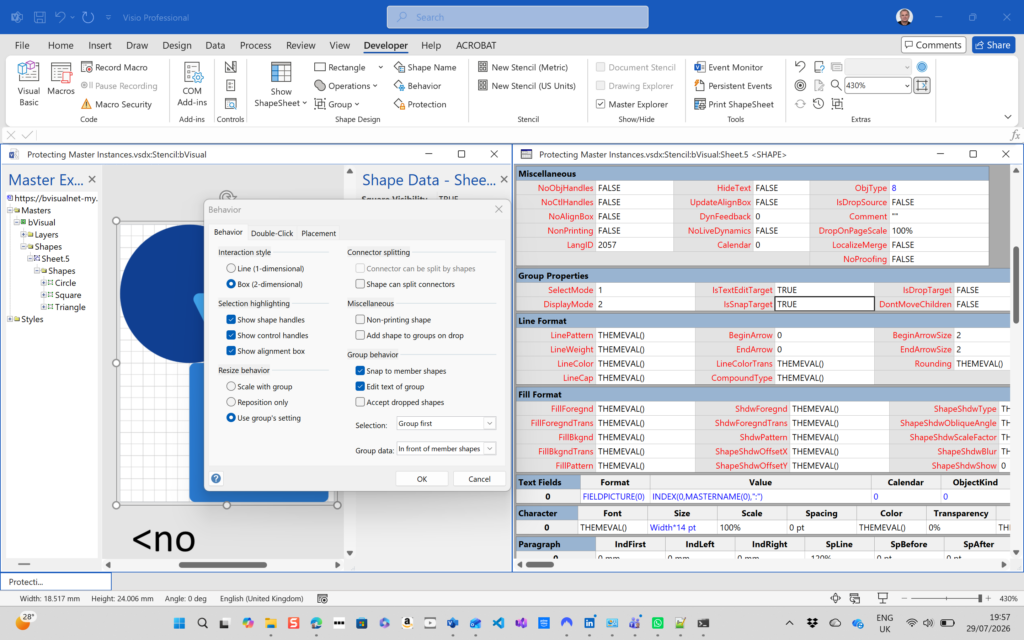
All of my Visio solutions contain custom masters because this is the best way to create smart shapes that respond to user’s needs. This usually means creating Shape Data, User-defined Cells and Action rows that govern aspects of the shape with formulas designed to provide an efficient user interface. As a developer I sometimes forget that other users may not perform the same actions as I do, and can accidently undo all my intended behaviour. For example, in recent testing of a visual stream mapping system that I am working on, my carefully constructed master-shape relationship was being broken by grouping some of them together, thus changing their behavior and hiding them from some of the custom functions. The reason given was to that they want to create copies and this seemed like a reasonable way to do it. Now, I have known that this is bad ever since my original Visio developer training back in 1996, so I always avoid doing this, and erroneously thought that other would know this too. I was wrong to be so myopic, so I explored how I can best prevent this and other user actions that could break the intended master-shape relationship.
[Read more…] about Protecting the integrity of custom Visio masterseVSM Mix
How SVG in Visio can cause a Shape.BoundingBox(…) error
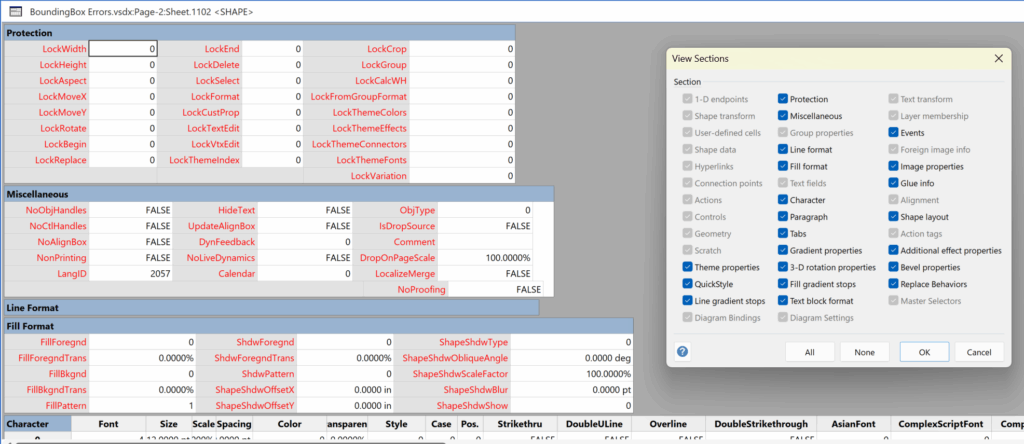
I have used Visio’s Shape.BoundingBox(…) for many, many years and I cannot ever recall it failing, but I have now managed to create some shapes that cause it to error. This caused many hours of confusion, so I nearly abandoned using the method, until I discussed it with my fellow Visio MVP, John Goldsmith (see VisualSignals), and together we examined the cause. It came down to a badly formed sub-shape within the shape that had zero dimension … and in fact had an incomplete ShapeSheet. If you look at the screenshot below, then you may notice that there is no Shape Transform section! That is a mandatory section, and should always exist … so how did this happen?

Post-Processing Paste from Clipboard in Visio
One of my current Visio VSTO add-in projects requires me to react to users pasting custom shapes in the Visio page from the clipboard. The process involves registering the ExitScope event and then checking the Clipboard contents. Initially, I was merely testing for a line in the DataObject that started with the word “Visio “, but then testing revealed that copying and pasting text from one shape to another was also getting processed, so then I added a further check that the line also finished with the word ” Shapes”. This works fine, but then I got to wonder if I could also post-process tables copied and pasted from Excel because the standard paste maintains font settings but omits the tabs and line feeds, making the text unusable without serious manual editing. This article explains how this can done.