• Skip to main content
  • Skip to primary sidebar
  • Skip to footer

bVisual

  • Home
  • Services
    • How Visio smartness can help your business
    • Visio visual in Power BI
    • Visio Consulting Services
    • Visio Bureau Services
    • Visio Training and Support Services
  • Products
    • Visio Shape Report Converter
    • SS Plus
    • LayerManager
    • visViewer
    • Metro Icons
    • Rules Tools for Visio
    • The Visio 2010 Sessions App
    • Multi-Language Text for Visio
    • Document Imager for Visio
    • multiSelect for Visio
    • pdSelect for Visio
  • Case Studies
    • Case studies overview
    • Using Visio in Education for GIS
    • Visualizing Construction Project Schedules
    • Visio Online Business Process Mapping
    • Nexans Visio Template
    • CNEE Projects, WorldCom
    • Chase Manhattan Bank
  • News
    • Recent news
    • News archive
  • Resources
    • Articles➡
      • ShapeSheet Functions A-Z
      • Comparing Visio for the Web and Desktop
      • Customising Visio Shapes for the Web App
      • Key differences between the Visio desktop and web apps
      • Using the Visio Data Visualizer in Excel
      • Using Visio in Teams
      • Creating Visio Tabs and Apps for Teams with SharePoint Framework (SPFx)
      • Designing Power Automate Flows with Microsoft Visio
      • Innovative uses of Visio Lists
    • Webcasts ➡
      • Visio in Organizations
      • My session and other Visio sessions at MSIgnite 2019
      • Power up your Visio diagrams
      • Vision up your Visio diagrams
      • The Visio 2010 MVP Sessions
    • Visio Web Learning Resources
    • Books➡
      • Visualize Complex Processes with Microsoft Visio
      • Mastering Data Visualization with Microsoft Visio
      • Microsoft Visio Business Process Diagramming and Validation
      • Visualizing Information with Microsoft Visio
  • Blog
    • Browse blog articles
    • Visio Power BI articles
    • Visio for Web articles
    • A history of messaging and encryption
  • About us
    • About bVisual
    • Testimonials
    • Bio of David Parker
    • Contact Us
    • Website Privacy Policy
    • Website terms and conditions
    • Ariba Network

Visio

Published on October 17, 2017 by David Parker

Installing 64-bit Visio 2016 Professional

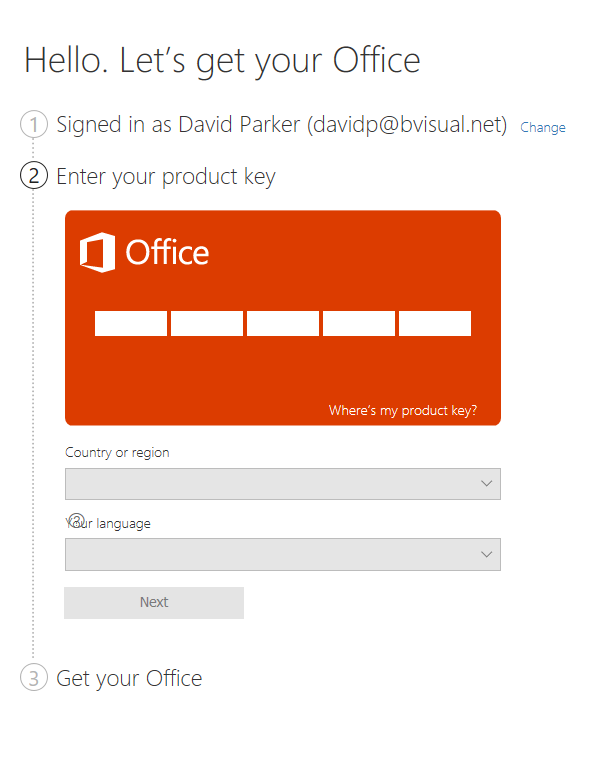
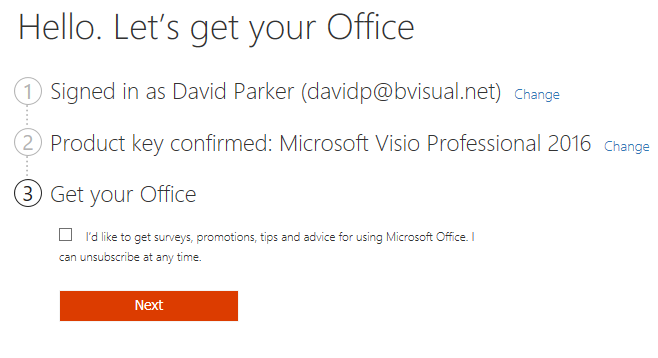
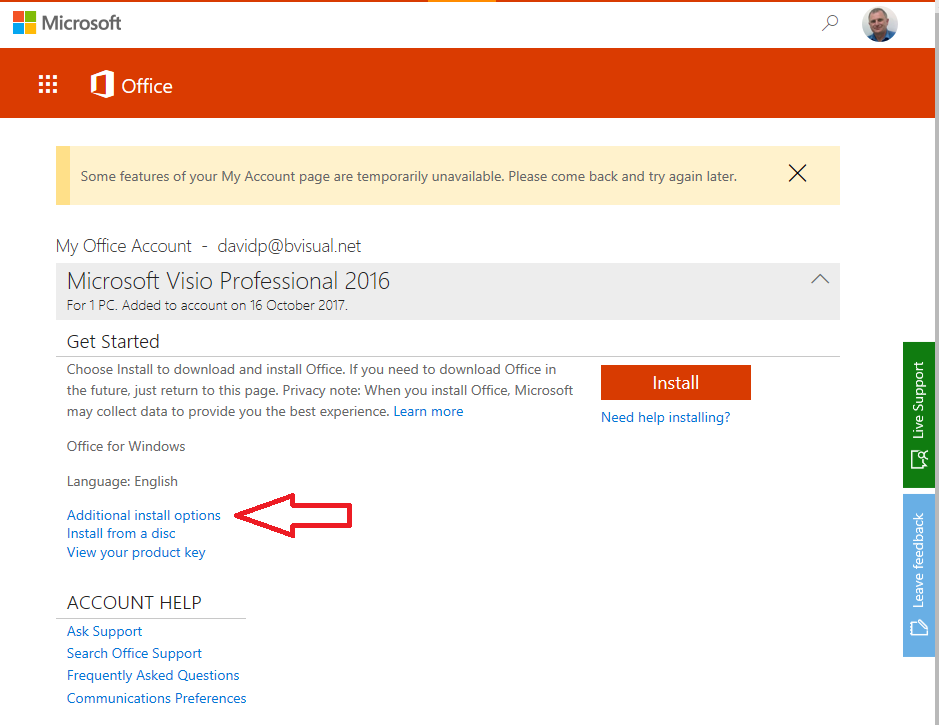
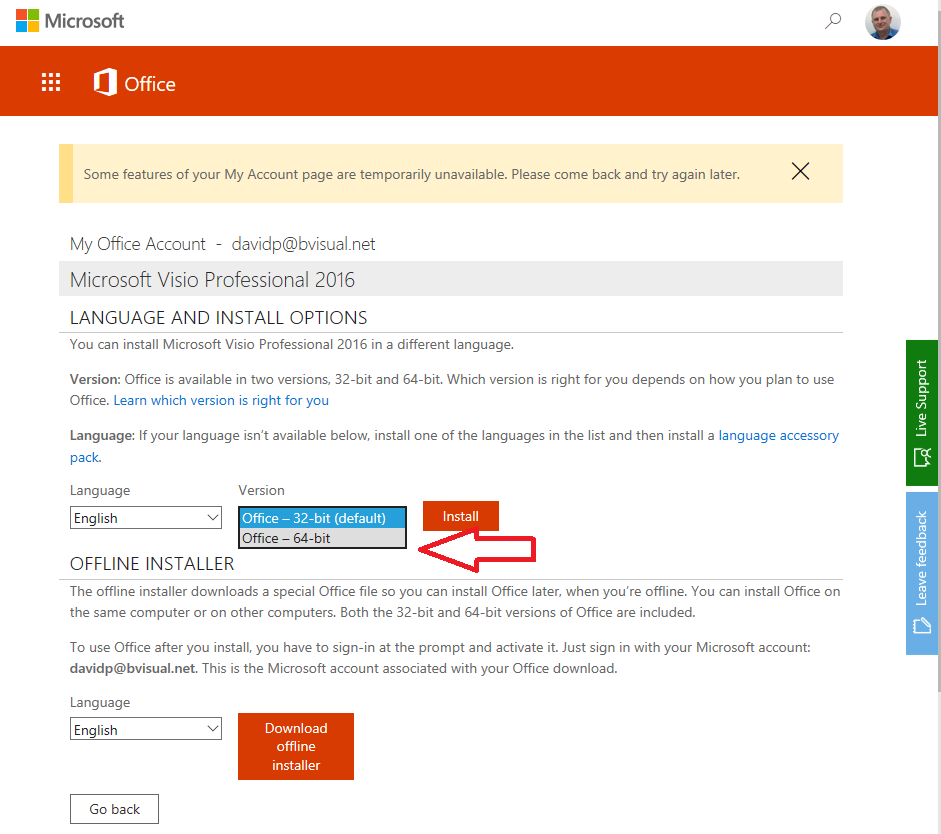
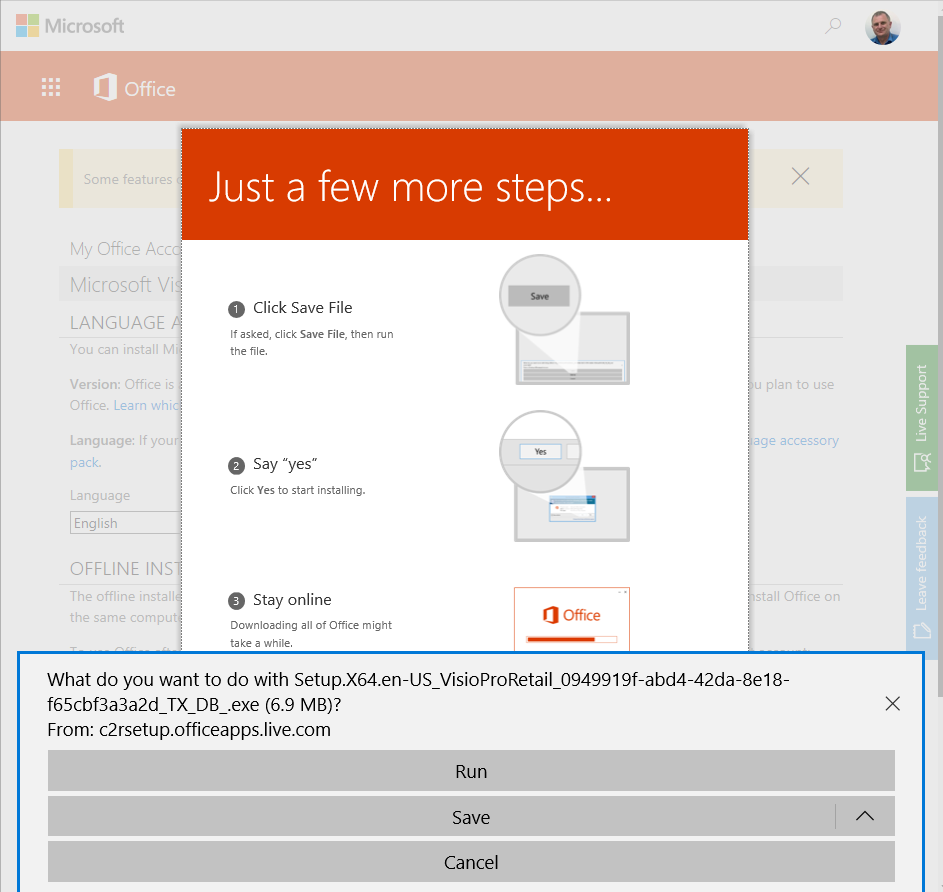
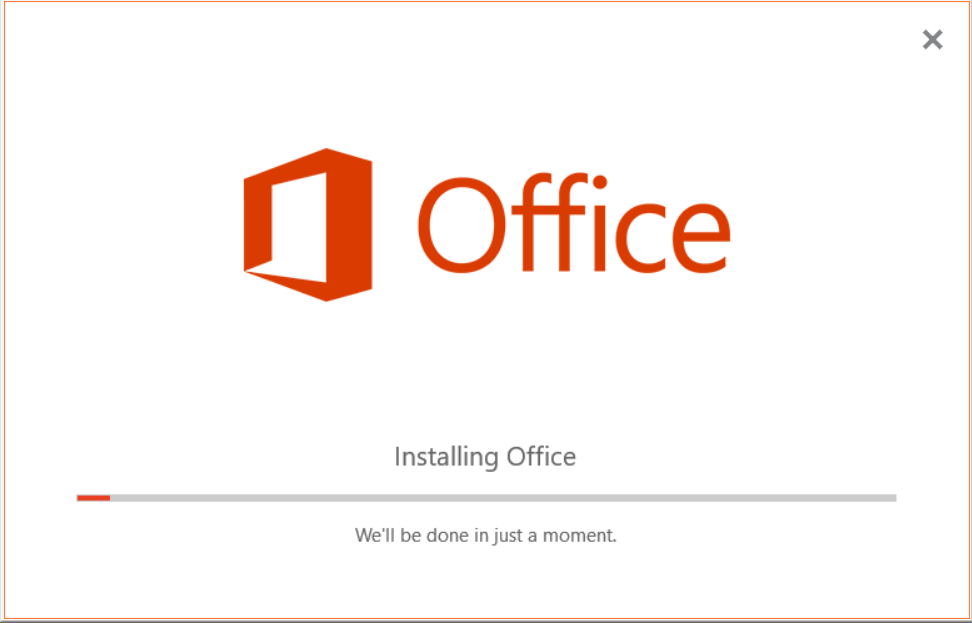
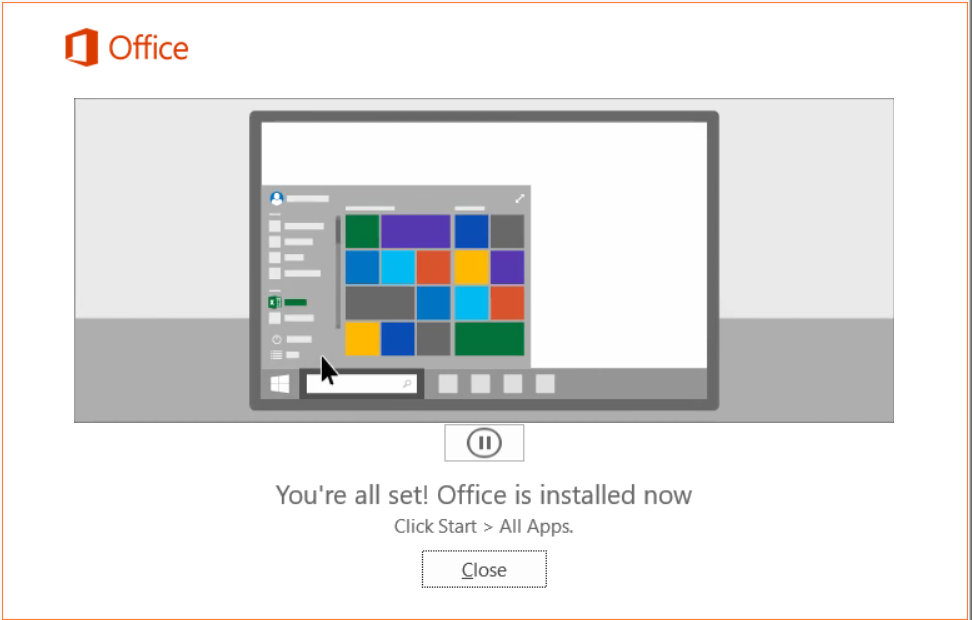
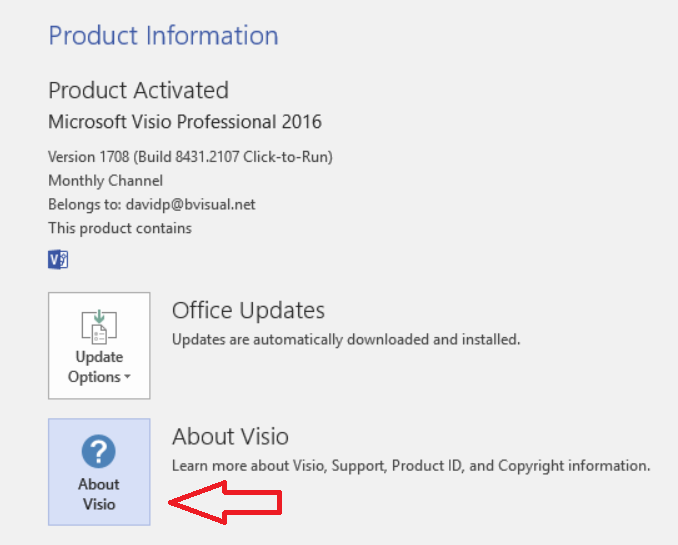
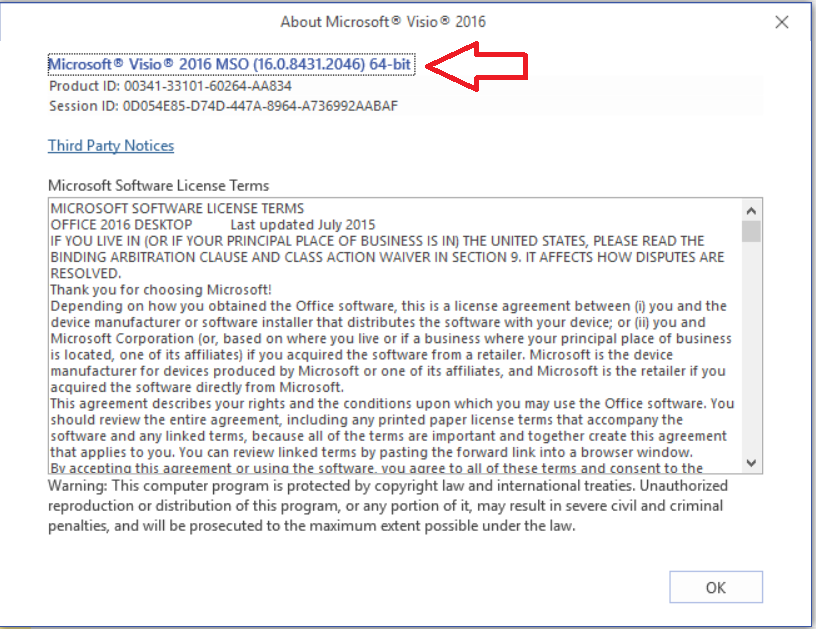
There are times when it is necessary to install the 64 bit versions of Visio (and Office), as described at Choose between the 64-bit or 32-bit version of Office. This article does not really expand on the reasons for using 64 bit Visio, but it basically comes down to file size, especially with very large inserted CAD files. I set up a virtual machine to do some testing, and, as it has been a long time since I had to do this, I accidently installed the 32-bit version first, and so I had to start afresh. Therefore, I thought it might be useful to record the steps I took with the download of Visio Professional 2016 from my.VisualStudio.com/downloads. I have pointed to the link that should be followed.

[Read more…] about Installing 64-bit Visio 2016 Professional

Filed Under: Office 365, Visio 2016 Tagged With: 64bit, Installation

Published on September 29, 2017 by David Parker

MSIgnite 2017 Round-Up for Visio

Well it is over for another year, and what a year it has been for Microsoft Visio! I am exhausted from making 3 presentations and being on the Visio booth for the last 4 days, but it has been worth it just to hear the love people have for Visio, and to see their faces when they see the new features and capabilities!


Key highlights of new features:

[Read more…] about MSIgnite 2017 Round-Up for Visio

Filed Under: MSIgnite, Visio 2016 Tagged With: MSIgnite

Published on September 22, 2017 by David Parker

Countdown to MSIgnite for Visio sessions

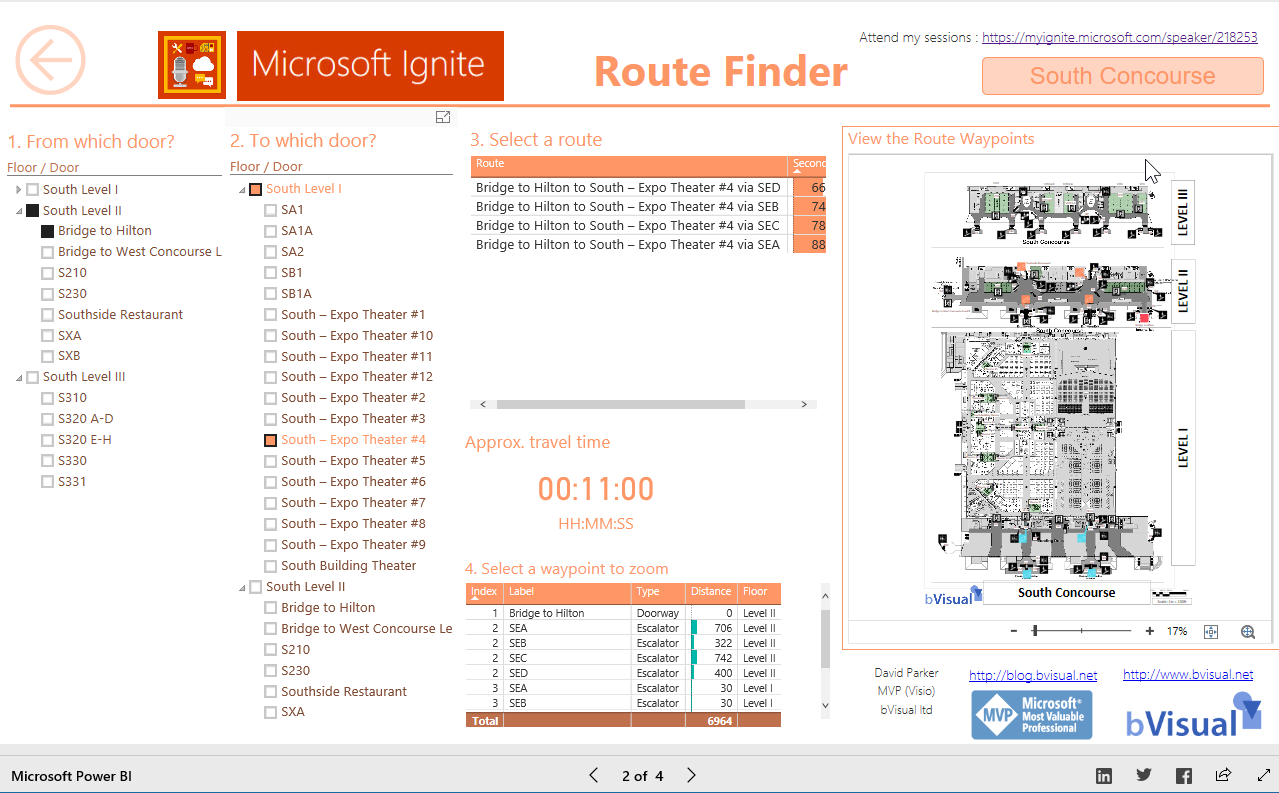
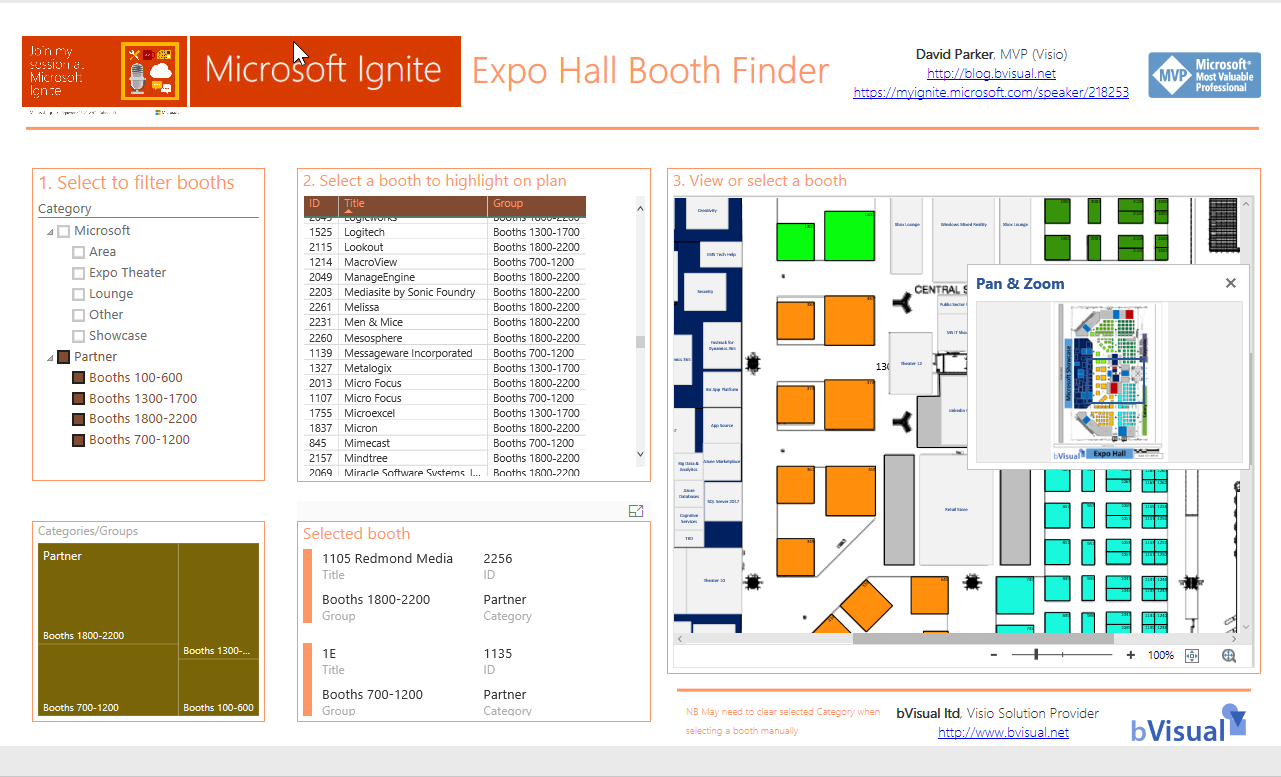
Only a couple of days to go before Microsoft Ignite conference starts here in Orlando. Yes, I am here a week early to “acclimatize” 🙂 , but I have not been idle since I will be presenting in three sessions!

[Read more…] about Countdown to MSIgnite for Visio sessions
Filed Under: Excel, MSFlow, MSIgnite, PowerBI, SharePoint, Visio, Visio Online Tagged With: MSIgnite, PowerApps

Published on September 8, 2017 by David Parker

Adding clicks to infographics with Visio visual for PowerBI

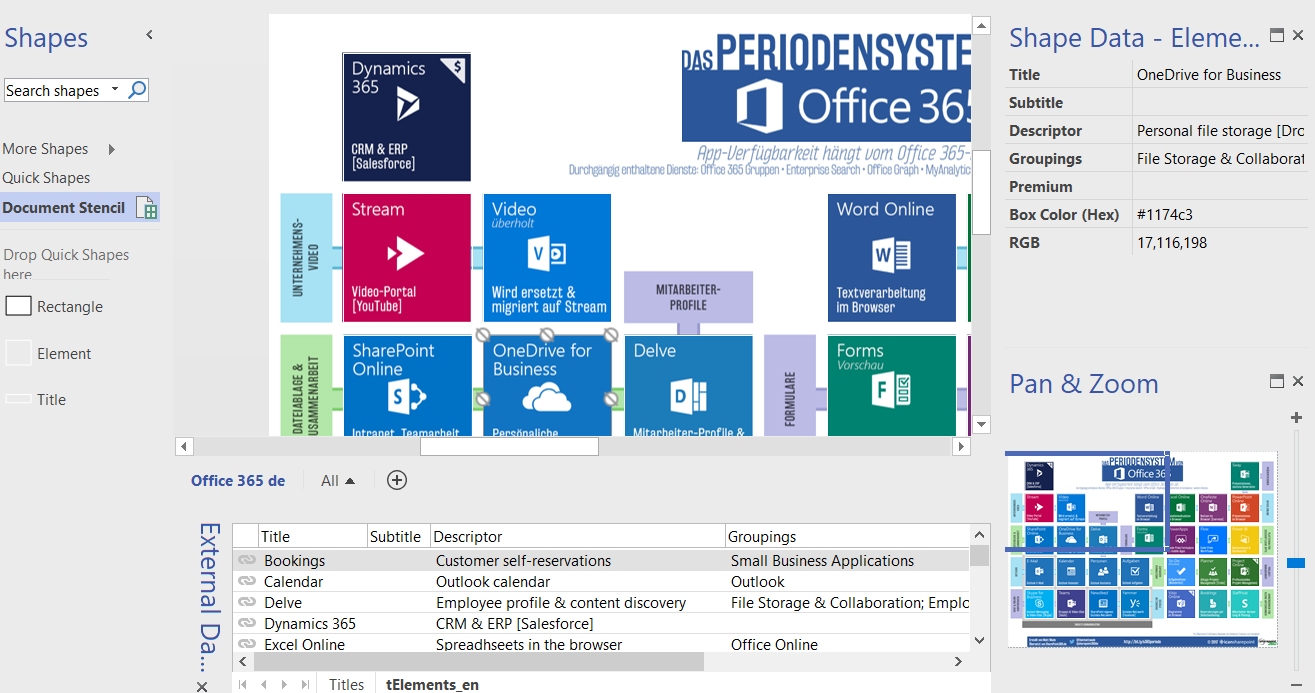
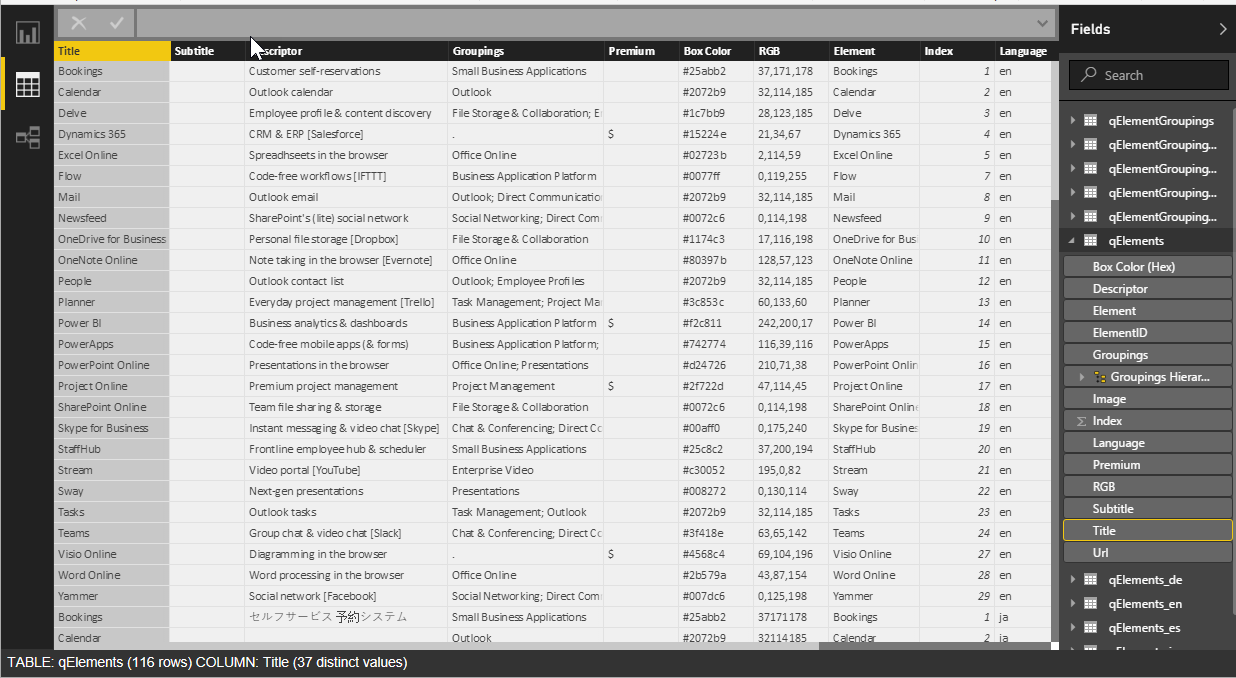
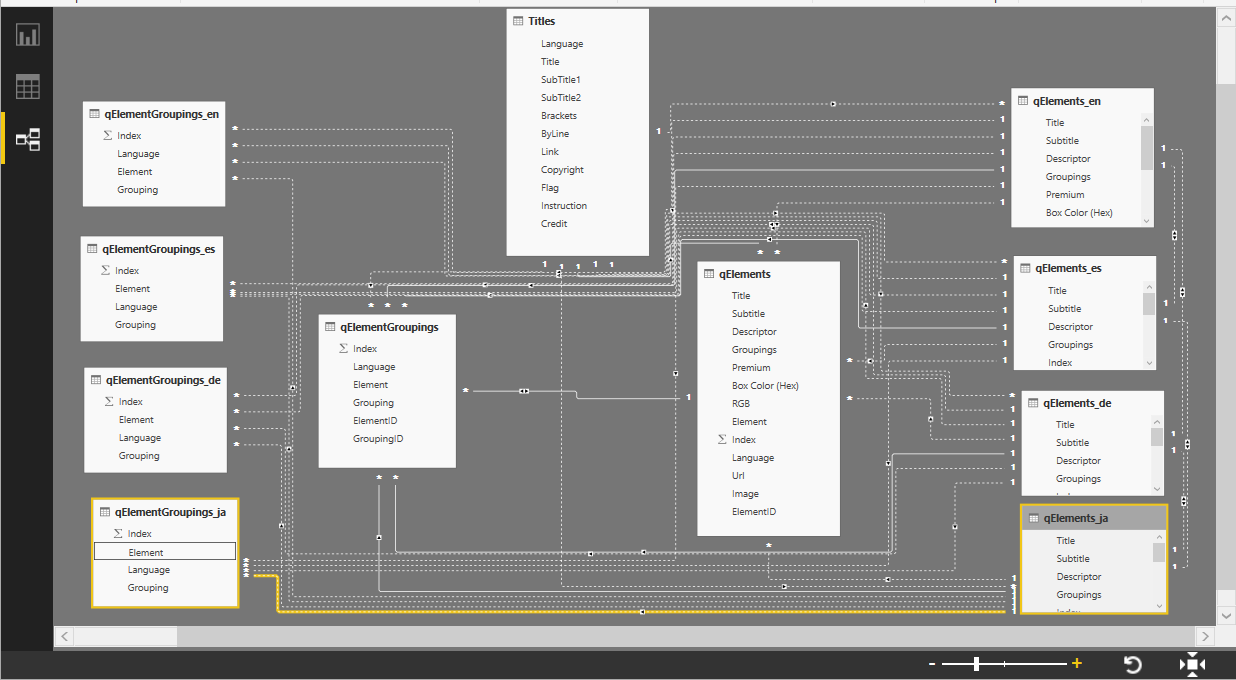
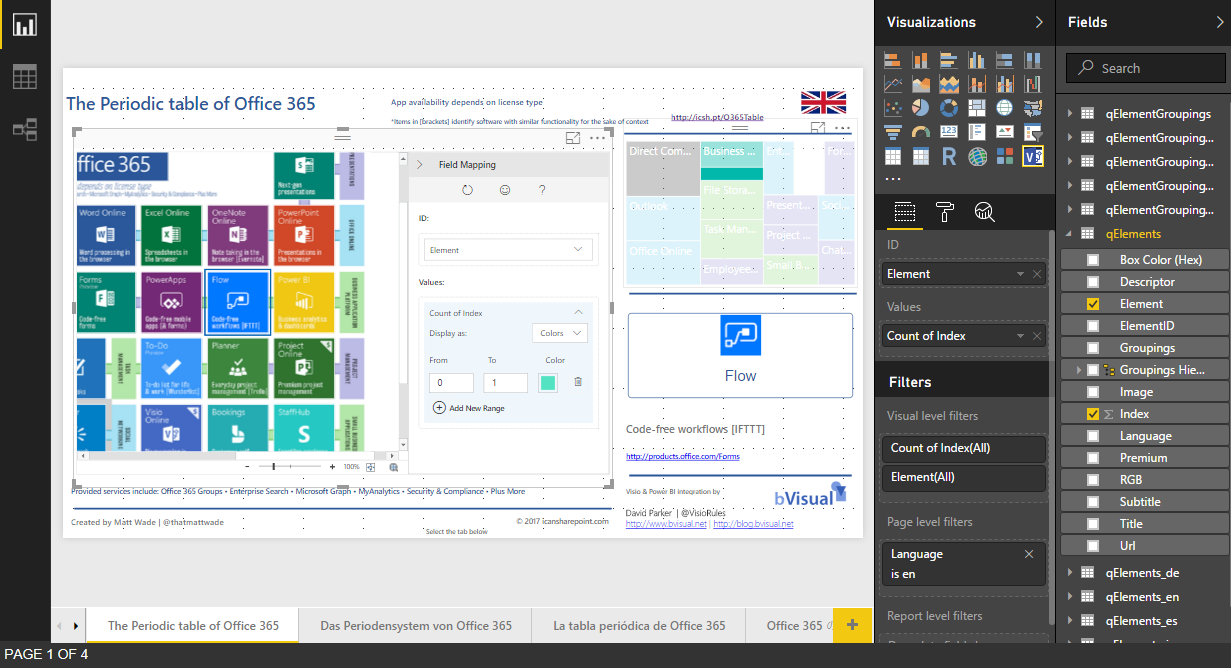
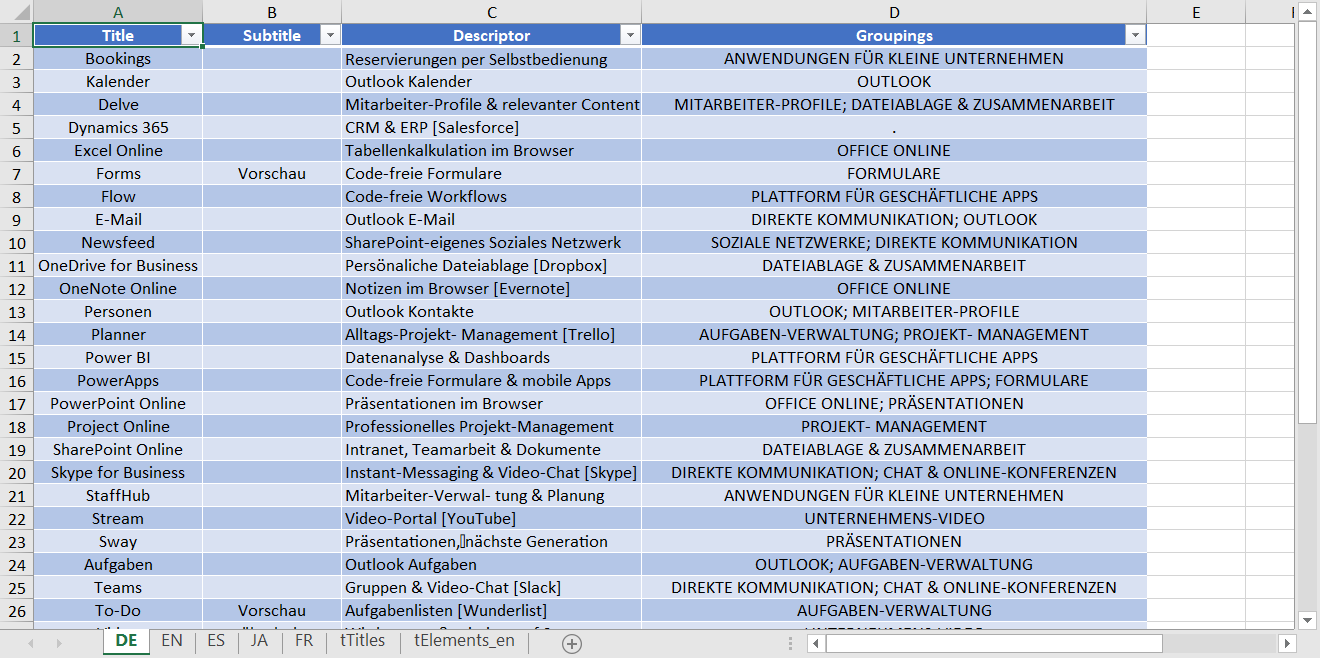
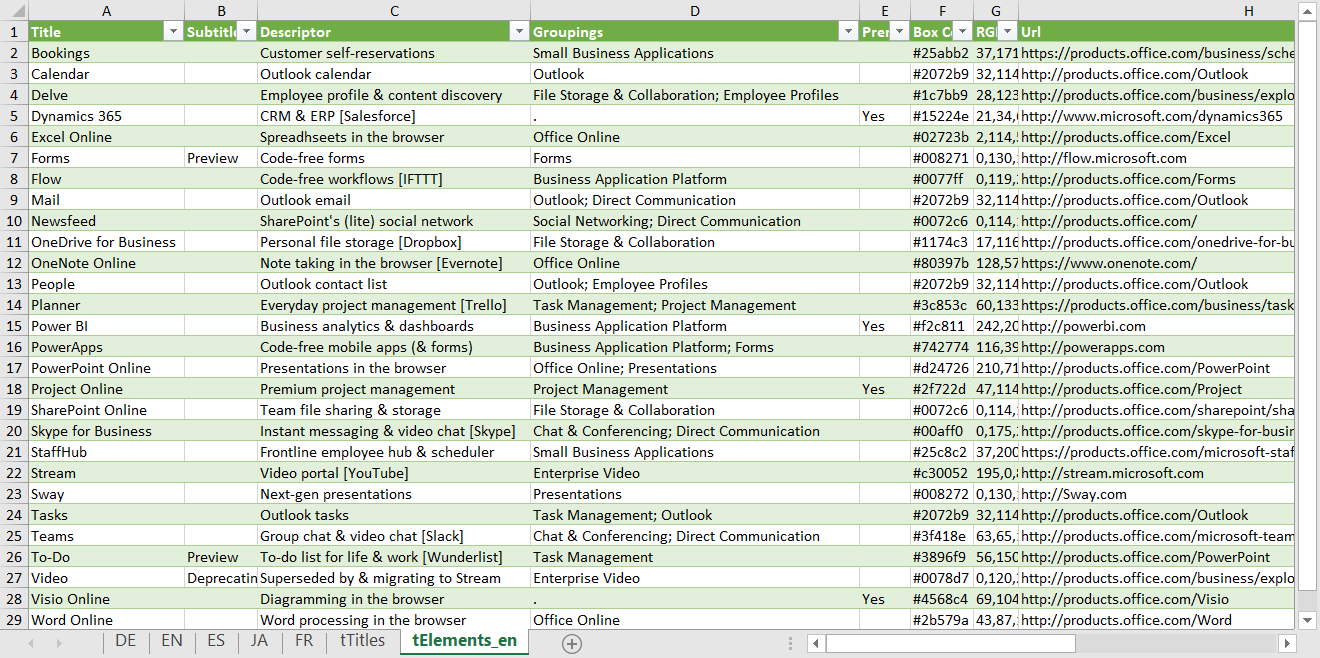
Office 365 is a truly remarkable success story, but it is often difficult to understand what each of the parts actually do, or what it is actually in each edition. Microsoft are always adding applications and services to the various editions, or retiring ones that have been superseded. If I can’t see it, I can’t understand it, so I was very interested to see the Periodic Table of Office 365 infographic created by Matt Wade, a SharePoint guru who keeps an eye on these changes ( see http://icsh.pt/O365Table ). It really helps in comprehending the current Office 365 applications and their purpose. Indeed, I have seen his graphic go through many iterations over the last few months, and it will continue to change. However, it was not clickable, and I am a visual data guy, so I contacted him, and offered to integrate his infographic into a Power BI now that the Visio custom visual is available. I then found out that there are several different language versions of his infographic out there on the web, translated by other SharePoint professionals in his network.

[Read more…] about Adding clicks to infographics with Visio visual for PowerBI
Filed Under: MSFlow, MSIgnite, Office 365, PowerBI, Visio, Visio Online Tagged With: MSIgnite, Office365, PowerApps

Published on August 16, 2017 by David Parker

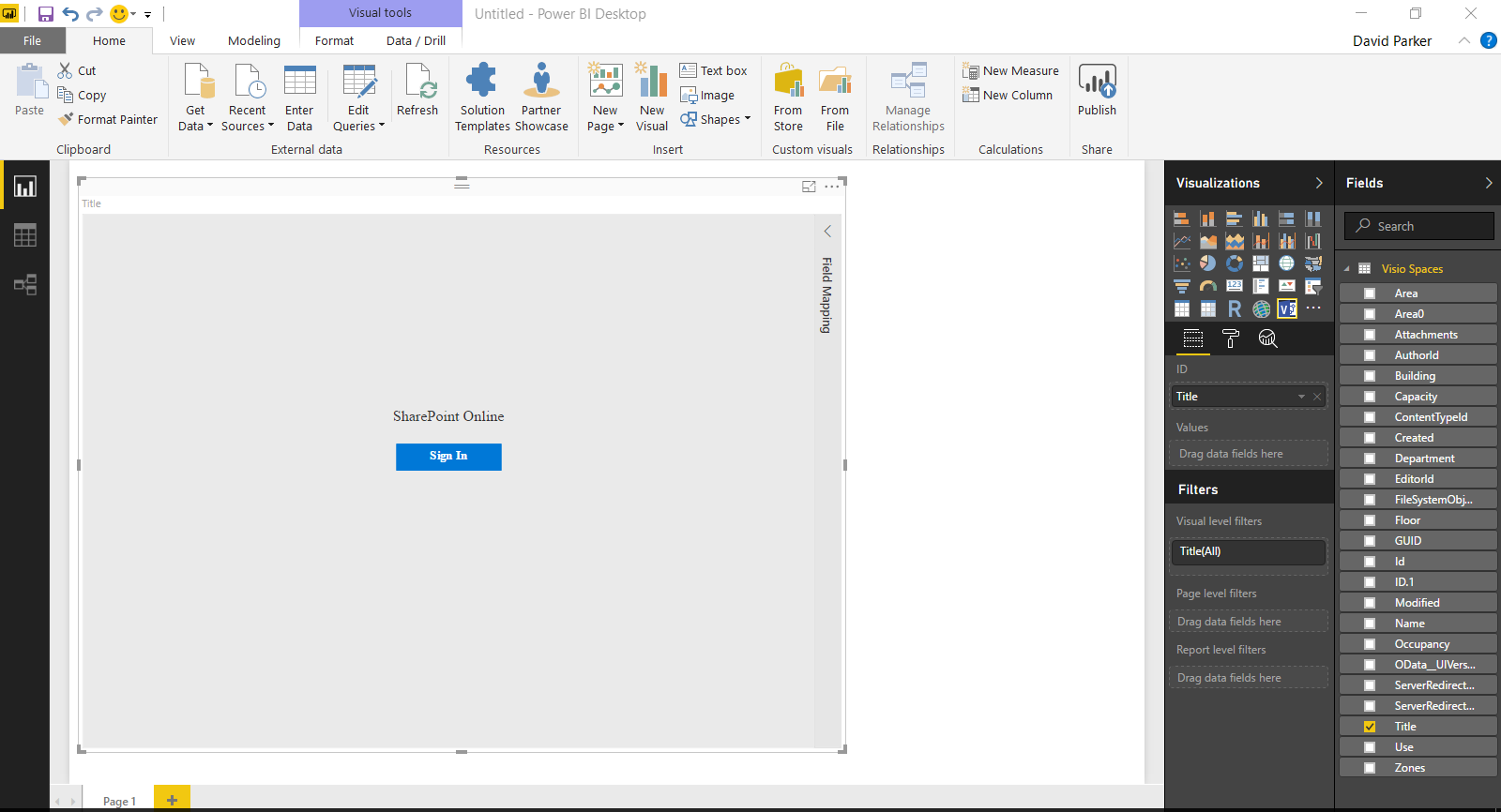
Visio custom visual preview for PowerBI available for all!

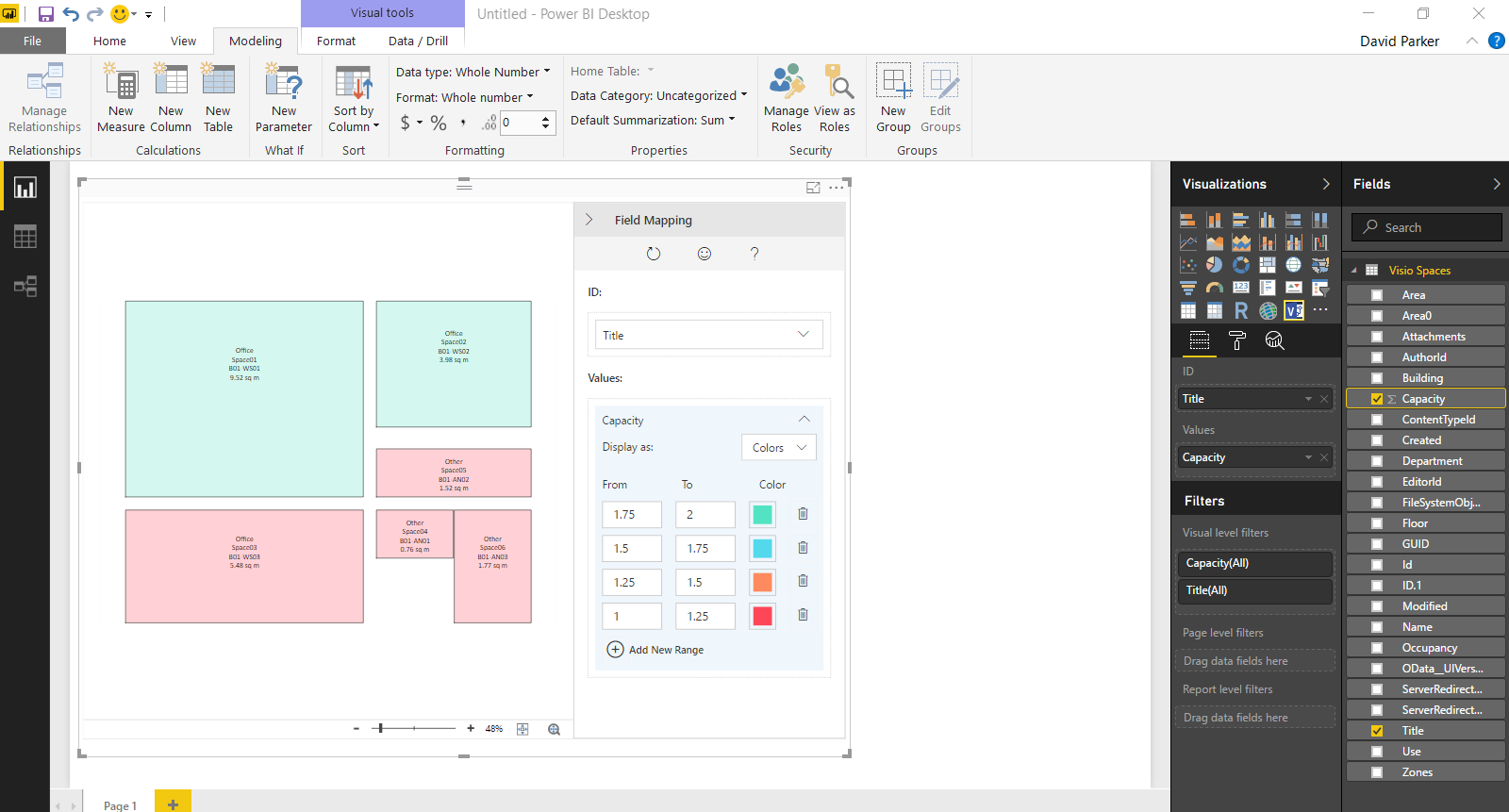
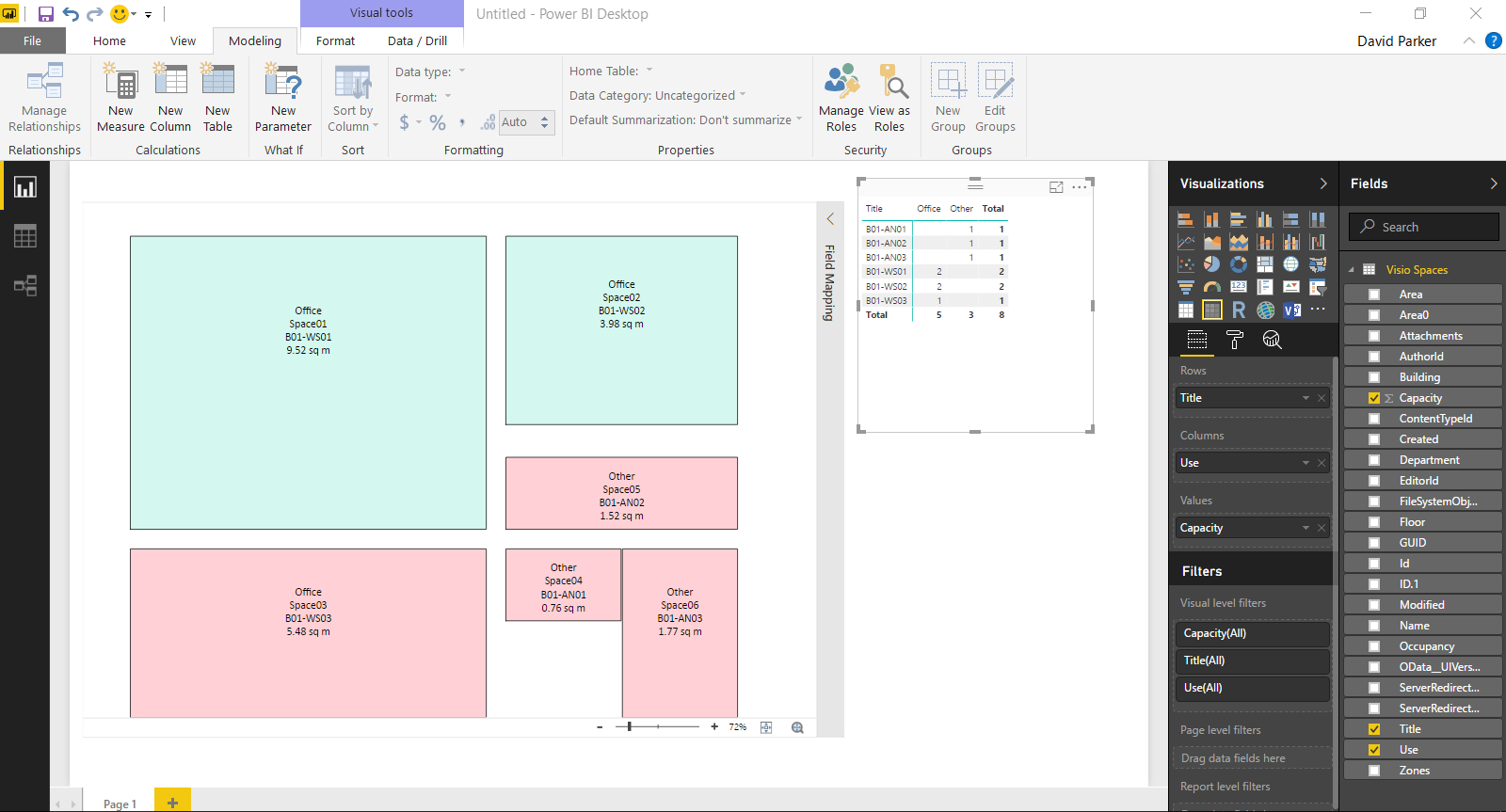
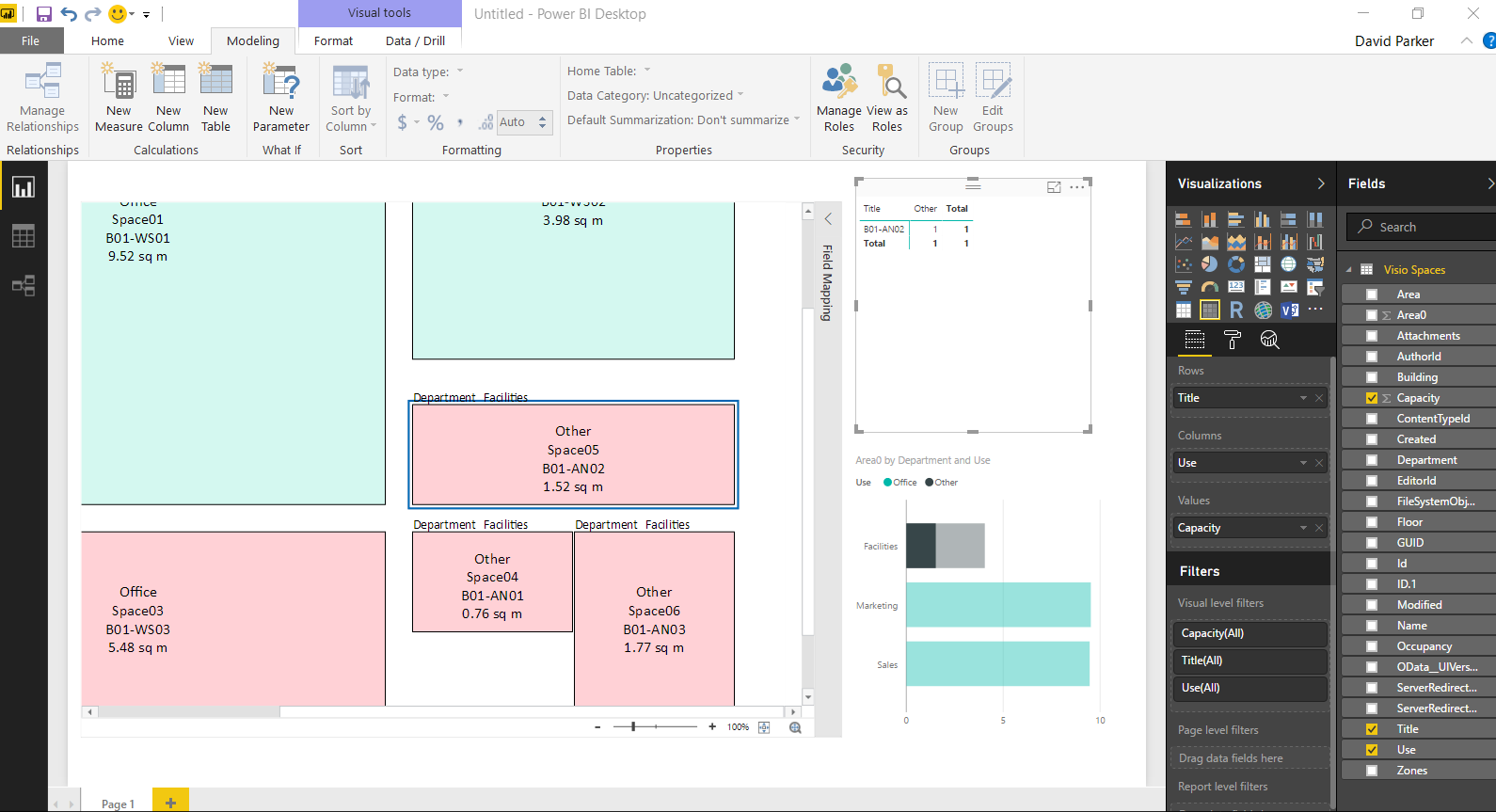
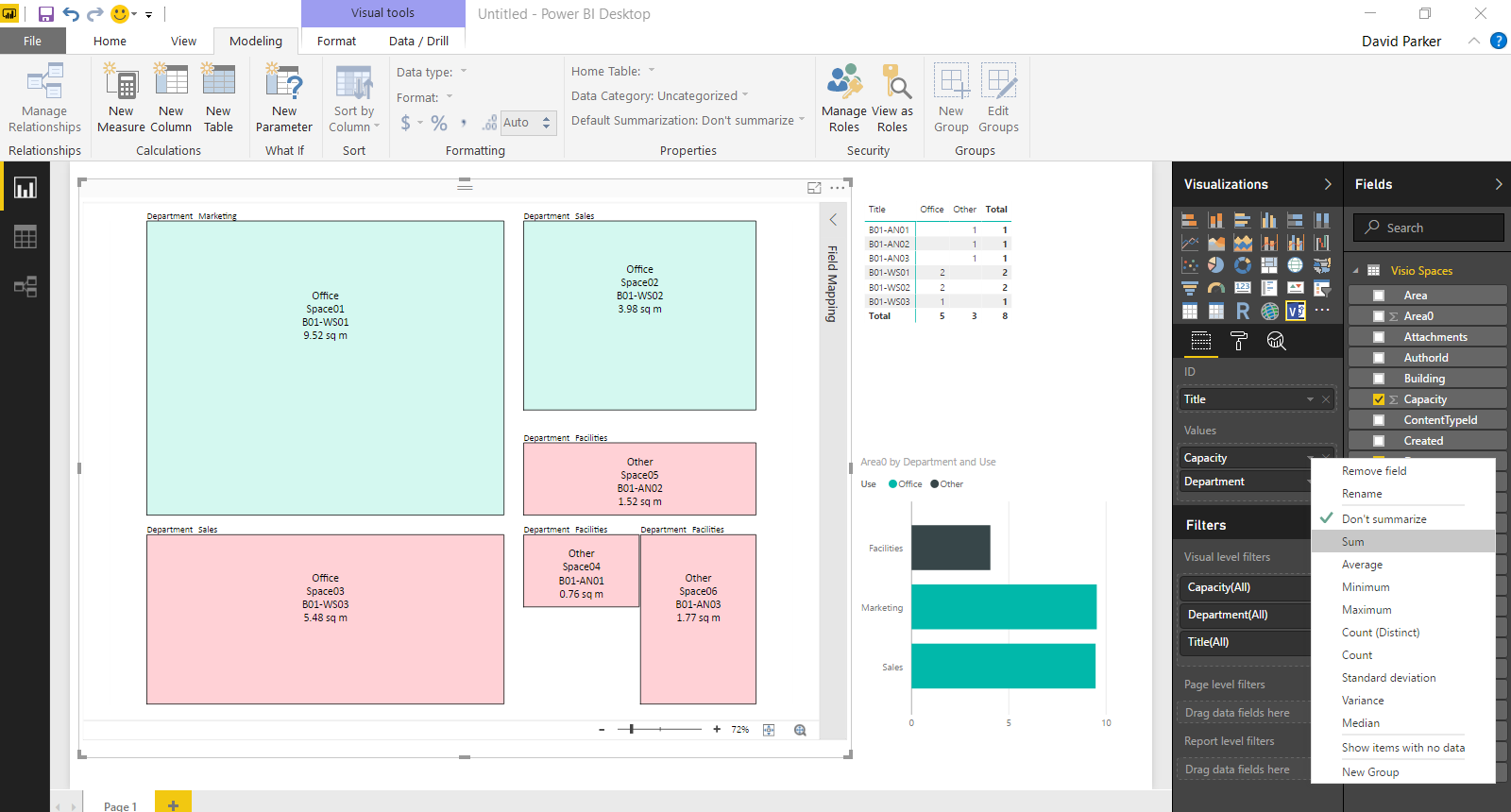
Yesterday, I wrote about using #MSFlow with #Visio ( Updating data sources from #Visio using #MSFlow … easily! ), so it is fitting to announce that the Visio custom visual for PowerBI is now available from the Microsoft store, and that it works with PowerBI Desktop! This means that everyone can make use of my guidelines in my other recent article at Previewing the #Visio Custom Visual in #PowerBI !
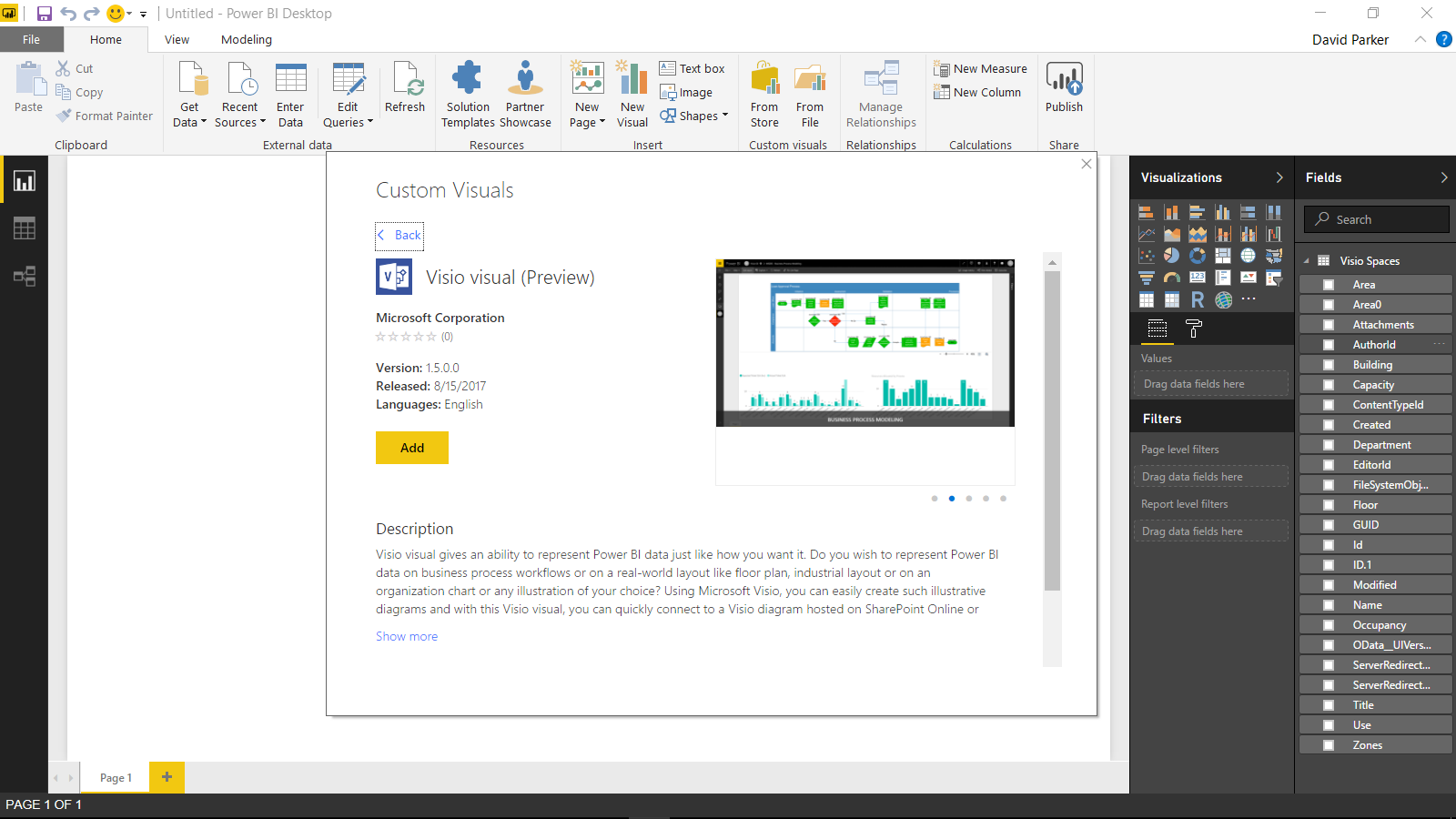
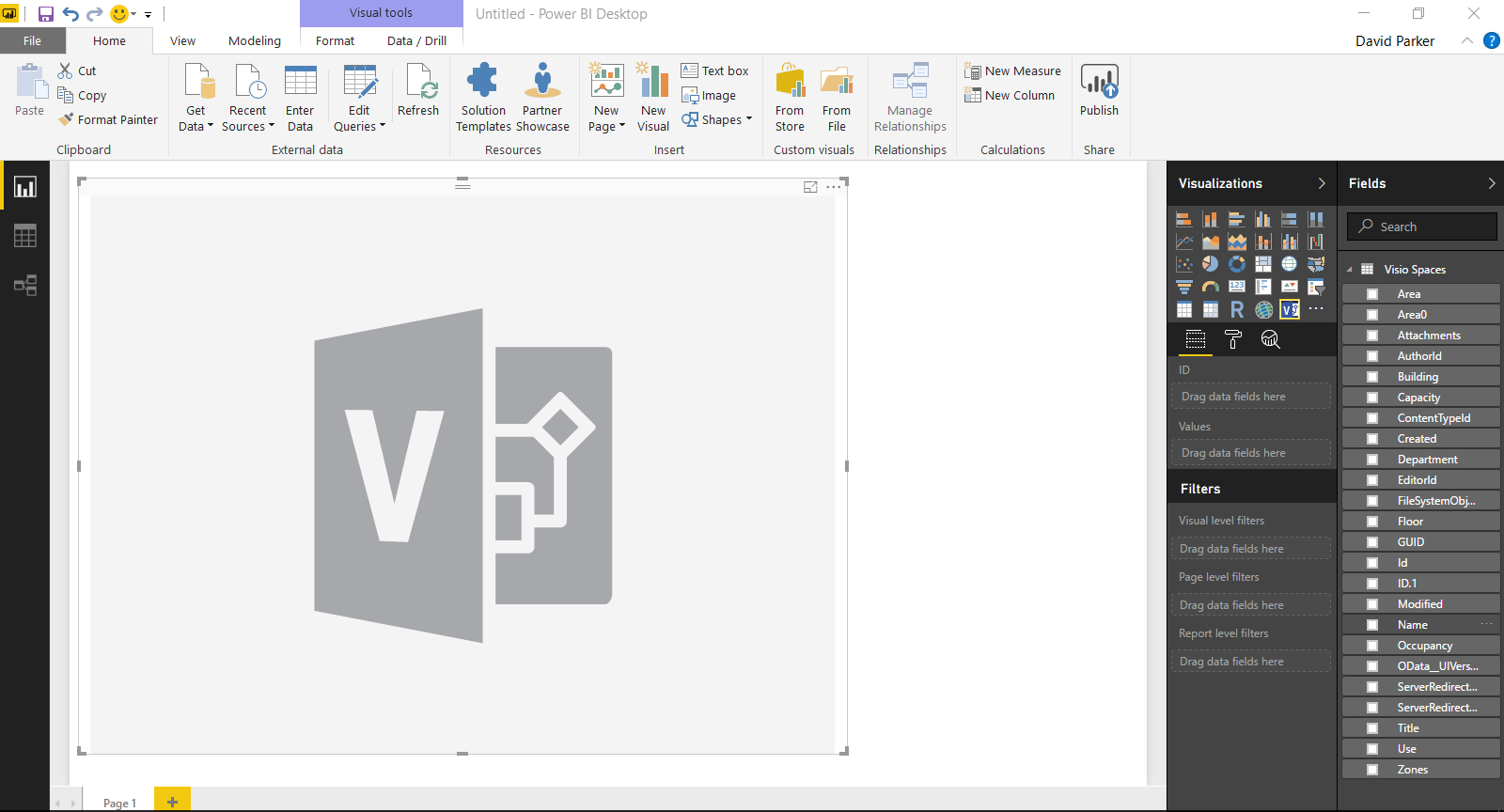
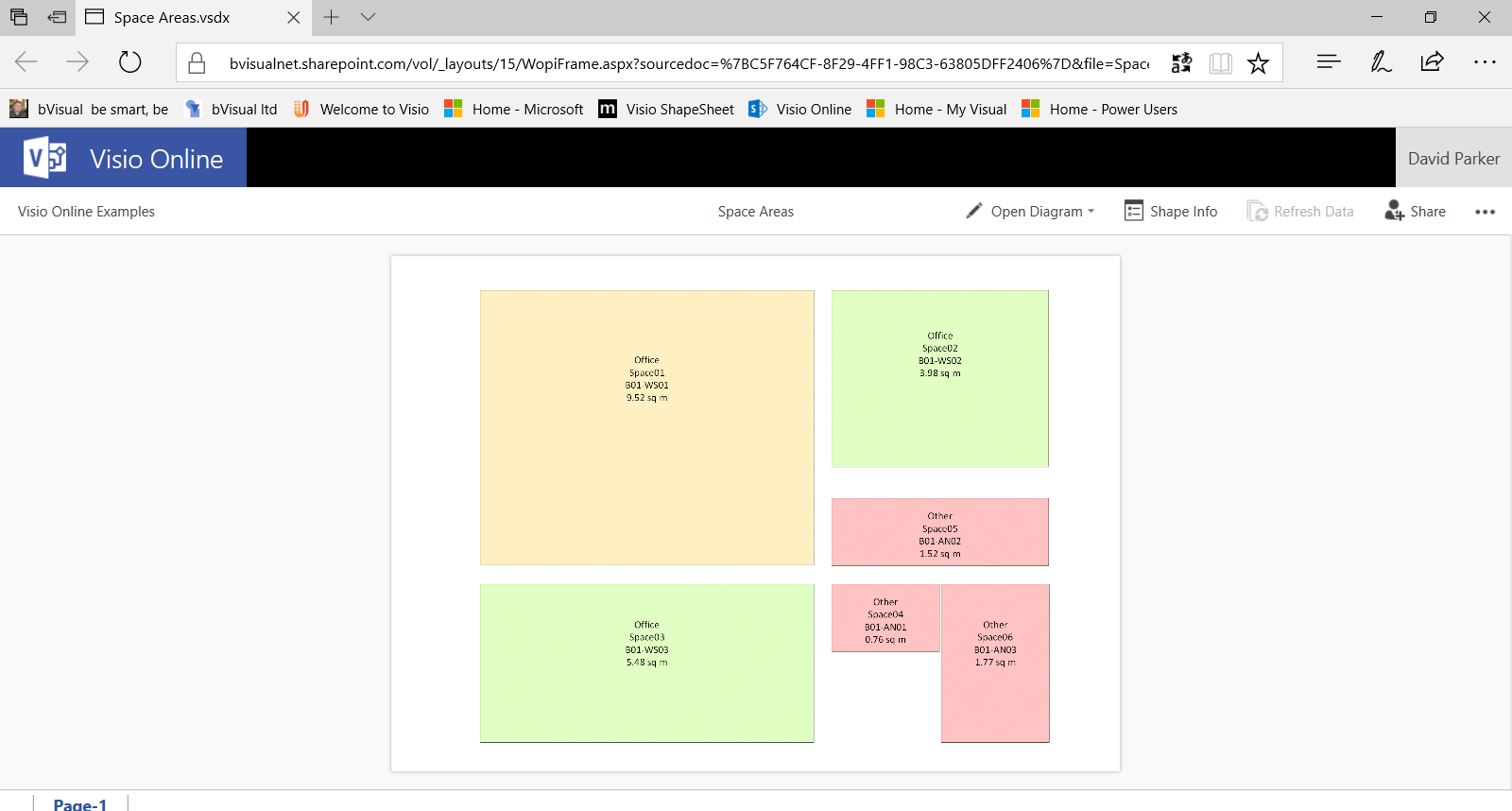
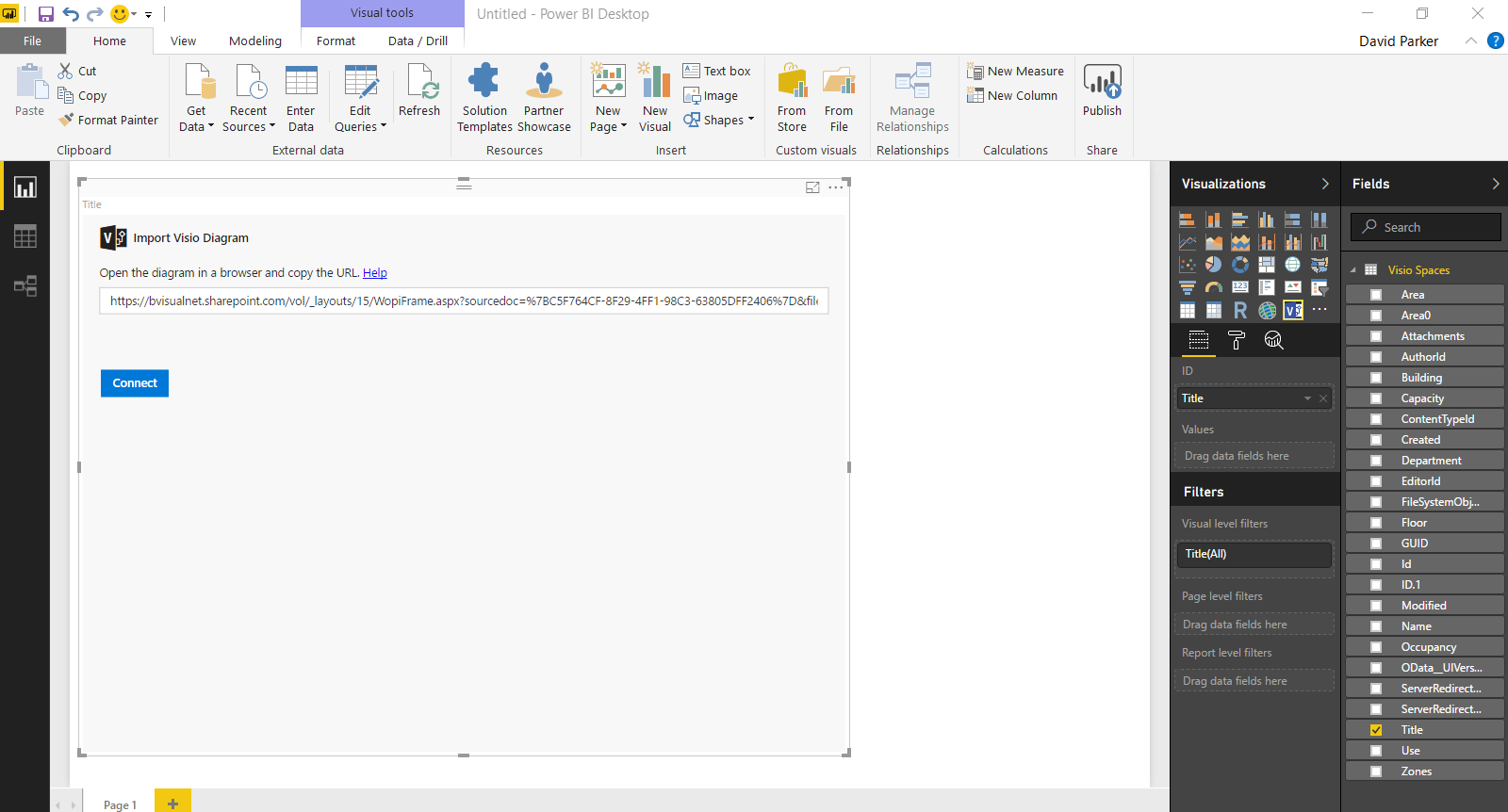
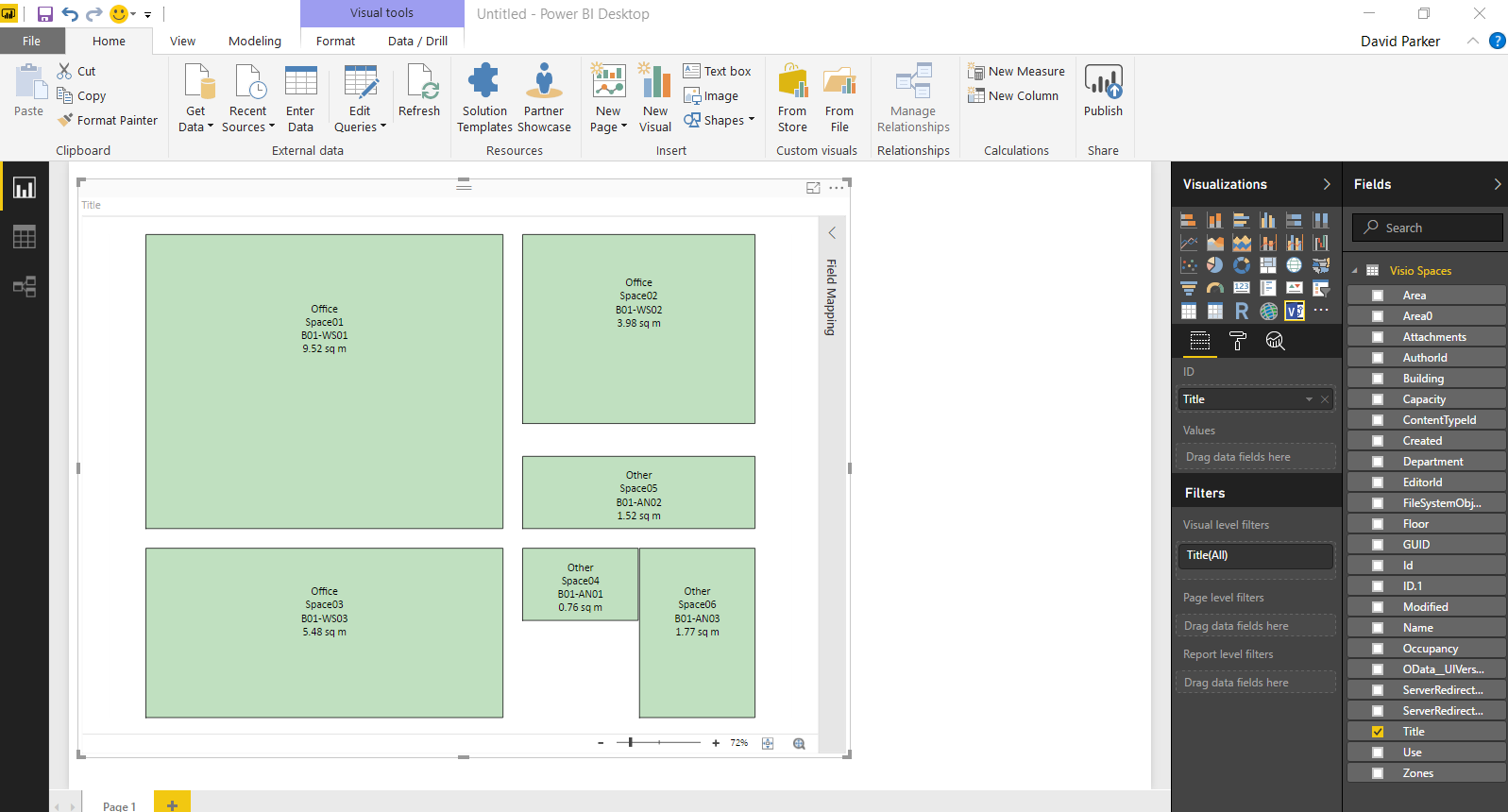
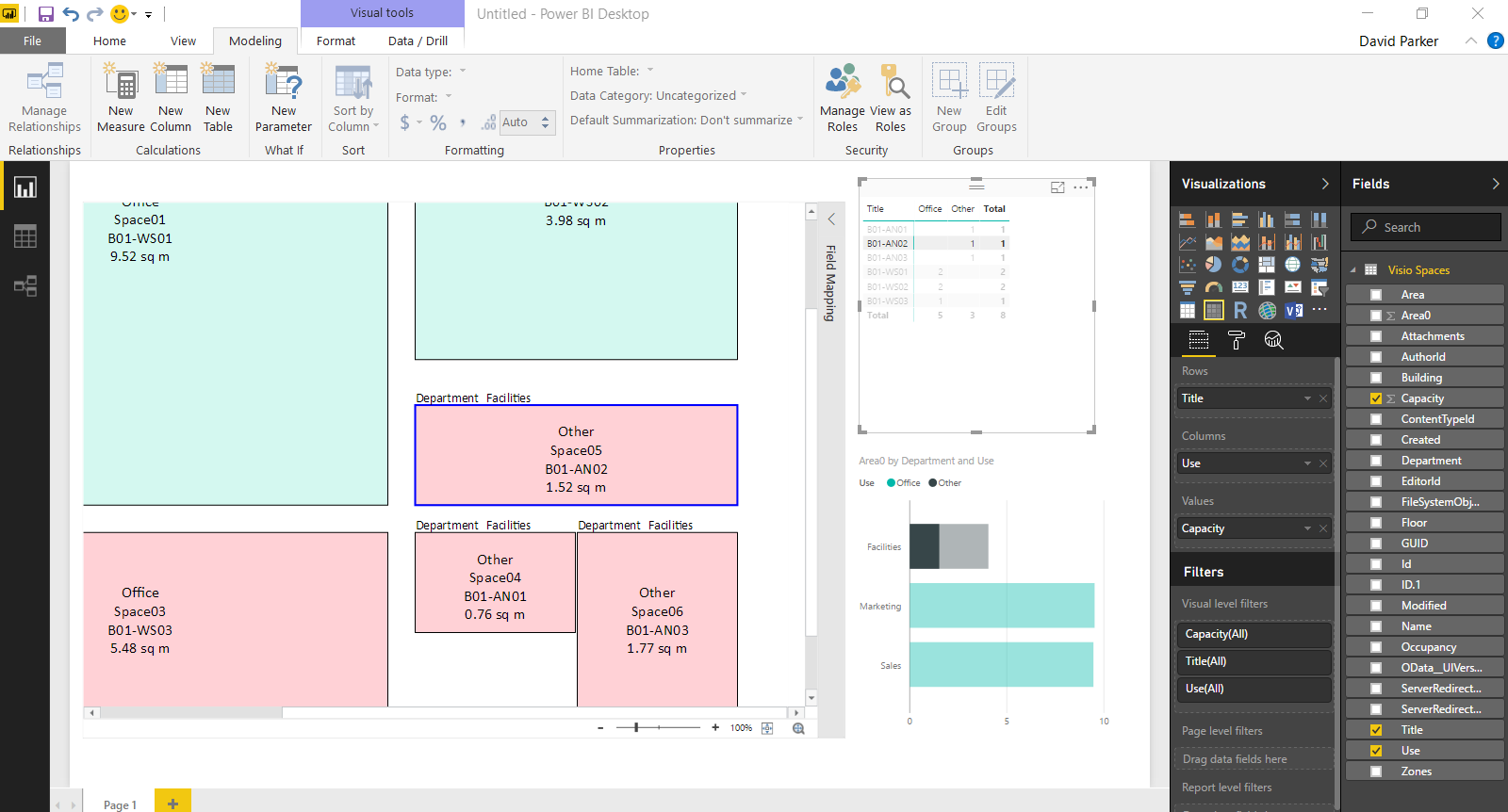
I used the small sample file that I created for my earlier blog, but it does demonsrate how powerful these new capabilities are. The possibilities are really exciting!
By the way, the text in my Visio shapes above were not Data Graphic Text callouts, because, if they were, they would have been supressed automatically.
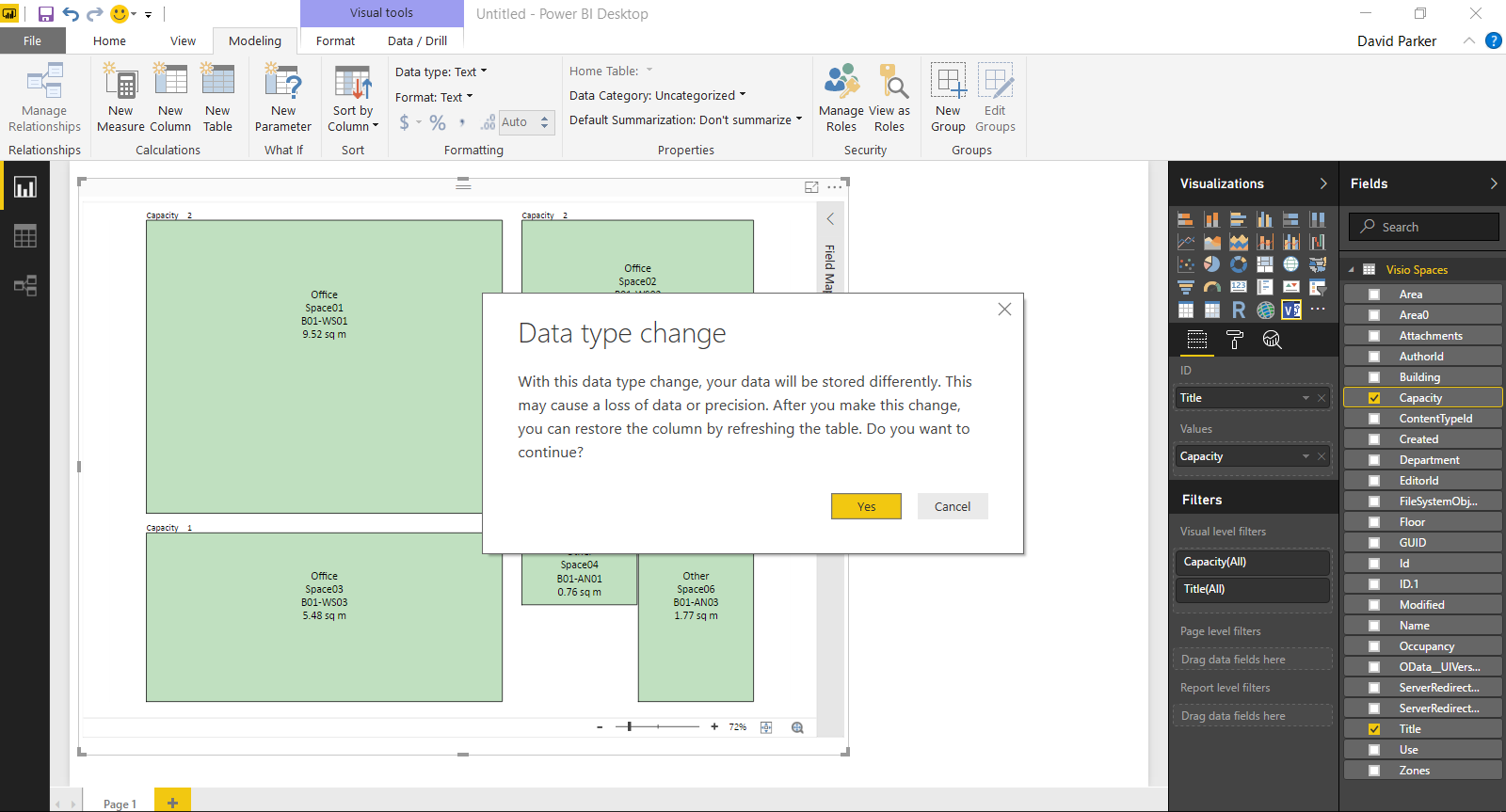
The support of the Visio custom visual in PowerBI desktop enables data modelling whilst testing with Visio diagrams. This is so useful!
Check out the Microsoft announcements at Office Blog post and on Facebook and Twitter.

[Read more…] about Visio custom visual preview for PowerBI available for all!

Filed Under: PowerBI, SharePoint, Visio

Published on August 15, 2017 by David Parker

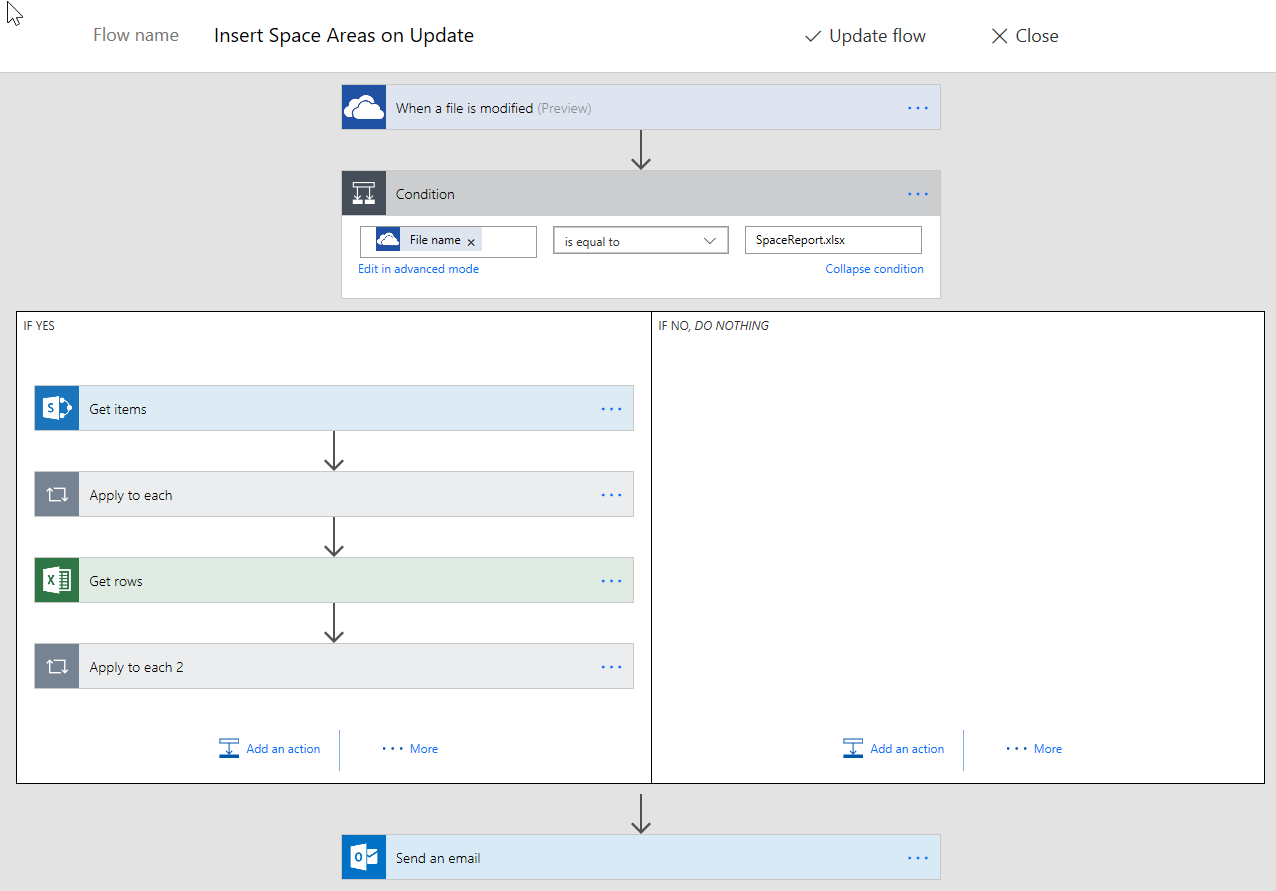
Updating data sources from Visio using MSFlow … easily!

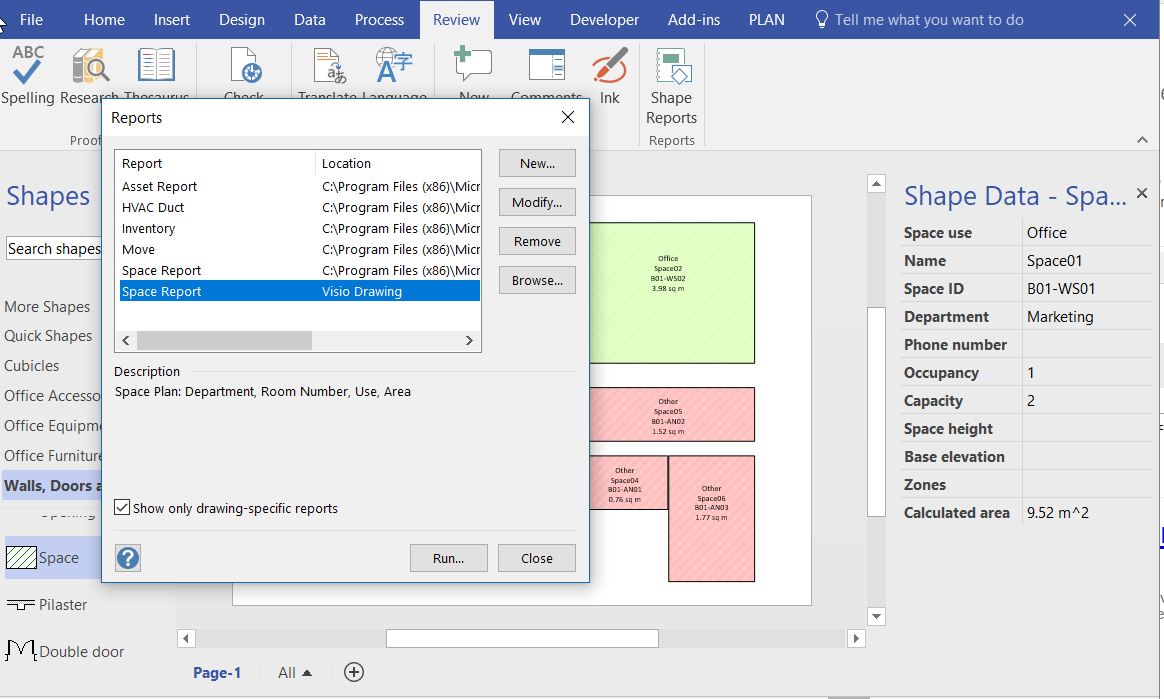
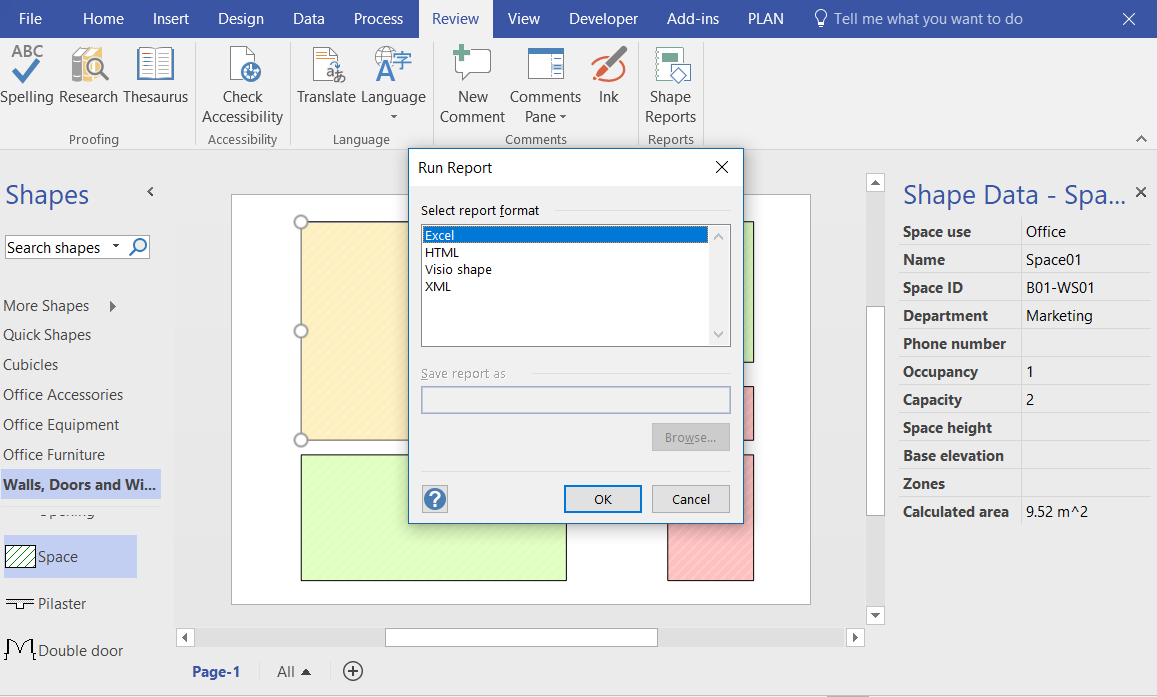
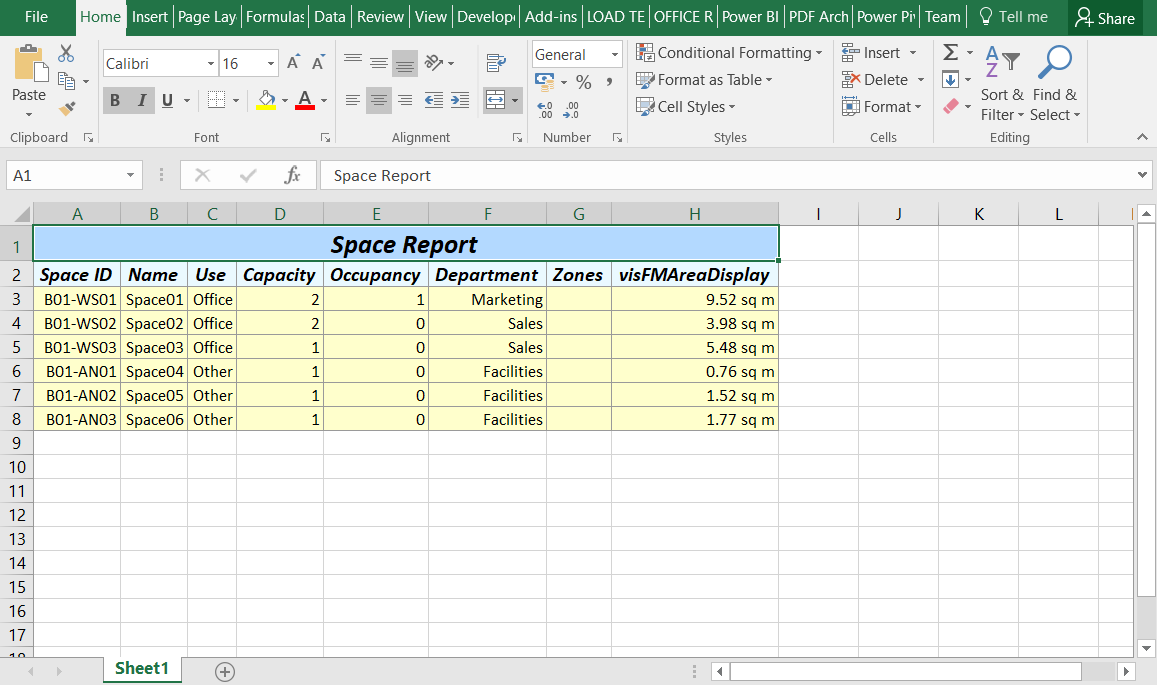
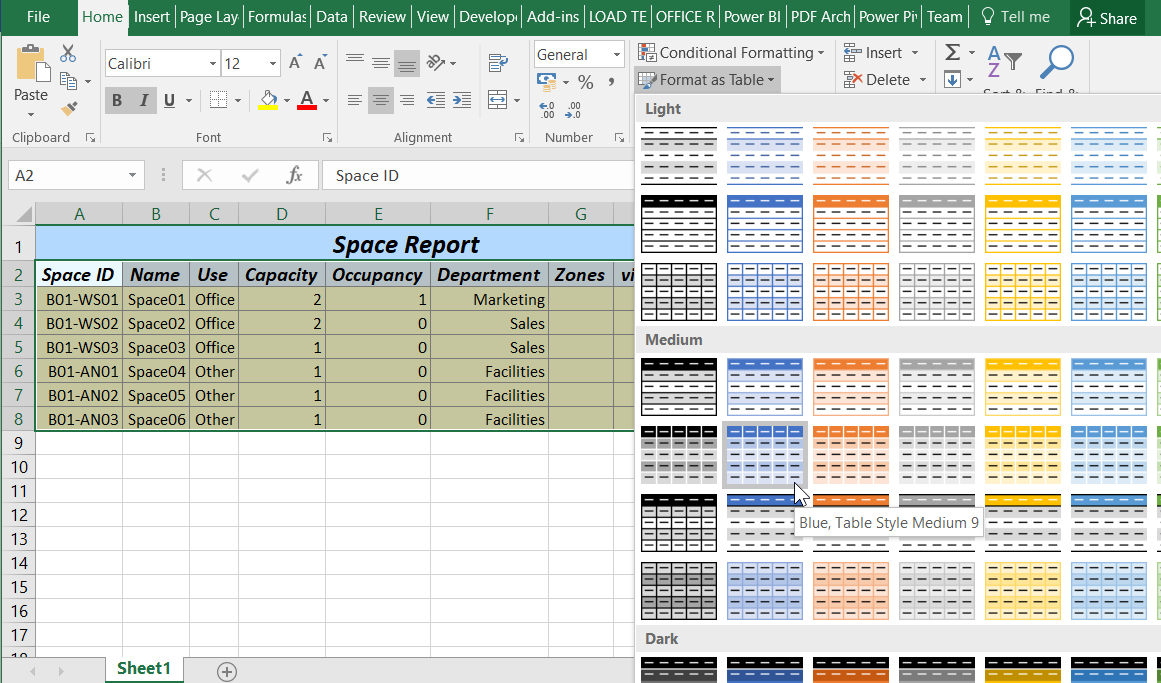
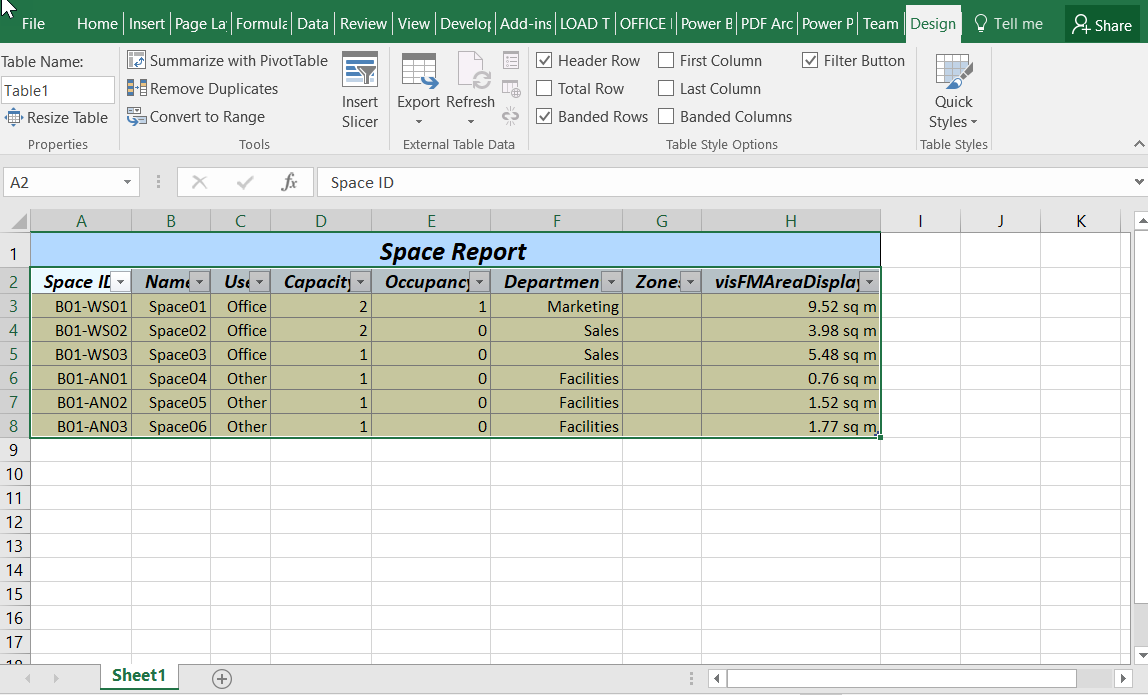
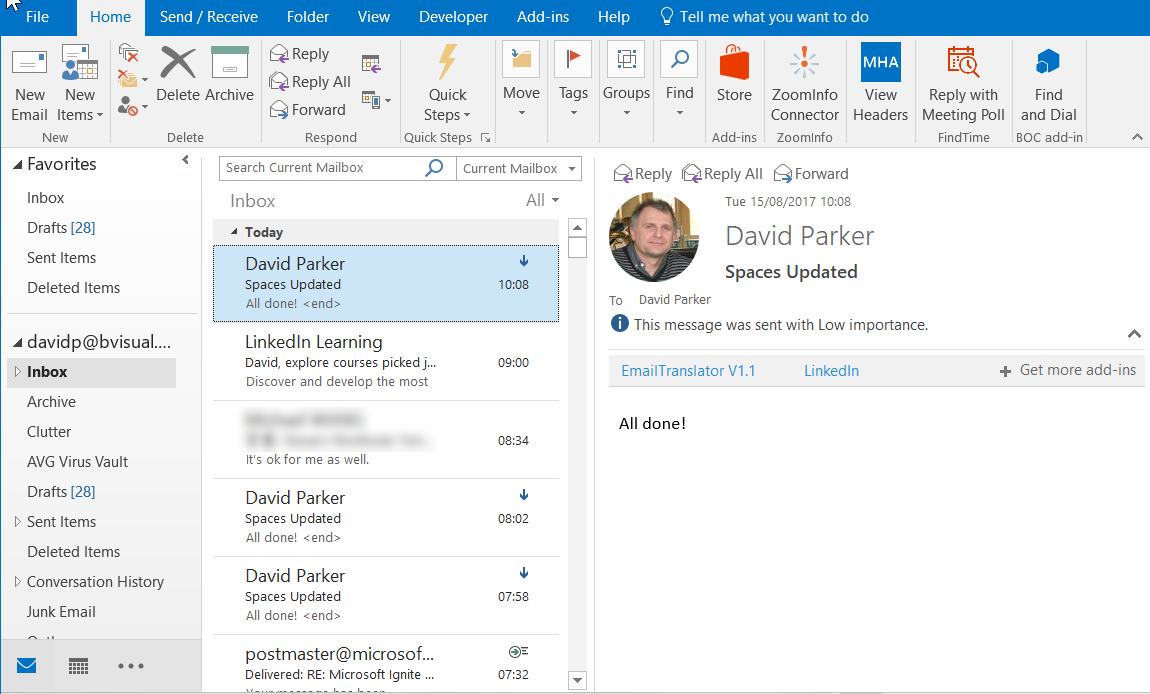
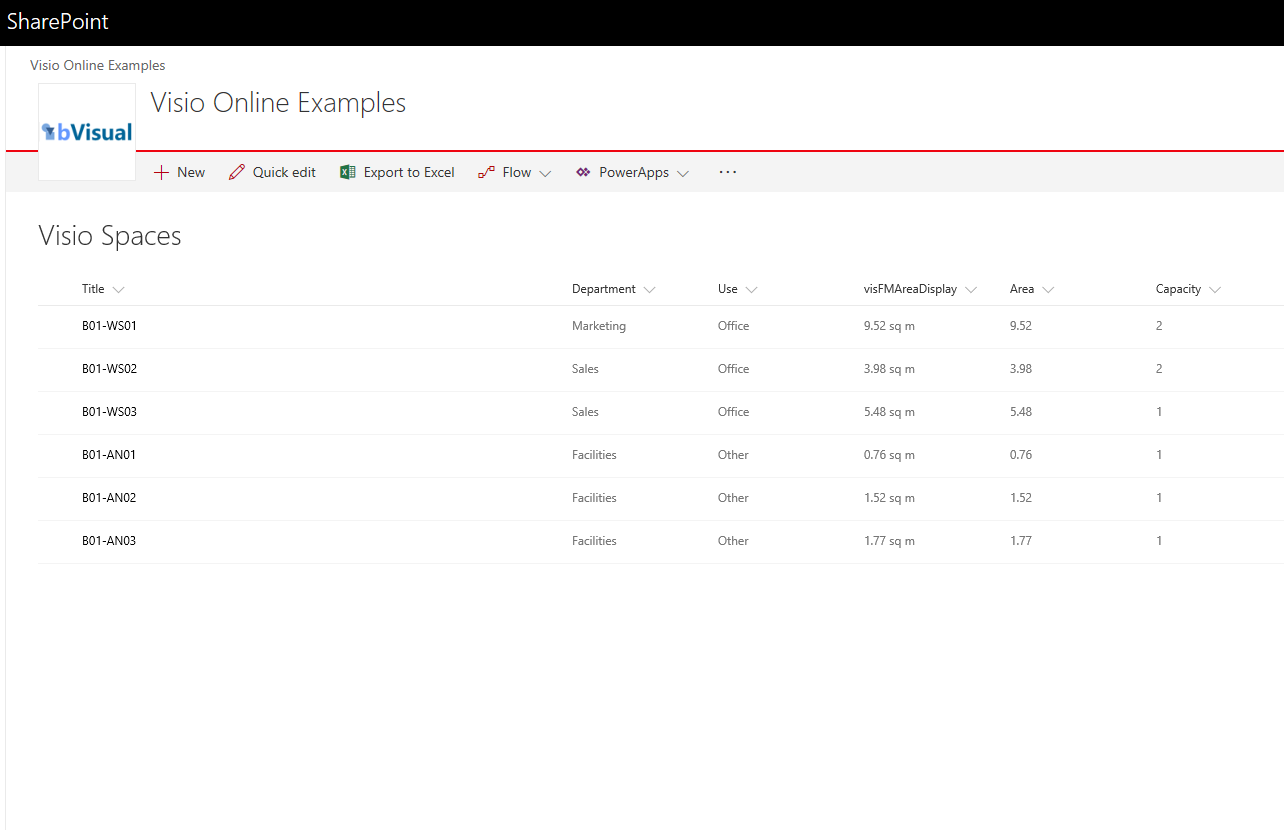
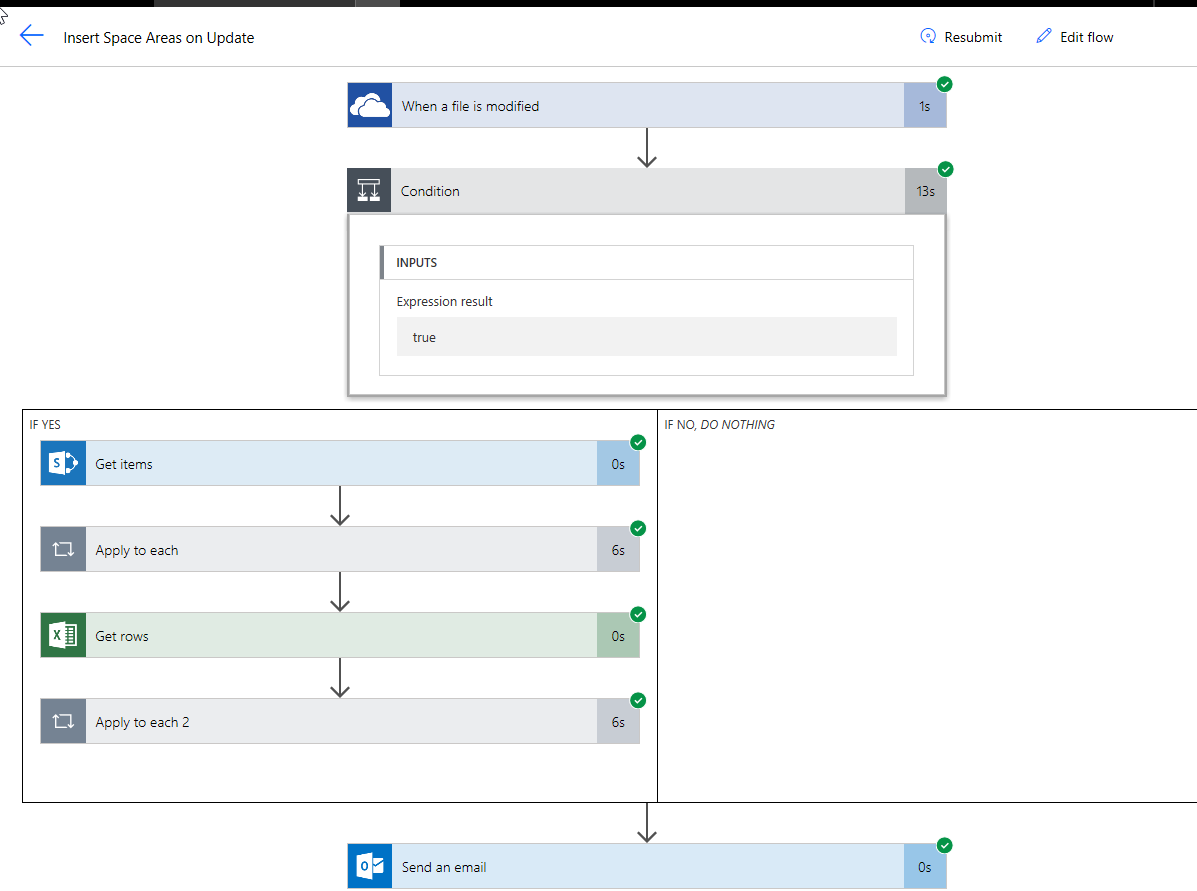
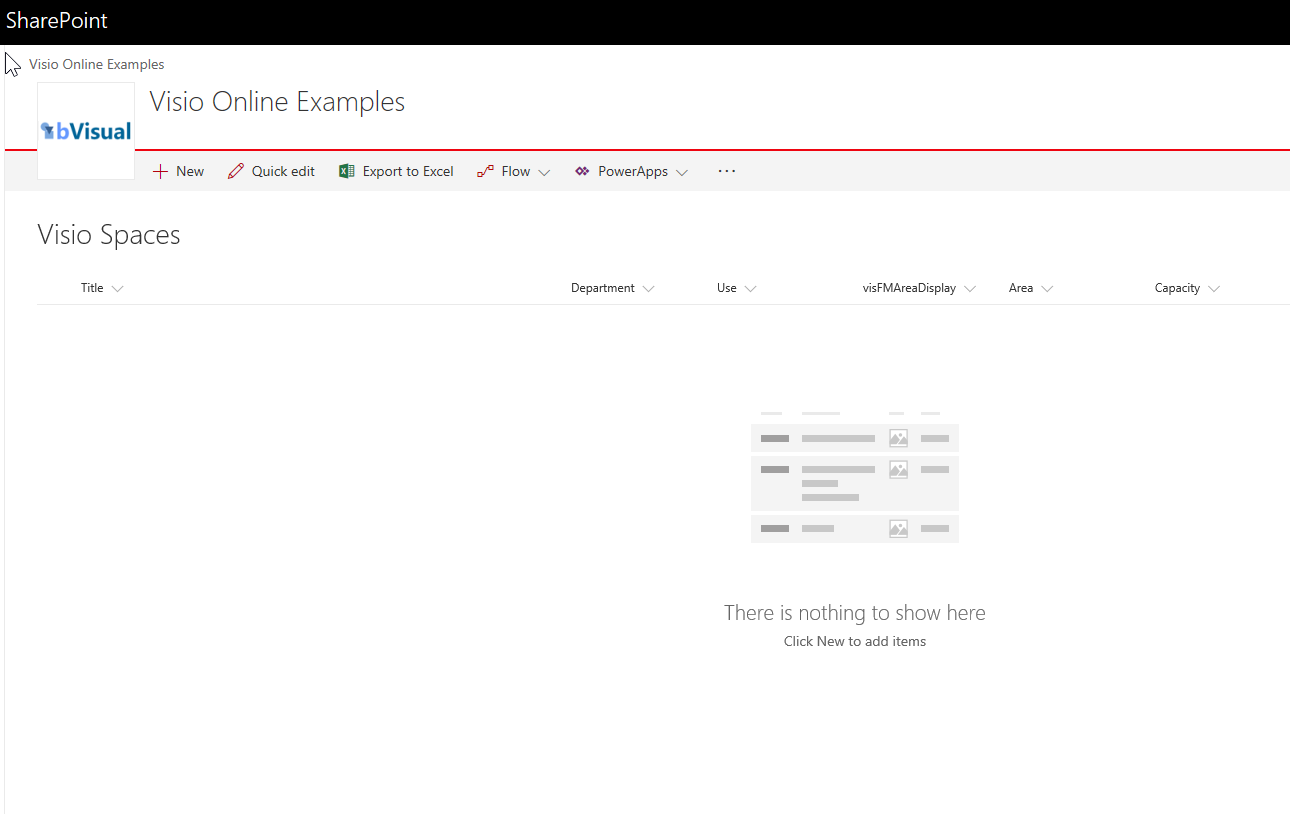
Most of my posts have been about using Visio as a data consumer by linking Visio shapes to data, but Visio can be the best place to create some data from. For example, an office layout can have personnel or equipment shapes within a workstation area, or space shapes are used to define areas which are used for calculating the space usage chargeback reports. There are non-facilities management related examples too, as the only consideration is what is the best way to create relationships, measure lengths, or calculate areas. These are all tasks that are best done by just moving, resizing, connecting or containing shapes interactively in the Visio interface. In this article I will explain how Microsoft Flow can be used update a data source simply from a Visio document.

[Read more…] about Updating data sources from Visio using MSFlow … easily!
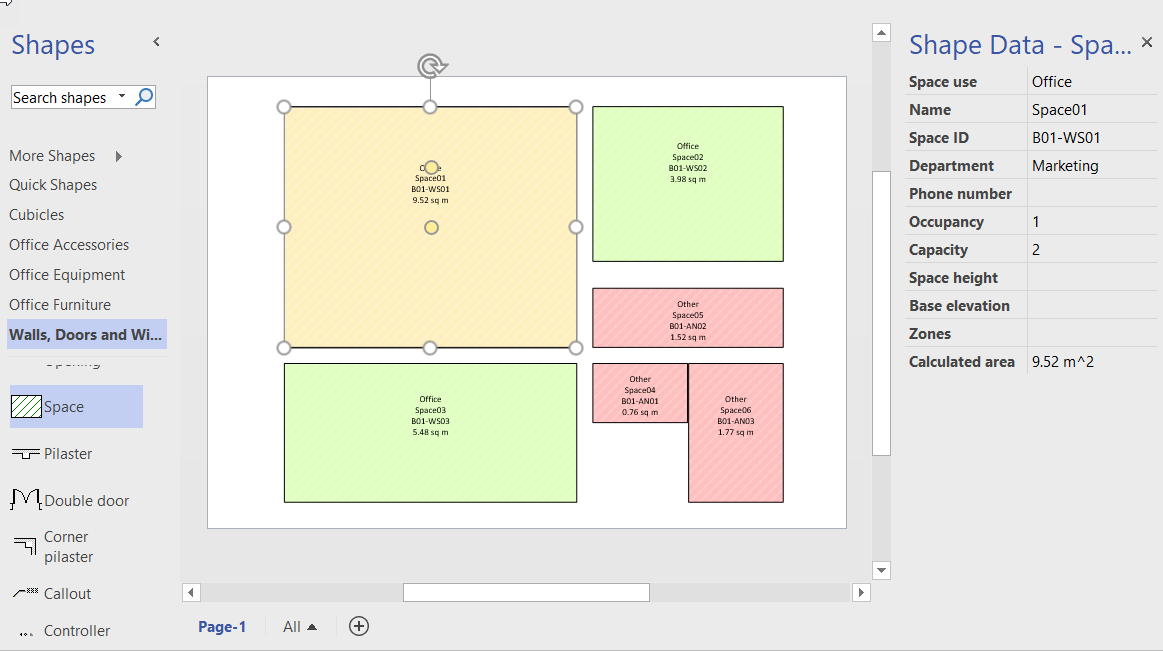
Filed Under: MSFlow, Office 365, Visio Tagged With: Data Export, Excel, Shape Data, Shape Reports

  • « Go to Previous Page
  • Page 1
  • Interim pages omitted …
  • Page 26
  • Page 27
  • Page 28
  • Page 29
  • Page 30
  • Interim pages omitted …
  • Page 71
  • Go to Next Page »

Primary Sidebar

  • LinkedIn
  • Twitter

Recent Posts

  • Introducing a free Visio Report Runner application
  • Protecting the integrity of custom Visio masters
  • Docked Stencils in Visio for the Web
  • My Visio Books and Old pre-C# Work
  • Migrating from Lucidchart to Visio?

Categories

Tags

Accessibility Add-Ins AdvancedInstaller Connectors Containers Data Export Data Graphics Data Import Data Visualizer Educational Excel GraphDatabase Hyperlinks Icon Sets JavaScript LayerManager Layers Legend Link Data to Shapes MSIgnite Office365 Org Chart PowerApps PowerBI PowerQuery Processes Setup and Deployment Shape Data Shape Design ShapeSheet ShapeSheet Functions SharePoint 2013 SQL Teams Validation VBA Video Visio Visio 2007 Visio for the desktop Visio for the Web Visio Online Visio Services Visio Viewer Webinar

Footer

bVisual Profile

The UK-based independent Visio consultancy with a worldwide reach. We have over 25 years experience of providing data visualization solutions to companies around the globe.

Learn more about bVisual

  • Amazon
  • E-mail
  • Facebook
  • LinkedIn
  • Twitter
  • YouTube

Search this website

Recent posts

  • Introducing a free Visio Report Runner application
  • Protecting the integrity of custom Visio masters
  • Docked Stencils in Visio for the Web
  • My Visio Books and Old pre-C# Work
  • Migrating from Lucidchart to Visio?

Copyright © 2026 · Executive Pro on Genesis Framework · WordPress · Log in