I was recently asked how the color of one shape can be changed and for other shapes to be automatically updated to the same color … even if they are on different pages! Well, it is possible with Microsoft Visio’s awesome ShapeSheet formulas. In fact, this capability is not limited to the FillForegnd cell … check out the Microsoft Learn page about SETATREF(…), and view the video below to find out more.
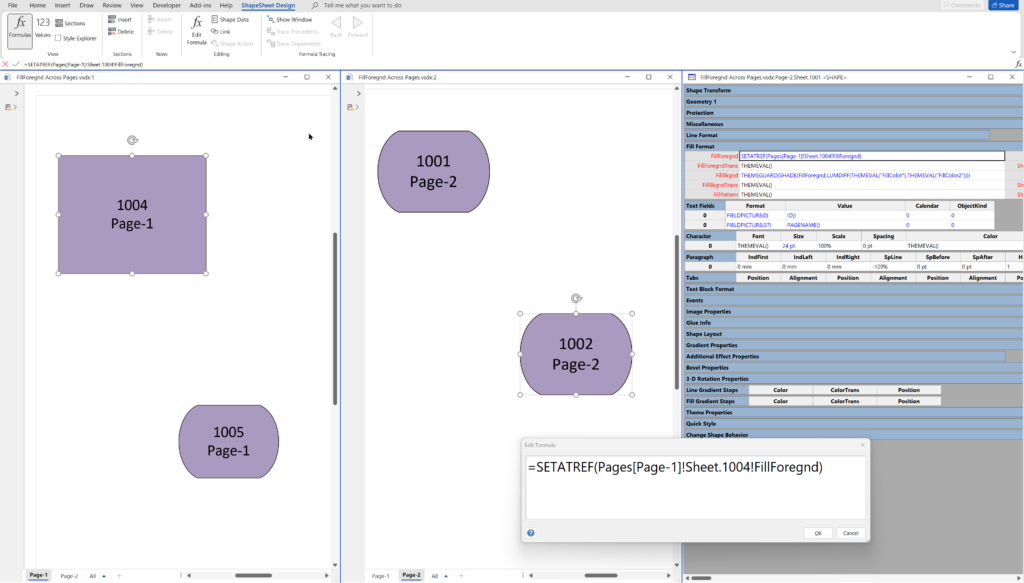
The formula in a ShapeSheet formula of one shape can reference the value of another cell, which can be in a different shape on the same page, or even on a different page.
For example, the formula =Sheet.1004!FillForegnd will get the fill color of the shape with the ID = 1004, and, if this is entered into the FillForegnd cell of another shape, then it will be the same color. This formula could be enclosed in the GUARD(…) function, if you don’t want the color to be changed, or enclosed in a SETATREF(…) function, if you want the color to be updated on either shape to keep them synchronized.
This short video explains how this can be done with the ShapeSheet in Visio …
Of course, it does not have to be limited to the fill color….
Related articles

The Importance of the 2-Dot Rule in Visio Addins
First of all, I must say that I was unaware of this rule for many years, and that is probably because I started programming Visio in VBA back in the mid ’90s. VBA is built in to Visio like other Microsoft Office applications, and as such, it has a direct uninterrupted access to the Visio…
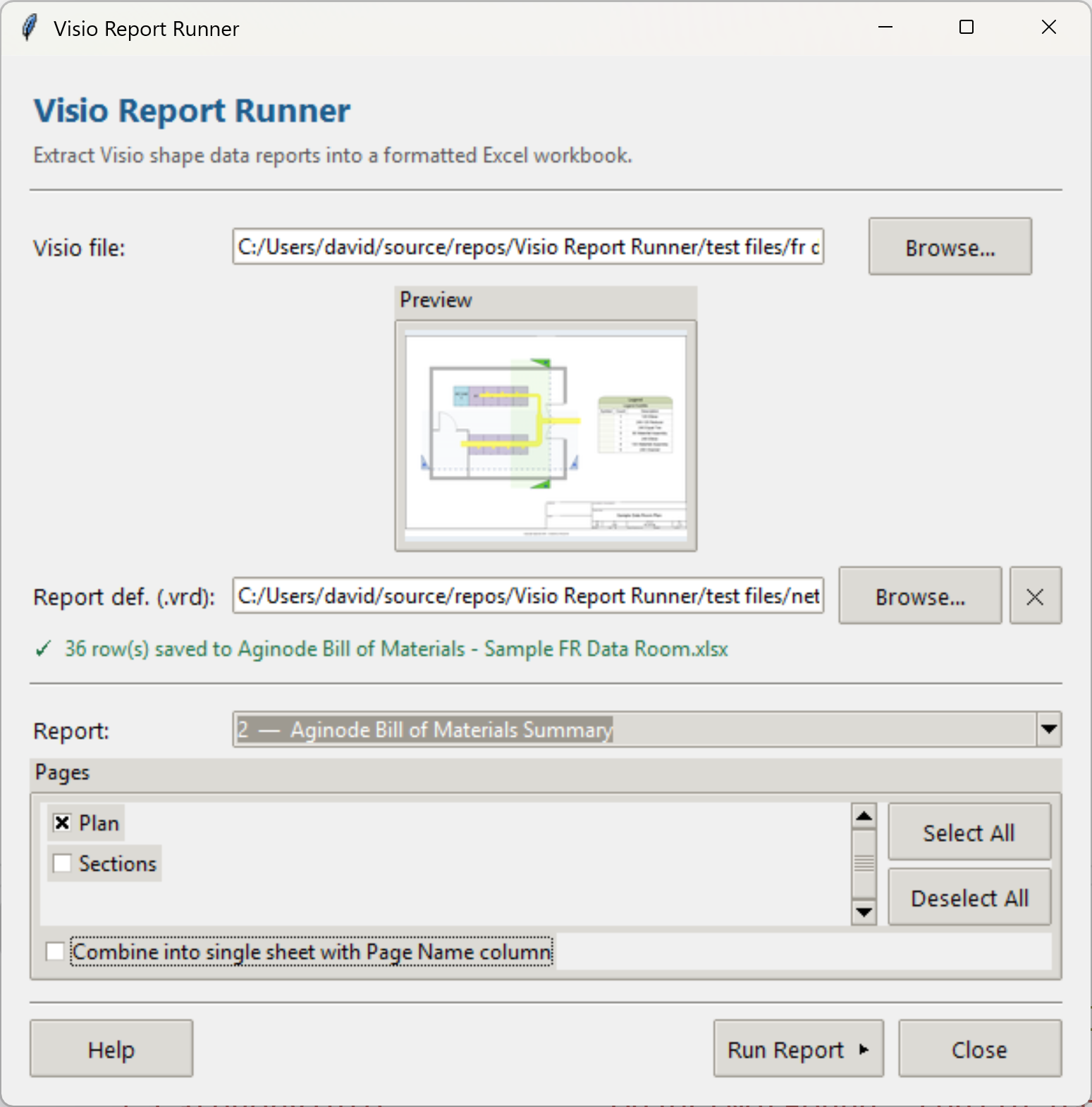
Introducing a free Visio Report Runner application
AI is changing the world and how we should approach it. So I decided to see if I could get Claude Sonnet 4.6 Agent to completely write an application for me, and I mean completely. The application is written in Python by Claude, and I have not written a single line. The code is available…

Protecting the integrity of custom Visio masters
All of my Visio solutions contain custom masters because this is the best way to create smart shapes that respond to user’s needs. This usually means creating Shape Data, User-defined Cells and Action rows that govern aspects of the shape with formulas designed to provide an efficient user interface. As a developer I sometimes forget…
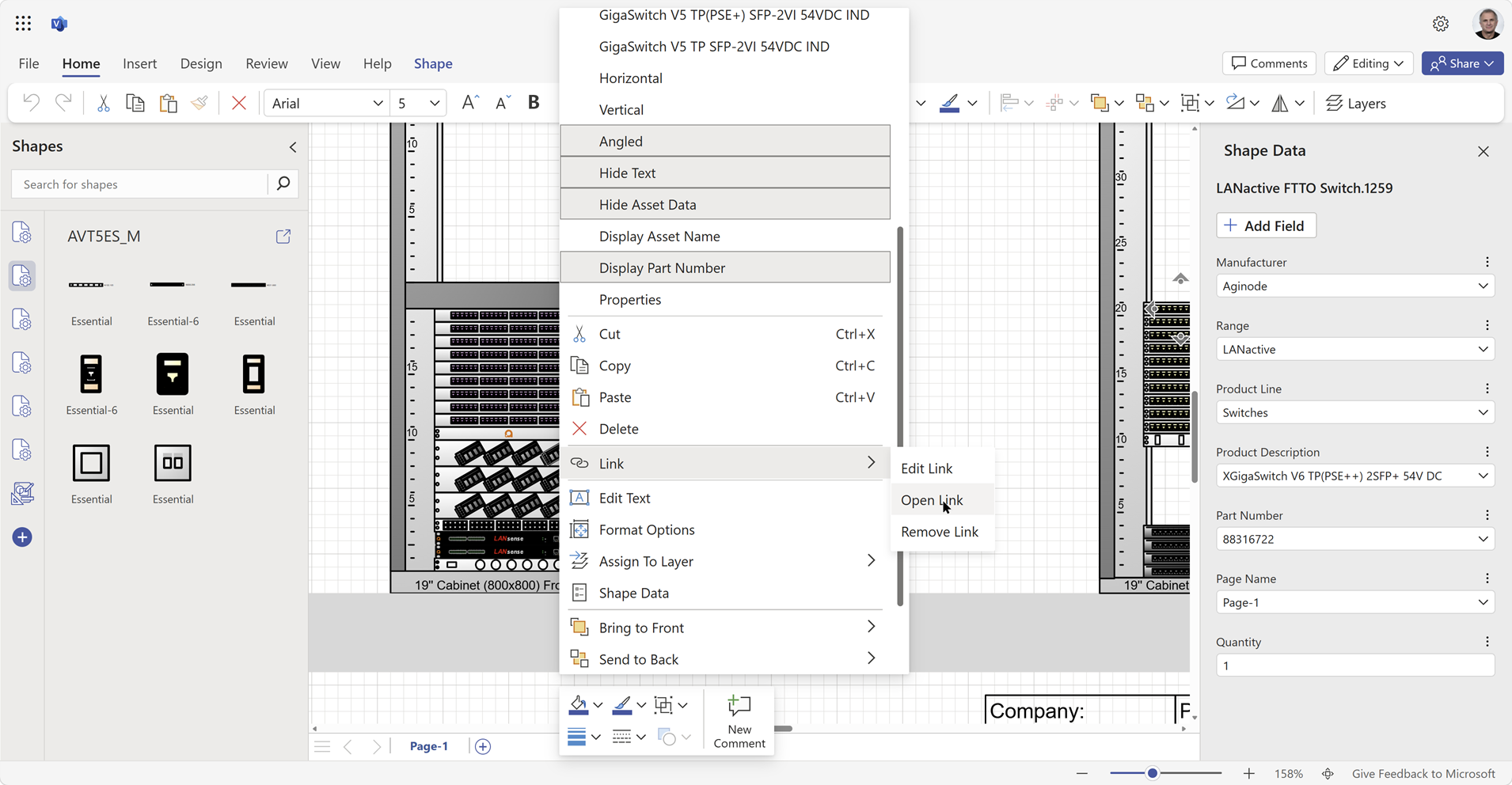
Docked Stencils in Visio for the Web
Visio desktop has multiple ways to specify the folder where docked stencils can be found, but, as far as I am aware, Visio for the Web only has one. I mostly create VSTO add-ins for Visio desktop, and I use Visio desktop as a studio for creating templates for Visio for the Web. Often, I…
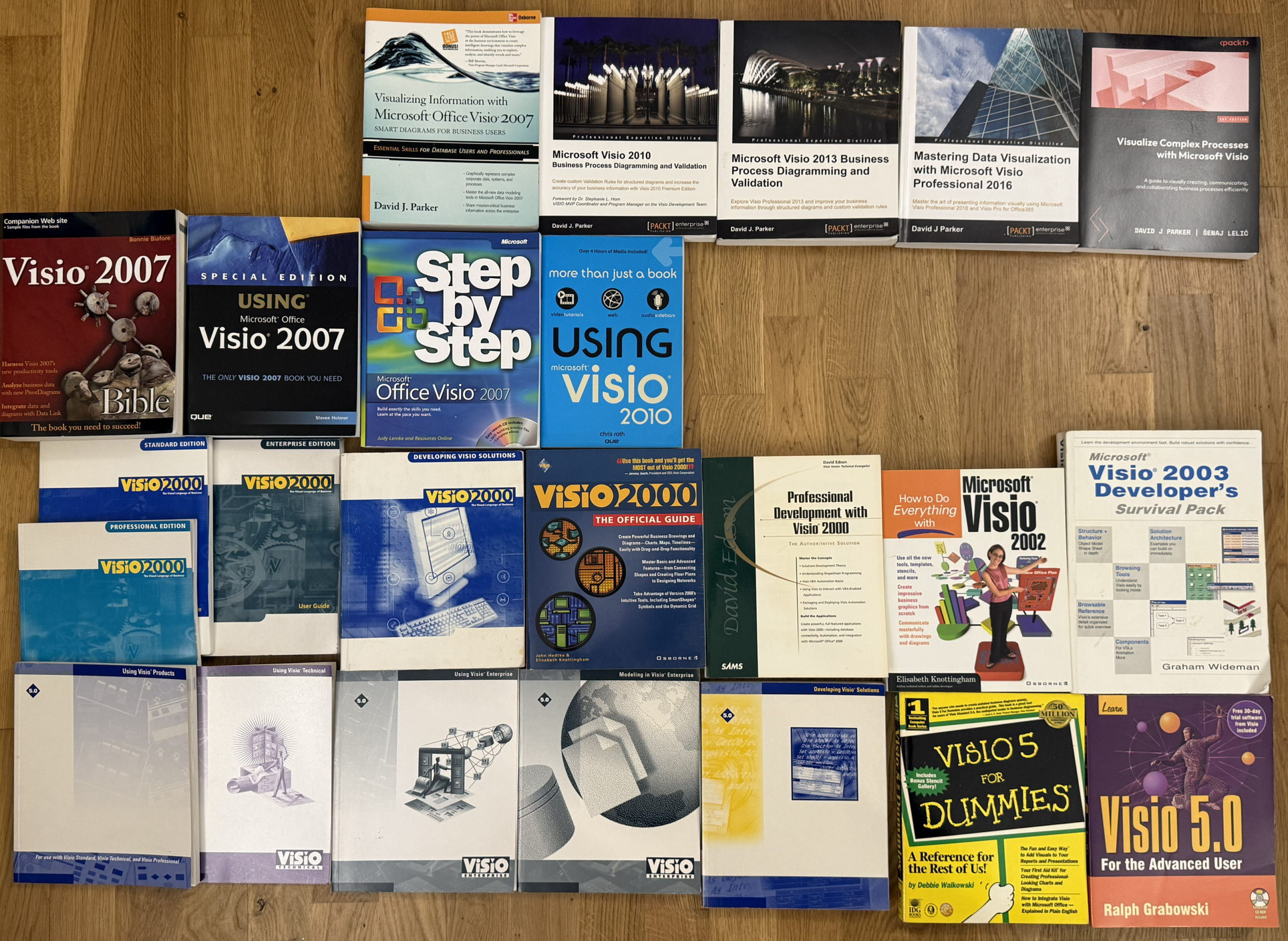
My Visio Books and Old pre-C# Work
We, as a family, are in the process of de-cluttering our house for hopefully a move closer to the south coast, so I decided to take a photo of my Visio books collection, and as you can see, back in the mid-1990’s, I started reading and learning from other peoples works, and then progressed to…

Creating Boolean Context Menus in Visio
Over the many, many years that I have been creating Microsoft Visio solutions, I have had to create numerous right-mouse context menus for shapes to control their Shape Data values. Over that time, patterns emerge, so this article is highlighting three different appearances for simple Boolean values, otherwise known as True/False or Yes/No values, and…

Well written
There is also the three shapesheets —> TheSheet, ThePage and TheDoc.
So you could assign the colour to TheDoc or ThePage.