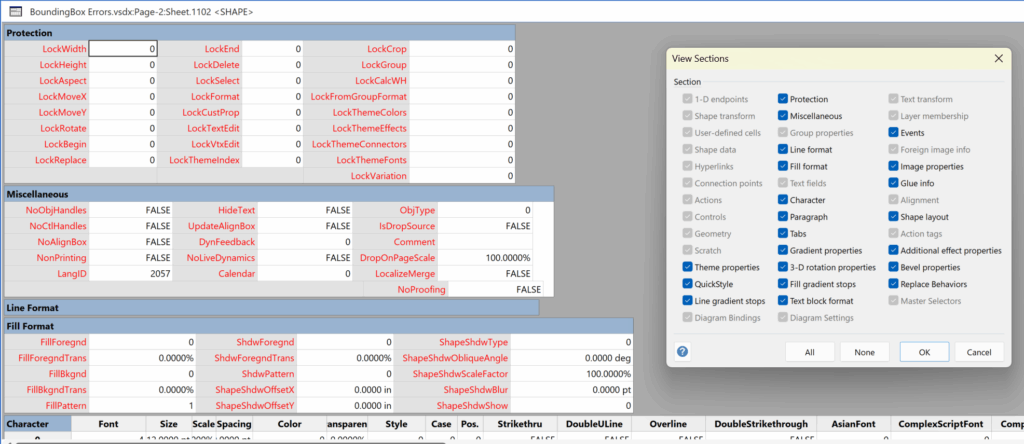
I have used Visio’s Shape.BoundingBox(…) for many, many years and I cannot ever recall it failing, but I have now managed to create some shapes that cause it to error. This caused many hours of confusion, so I nearly abandoned using the method, until I discussed it with my fellow Visio MVP, John Goldsmith (see VisualSignals), and together we examined the cause. It came down to a badly formed sub-shape within the shape that had zero dimension … and in fact had an incomplete ShapeSheet. If you look at the screenshot below, then you may notice that there is no Shape Transform section! That is a mandatory section, and should always exist … so how did this happen?
A colleague\client on one of my projects designs hundreds of shapes in Visio which I save into Xml files so that they can be maintained, searched and re-called easily within the VSTO add-in. Some of these shapes are saved as SVG using the Shape.Export() method, then the SVG text is saved into the Xml. A single master shape is dropped, and the contents updated from the SVG in the Xml. Later, the Shape.Import(…) method is used add the SVG graphics to an existing shape after the SVG text has been extracted from the XML file.
The following screenshot is of the ShapeSheet of the hidden sub-shape in the simple square shape, and of the exported SVG, where it can be seen that the group shape with the id=”shape111713-2” does not have any geometry, thus resulting in the malformed ShapeSheet above.:

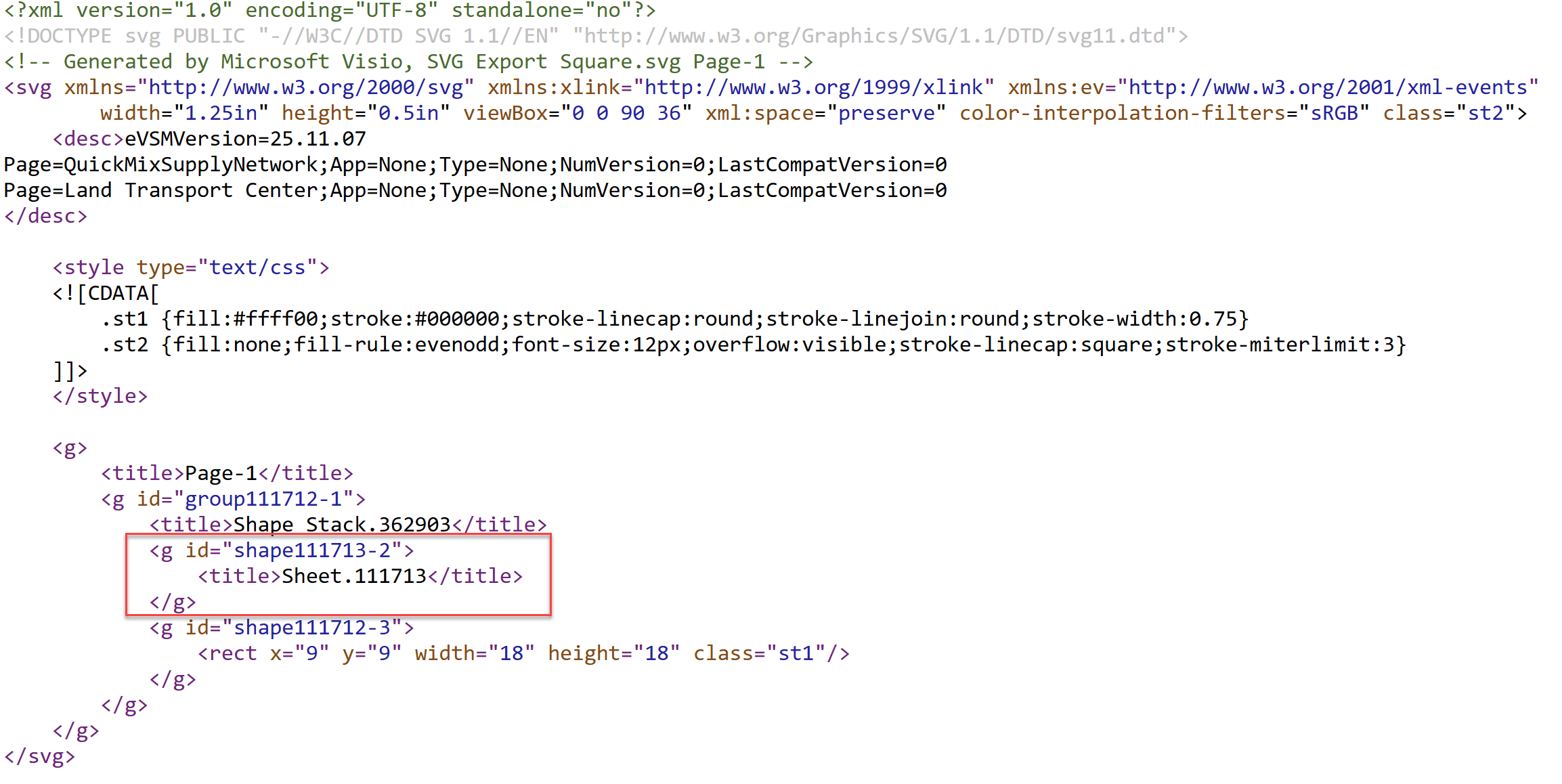
Of course, I have asked why those hidden shapes exist in the first place, but my work-around is to automatically remove these error causing sub-shapes after the SVG has been imported:
public static void TraverseAndRemoveEmptySubShapes(Visio.Shape shape)
{
    //return;
    if (shape == null || shape.Shapes.Count == 0)
        return;

    foreach (Visio.Shape subShape in shape.Shapes)
    {
        if (subShape.RowExists[(short)Visio.VisSectionIndices.visSectionObject, (short)Visio.VisRowIndices.visRowXFormOut, (short)Visio.VisExistsFlags.visExistsAnywhere] == 0)
        {
            subShape.Delete();
        }
        else
        {
            // Recursively traverse its sub-shapes
            TraverseAndRemoveEmptySubShapes(subShape);
        }
    }
}
It would be good if Visio automatically inserted the mandatory sections from the SVG so the problem did not arise in the first place. I do know of at least one other project that I have work on where zero size sub-shapes are inserted purposefully. These particular sub-shapes are there to hold data only. Hopefully, they never export to SVG and back into Visio shapes!
Relevant articles

Post-Processing Paste from Clipboard in Visio
One of my current Visio VSTO add-in projects requires me to react to users pasting custom shapes in the Visio page from the clipboard. The process involves registering the ExitScope event and then checking the Clipboard contents. Initially, I was merely testing for a line in the DataObject that started with the word “Visio “,…
Optimize Visio Flowcharts: Swimlane Reordering Tips
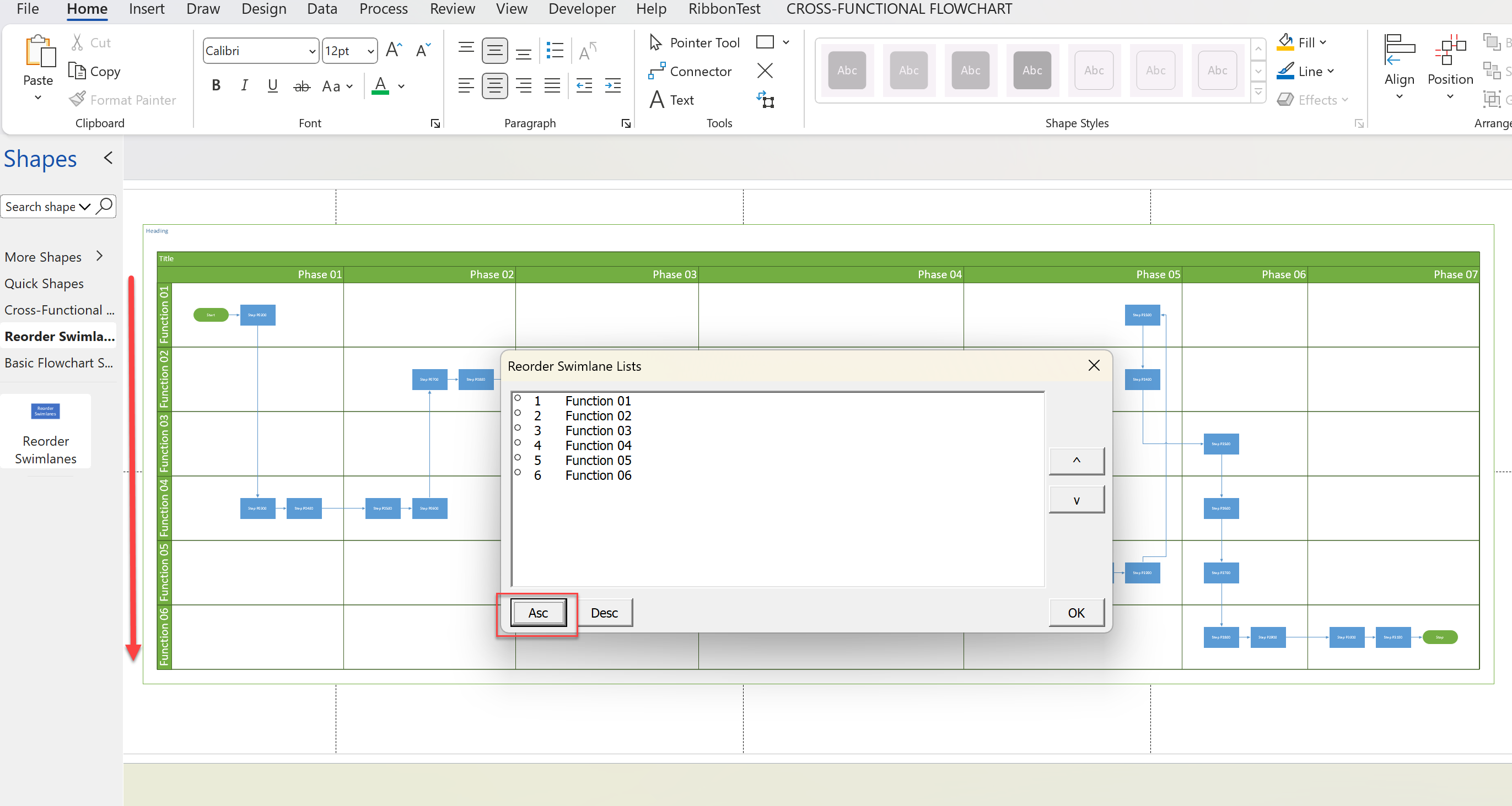
Microsoft Visio desktop Plan 2 and Professional editions provides the ability to create and synchronize cross-functional flowcharts between the diagram and an Excel table. This is great, and widely used for many types of processes. The Excel table normally has a Function / Swimlane column that contains text that becomes labels on the swimlane containers,…
Refreshing the cached installed files of Visio
I have created many Visio solutions over the past 25 years and used a number of methods of creating an installation that includes Visio templates and stencils. I have just wasted many hours trying to debug an installation created with Advanced Installer until I realised that the problem was that Visio was not properly updating…
Linking Data to Shapes in Visio after using Data Visualizer
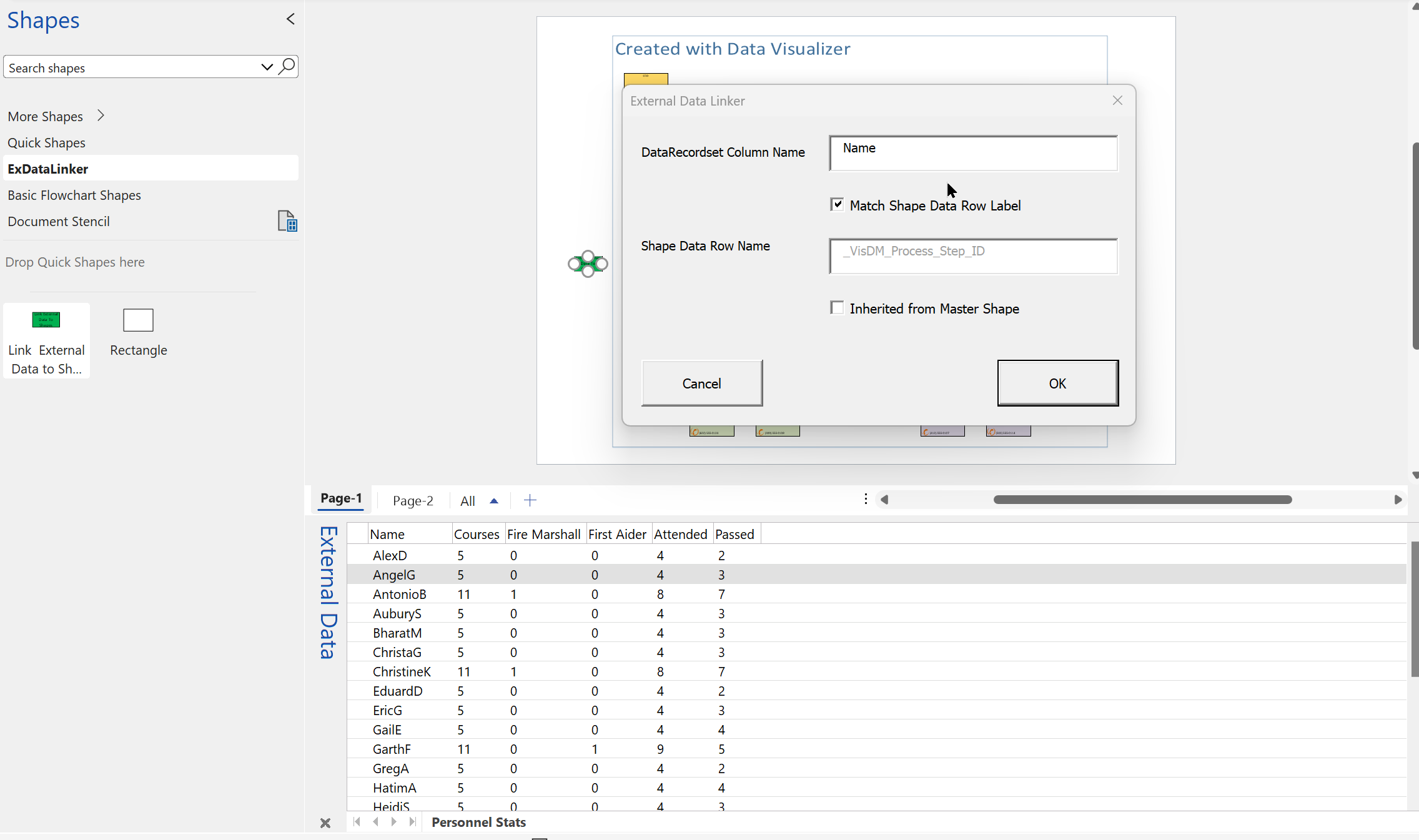
Data Visualizer (DV) in Visio Plan 2 (Data | Create from Data | Create ) is great because it provides a way of automatically creating a diagram from data, but it also prevents some of the other data-linking features in Visio from being used. This is because DV wants to take control of the data…
New Requirement for VBA Digital Signatures in Visio
Like most developers, I have to buy a new digital certificate every 3 years to sign my Visio add-ins and VBA projects. Usually that means verifying my bone fides, paying the fee and downloading the certificate, but security has been increased, and now, like everyone else, I have to use a USB key with it…
Using Visio Color by Value on Connectors
Data Graphics in Visio Plan 2 and Visio Professional is great, but it only enables us to use them with 2D shapes in Visio, i.e. not on connectors. So, what if you want to change the line colour of the connectors between the 2D shapes because of the data flowing between them? Well, it is…
