

There are literally thousands of master shapes in the stencils supplied with Microsoft Visio, so I guess that mistakes can creep in. One error that I have noticed is the inability of the default text control handle of many of the network shapes to actually move the text block horizontally.

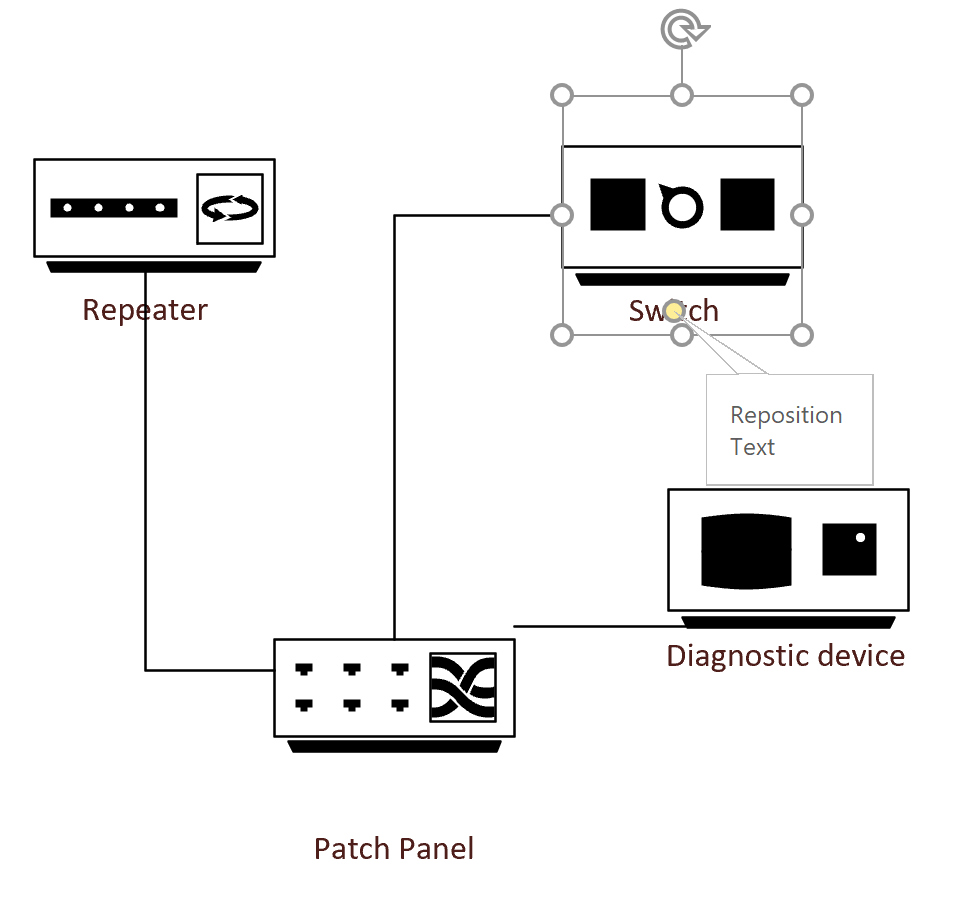
It moves the vertical position without a problem, as can be seen in this short video:

The fix is straight forward enough. The TxtPinX cell is missing the formula =SETATREF(Controls.visSSTXT) , so this following VBA macro can fix that for an active document. It will need to be run after the problem master shapes have been first used in the document, but then they are fixed for ever….
Public Sub FixTheTextControlHandle()
On Error GoTo errHandler
Dim mst As Visio.Master
Dim mstCopy As Visio.Master
Dim shp As Visio.Shape
Dim curFormula As String

    'This is the referenced cell
    Const cll As String = "Controls.visSSTXT"
    'This is the missing formula
    Const frml As String = "SETATREF(Controls.visSSTXT)"

    For Each mst In ActiveDocument.Masters
        If mst.Shapes(1).CellExistsU(cll, Visio.VisExistsFlags.visExistsAnywhere) <> 0 Then
            curFormula = UCase(mst.Shapes(1).CellsU(cll).FormulaU)
            If Not UcurFormula = UCase(frml) And _
                Not InStr(curFormula, "GUARD") > 0 Then
                Set mstCopy = mst.Open
                Set shp = mstCopy.Shapes(1)
                shp.CellsU("TxtPinX").FormulaForceU = "=" & frml
                mstCopy.Close
                mst.MatchByName = True
            End If
        End If
    Next

exitHere:
    Exit Sub
errHandler:
    MsgBox Err.description, vbExclamation, "FixTheTextControlHandle"
    Resume exitHere
    Resume
End Sub
Then the control handle can move the text block horizontally too:

I have informed Microsoft of the bug, and hope they will fix it soon.


Protecting the integrity of custom Visio masters
All of my Visio solutions contain custom masters because this is the best way to create smart shapes that respond to user’s needs. This usually means creating Shape Data, User-defined Cells and Action rows that govern aspects of the shape with formulas designed to provide an efficient user interface. As a developer I sometimes forget…


Creating Boolean Context Menus in Visio
Over the many, many years that I have been creating Microsoft Visio solutions, I have had to create numerous right-mouse context menus for shapes to control their Shape Data values. Over that time, patterns emerge, so this article is highlighting three different appearances for simple Boolean values, otherwise known as True/False or Yes/No values, and…

A visual exploration of Penrose Tiling in Visio
Maybe it is because I used to be a building architect, but I have always been fascinated by the relationship between numbers and visualisations. Perhaps the most famous one is the Golden Ratio which has been used as the basis of many building designs and art pieces. It is often recognised to create a harmony…

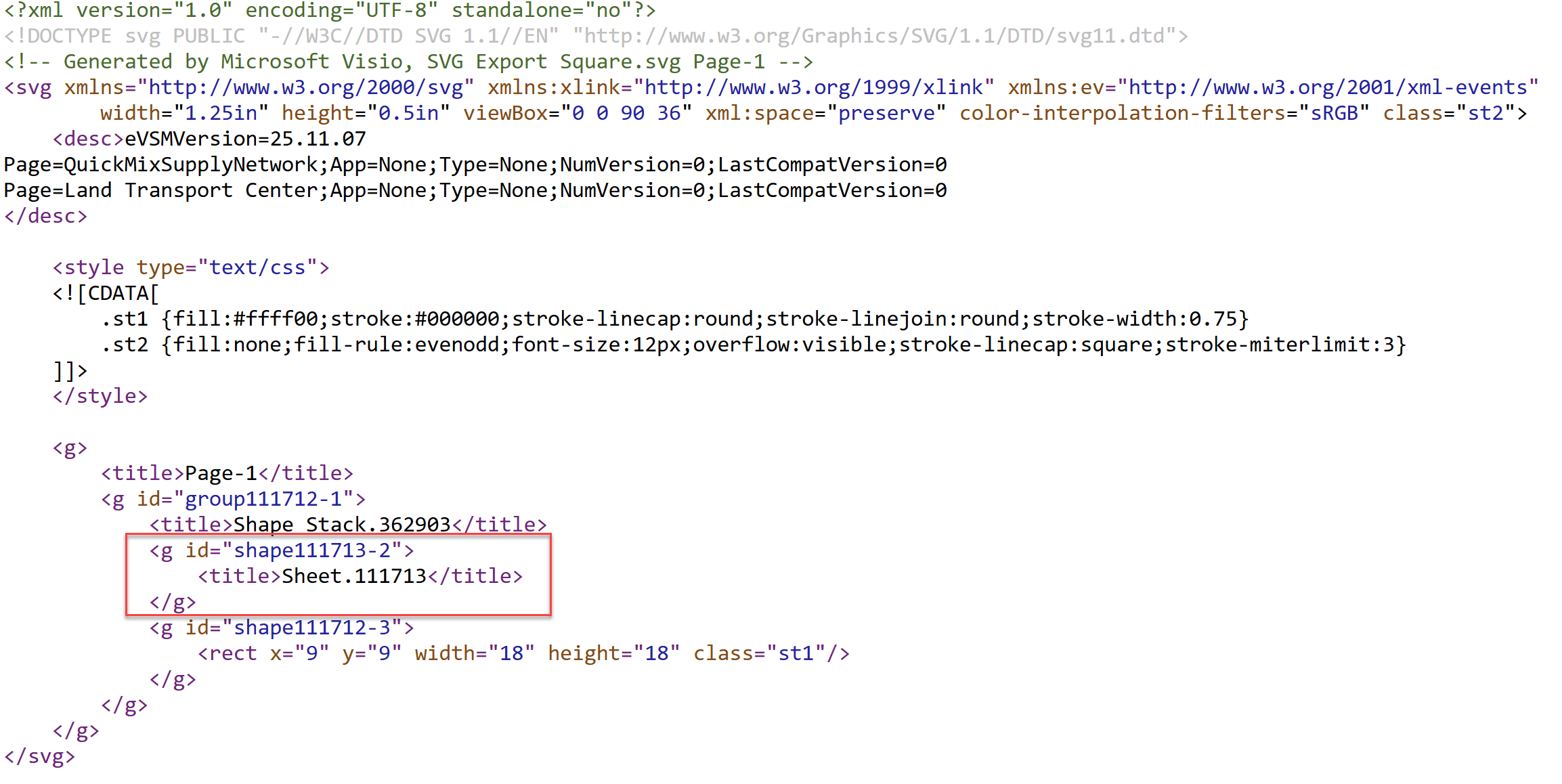
How SVG in Visio can cause a Shape.BoundingBox(…) error
I have used Visio’s Shape.BoundingBox(…) for many, many years and I cannot ever recall it failing, but I have now managed to create some shapes that cause it to error. This caused many hours of confusion, so I nearly abandoned using the method, until I discussed it with my fellow Visio MVP, John Goldsmith (see…


Jumping between Shapes in Visio
Many Visio diagrams get quite large, and sometimes it is useful to provide the ability to jump to another shape quickly in the same document, either on a different page or on the same one. Although there is an add-on provided in desktop Visio that is used by the Off-Page Reference shape provided in the…

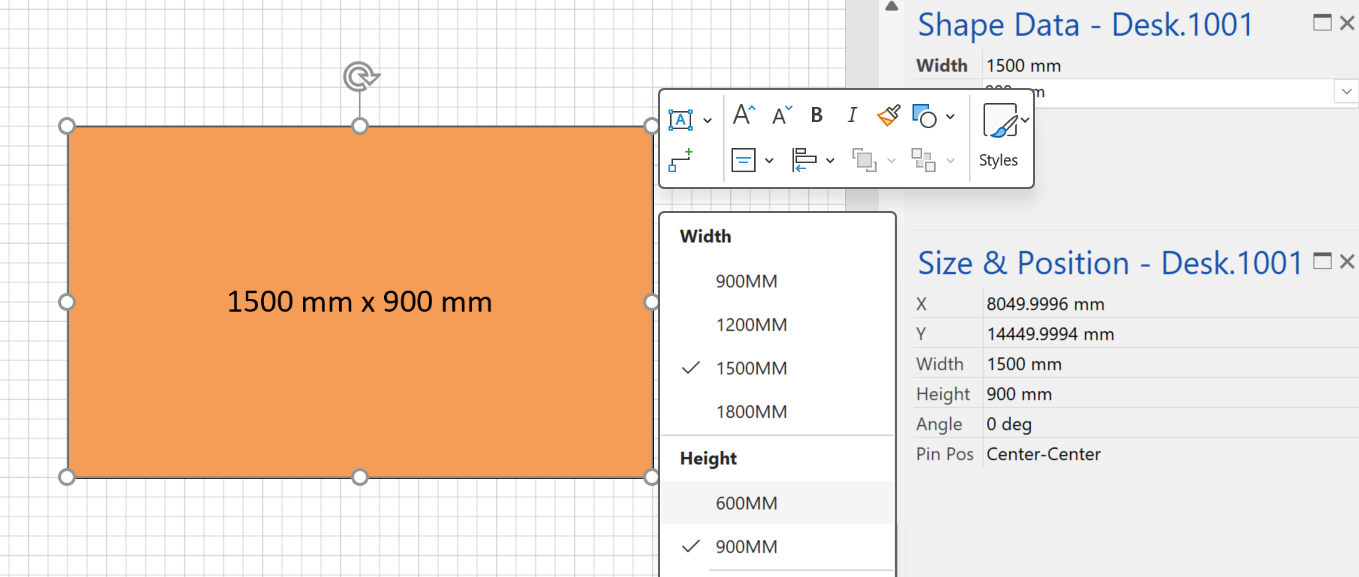
Fixing dimensions of 2D shapes
I am often asked what makes Visio unique and makes it stand out from the crowd, especially in today’s online world. Well, I think there are many reasons, but one of them is the ability to create scaled drawings with parametric components of specific dimensions. This was crucial for my adoption of Visio back in…