

I have written many COM and VSTO add-ins for Visio, but got confused when a client recently reported that the following Custom UI Runtime Error was appearing. I wasn’t getting the same error on any of my test laptops, so I chatted with my good friend, and fellow Visio MVP, John Goldsmith ( John Goldsmith’s visLog ). He gave me an excellent tip….

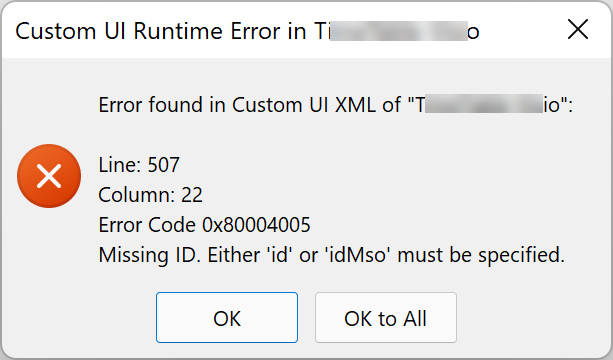
He remembered that he had seen somewhere a setting for displaying UI errors, and after first searching vainly in the Visio UI, we found it in Excel in the Excel Options. This Show add-in user interface errors setting is apparently Office wide, so ticking it meant that it as enabled for Visio desktop too.

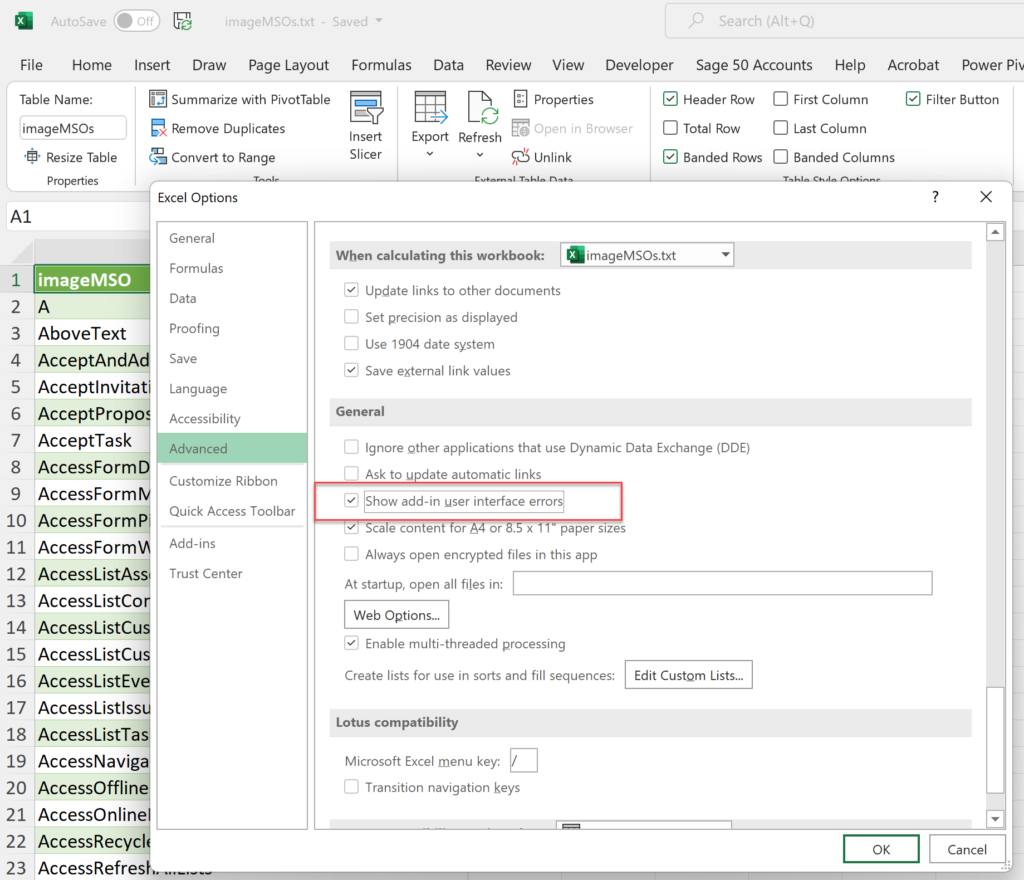
And what was the error?
I had simply forgotten that the <Separator /> element in the Ribbon.xml file requires a unique id attribute …

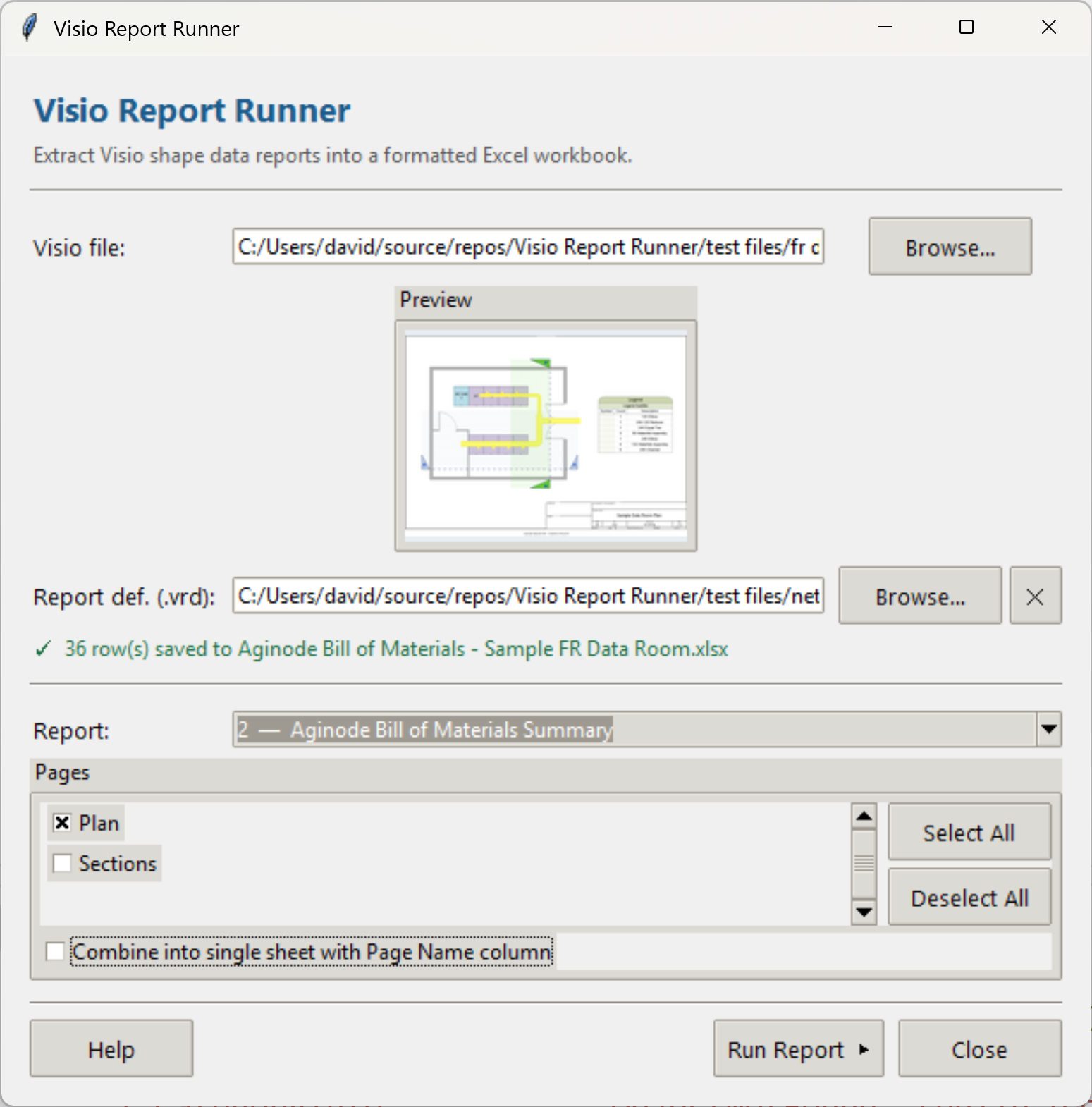
Introducing a free Visio Report Runner application
AI is changing the world and how we should approach it. So I decided to see if I could get Claude Sonnet 4.6 Agent to completely write an application for me, and I mean completely. The application is written in Python by Claude, and I have not written a single line. The code is available…

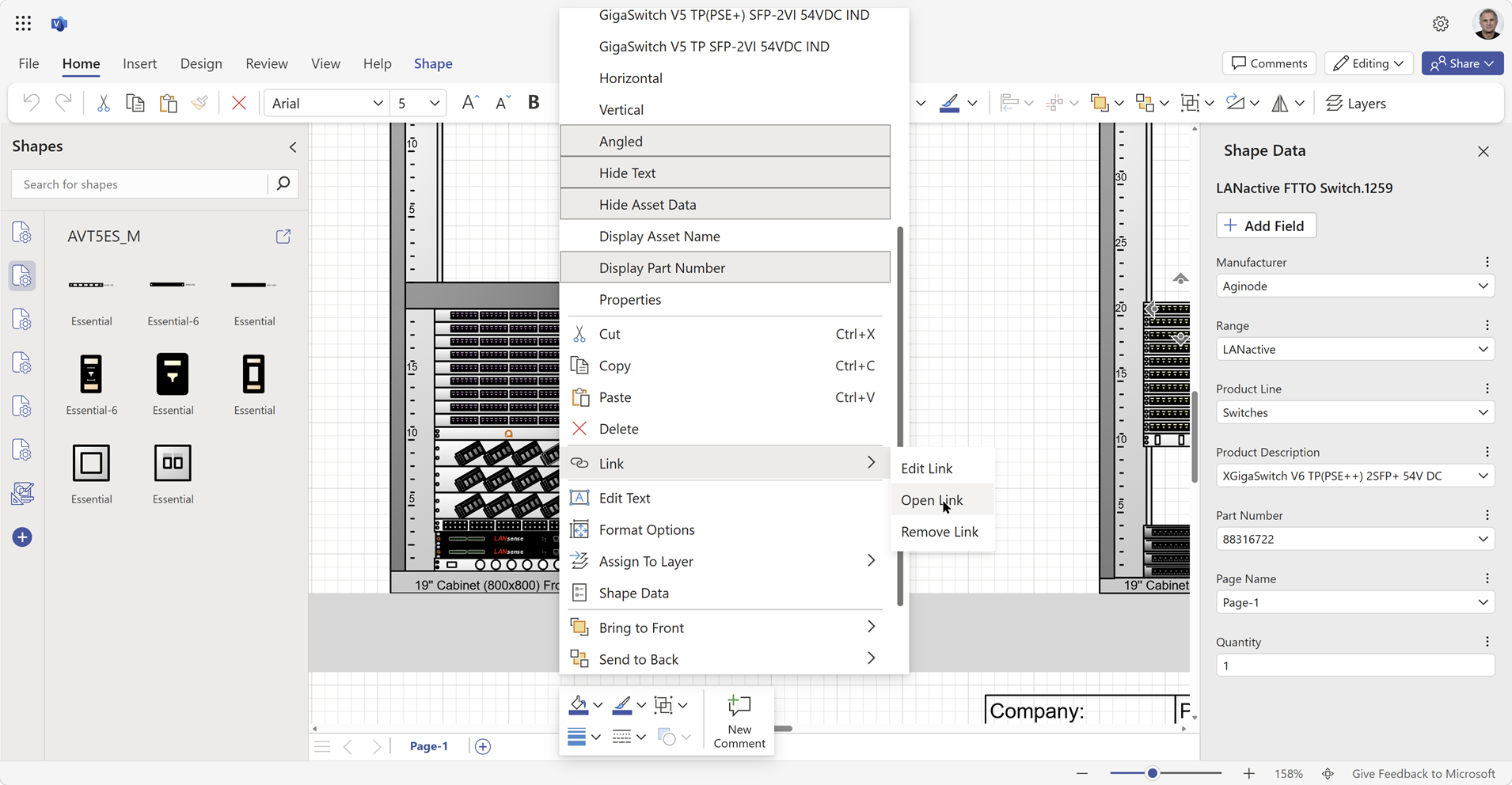
Docked Stencils in Visio for the Web
Visio desktop has multiple ways to specify the folder where docked stencils can be found, but, as far as I am aware, Visio for the Web only has one. I mostly create VSTO add-ins for Visio desktop, and I use Visio desktop as a studio for creating templates for Visio for the Web. Often, I…


Creating a Dynamic connector master automatically
I have been creating Microsoft Visio solutions for 30 years now … my first was in 1996! I have been an advocate for custom Masters from the very start, every since I learnt how editing the Master can automatically update all of its instance shapes can be automatically updated throughout the document. Whenever you drag…


Post-Processing Paste from Clipboard in Visio
One of my current Visio VSTO add-in projects requires me to react to users pasting custom shapes in the Visio page from the clipboard. The process involves registering the ExitScope event and then checking the Clipboard contents. Initially, I was merely testing for a line in the DataObject that started with the word “Visio “,…

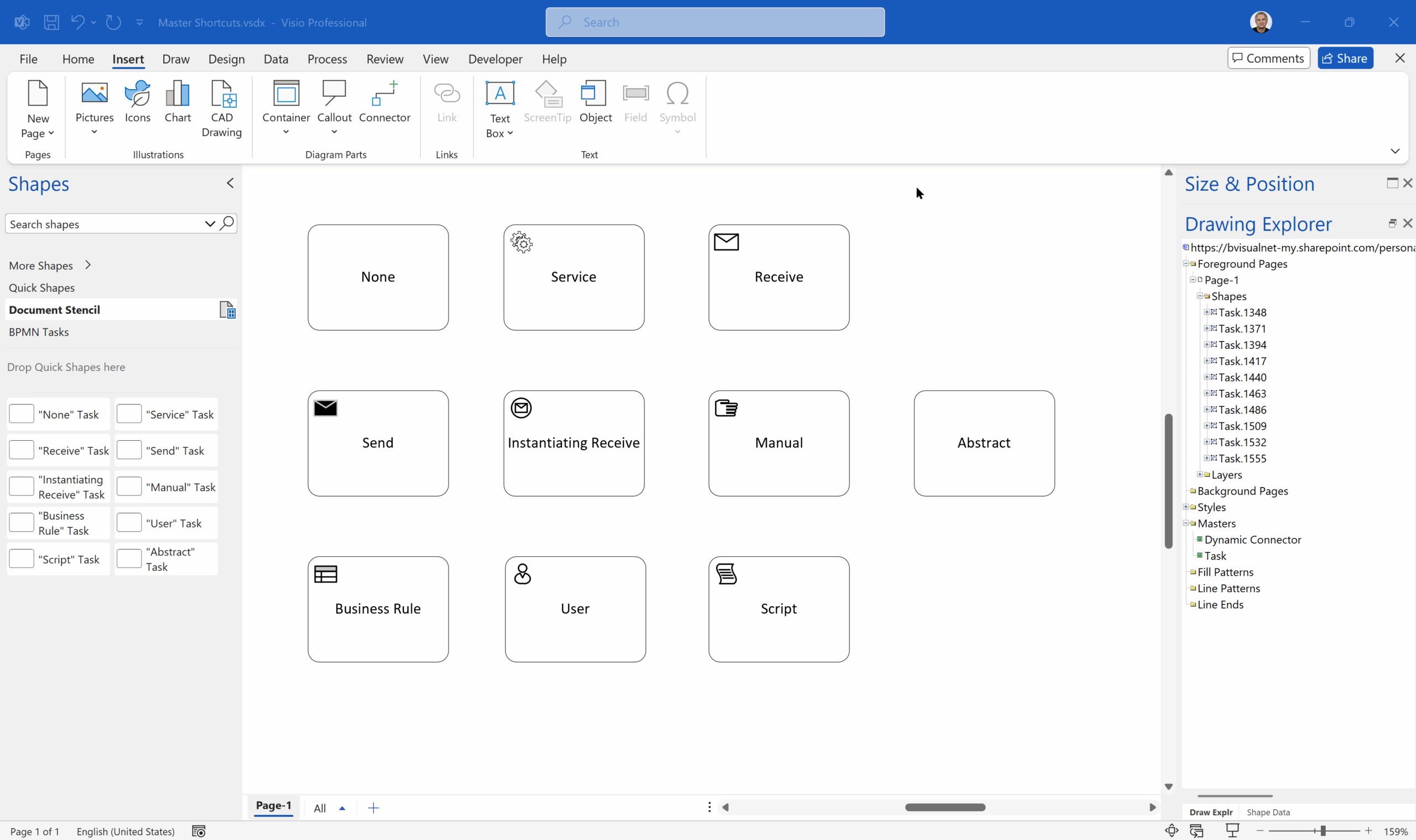
Are Master Shortcuts useful in Visio?
Many Visio users may not even understand the question, but this almost hidden feature has been available for many years. A Master Shortcut looks like a normal Master in a stencil, but it is merely holds a reference to another Master in a Stencil, not necessarily the same one, and has an option to add…

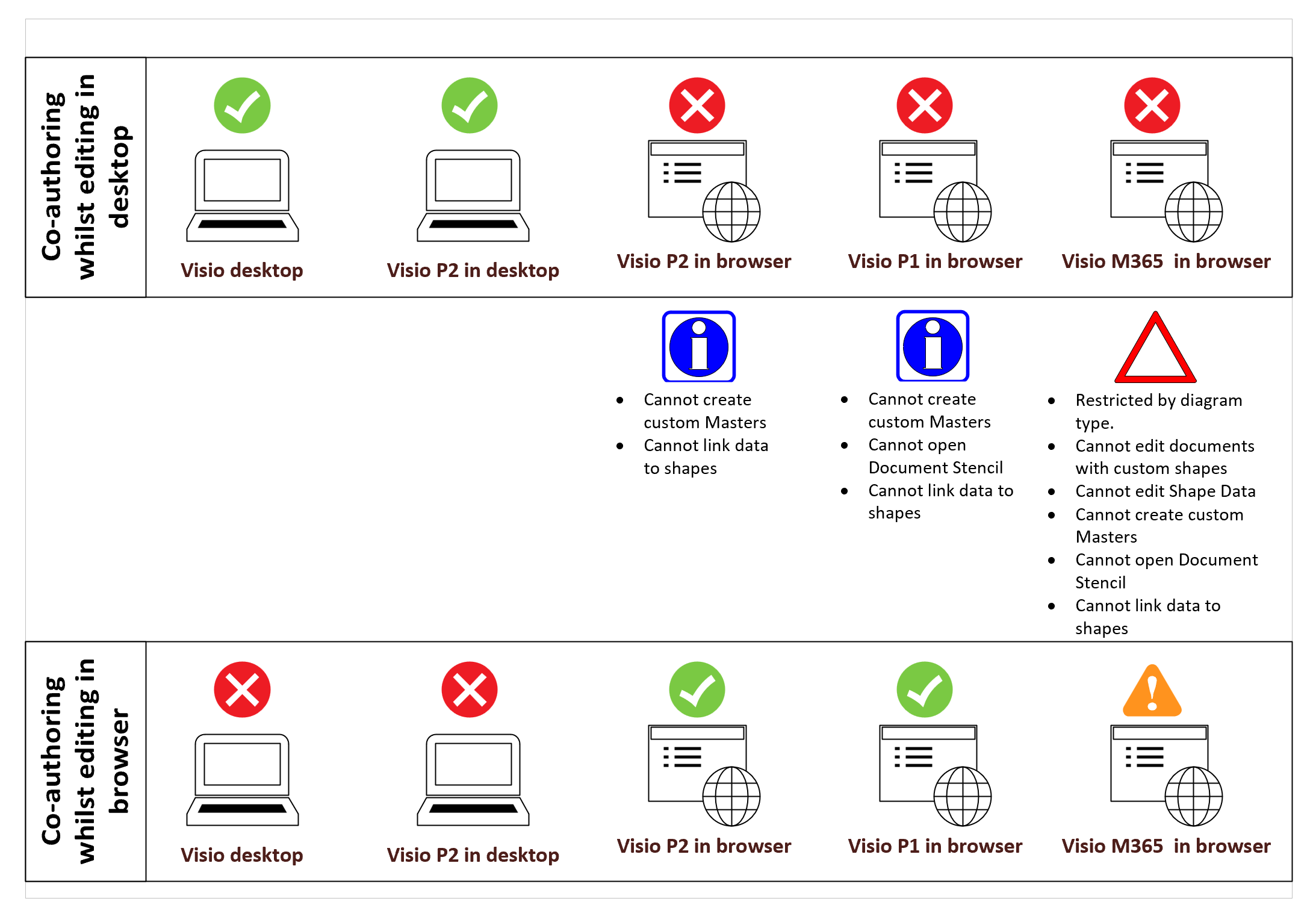
Co-authoring and Commenting with Visio Documents
Microsoft Visio can be used in the web browser and on the desktop, but there are several licensing options available, so which ones can be used concurrently whilst supporting co-authoring and commenting? This article tests the various scenarios but assumes that the Visio documents are stored in OneDrive for Business or SharePoint Online\Teams. The Microsoft…